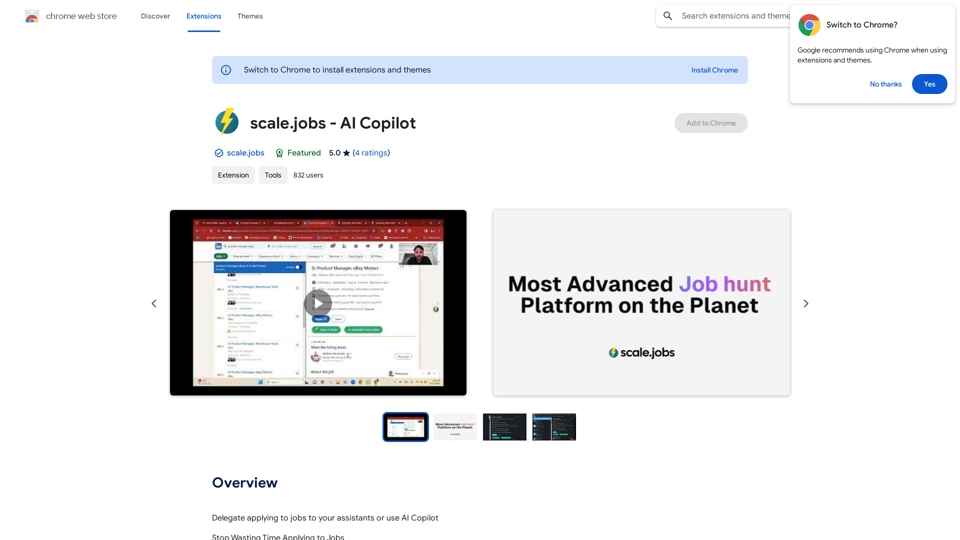
scale.jobs - AI Copilot is a Chrome extension designed to revolutionize the job application process. It leverages AI technology to assist job seekers in streamlining their applications, generating cover letters, and even delegating tasks to AI-powered assistants. This tool aims to save time, increase productivity, and improve job prospects for users by automating various aspects of the job search and application process.
scale.jobs - AI Copilot
Delegate applying to jobs to your assistants or use AI Copilot
Applying to jobs can be a tedious and time-consuming task. Delegate this task to your assistants and let them handle the initial application process, including resume submission and cover letter writing. Alternatively, utilize AI Copilot, an innovative tool that can automate the job application process, saving you time and energy.
By delegating or automating this task, you can focus on more important things, such as preparing for interviews, networking, and building meaningful connections in your industry. This approach can also increase your chances of getting hired, as your assistants or AI Copilot can help you apply to more job openings, thereby increasing your visibility and reach.
Remember, time is valuable, and by delegating or automating the job application process, you can make the most of your time and achieve your career goals more efficiently.
Introduction
Feature
AI-Powered Job Application
- One-click cover letter generation
- Automated responses to job application questions
- Instant cold emails/inmails to recruiters and hiring managers
Job Delegation
- Assign job applications to AI-powered assistants
- Free up time for other important tasks
AI-Powered Job Search
- Find relevant job openings easily
- Apply to jobs with minimal effort
Easy Installation and Usage
- Install the Chrome extension
- Navigate to LinkedIn
- Utilize new buttons for each job listing
- Access additional AI features on the scale.jobs website
Cost-Effective Solution
- Free to use with basic features
- Optional paid upgrades for advanced functionalities
FAQ
How does scale.jobs - AI Copilot work?
The extension utilizes AI technology to generate cover letters, respond to application questions, and create cold emails/inmails to recruiters and hiring managers. It also offers job delegation features and an AI-powered job search function.
What are the main benefits of using scale.jobs - AI Copilot?
- Time-saving through task delegation
- Increased job prospects by applying to more openings
- Improved job search experience with AI-powered features
Is there a cost associated with using scale.jobs - AI Copilot?
The basic version of the extension is free to use. There are optional paid upgrades available for users who want access to additional features.
Related Websites
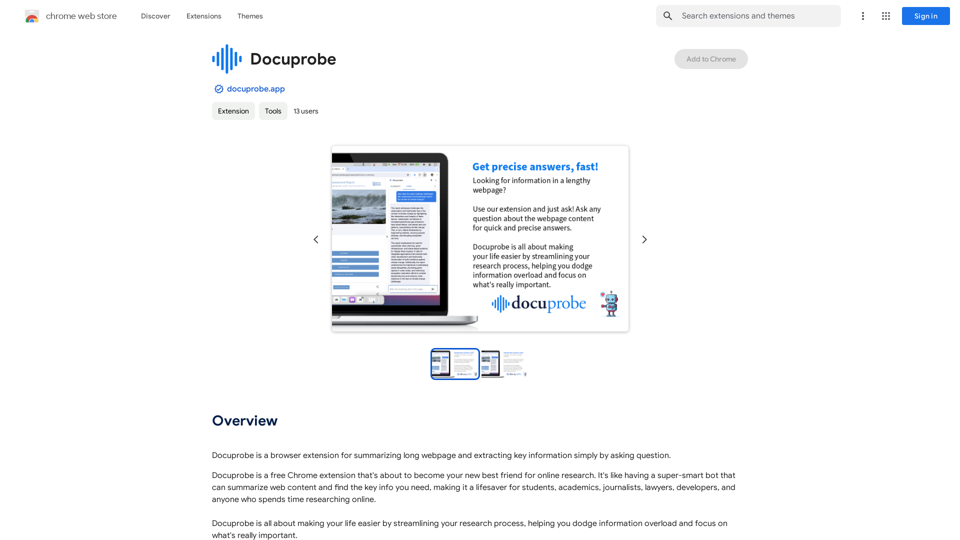
Docuprobe is a browser extension that summarizes long webpages and extracts key information by simply asking questions.
193.90 M

Lingban AI Assistant - GPT Chat, Web Translation, Bilingual Comparison, Intelligent Writing, AI Full-Network Search, AI Article Reading, Real-Time Internet Connection
Lingban AI Assistant - GPT Chat, Web Translation, Bilingual Comparison, Intelligent Writing, AI Full-Network Search, AI Article Reading, Real-Time Internet ConnectionLingban AI Assistant is your personal AI assistant on any webpage. It can help you translate various webpages, provide bilingual comparisons, offer creative inspiration, and answer your questions in chat conversations.
193.90 M
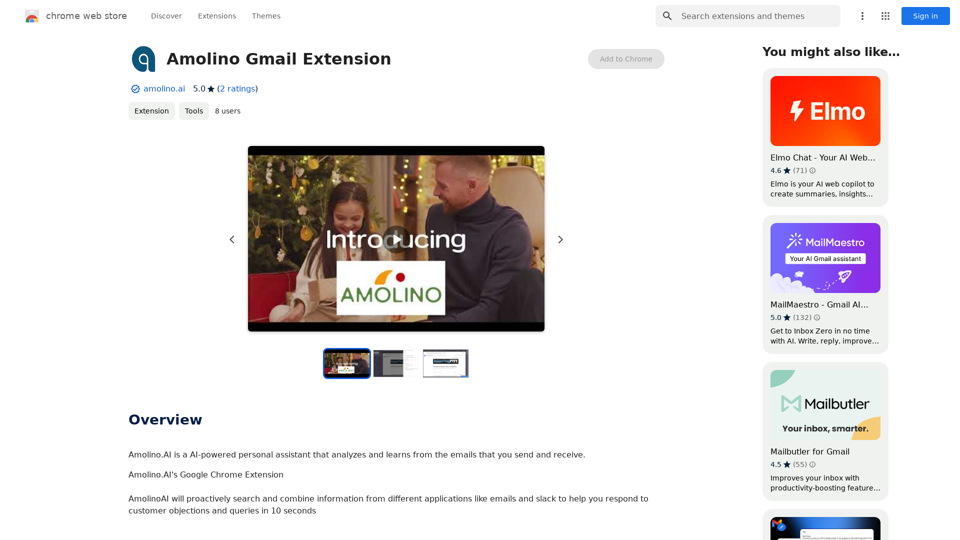
Amolino.AI is an AI-powered personal assistant that analyzes and learns from the emails you send and receive.
193.90 M
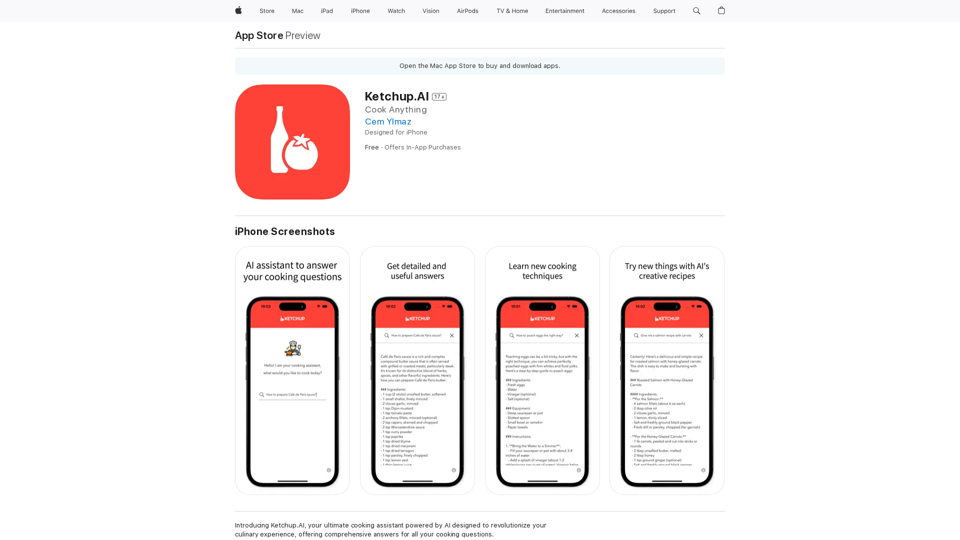
Introducing Ketchup.AI, your ultimate cooking assistant powered by AI, designed to revolutionize your culinary experience, offering comprehensive answers for all your cooking needs.
124.77 M
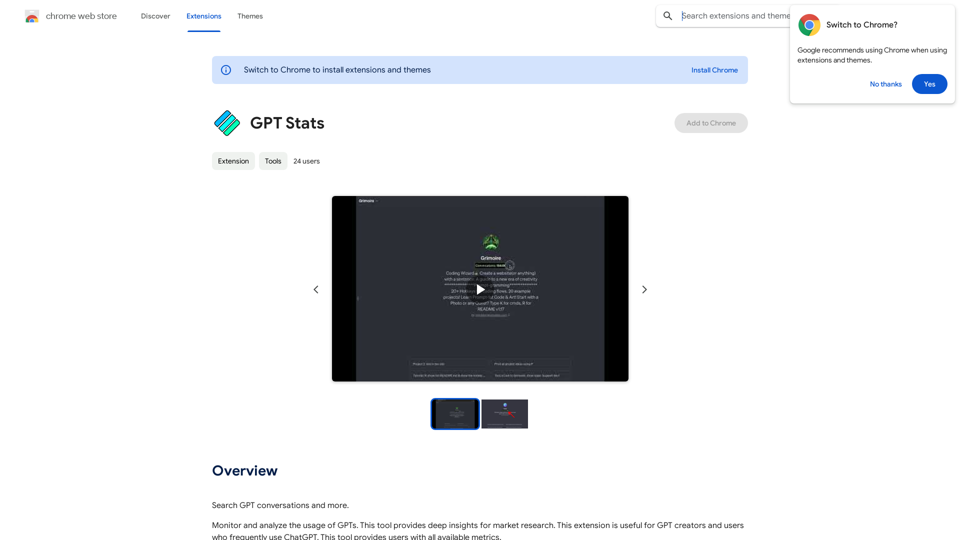
GPT Stats * Parameters: 175 Billion * Trainers: * Dataset: Massive dataset of text and code * Method: Supervised fine-tuning * Capabilities: * Text Generation * Text Summarization * Language Translation * Code Generation * Question Answering * Dialogue Generation * Limitations: * Can sometimes generate incorrect or biased information * Lacks real-world knowledge and common sense * Can be fooled by adversarial examples
GPT Stats * Parameters: 175 Billion * Trainers: * Dataset: Massive dataset of text and code * Method: Supervised fine-tuning * Capabilities: * Text Generation * Text Summarization * Language Translation * Code Generation * Question Answering * Dialogue Generation * Limitations: * Can sometimes generate incorrect or biased information * Lacks real-world knowledge and common sense * Can be fooled by adversarial examplesSearch for conversations with GPT and other content.
193.90 M