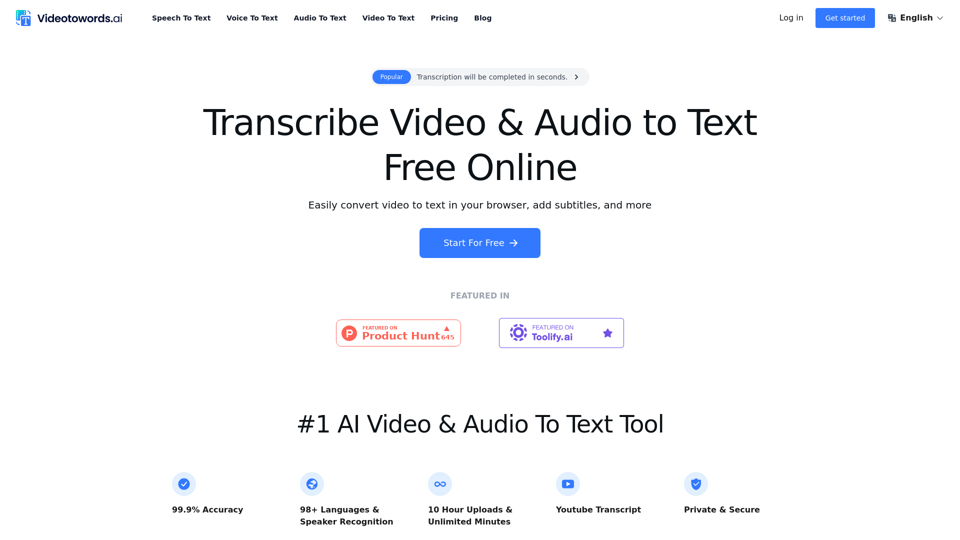
VideoToWords.ai is an advanced AI-powered transcription service that converts audio and video files into accurate text. It offers a user-friendly platform for students, journalists, content creators, and professionals to effortlessly transform spoken words into written formats. The tool boasts high accuracy, multi-language support, and compatibility with various file formats, making it an essential solution for diverse transcription needs.
AI Speech To Text Tool: Transcribe Audio & Video To Text
Videotowords AI provides speech to text, or video to text, using our voice to text recognition and audio to text transcription.
We offer free online speech to text, YouTube transcripts, audio to text converters, and video transcriptions.
We support 98+ languages.
Introduction
Feature
Ultra-Accurate Transcription
VideoToWords.ai delivers 99.9% precise text output, ensuring high-quality transcriptions for various purposes.
Multilingual Support
The platform supports transcription in 98+ languages, catering to a global user base.
Extended File Support
Users can upload files up to 5 hours long, accommodating lengthy audio and video content.
AI-Generated Summaries
The tool provides quick insights from content, enhancing productivity and understanding.
Fast Processing
VideoToWords.ai offers lightning-fast results, delivering transcriptions within minutes.
Robust Security
The platform prioritizes data privacy and security, ensuring user information is protected.
Simple 3-Step Process
- Upload a video/audio file
- Automatic transcription begins
- Edit and export the transcript in preferred format
Multiple File Format Support
The tool accepts various audio and video formats, including MP3, WAV, MP4, AVI, MPEG, M4A, and more.
Convenient Editing and Export Options
Users can easily view, edit, and optimize transcribed content using the online editor. Export options include TXT, DOCX, and SRT formats.
Specialized Features for Different Users
- Journalists: Quick and accurate transcription of interviews and news materials
- Students: Easy transcription of lectures and online courses
- Podcast hosts: Improved content accessibility through transcription
- Researchers: Efficient transcription of interviews and seminars for analysis
- Filmmakers: Quick subtitle generation for improved accessibility
- Content creators: Repurposing video content into written formats
- Marketers: Converting video marketing materials into text for various uses
Unlimited Plan
- Unlimited transcriptions for $19.90
- GPU-powered transcription engine for ultra-fast processing
- 10-hour file upload limit (5 GB) with support for 50 simultaneous uploads
- Multiple export options (DOCX, PDF, TXT, SRT, VTT)
AI-Powered Technology
VideoToWords.ai utilizes advanced AI models, including Whisper, for superior transcription quality.
FAQ
What is VideoToWords.ai?
VideoToWords.ai is an AI-powered transcription service that converts audio and video files into accurate written text using advanced machine learning algorithms. It caters to various professionals and individuals needing fast, accurate transcriptions of audio and video content.
How accurate are the transcriptions?
VideoToWords.ai typically provides 95% or higher accuracy in its transcriptions, making them reliable for various use cases.
What file formats are supported?
The platform supports a wide range of audio and video file formats, including MP3, WAV, MP4, AVI, and more.
Is there a time limit for transcription files?
There is no time limit for files that can be transcribed using VideoToWords.ai. The platform can handle files of any duration.
How long does transcription take?
Turnaround time depends on the file length, but VideoToWords.ai typically processes files much faster than manual transcription services, delivering results in minutes to a few hours.
Can transcripts be edited?
Yes, the platform includes a user-friendly transcript editor for reviewing and making changes to transcripts as needed.
Is user data secure?
VideoToWords.ai prioritizes data security and privacy. All uploaded files are encrypted and stored securely, and user data is never shared with third parties without explicit consent.
Does it support languages other than English?
Yes, VideoToWords.ai supports transcription and translation in multiple languages, including Spanish, French, German, Italian, and more.
Related Websites
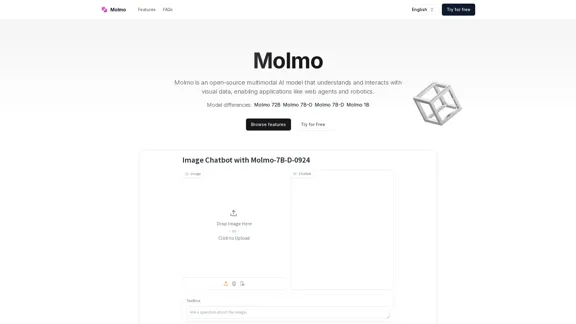
Molmo is an open-source multimodal AI model that understands and interacts with visual data, enabling applications like web agents and robotics.
2.20 K
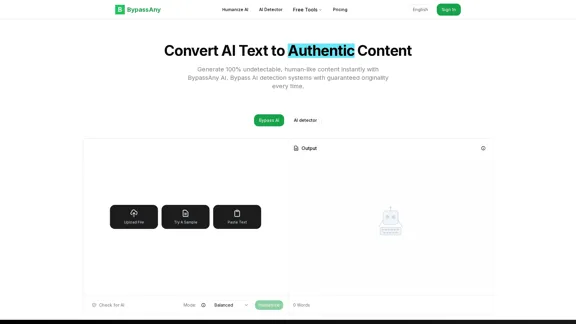
Use the AI detector and AI Humanizer of BypassAny for free. Make your AI- or ChatGPT-generated text undetectable for free today!
438
Large-Scale AI Concepts: * AI Search Service: A search engine powered by artificial intelligence. * AI Agent: A software program that can perform tasks autonomously, using AI to understand and respond to user requests. * Cognitive Search: A type of search that understands the intent behind a query and delivers more relevant results. * AI Report: A report generated by an AI system, analyzing data and providing insights. * AI Collection: The process of gathering and organizing data using AI algorithms. * LLM: Large Language Model, a type of AI trained on massive text datasets to understand and generate human-like text. * Large Language Model: Same as LLM. * Graph RAG: Graph-based Retrieval Augmented Generation, a technique that combines graph databases with AI to provide more comprehensive and accurate search results. * Search-Enhanced Generation: Using AI to improve the quality and relevance of generated content, such as summaries or creative text.
228.12 K
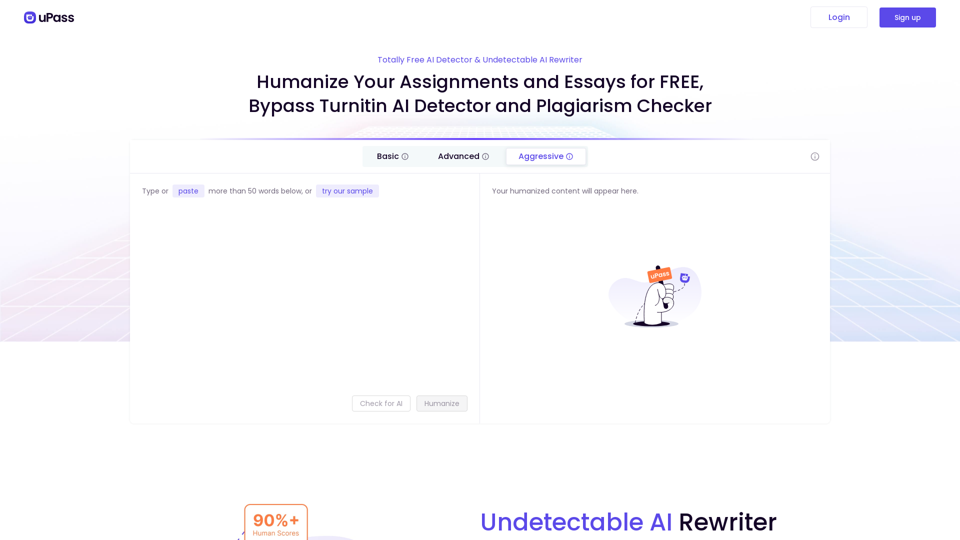
AI Detector, Undetectable AI, and Bypass AI Detection | uPass Let's talk about AI detection, undetectable AI, and how to bypass AI detection tools. uPass is here to help you navigate this complex landscape.
AI Detector, Undetectable AI, and Bypass AI Detection | uPass Let's talk about AI detection, undetectable AI, and how to bypass AI detection tools. uPass is here to help you navigate this complex landscape.uPass is an AI detector and undetectable AI rewriter designed for students. Use uPass, a trusted AI bypasser, to help you with your school or college work and avoid detection by AI detectors.
66.98 K
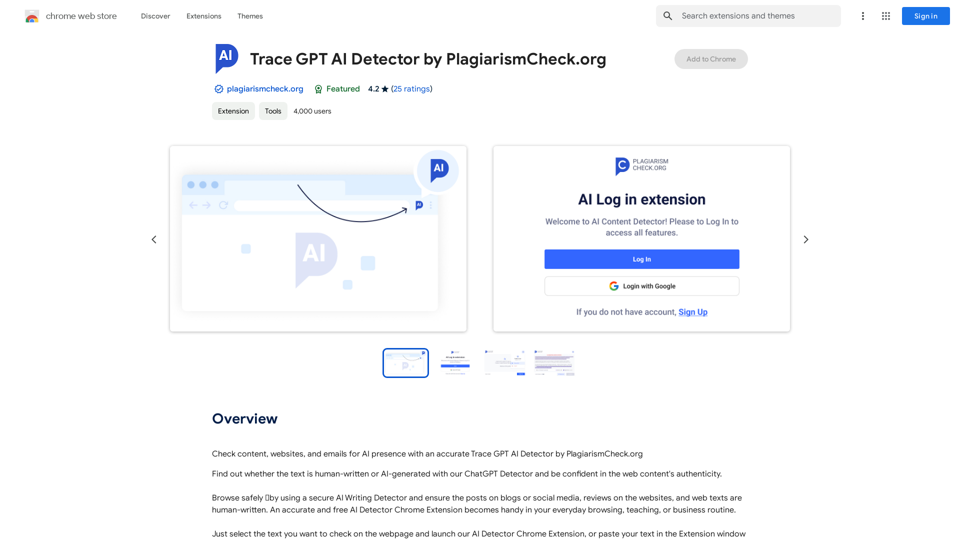
Detecting AI-Generated Text with Trace GPT AI Detector by PlagiarismCheck.org The Trace GPT AI Detector is a cutting-edge tool developed by PlagiarismCheck.org, designed to identify and detect AI-generated content. This innovative detector utilizes advanced algorithms to analyze text and determine whether it was written by a human or generated by a language model. How it Works The Trace GPT AI Detector employs a sophisticated approach to detect AI-generated text. It examines various linguistic patterns, syntax, and semantic features to identify the subtle differences between human-written and AI-generated content. This includes analyzing sentence structure, word choice, and contextual coherence to determine the likelihood of AI involvement. Key Features * Accurate Detection: The detector boasts high accuracy in identifying AI-generated text, ensuring reliable results. * Real-time Analysis: The tool provides instant results, allowing users to quickly determine the authenticity of the text. * User-Friendly Interface: The detector features an intuitive interface, making it easy to use for individuals without technical expertise. Applications The Trace GPT AI Detector has numerous applications across various industries, including: * Academic Integrity: Helps educators and institutions detect plagiarism and ensure originality in student submissions. * Content Creation: Enables content creators to verify the authenticity of their work and avoid unintentional AI-generated content. * Cybersecurity: Assists in identifying and mitigating AI-generated threats, such as phishing emails or social engineering attacks. Conclusion The Trace GPT AI Detector by PlagiarismCheck.org is a powerful tool in the fight against AI-generated content. Its advanced algorithms and user-friendly interface make it an essential resource for anyone seeking to ensure the authenticity and originality of text.
Detecting AI-Generated Text with Trace GPT AI Detector by PlagiarismCheck.org The Trace GPT AI Detector is a cutting-edge tool developed by PlagiarismCheck.org, designed to identify and detect AI-generated content. This innovative detector utilizes advanced algorithms to analyze text and determine whether it was written by a human or generated by a language model. How it Works The Trace GPT AI Detector employs a sophisticated approach to detect AI-generated text. It examines various linguistic patterns, syntax, and semantic features to identify the subtle differences between human-written and AI-generated content. This includes analyzing sentence structure, word choice, and contextual coherence to determine the likelihood of AI involvement. Key Features * Accurate Detection: The detector boasts high accuracy in identifying AI-generated text, ensuring reliable results. * Real-time Analysis: The tool provides instant results, allowing users to quickly determine the authenticity of the text. * User-Friendly Interface: The detector features an intuitive interface, making it easy to use for individuals without technical expertise. Applications The Trace GPT AI Detector has numerous applications across various industries, including: * Academic Integrity: Helps educators and institutions detect plagiarism and ensure originality in student submissions. * Content Creation: Enables content creators to verify the authenticity of their work and avoid unintentional AI-generated content. * Cybersecurity: Assists in identifying and mitigating AI-generated threats, such as phishing emails or social engineering attacks. Conclusion The Trace GPT AI Detector by PlagiarismCheck.org is a powerful tool in the fight against AI-generated content. Its advanced algorithms and user-friendly interface make it an essential resource for anyone seeking to ensure the authenticity and originality of text.Check content, websites, and emails for AI presence with an accurate Trace GPT AI Detector by PlagiarismCheck.org
193.90 M
Deepora.ai - Free AI Model Integration Platform: DeepSeek, Chatgpt...
Deepora.ai - Free AI Model Integration Platform: DeepSeek, Chatgpt...Deepora.ai is an AI model integration platform that provides free access to advanced AI large models like DeepSeek, ChatGPT, and Grok.
0
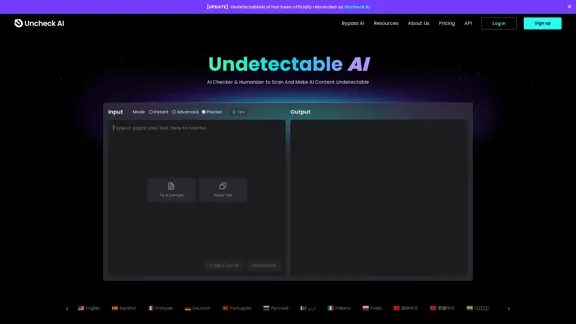
Uncheck AI: Undetectable AI Free & Best AI Detector Online
Uncheck AI: Undetectable AI Free & Best AI Detector OnlineUncheck AI scans AI content and creates undetectable AI text that is indistinguishable from human content with one click. Uncheck.ai is the most effective way to make AI text undetectable.
62.96 K
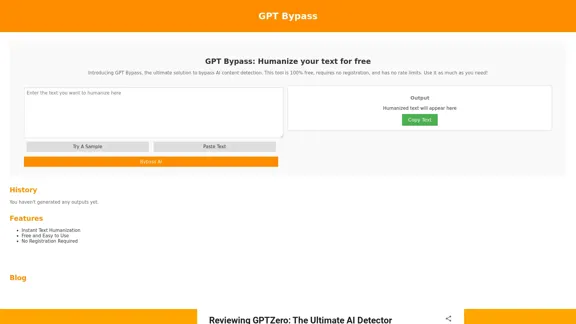
GPT Bypass: 100% Free Tool to Humanize Text and Avoid AI Detection
GPT Bypass: 100% Free Tool to Humanize Text and Avoid AI DetectionGPT Bypass is a free tool that helps you avoid AI detection and make text more human-like for more natural and engaging communication. Try it now!
10.34 K