Dream Machine AI is an advanced AI model that revolutionizes video creation by generating high-quality, realistic videos from text and images. This cutting-edge technology empowers creators with new possibilities, offering fast and efficient video production for various applications.
Dream Machine AI - High-Quality Video Generation
Dream Machine AI creates high-quality, realistic videos quickly from text and images, giving creators new ways to imagine and express themselves.
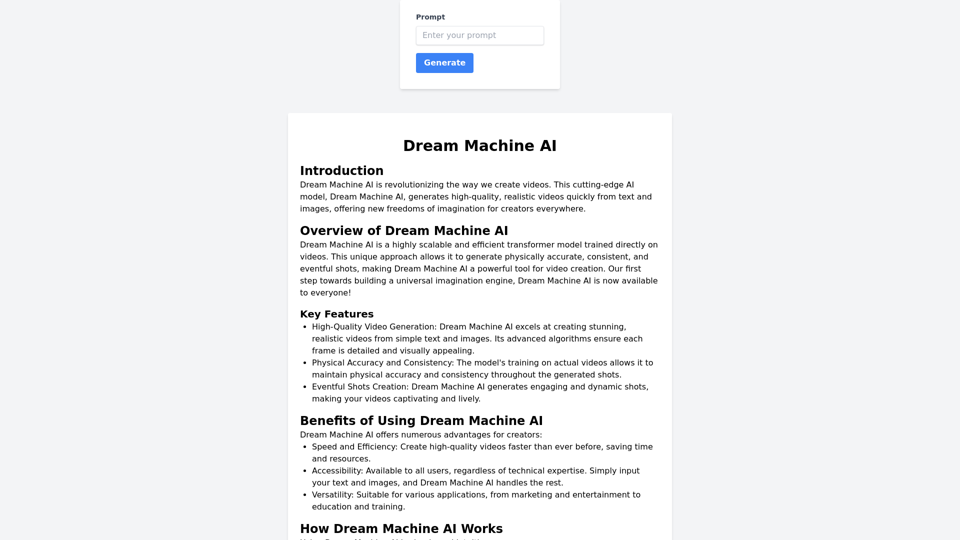
Introduction
Feature
High-Quality Video Generation
Dream Machine AI produces stunning, realistic videos with detailed and visually appealing frames, leveraging advanced algorithms for superior output quality.
Physical Accuracy and Consistency
Trained on actual videos, the model maintains physical accuracy and consistency throughout generated shots, ensuring a realistic viewing experience.
Eventful Shots Creation
The AI generates engaging and dynamic shots, resulting in captivating and lively videos that hold viewers' attention.
User-Friendly Input Process
Users simply provide text descriptions and images as input, making the video creation process accessible to all, regardless of technical expertise.
Versatile Applications
Dream Machine AI is suitable for various fields, including marketing, entertainment, education, and training, offering a wide range of creative possibilities.
Speed and Efficiency
The AI significantly reduces video production time, allowing users to create high-quality content faster than traditional methods.
FAQ
How does Dream Machine AI work?
Dream Machine AI processes user-provided text descriptions and images using its advanced transformer model. The AI then generates videos that match the input, maintaining high physical accuracy and consistency throughout the output.
Who can use Dream Machine AI?
Dream Machine AI is designed to be user-friendly and accessible to everyone, regardless of technical expertise. It caters to various users, from marketing professionals to educators and content creators.
What are the main benefits of using Dream Machine AI?
The key benefits include:
- Fast and efficient video creation
- High-quality, realistic outputs
- Accessibility for all users
- Time and resource savings
- Enablement of innovative projects and ideas
How can I get started with Dream Machine AI?
To begin using Dream Machine AI:
- Visit the official website
- Try the available demo
- Input your text and images
- Let the AI generate your video
- Explore detailed guides and tutorials on the website for more information
Related Websites

Create cinematic, high-quality videos effortlessly with AI. Flux Video AI offers advanced image-to-video and text-to-video technology that delivers professional-grade results in seconds.
254

Create and dub videos instantly with AI – fast, easy, scalable.
Create and dub videos instantly with AI – fast, easy, scalable.Transform scripts and videos into content ready to share. Use voice cloning for dubbing, add subtitles, edit with B-roll footage, and personalize videos with templates, avatars, and human-like voices.
411.55 K
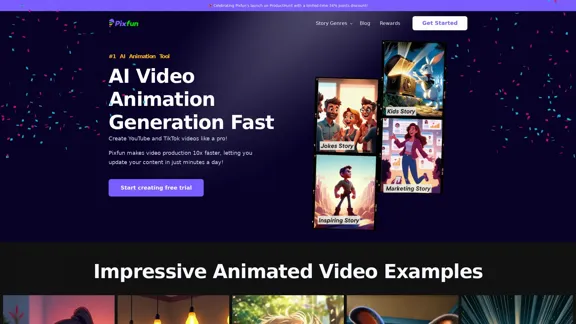
Pixfun – Fast AI Video Animation Generation for TikTok and Facebook
Pixfun – Fast AI Video Animation Generation for TikTok and Facebook33
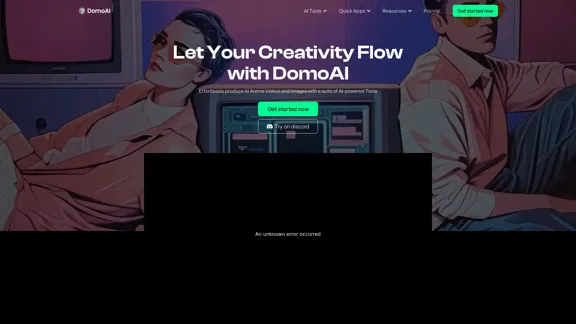
DomoAI | AI Art Generator & Video to Animation Converter
DomoAI | AI Art Generator & Video to Animation ConverterAI video editor that converts videos, text, and images into animation. Make your character move as you want.
1.03 M
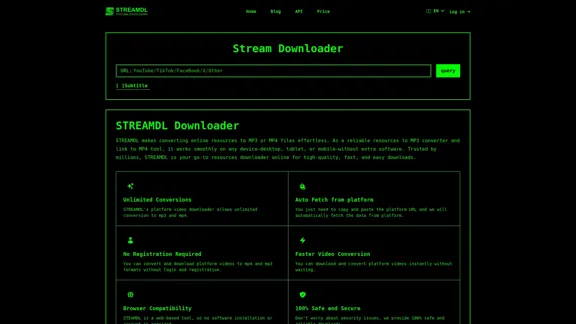
Free, the fastest, no ads, more resolution options. Paste a YouTube URL to download instantly. No need to download any plugins.
627
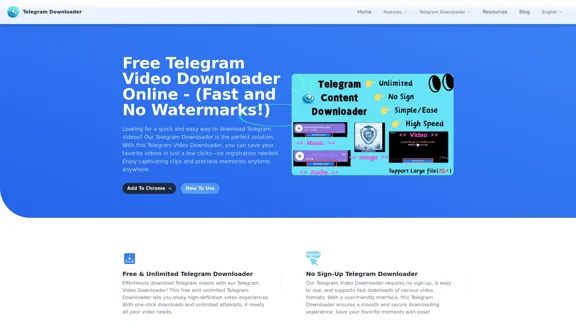
Free Telegram Video Downloader Online - (Quick and No Watermarks!)
Free Telegram Video Downloader Online - (Quick and No Watermarks!)The best Free Telegram Video Downloader for downloading high-quality videos from Telegram channels and groups—no watermarks, no sign-up, no limits. Enjoy seamless, user-friendly downloads with our Telegram Downloader. Get it now!
9.13 K
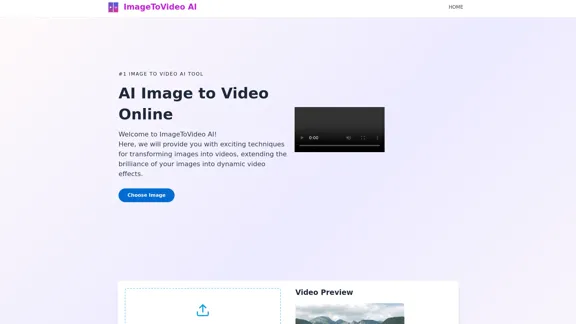
Image to video AI: Convert images to MP4, AI video creator.
Image to video AI: Convert images to MP4, AI video creator.Image to video AI Free: Effortlessly convert images to MP4 videos with our advanced AI video maker. Transform your creativity into captivating visual stories.
371.47 K