Wavel AI offers a comprehensive suite of tools for creating and dubbing videos instantly using artificial intelligence. It enables users to turn text into engaging videos, localize content in multiple languages, and enhance audio with lifelike speech. The platform is designed for ease of use, making video production accessible for various applications, from marketing to education.
Create and dub videos instantly with AI – fast, easy, scalable.
Transform scripts and videos into content ready to share. Use voice cloning for dubbing, add subtitles, edit with B-roll footage, and personalize videos with templates, avatars, and human-like voices.

Introduction
Feature
-
AI Dubbing
Localize videos in any language with precise sync and intonation.
-
AI Video Editor
Transform screen recordings into professional-quality videos effortlessly.
-
Text-to-Speech
Convert text into lifelike speech infused with human emotions.
-
AI Voice Cloning
Clone your voice for use in ads and podcasts seamlessly.
-
AI Subtitles
Add accurate subtitles to videos quickly with lightning-fast transcriptions.
-
AI Video Translation
Access professional machine translations in over 20 languages for diverse needs.
-
AI Screen Recorder
Capture high-quality screen recordings with auto-zoom and AI avatars.
-
AI Video Generator
Create stunning videos in minutes using AI technology.
-
AI Voice Changer
Instantly change your voice with various styles.
-
AI Video To Shorts
Convert long videos into engaging YouTube shorts effortlessly.
-
AI Voice Generator
Explore creative audio storytelling with advanced AI voice generation.
-
AI Accent Generator
Switch to any accent in seconds with the accent generator tool.
FAQ
What is Wavel AI?
Wavel AI is an AI-powered platform that enables users to create and dub videos instantly, offering tools for text-to-speech, voice cloning, and video editing.
How does Wavel AI work?
Wavel AI utilizes advanced algorithms to transform text into videos, generate lifelike speech, and provide dubbing and translation services, allowing for quick and efficient video production.
Can I use the videos created by Wavel AI for my projects?
Yes, videos created with Wavel AI can be used for various projects, including marketing, education, and personal use, with no restrictions on distribution.
How is Wavel AI different from other video creation tools?
Wavel AI stands out due to its comprehensive features that combine video editing, dubbing, and translation, all powered by AI, making it a versatile tool for content creators.
How to get started with Wavel AI?
To start using Wavel AI, visit the website, sign up for an account, and explore the various tools available for video creation and dubbing.
Price
- Free Plan: $0/month
- Basic Plan: $9.99/month
- Standard Plan: $19.99/month
- Professional Plan: $49.99/month
The price is for reference only, please refer to the latest official data for actual information.
Evaluation
-
Wavel AI provides a robust set of features that cater to a wide range of video production needs, making it suitable for both amateurs and professionals.
-
The platform excels in its ability to generate high-quality audio and video content quickly, which can significantly enhance productivity.
-
However, users may encounter a learning curve when navigating the various tools, particularly if they are not familiar with video editing or AI technologies.
-
While the AI capabilities are impressive, the quality of the generated content may vary depending on the complexity of the input, suggesting that users should have a clear vision of their project requirements.
-
Overall, Wavel AI is a powerful tool for video creation, but users should be prepared to invest time in mastering its features to fully leverage its potential.
Related Websites
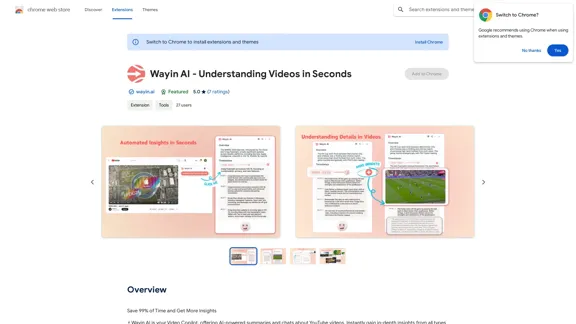
Wayin AI - Understanding Videos in Seconds - Chrome Web Store
Wayin AI - Understanding Videos in Seconds - Chrome Web StoreSave 99% of Time and Get More Insights
193.90 M
Bytecap - Enhance your videos with personalized AI captions
Bytecap - Enhance your videos with personalized AI captionsEnhance your videos with personalized captions Increase engagement, expand your audience, and improve viewer retention.
5.96 K
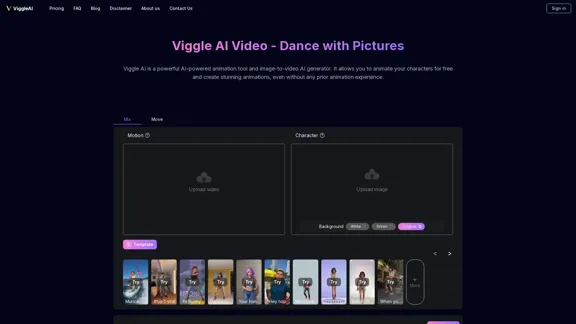
Viggle AI is a powerful AI-powered animation tool and image-to-video AI generator. It allows you to animate your characters for free and create stunning animations, even without any prior animation experience.
163.41 K
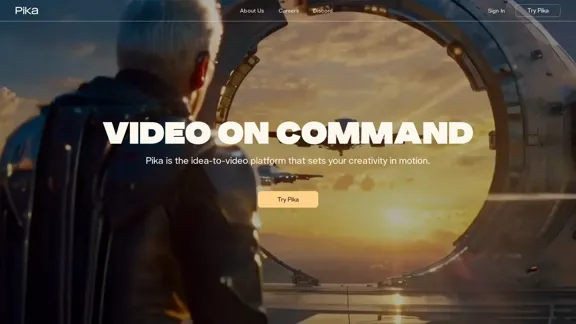

lipsync video to any audio or text. revolutionary ai video editor. real-time lipsync, seamless translation for global reach. create, reanimate, understand humans in video with our api. from wav2lip founders.
379.86 K
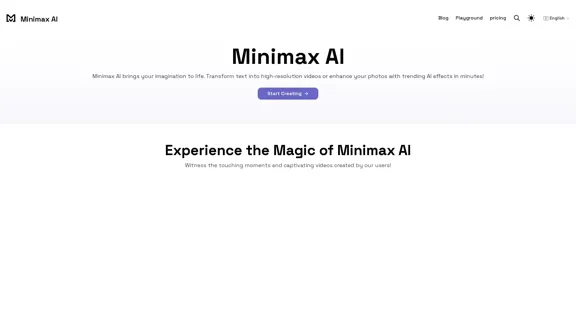
Minimax AI | Advanced AI-powered Video Generation & Photo Enhancement Platform
Minimax AI | Advanced AI-powered Video Generation & Photo Enhancement PlatformMinimax AI revolutionizes content creation with cutting-edge AI. Generate stunning videos from text and transform your photos with innovative AI effects.
158.66 K