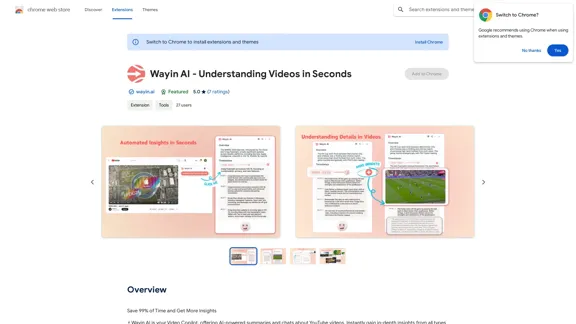
Wayin AI is a Chrome extension designed to revolutionize video comprehension. It offers AI-powered summaries and interactive chats for YouTube videos, enabling users to gain in-depth insights from various types of content quickly. This tool is particularly useful for those looking to save time while extracting valuable information from lengthy videos across multiple languages.
Wayin AI - Understanding Videos in Seconds - Chrome Web Store
Save 99% of Time and Get More Insights
Introduction
Feature
YouTube Summaries in Seconds
- Automatically generate video summaries and timestamps
- Grasp detailed insights from hours-long videos in seconds
Interactive Q&A
- Chat with Video Bot for faster and deeper learning
- Ask questions using screenshots for specific video content
Multilingual Understanding
- Comprehend videos in any language, breaking down language barriers
Screenshot Chat
- Take screenshots of puzzling content in videos
- Get explanations for equations, code snippets, or information about people in the video
Flexible Plans
- Free Plan: 240 minutes of video summary, 8 in-depth understanding credits, and 8 bot chat questions
- Paid options: Recharge Plans and Monthly Subscription Plans for additional benefits
Easy Setup
- Add the extension to Chrome and pin it to the toolbar
- Sign up for a free account (no credit card required)
- Navigate to a YouTube video
- Click the "Understand Videos in Seconds" button to start
FAQ
Can Wayin AI summarize very long videos?
Yes, Wayin AI's YouTube Summarizer can understand videos of any length, even those that are 10+ hours long.
Does it support non-English videos or videos without subtitles?
Yes, Wayin AI supports videos in various languages, with or without subtitles.
What is the purpose of the Screenshot Chat feature?
The Screenshot Chat feature allows users to ask questions about specific parts of a video by taking a screenshot. This is useful for understanding equations, code snippets, or getting more information about people or objects in the video.
Is Wayin AI free to use?
Wayin AI offers a FREE Plan with limited features. For more benefits, users can choose from Recharge Plans or Monthly Subscription Plans.
Related Websites
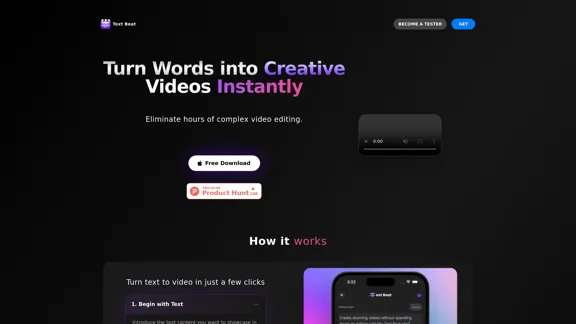
Text Beat is an innovative video creation tool that transforms text into engaging videos automatically
159
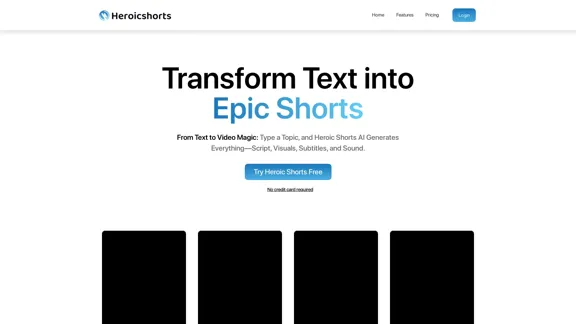
Create automated AI short videos by converting text into a 30-60 second reel. Ideal for building faceless YouTube channels.
2.52 K
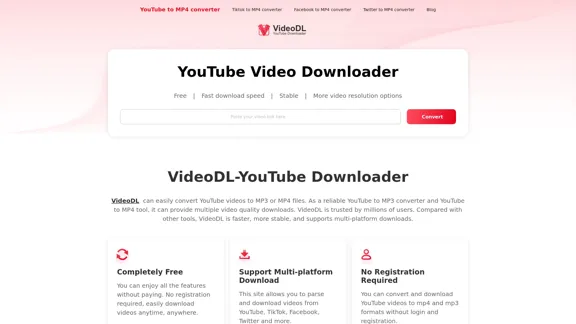
Free Youtube Video Downloader: Youtube to Mp4 Converter
Free Youtube Video Downloader: Youtube to Mp4 ConverterVideoDL is a free, fast, and stable online YouTube video downloader that allows you to convert YouTube videos to MP4 or MP3 with the highest quality.
0
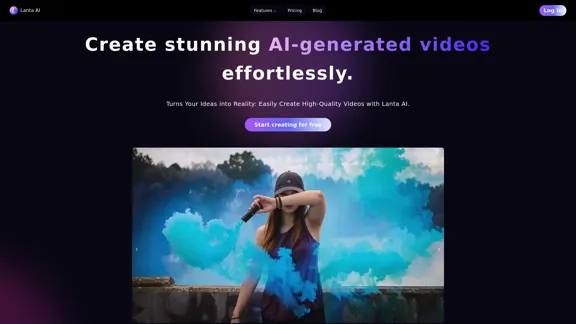
Lanta AI - Text to Video Generator: Powered by CogVideoX & Mochi 1
Lanta AI - Text to Video Generator: Powered by CogVideoX & Mochi 1Transform texts into stunning AI creations with Lanta AI. Powered by advanced technologies like CogVideoX and Mochi 1, our AI Video Generator redefines video editing and animation. Perfect for creators, marketers, and innovators seeking effortless text-to-video transformation.
389.41 K
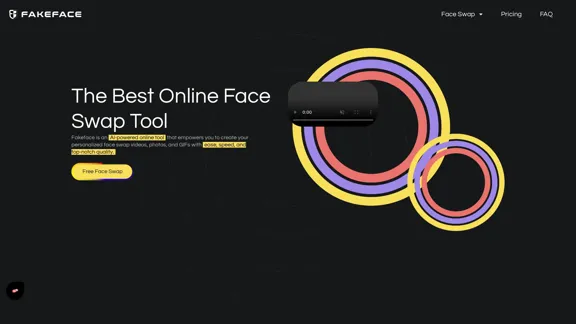
Free Unlimited AI Face Swap for Videos, Photos & GIFs
Free Unlimited AI Face Swap for Videos, Photos & GIFsFree Online AI Face Swap for Videos, Photos & GIFs – No Login Needed! Swap faces instantly with high-quality results. Try it now!
63.49 K

Uhmegle: Omegle Alternative for Video and Text Chat
Uhmegle: Omegle Alternative for Video and Text ChatExplore Uhmegle, a new Omegle alternative for free video and text chats. Talk to strangers globally with our new Omegle TV feature.
7.81 M

Video Notes TLDR: AI-Powered YouTube Video Note Generator
Video Notes TLDR: AI-Powered YouTube Video Note GeneratorSimplify your YouTube experience with Video Notes TLDR, an AI tool that creates brief, insightful notes from any video. Ideal for students, professionals, and content creators who want to save time and highlight key points.
767
WanVideo AI: All-in-One AI Image, Music, and Video Generator
WanVideo AI: All-in-One AI Image, Music, and Video GeneratorCreate professional-quality videos, images, and music using WanVideo AI. Powered by Alibaba's Wan2.1, Flux AI, and Suno AI technologies. Try our all-in-one AI creative platform for free!
16.34 K