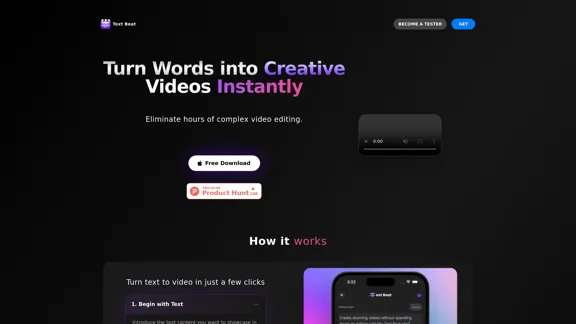
Text Beat is an innovative video creation tool that transforms text into engaging videos automatically. It simplifies the video editing process by synchronizing words with music beats and applying color schemes, making it accessible for users without extensive editing skills. This tool is particularly useful for creating quick, attractive videos for social media platforms like Instagram Reels.
Text Beat - Instant video creator
Text Beat is an innovative video creation tool that transforms text into engaging videos automatically
Introduction
Feature
Instant Text-to-Video Conversion
Text Beat quickly converts input text into creative videos, eliminating hours of complex video editing. This feature allows users to easily showcase their content in a visually appealing format.
Music Beat Synchronization
The tool automatically detects beats in the selected music and synchronizes the words with these beats. This creates a dynamic and engaging video where the text moves in rhythm with the music.
Customizable Color Schemes
Users can choose color schemes that complement their style. Text Beat applies these colors to the video, enhancing its visual appeal and allowing for brand consistency.
User-Friendly Interface
Text Beat's simple four-step process makes video creation accessible to everyone:
- Input text content
- Select high-energy music with good beats
- Choose complementary colors
- Let Text Beat automatically create the video
Rapid Video Production
The tool emphasizes speed, stating that "Reels can't get faster than this." This quick turnaround is ideal for content creators who need to produce videos frequently and efficiently.
FAQ
How does Text Beat simplify video creation?
Text Beat automates the video creation process by:
- Synchronizing text with music beats
- Applying color schemes
- Eliminating the need for complex editing skills
What types of videos can be created with Text Beat?
Text Beat is ideal for:
- Quick, attractive videos for social media content
- Instagram Reels
- Any content that benefits from text synchronized with music
Is Text Beat suitable for users without editing skills?
Yes, Text Beat requires no editing skills:
- The tool automatically creates videos based on user input
- Users only need to provide text, choose music, and select colors
How can I access Text Beat?
To get started with Text Beat:
- Visit their website
- Click the "Free Download" button
- Optionally, sign up to "Become a Tester" for early access or additional features
Is Text Beat free to use?
- A free version is available (indicated by the "Free Download" option)
- Specific pricing for potential premium features is not provided in the given information
Related Websites

CreativeAI - Professional AI Short Video Script Creation Tool | Enhance Script Writing Efficiency
CreativeAI - Professional AI Short Video Script Creation Tool | Enhance Script Writing EfficiencyChuang Yi AI is an AI script creation tool specifically designed for short video creators. It offers features such as video analysis, theme optimization, and script generation, helping users create high-quality short video scripts.
8.17 K

Complete Walkthrough & Guide for Dreamy Room Level 1-145 | Video Tutorial Collection
Complete Walkthrough & Guide for Dreamy Room Level 1-145 | Video Tutorial CollectionLooking for a Dreamy Room guide? We provide detailed video walkthroughs and guides for all Dreamy Room levels (Level 1-145), covering puzzle-solving techniques for every Dreamy Room Level to help you pass easily. Get the latest Dreamy Room level guide and enjoy the game!
24.36 K
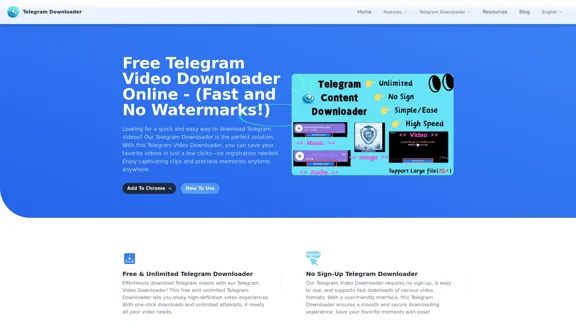
Free Telegram Video Downloader Online - (Quick and No Watermarks!)
Free Telegram Video Downloader Online - (Quick and No Watermarks!)The best Free Telegram Video Downloader for downloading high-quality videos from Telegram channels and groups—no watermarks, no sign-up, no limits. Enjoy seamless, user-friendly downloads with our Telegram Downloader. Get it now!
9.13 K

VideoGen - AI Video Generator - Create Videos in Seconds
VideoGen - AI Video Generator - Create Videos in SecondsInstantly generate videos with VideoGen, the fastest video creation experience. Ever. Create and edit videos in one click. Try it now for free.
415.93 K
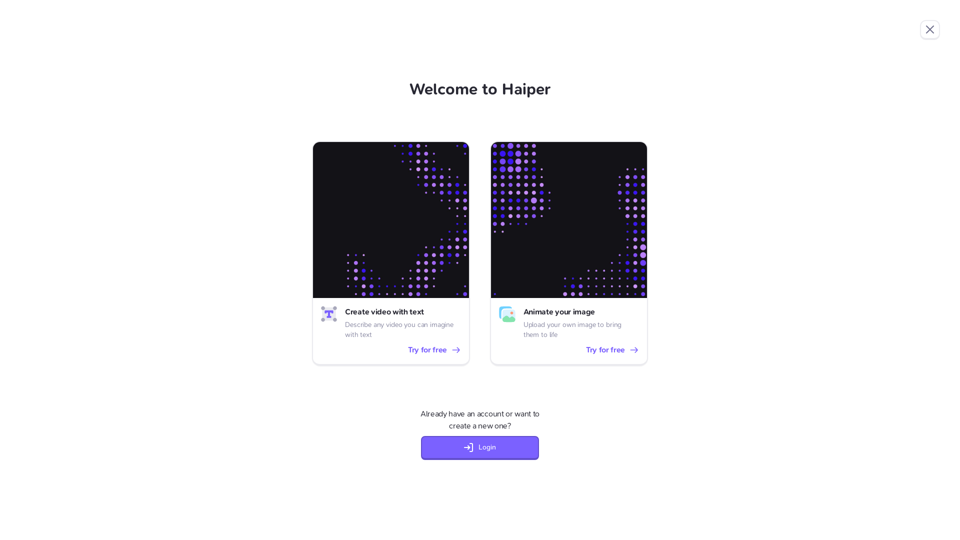

Create cinematic, high-quality videos effortlessly with AI. Flux Video AI offers advanced image-to-video and text-to-video technology that delivers professional-grade results in seconds.
254
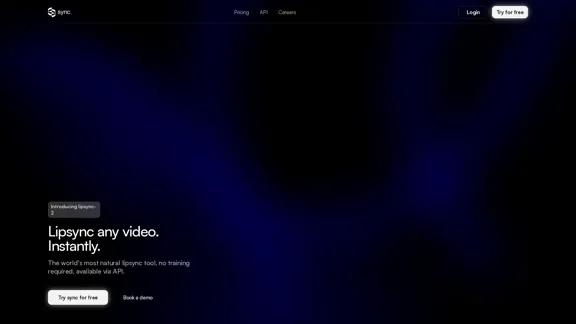
lipsync video to any audio or text. revolutionary ai video editor. real-time lipsync, seamless translation for global reach. create, reanimate, understand humans in video with our api. from wav2lip founders.
379.86 K
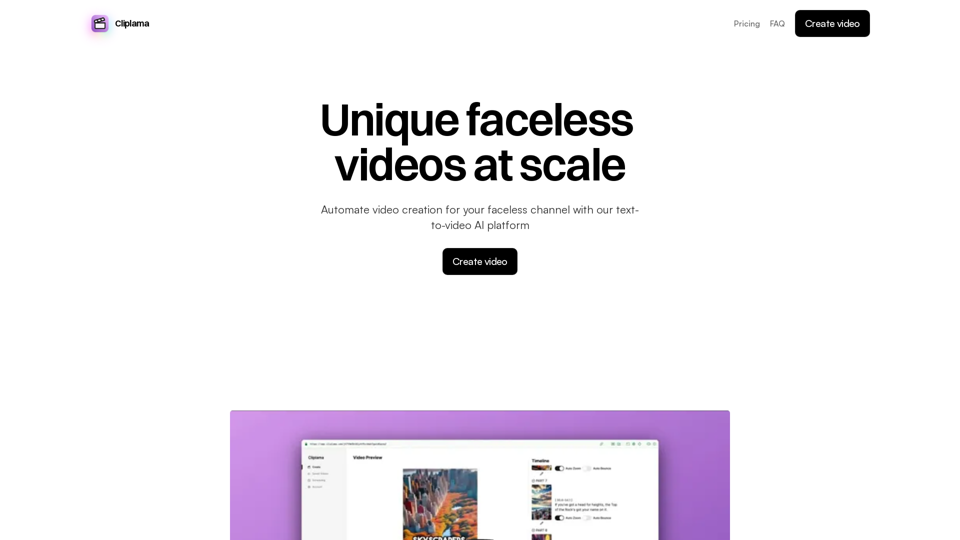
Automate Your Faceless Video Channel with AI Tired of spending hours creating videos? Let AI do the heavy lifting! * Generate scripts: Say goodbye to writer's block. AI can write engaging scripts for your videos on any topic. * Create voiceovers: Give your videos a professional voice with AI-generated voiceovers in multiple languages. * Produce stunning visuals: Use AI to generate captivating visuals, animations, and graphics to accompany your videos. * Edit and optimize: AI can automatically edit your videos, add music, transitions, and optimize them for different platforms. * Schedule and publish: Set it and forget it! AI can schedule and publish your videos to your chosen platforms. Start creating faceless videos effortlessly with the power of AI.
Automate Your Faceless Video Channel with AI Tired of spending hours creating videos? Let AI do the heavy lifting! * Generate scripts: Say goodbye to writer's block. AI can write engaging scripts for your videos on any topic. * Create voiceovers: Give your videos a professional voice with AI-generated voiceovers in multiple languages. * Produce stunning visuals: Use AI to generate captivating visuals, animations, and graphics to accompany your videos. * Edit and optimize: AI can automatically edit your videos, add music, transitions, and optimize them for different platforms. * Schedule and publish: Set it and forget it! AI can schedule and publish your videos to your chosen platforms. Start creating faceless videos effortlessly with the power of AI.Create videos with text and transform your ideas into amazing videos using pictures, GIFs, music, transitions, and captions. Boost your social media presence automatically, saving you time and money.
4.34 K