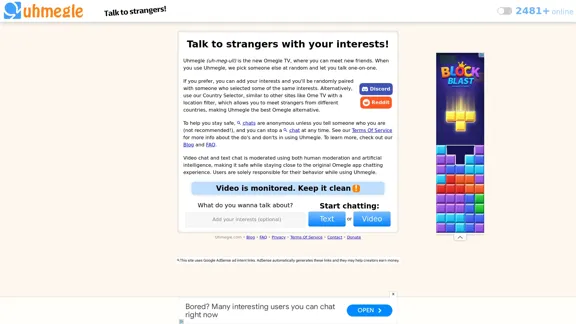
Uhmegle is an Omegle alternative that offers random video and text chat with strangers. It allows users to connect with people who share similar interests or from specific countries. The platform emphasizes user safety through anonymity and moderation while providing a social experience similar to the original Omegle.
Uhmegle: Omegle Alternative for Video and Text Chat
Explore Uhmegle, a new Omegle alternative for free video and text chats. Talk to strangers globally with our new Omegle TV feature.
Introduction
Feature
-
Random Pairing
- Connects users with random strangers for one-on-one conversations
- Offers both video and text chat options
-
Interest-Based Matching
- Users can add interests to be paired with like-minded individuals
- Enhances the chance of meaningful conversations
-
Country Selector
- Allows users to meet strangers from specific countries
- Similar to Ome TV's location filter feature
-
Anonymity
- Chats are anonymous by default
- Users can choose to reveal personal information (not recommended)
-
Safety Measures
- Option to stop a chat at any time
- Moderation using both human and artificial intelligence
- Clear Terms of Service outlining acceptable behavior
-
User Count Display
- Shows the number of online users (2481+ at the time of writing)
-
Multi-Platform Presence
- Discord and Reddit communities available
How to Use?
-
Prioritize your safety by keeping chats anonymous and avoiding sharing personal information.
-
Add interests to increase the likelihood of matching with someone who shares your hobbies or passions.
-
Utilize the Country Selector feature if you want to practice a language or learn about a specific culture.
-
Familiarize yourself with the Terms of Service to understand the platform's rules and guidelines.
-
If you encounter any inappropriate behavior, end the chat immediately and report the user if necessary.
-
Keep your video chats clean and appropriate, as they are monitored.
-
Check out the Blog and FAQ sections for more information and updates about the platform.
FAQ
What is Uhmegle?
Uhmegle is an Omegle alternative that allows users to chat randomly with strangers via video or text. It offers features like interest-based matching and a country selector.
Is Uhmegle safe to use?
Uhmegle implements safety measures such as anonymity, the ability to end chats at any time, and moderation using both human and AI. However, users are responsible for their behavior and should exercise caution.
Can I choose who I talk to on Uhmegle?
While you can't choose specific individuals, you can use the interest-based matching feature or the Country Selector to increase the likelihood of meeting someone with similar interests or from a particular location.
Is Uhmegle free to use?
The website doesn't mention any pricing, suggesting that the basic features are free. However, there is a "Donate" option, indicating that they may accept voluntary contributions.
Evaluation
-
Uhmegle offers a solid alternative to Omegle, addressing the void left by its shutdown. The platform's emphasis on safety through moderation and anonymity is commendable.
-
The interest-based matching and country selector features add value, potentially leading to more meaningful connections compared to purely random chats.
-
The platform's transparency about moderation and clear Terms of Service helps set user expectations and promotes responsible usage.
-
However, the inherent risks associated with talking to strangers online remain. While Uhmegle has implemented safety measures, users must still exercise caution.
-
The addition of Discord and Reddit communities could foster a sense of community among users, but it's unclear how these integrate with the main platform.
-
The user interface appears straightforward, but there's room for improvement in terms of design and user experience to stand out from other Omegle alternatives.
-
While the platform offers both video and text chat options, it could potentially expand its features to include group chats or themed rooms to differentiate itself further.
Related Websites
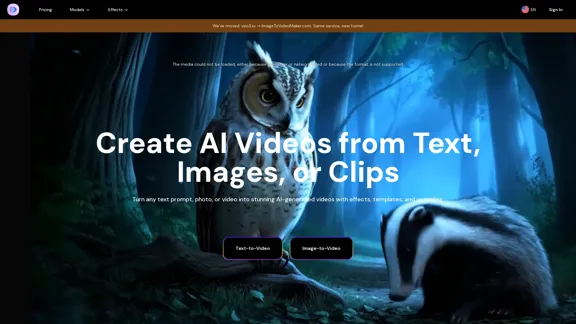
AI Video Generator – Create Videos from Text, Images, or Clips | Image-to-Video Maker
AI Video Generator – Create Videos from Text, Images, or Clips | Image-to-Video MakerGenerate AI videos from text, images, or video clips with the Image-to-Video Maker. Add effects, templates, and upscale to 4K—all in one powerful video platform.
1.06 K

HeyGen is an innovative video platform that harnesses the power of generative AI to streamline your video creation process. Unleash your creativity with HeyGen - the future of video production.
7.03 M
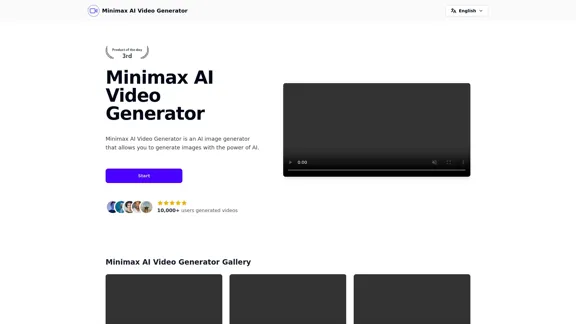
Minimax AI Video Generator | Minimax AI Video Generator | Hailuo AI abab-video-1
Minimax AI Video Generator | Minimax AI Video Generator | Hailuo AI abab-video-1Generate Minimax AI Video Free Online abab-video-1. Free Online | No Credit Card or Login Required
0
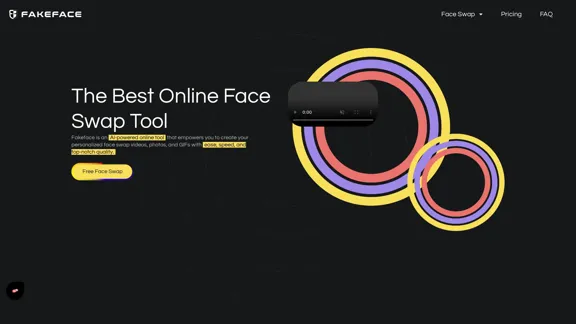
Free Unlimited AI Face Swap for Videos, Photos & GIFs
Free Unlimited AI Face Swap for Videos, Photos & GIFsFree Online AI Face Swap for Videos, Photos & GIFs – No Login Needed! Swap faces instantly with high-quality results. Try it now!
63.49 K
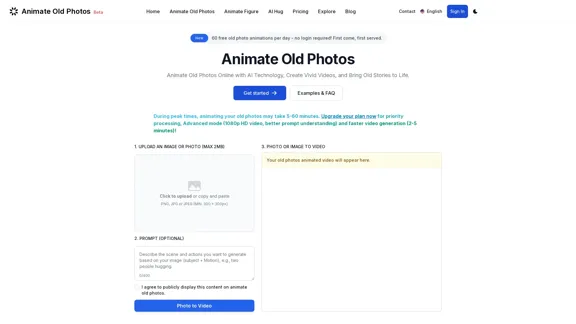
Animate Old Photos Online & Free | Revive Memories with AI
Animate Old Photos Online & Free | Revive Memories with AIAnimate old photos online with advanced AI. Transform your old photos into engaging videos. User-friendly with fast results! Bring old photos to life.
36.72 K
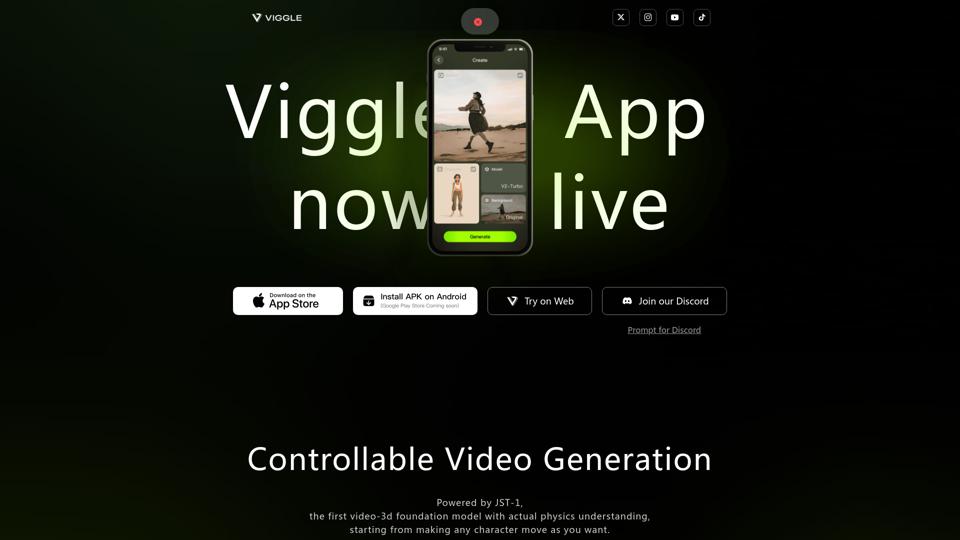
Controllable Video Generation, Powered by JST-1, the first video-3d foundation model with actual physics understanding, starting from making any character move as you want.
1.97 M
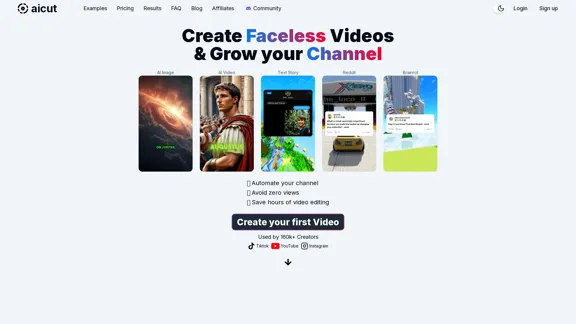
Create short AI videos that expand your faceless channel.
Create short AI videos that expand your faceless channel.Create short AI videos that expand your faceless channel.
264.02 K
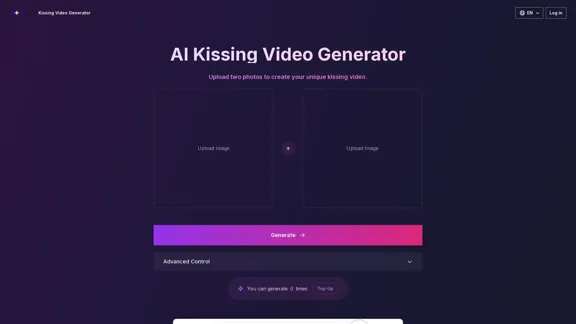
AI Kissing Video Generator: Make Custom Romantic Videos from Pictures
AI Kissing Video Generator: Make Custom Romantic Videos from PicturesTransform your photos into realistic kissing videos with our advanced AI Kissing Video Generator. Upload two photos and create a personalized, high-quality kissing video in minutes, completely free!
640