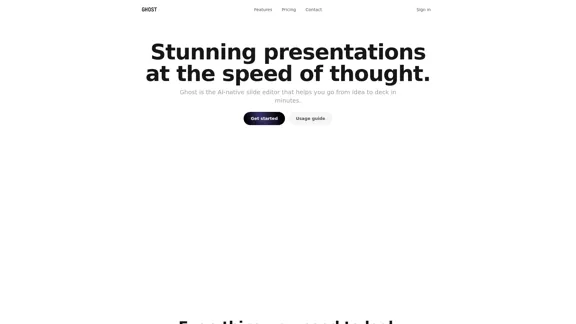
Ghost is an AI-native slide editor designed to streamline the presentation creation process. It allows users to transform ideas into polished decks in minutes, focusing on speed and simplicity. With features like AI-generated slides, easy editing, and seamless exporting, Ghost caters to both individuals and teams looking for an efficient way to create stunning presentations.
Ghost — AI assistant for stunning presentations
Ghost is an AI-native presentation editor. Design, redesign, and export slides instantly with GPU-accelerated editing and simple controls.
Introduction
Feature
-
AI-Native Slide Creation
Ghost leverages AI to generate slides quickly, allowing users to modify them effortlessly without a steep learning curve.
-
Fast and Intuitive Editing
The platform is designed for speed, enabling users to start editing in seconds and complete their presentations faster than traditional slide editors.
-
Comprehensive Creation Tools
Users can craft striking designs with built-in prompts, speaker notes, and a variety of export options, all within the Ghost platform.
-
Version History
Ghost maintains a version history, allowing users to track changes and revert to previous versions if necessary.
-
Export Options
Presentations can be exported as PDFs or PNGs with a single click, ensuring high-quality outputs suitable for various formats.
-
User-Friendly Features
The platform includes drag-and-drop functionality, keyboard shortcuts, and a presenter mode to enhance the user experience during presentations.
How to Use?
- Start by signing up for a free account on the Ghost website.
- Use the AI-native editor to generate your initial slides based on your ideas.
- Utilize the drag-and-drop feature to rearrange slides easily.
- Take advantage of keyboard shortcuts to speed up your editing process.
- Review and refine your slides with the built-in tools before exporting.
- Export your presentation in PDF or PNG format for easy sharing.
FAQ
What is Ghost?
Ghost is an AI-powered slide editor that helps users create professional presentations quickly and efficiently.
How does Ghost work?
Ghost uses AI technology to generate slides based on user input, allowing for easy modifications and quick edits.
Can I export my presentations from Ghost?
Yes, presentations can be exported as PDFs or images without watermarks, ensuring high-quality outputs.
Is Ghost suitable for teams?
Absolutely, Ghost is designed for both individuals and teams, making it a versatile tool for collaborative presentation creation.
What are the pricing options for Ghost?
Ghost offers a free plan with basic features, as well as paid plans that provide additional capabilities and usage limits.
Price
| Plan | Price | Features |
|---|---|---|
| Free | $0/month | Unlimited slides, GPU-accelerated editor |
| Starter | $9.99/user/month | Everything in Free + 20 GPT-5 mini messages |
| Pro | $19.99/user/month | Everything in Starter + 40 GPT-5 mini messages |
The price is for reference only, please refer to the latest official data for actual information.
Evaluation
Ghost excels in providing a fast and intuitive platform for creating presentations, making it accessible for users of all skill levels. The AI-driven features significantly reduce the time required to generate slides, and the export quality is commendable.
However, there are areas for improvement. The pricing structure may be a barrier for some users, particularly those who only need basic features. Additionally, while the AI capabilities are impressive, users looking for highly customized designs may find the options somewhat limited. Overall, Ghost is a strong tool for quick presentation creation but may not fully satisfy advanced users seeking extensive design flexibility.
Related Websites
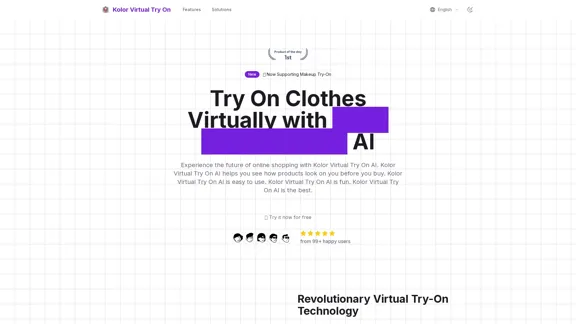
Kolor Virtual Try On uses advanced AI to allow you to try on clothes virtually. Ideal for fashion lovers, online shoppers, and style explorers.
3.04 K
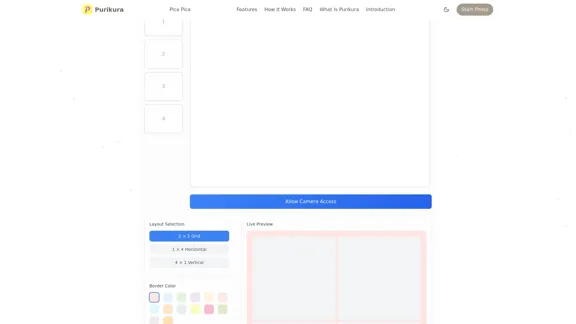
Purikura Online | Photo Booth Online | Virtual Photo Booth & Japanese Style Photo Effects | Photo Booth Online
Purikura Online | Photo Booth Online | Virtual Photo Booth & Japanese Style Photo Effects | Photo Booth OnlineCreate stunning photos with our online photo booth featuring authentic Japanese Purikura effects. Transform your pictures with beauty filters and cute decorations.
7.90 K
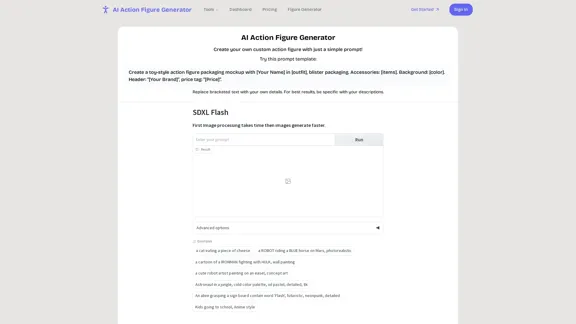
AI Action Figure Generator | Turn Photos Into Collectibles
AI Action Figure Generator | Turn Photos Into CollectiblesCreate personalized action figures from your photos with our advanced AI generator. Transform yourself into collectible-style toys with realistic packaging and accessories.
0
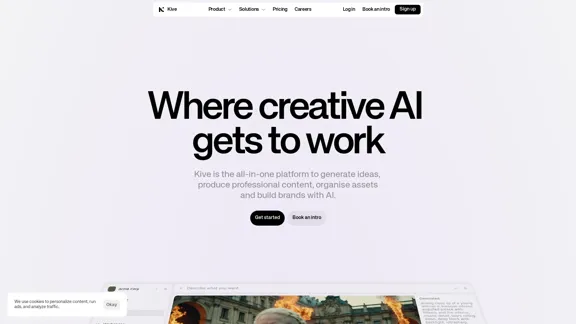
Kive: Create, manage, and grow AI content that aligns with your brand.
Kive: Create, manage, and grow AI content that aligns with your brand.The all-in-one AI platform that assists brands in creating stunning visuals, managing assets, and maintaining brand consistency – all in one smooth workflow.
162.61 K
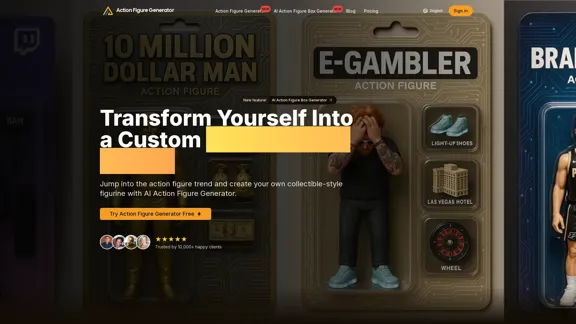
Create personalized action figures with our AI-powered Action Figure Generator. Transform your photos into collectible figurines.
190
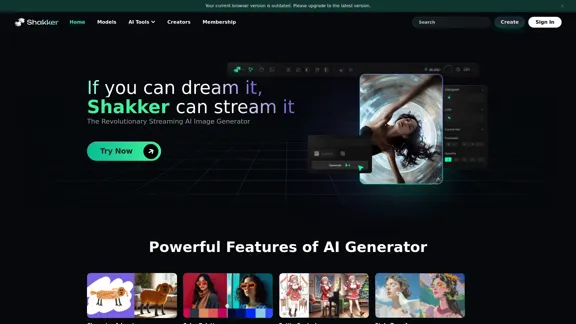
Shakker - A generative AI design tool featuring various models.
Shakker - A generative AI design tool featuring various models.Design with ease using our comprehensive platform, featuring WebUI, ComfyUI, a training tool, and the Shakker AI Generator, all created to assist creators of any skill level in bringing their visions to life.
670.61 K