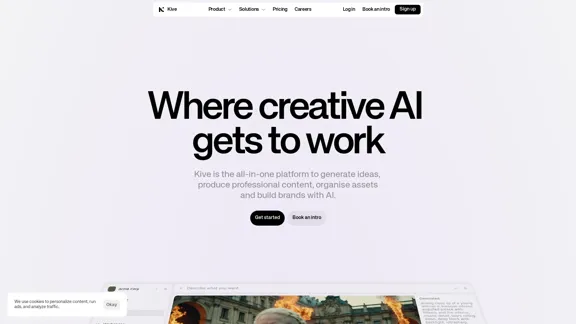
Kive is an all-in-one platform designed to streamline the creation, management, and scaling of on-brand AI content. It enables users to generate ideas, produce professional content, organize assets, and build brands efficiently. With features like AI image generation and a comprehensive asset library, Kive simplifies the creative process for brands, agencies, and freelancers.
Kive: Create, manage, and grow AI content that aligns with your brand.
The all-in-one AI platform that assists brands in creating stunning visuals, managing assets, and maintaining brand consistency – all in one smooth workflow.
Introduction
Feature
-
AI Image Generation
Users can describe the visual content they need, and Kive's AI will generate high-quality images, from product shots to lifestyle visuals. This feature allows for quick iterations and seamless integration with existing tools.
-
Creative Asset Management
Kive organizes all visual assets in one place, making them instantly searchable without the need for manual tagging. This functionality saves time and enhances productivity by allowing users to find assets quickly.
-
Moodboards and Inspiration
The platform enables users to create moodboards and discover inspiration, helping to pitch ideas and develop creative concepts effectively.
-
Versioning and Collaboration
Kive supports versioning of assets, allowing teams to collaborate efficiently and iterate on designs without losing previous versions.
-
Custom AI Training
Users can train custom AIs to integrate their specific products and styles into the generated visuals, ensuring brand consistency and uniqueness.
-
User-Friendly Interface
The platform is designed with creatives in mind, providing an intuitive interface that simplifies the creative workflow.
How to Use?
- Sign up for a free account on the Kive website to get started.
- Explore the features available, including AI image generation and asset management.
- Use the search function to quickly find existing assets without manual tagging.
- Create moodboards to visualize ideas and concepts before starting a project.
- Train custom AIs to better align generated content with your brand's style.
FAQ
What is Kive?
Kive is a creative AI platform that helps users generate, manage, and scale on-brand content efficiently. It is suitable for brands, agencies, and freelancers looking to enhance their creative processes.
How does Kive's AI image generation work?
Users describe the type of image they want, and Kive's AI generates high-quality visuals based on that description. This process allows for quick and easy creation of various types of images.
Can I manage my assets with Kive?
Yes, Kive offers a comprehensive asset management system that organizes all your images in one place, making them easily searchable and accessible.
Is Kive suitable for freelancers?
Absolutely. Kive is designed for creatives at all levels, including freelancers, to help them generate ideas, create content, and manage assets efficiently.
How does Kive support collaboration?
Kive allows for versioning of assets, enabling teams to collaborate seamlessly and iterate on designs without losing previous work.
Price
- Free Plan: $0/month
- Basic Plan: $9.99/month
- Standard Plan: $19.99/month
- Professional Plan: $49.99/month
The price is for reference only, please refer to the latest official data for actual information.
Evaluation
- Kive excels in providing a user-friendly platform that simplifies the creative process, making it accessible for brands and freelancers alike.
- The AI image generation feature is robust, producing high-quality visuals that can be tailored to specific needs.
- The asset management system is efficient, allowing for quick searches and organization without the hassle of manual tagging.
- However, there may be limitations in the customization of generated content, as users might need to refine outputs to meet specific brand standards.
- The pricing structure could be a barrier for smaller businesses or freelancers who may find the higher-tier plans costly.
- Overall, Kive is a powerful tool for enhancing creative workflows, but users should be prepared to invest time in learning to maximize its potential.
Latest Traffic Insights
Monthly Visits
162.61 K
Bounce Rate
43.20%
Pages Per Visit
3.09
Time on Site(s)
76.15
Global Rank
219287
Country Rank
United States 191829
Recent Visits
Traffic Sources
- Social Media:4.98%
- Paid Referrals:0.85%
- Email:0.10%
- Referrals:8.22%
- Search Engines:43.03%
- Direct:42.82%
Related Websites
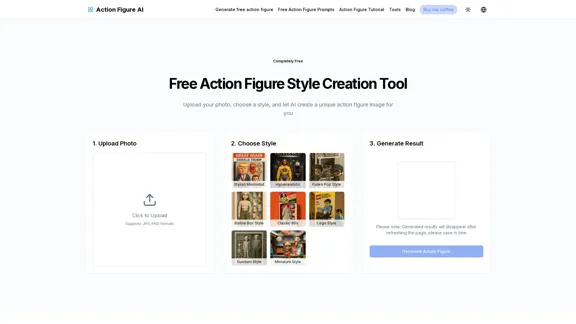
Use Action Figure AI to easily transform your photos into professional action figures. It offers free prompts, free generation, and various style options to create unique action figure images.
0
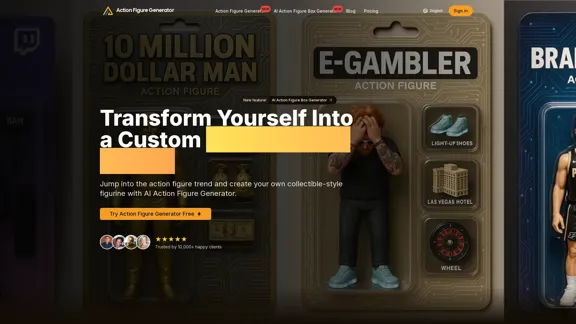
Create personalized action figures with our AI-powered Action Figure Generator. Transform your photos into collectible figurines.
190
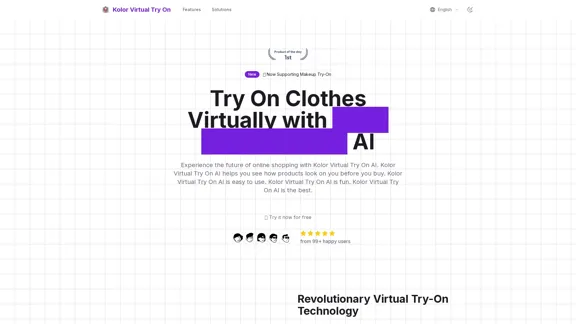
Kolor Virtual Try On uses advanced AI to allow you to try on clothes virtually. Ideal for fashion lovers, online shoppers, and style explorers.
3.04 K
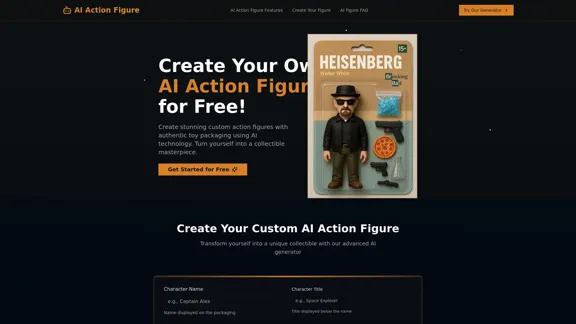
AI Action Figure Generator | Transform Your Photo Into a Toy
AI Action Figure Generator | Transform Your Photo Into a ToyTurn yourself into a custom action figure with our AI generator. Create unique collectible toys with futuristic packaging design using GPT-4o technology.
0
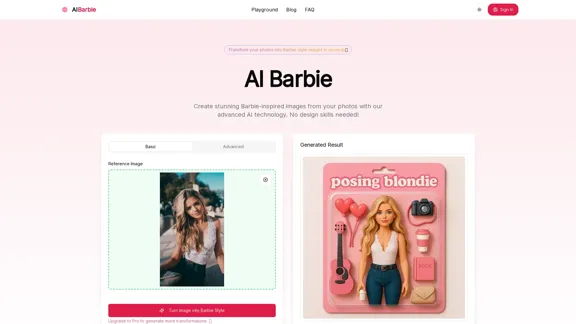
Free AI Barbie Creator | No Registration, Secure & Quick
Free AI Barbie Creator | No Registration, Secure & QuickTurn your photos into stunning Barbie-style images with AI Barbie. Our AI-powered tool creates personalized Barbie-inspired transformations with just one click.
0
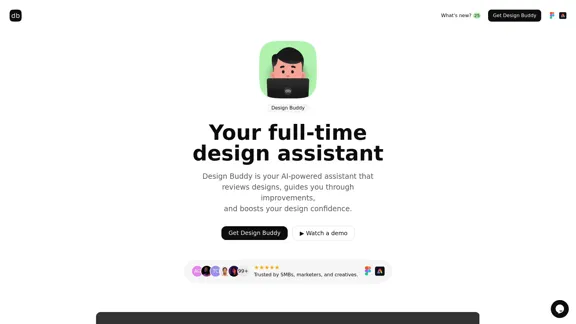
Design Buddy is your AI-powered assistant that reviews your designs, guides you through improvements, and boosts your design confidence.
3.32 K
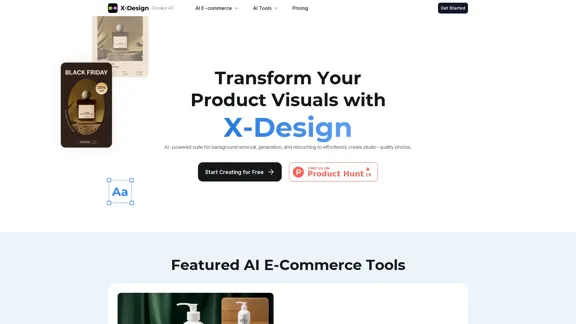
X-Design offers advanced AI solutions designed for marketing. Our innovative tools include features like e-commerce solutions, image editing, background removal, AI eraser, AI fashion model, poster templates, background replacement, and more, enabling online retailers to create impressive visuals and optimize their e-commerce processes.
641.40 K