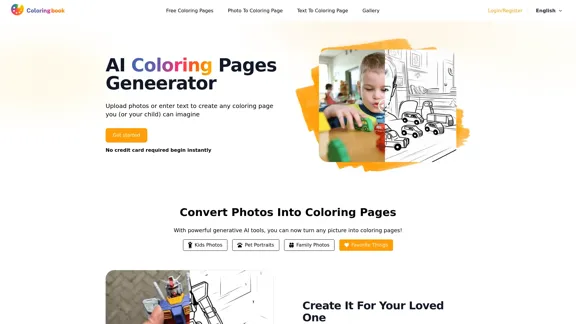
Framer is an AI-powered tool designed to streamline the website building process by generating clean and responsive layouts. It focuses on the structure of web pages, allowing users to create personal pages, landing pages, portfolios, and more without being locked into a specific style. The platform offers smart suggestions and interactive components, making it suitable for both novice and experienced web creators.
Framer: Build your website's page structure quickly using AI.
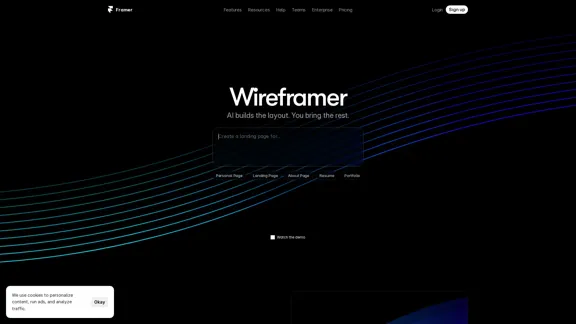
Wireframer by Framer transforms a single prompt into a fully structured, responsive page—complete with layout and navigation.
Introduction
Feature
-
AI-Powered Layout Generation
Framer's Wireframer feature builds the layout for you, allowing users to focus on content while ensuring a solid structural foundation.
-
Responsive and Interactive Designs
All layouts created with Framer are responsive and interactive by default, making them suitable for various devices and screen sizes.
-
Quick Edits with Smart Suggestions
Users can start from a prompt or preset and make quick edits, add sections, or explore layout alternatives without starting from scratch.
-
AI Workshop for Advanced Features
The AI Workshop allows users to build advanced interactions, animations, and functionalities without needing to write code.
-
Versatile Page Types
Framer supports the creation of various page types, including personal portfolios, landing pages, and blogs, catering to a wide range of user needs.
-
Integration with Other Tools
Framer can be compared with other website builders like Squarespace, WordPress, and Webflow, providing flexibility and options for users.
How to Use?
- Start by signing up for a Framer account to access the features.
- Use the Wireframer tool to generate a basic layout for your website.
- Customize your layout by adding sections, tweaking copy, and exploring different design alternatives.
- Utilize the AI Workshop to incorporate advanced features and interactions into your site.
- Test your site’s responsiveness by previewing it on different devices within the platform.
FAQ
What is Framer?
Framer is an AI-driven website builder that helps users create responsive and interactive web pages quickly and efficiently.
How does Framer work?
Framer uses AI to generate website layouts based on user input, allowing for easy customization and quick edits without starting from scratch.
Can I create different types of websites with Framer?
Yes, Framer supports the creation of various types of websites, including personal portfolios, landing pages, and blogs.
Is coding required to use Framer?
No, Framer is designed to be a no-code solution, enabling users to build websites without needing to write any code.
How does Framer compare to other website builders?
Framer focuses on layout structure and offers unique AI features that differentiate it from traditional website builders like Squarespace and WordPress.
Price
- Free plan: $0/month
- Basic plan: $9.99/month
- Standard plan: $19.99/month
- Professional plan: $49.99/month
The price is for reference only, please refer to the latest official data for actual information.
Evaluation
-
Framer excels in generating clean and responsive layouts quickly, making it an excellent choice for users looking to build websites without extensive design knowledge.
-
The AI-powered features significantly enhance the user experience, allowing for easy customization and quick edits.
-
However, users may find limitations in design flexibility, as the focus on structure might restrict creative expression for some advanced users.
-
The learning curve for utilizing the AI Workshop effectively may require additional time and practice, particularly for those unfamiliar with web design principles.
-
Overall, Framer is a powerful tool for creating websites efficiently, but users seeking extensive design customization may need to explore additional options.
Latest Traffic Insights
Monthly Visits
4.99 M
Bounce Rate
33.01%
Pages Per Visit
12.00
Time on Site(s)
636.38
Global Rank
6817
Country Rank
United States 9168
Recent Visits
Traffic Sources
- Social Media:1.56%
- Paid Referrals:0.56%
- Email:0.06%
- Referrals:6.28%
- Search Engines:32.74%
- Direct:58.80%
Related Websites
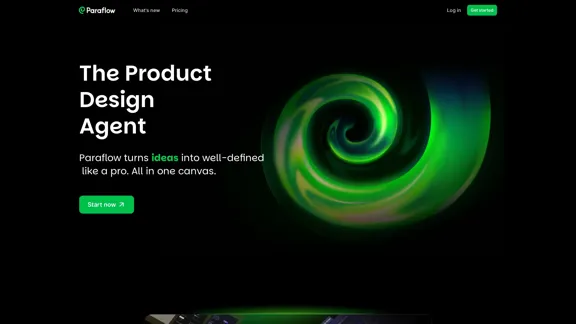
Paraflow is an AI product design agent that transforms ideas into clearly defined specifications. It creates PRD, user flow, UI, prototype, and frontend code—all in one Canvas.
26.19 K
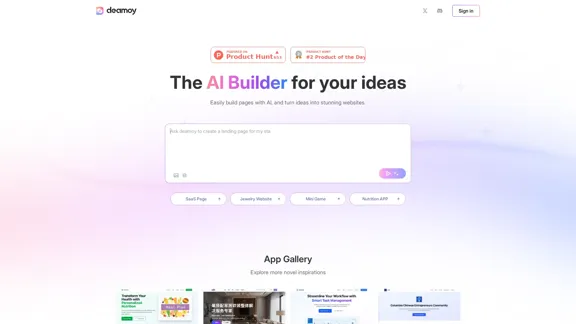
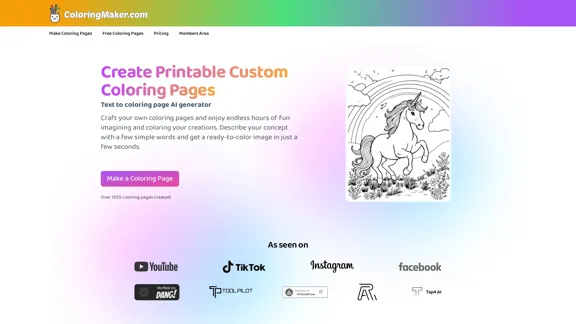
AI-powered tool for creating custom coloring pages. Ideal for kids, teachers, and anyone who loves to color.
4.10 K

AI Headshot Generator - Turn Selfies Into Business Headshots
AI Headshot Generator - Turn Selfies Into Business HeadshotsTurn your selfies into corporate headshots with our AI Headshot Generator. Build trust and credibility. Make a powerful first impression.
0
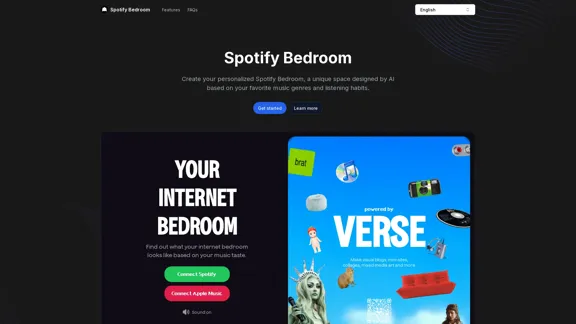
Spotify Bedroom - Visualize your music-inspired dream room.
Spotify Bedroom - Visualize your music-inspired dream room.Create your personalized Spotify Bedroom, a unique space designed by AI based on your favorite music genres and listening habits.
2.43 K
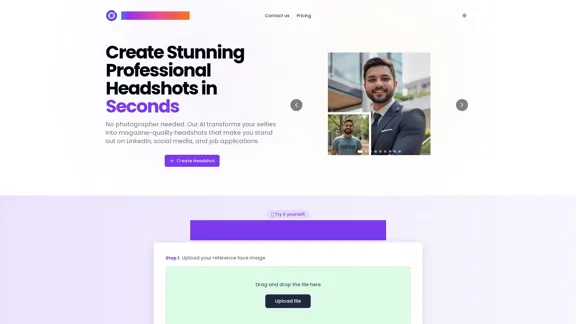
AI Headshot Generator | Professional Headshots Created with AI
AI Headshot Generator | Professional Headshots Created with AITransform your photos into professional headshots using AI. Create stunning, business-ready portraits perfect for LinkedIn, company websites, and professional profiles.
0
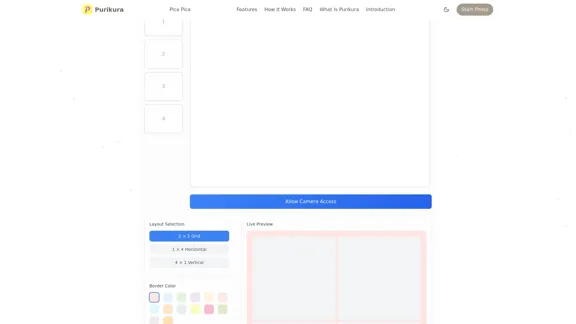
Purikura Online | Photo Booth Online | Virtual Photo Booth & Japanese Style Photo Effects | Photo Booth Online
Purikura Online | Photo Booth Online | Virtual Photo Booth & Japanese Style Photo Effects | Photo Booth OnlineCreate stunning photos with our online photo booth featuring authentic Japanese Purikura effects. Transform your pictures with beauty filters and cute decorations.
7.90 K