Bhava is an AI-powered diagram editor that allows users to create and edit diagrams quickly and efficiently. With its advanced features, users can generate various types of diagrams such as flowcharts, architecture diagrams, and mind maps in seconds. The platform emphasizes collaboration, ease of use, and flexibility, making it suitable for professionals across different fields.
Bhava - Diagram Editor Powered by AI
Transform your ideas into professional diagrams instantly with Bhava's AI-powered diagram editor. Create flowcharts, architecture diagrams, UML, ERD, sequence diagrams, network maps, org charts, mind maps, hardware schematics, and more in seconds. Trusted by product managers, developers, and engineers worldwide.

Introduction
Feature
-
AI-Powered Diagram Creation
Bhava enables users to create diagrams from text descriptions, generating a first draft in seconds. This feature supports a wide range of diagram types, including flowcharts, UML, ERD, and more.
-
Smart Layout and Connectors
The editor automatically arranges elements and connects them intelligently, reducing the time spent on manual adjustments.
-
Easy Import and Export
Users can import existing diagrams from platforms like draw.io or Mermaid while retaining their styles and layers. Export options include PNG and SVG formats, ensuring versatility.
-
Icon Recognition
Bhava can recognize and place the correct icons for various services (AWS, GCP, Azure, etc.) when users paste sketches or images, streamlining the diagramming process.
-
Collaboration Features
The platform supports real-time collaboration, allowing multiple users to work on diagrams simultaneously, enhancing teamwork and productivity.
-
Transparent Pricing
Bhava offers a straightforward pricing model with a free plan and additional paid options for users needing more features and support.
How to Use?
- Sign up for a free account on the Bhava website to get started.
- Familiarize yourself with the editor interface to maximize your diagramming efficiency.
- Use the AI-powered features to quickly generate diagrams from text descriptions.
- Explore the import options to bring in existing diagrams and continue editing them.
- Take advantage of the collaboration features to work with team members in real-time.
FAQ
What is Bhava?
Bhava is an AI-powered diagram editor designed to help users create and edit various types of diagrams quickly and efficiently.
How does Bhava work?
Users can input text or images, and Bhava's AI generates diagrams automatically, recognizing relevant icons and arranging elements intelligently.
Can I collaborate with others using Bhava?
Yes, Bhava supports real-time collaboration, allowing multiple users to work on diagrams simultaneously.
What types of diagrams can I create with Bhava?
You can create flowcharts, architecture diagrams, UML diagrams, mind maps, and many other types of diagrams.
Is there a free version of Bhava?
Yes, Bhava offers a free plan that includes unlimited diagrams and AI-powered diagram generation.
Price
| Plan | Price | Features |
|---|---|---|
| Free | $0/month | Unlimited diagrams, AI-powered generation, standard support |
| Plus | $9.99/month | Everything in Free, higher limits, priority support |
| Enterprise | Contact Sales | Everything in Plus, SSO, custom limits, dedicated support |
The price is for reference only, please refer to the latest official data for actual information.
Evaluation
- Bhava excels in its ability to quickly generate diagrams, making it a valuable tool for professionals who need to visualize complex ideas rapidly.
- The AI features significantly reduce the time required for diagram creation, which can enhance productivity.
- However, the platform may require users to familiarize themselves with its functionalities to fully leverage its capabilities.
- While the free plan is generous, some advanced features are only available in the paid plans, which may limit access for casual users.
- Overall, Bhava is a strong choice for individuals and teams looking for an efficient diagramming solution, though it may benefit from additional features for more advanced users.
Related Websites


Pigment Sketch - The best AI coloring page and book generator. Create unique coloring pages and coloring books effortlessly.
0

Design & branding made easy - create your logo, business card, and social media designs in seconds, then download instantly.
4.73 M
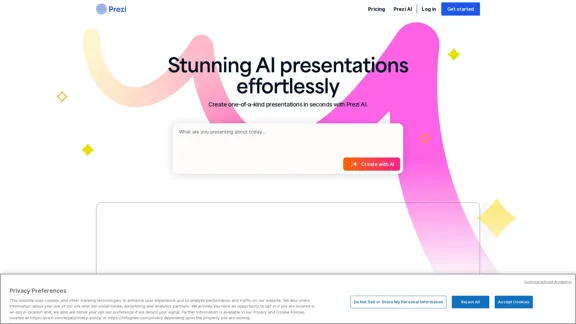
Prezi: The Best AI Tool for Creating Presentations
Prezi: The Best AI Tool for Creating PresentationsCreate AI presentations in seconds with Prezi—the best AI presentation maker for custom, dynamic presentations that will captivate audiences.
10.68 M
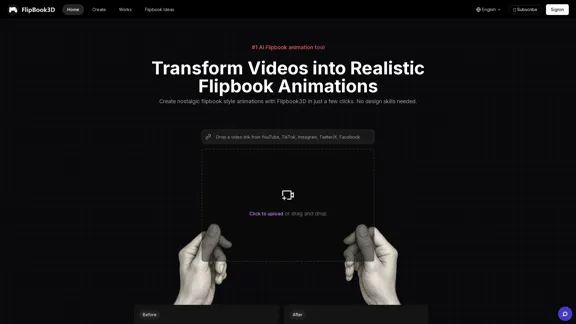
Transform videos into realistic flipbook animations with Flipbook3D. Create flipbooks with just a few clicks. No design skills required.
2.18 K