Audio Enhancer is an AI-powered tool designed to improve the quality of audio files by enhancing clarity and removing background noise. It supports a wide range of file formats and offers various subscription plans to cater to different user needs, from beginners to professional content creators.
Audio Enhancer - Enhance Audio with AI
Enhance Audio and improve your audio's quality with our AI-powered Audio Enhancer. Upload and remove all background noises.
Introduction
Feature
-
One-Click Enhancement
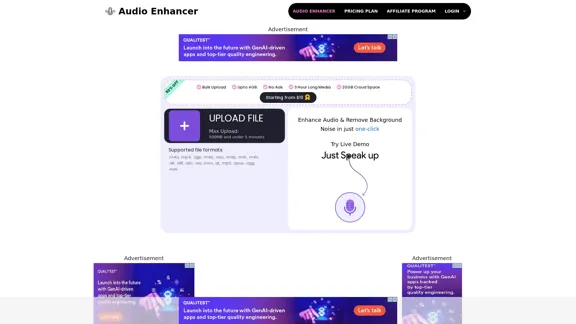
Audio Enhancer allows users to improve audio quality and remove background noise with just one click, making it accessible and easy to use.
-
Multiple File Formats Supported
The tool supports a variety of file formats including .m4a, .mp4, .3gp, .aac, .mp3, .wav, and more, ensuring compatibility with most audio and video files.
-
Customizable Enhancement Options
Users can choose specific enhancements such as improving quality, reducing background noise, cleaning up speech, and fixing loudness and levels.
-
Content Type Selection
The tool provides options to select the type of content being enhanced, such as mobile video, podcast, educational video, interview/meeting, lecture/conference, voice recording, professional video, and professional audio.
-
Bulk Upload and Cloud Storage
Premium users can upload files in bulk (up to 5 files at once) and enjoy up to 20GB of cloud storage space.
-
Subscription Plans
Audio Enhancer offers various subscription plans to meet different needs:
-
Basic Plan: $10/month
-
Pro Plan: $45/month
-
Studio Plan: $90/month
-
How to Use?
- Open the Audio Enhancer website and log in to your account.
- Click on the "Upload File" button to upload your audio or video file.
- Choose the type of enhancement you need (e.g., improve quality, reduce background noise).
- Select the content type that best matches your file.
- Click "Enhance Media" to start the enhancement process.
- Download the enhanced file once the process is complete.
FAQ
What is Audio Enhancer?
Audio Enhancer is an AI-powered tool designed to improve the quality of audio files by enhancing clarity and removing background noise. It supports various file formats and offers multiple subscription plans.
How does Audio Enhancer work?
Audio Enhancer uses advanced AI algorithms to analyze and enhance audio files. Users can upload their files, select the type of enhancement needed, and download the improved audio.
Can I use the enhanced audio for my projects?
Yes, the enhanced audio files can be used for various projects, including podcasts, videos, music tracks, and more.
What file formats are supported by Audio Enhancer?
Audio Enhancer supports a wide range of file formats, including .m4a, .mp4, .3gp, .aac, .mp3, .wav, and more.
How to get started with Audio Enhancer?
To get started, visit the Audio Enhancer website, sign up for an account, upload your audio or video file, choose the desired enhancements, and download the improved file.
Price
| Plan | Price | Features |
|---|---|---|
| Basic | $10/month | Best for Beginners, 300 Minutes, Bulk Upload (5 files), 2GB per file |
| Pro | $45/month | Best for Reels Creator, 5 hours, Bulk Upload (5 files), 2GB per file |
| Studio | $90/month | Best for Youtubers, 5 hours, Bulk Upload (5 files), 2GB per file |
The price is for reference only, please refer to the latest official data for actual information.
Evaluation
-
Strengths: Audio Enhancer is user-friendly and supports a wide range of file formats. The one-click enhancement feature is particularly useful for users who need quick and efficient audio improvements. The customizable enhancement options and content type selection add to its versatility.
-
Areas for Improvement: While the tool is effective for basic enhancements, it may not meet the needs of professional audio engineers who require more advanced features. Additionally, the pricing for higher-tier plans may be considered steep for some users.
-
Overall: Audio Enhancer is a valuable tool for content creators, podcasters, and musicians looking to improve their audio quality with minimal effort. However, it may not replace more advanced audio editing software for professional use.
Related Websites
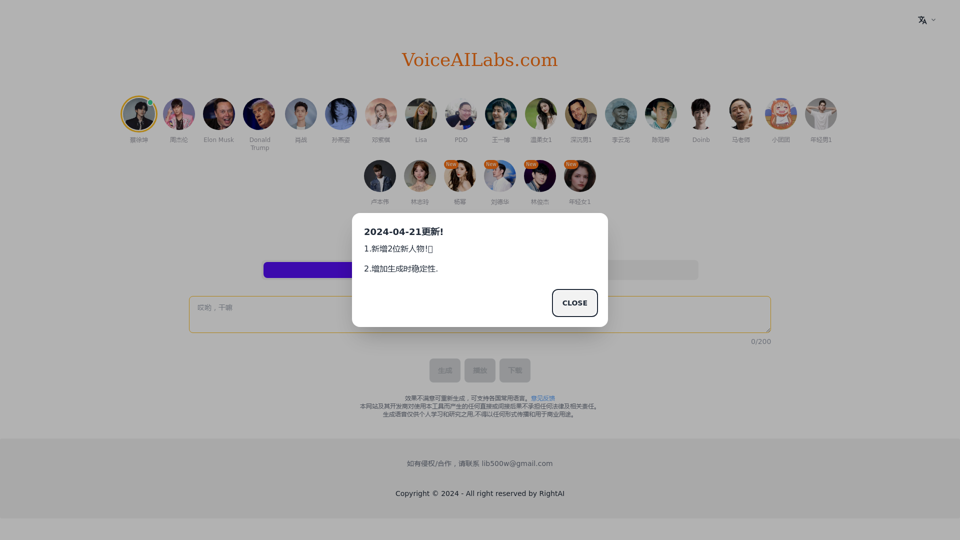
We offer professional AI celebrity voice synthesis services, allowing you to easily and freely create personalized voice content. We are the best AI voice generator, with celebrity voice generation capabilities from all over the world. We have celebrity voices like Cai Xukun, Xiao Zhan, Wang Yibo, Edison Chen, singers like Sun Yanzi, Jay Chou, G.E.M. Deng, Lisa, and anchors like PDD, DoinB, and Xiao Tuan Tuan.
0

Notta is a high-precision transcription service equipped with the latest AI voice recognition engine. It features real-time transcription and translation functions, and can quickly convert audio files up to 5 hours long into text at once. You can easily perform audio conversion and editing on your PC.
3.69 M
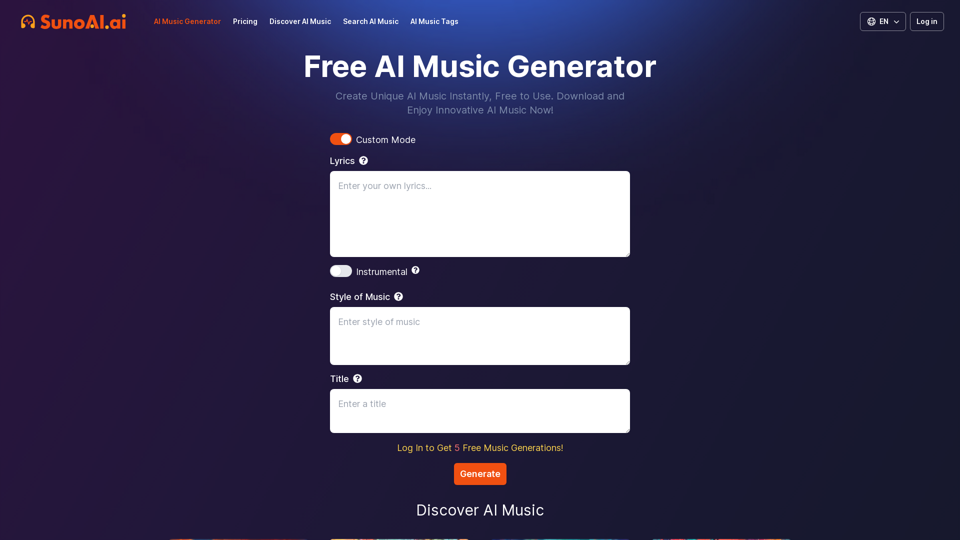
Explore the revolutionary AI Music Generator. Create unique AI MP3 Music instantly, free to use.
257.55 K
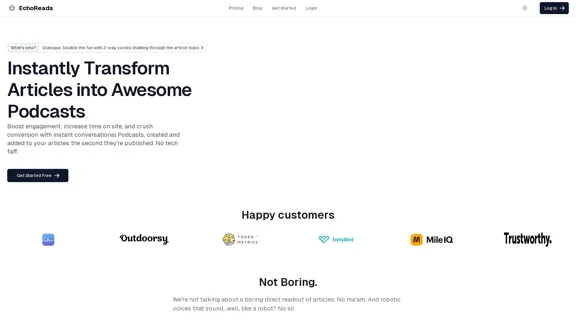
EchoReads: Transform Your Blog Articles into Podcasts Instantly*
EchoReads: Transform Your Blog Articles into Podcasts Instantly*Discover EchoReads, the revolutionary platform that effortlessly converts your blog posts into engaging podcast episodes. Enhance accessibility and increase audience reach today.
0
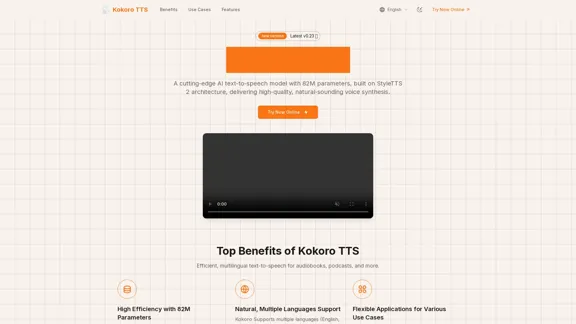
Kokoro TTS: Advanced AI Text-to-Speech Model with 82 million parameters
Kokoro TTS: Advanced AI Text-to-Speech Model with 82 million parametersKokoro TTS - An advanced AI text-to-speech model with only 82M parameters, provides high-quality and efficient speech synthesis. It transforms text into natural, lifelike voices.
19.60 K
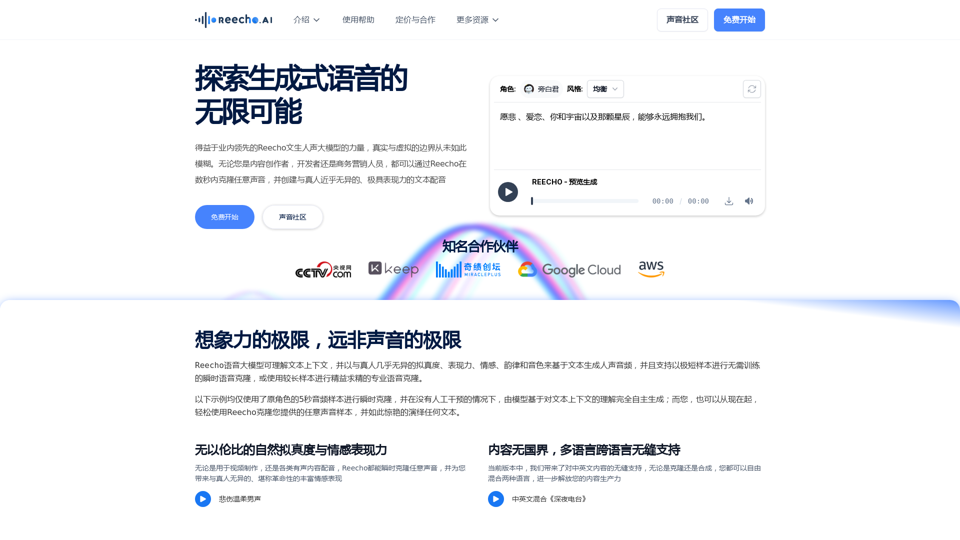
Reecho Voice - Ultra-Realistic Voice Synthesis and Instant Cloning Platform
Reecho Voice - Ultra-Realistic Voice Synthesis and Instant Cloning PlatformReecho睿声 is an innovative product that focuses on 5-second instant voice cloning and ultra-realistic voice synthesis. Driven by self-developed cutting-edge Reecho text-to-speech large model, it can deeply understand text, instantly clone any voice, and achieve ultra-realistic voice synthesis effects indistinguishable from real humans.
5.73 K
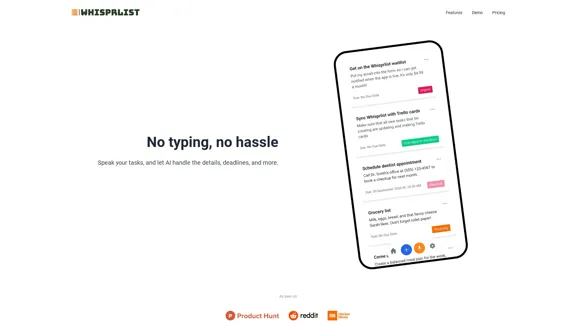
Join Whisprlist to effortlessly manage your tasks using voice commands. Get organized, stay productive, and let our AI-powered task manager do the heavy lifting. Sign up now!
0