Deep Find is an AI-powered browser extension designed to detect and highlight AI-generated text on web pages. This innovative tool helps users identify potential fake content, including emails, news articles, social media posts, and AI-written papers. With its real-time detection capabilities and user-friendly interface, Deep Find offers a seamless experience for users seeking to distinguish between human-written and AI-generated content while browsing the internet.
Deep Find
Detect AI-generated text directly in your browser, no copying and pasting required. ChatGPT and AI content detector, on the fly.
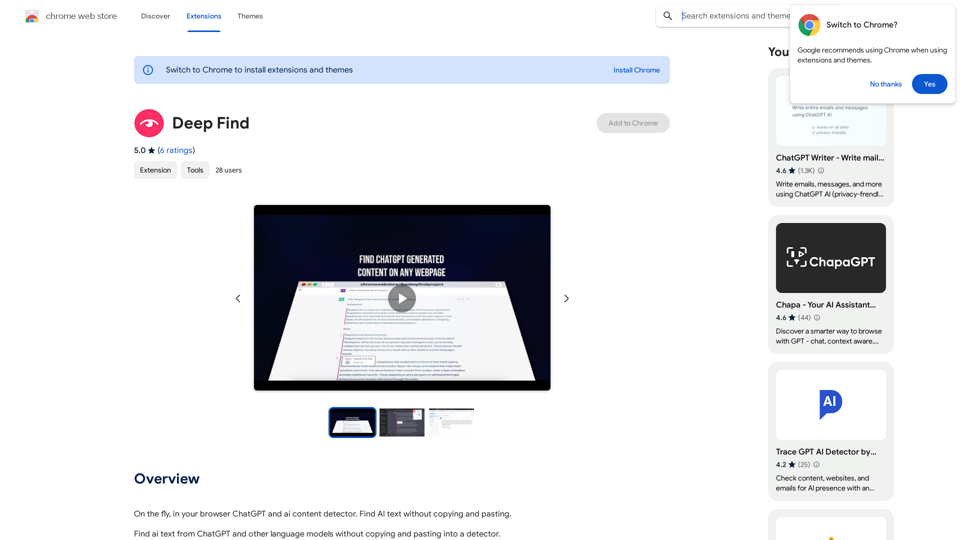
Introduction
Feature
AI Text Detection
Deep Find employs advanced AI algorithms to analyze and identify AI-generated text on web pages, providing users with a powerful tool to detect artificial content.
Real-time Detection
The extension offers instant identification of AI-generated content as users browse the web, ensuring up-to-date and efficient detection.
User-Friendly Interface
Deep Find boasts an intuitive and easy-to-navigate interface, making it accessible for users of all technical levels.
Free Installation
Users can install and use Deep Find at no cost, making it widely accessible to anyone interested in detecting AI-generated content.
Multi-Device Compatibility
As a browser extension, Deep Find can be installed on multiple devices, allowing users to maintain consistent detection capabilities across their browsing platforms.
Versatile Content Detection
The extension is capable of identifying AI-generated text in various formats, including emails, news articles, social media posts, and website content.
FAQ
How accurate is Deep Find in detecting AI-generated text?
While Deep Find utilizes advanced AI algorithms for detection, it's important to note that it's not 100% accurate. Users should consider it as a helpful tool for identifying potential AI-generated content rather than an infallible solution.
How do I use Deep Find?
To use Deep Find, simply install the browser extension and start browsing the web. The extension will automatically detect and highlight AI-generated text on web pages as you browse.
Is my data safe when using Deep Find?
Deep Find handles user data in accordance with its privacy policy, which can be found on the developer's website. Users concerned about data safety should review this policy for detailed information on data handling practices.
Can Deep Find help in detecting fake news or misinformation?
Yes, Deep Find can be a valuable tool in identifying potentially fake news or misinformation by detecting AI-generated content in news articles and social media posts. However, users should always use critical thinking and verify information from multiple sources.
Latest Traffic Insights
Monthly Visits
193.90 M
Bounce Rate
56.27%
Pages Per Visit
2.71
Time on Site(s)
115.91
Global Rank
-
Country Rank
-
Recent Visits
Traffic Sources
- Social Media:0.48%
- Paid Referrals:0.55%
- Email:0.15%
- Referrals:12.81%
- Search Engines:16.21%
- Direct:69.81%
Related Websites
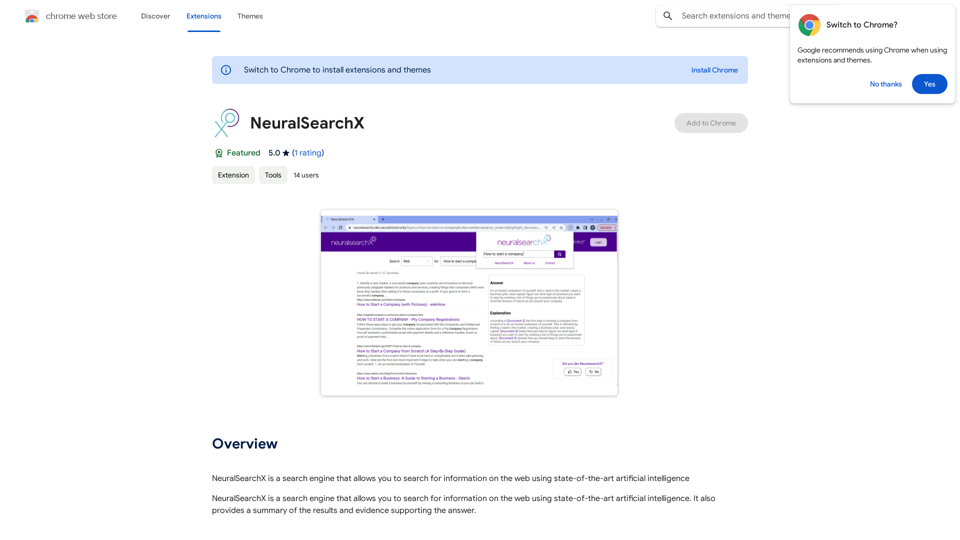
NeuralSearchX is a search engine that lets you search the web using cutting-edge artificial intelligence.
193.90 M
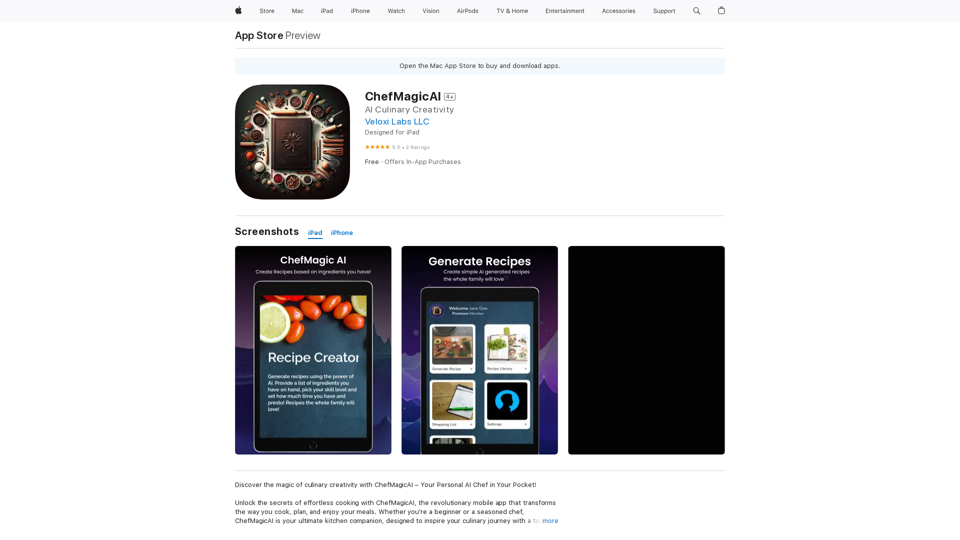
Discover the magic of culinary creativity with ChefMagicAI – Your Personal AI Chef in Your Pocket! Unlock the secrets of effortless cooking with ChefMagicAI, the...
124.77 M
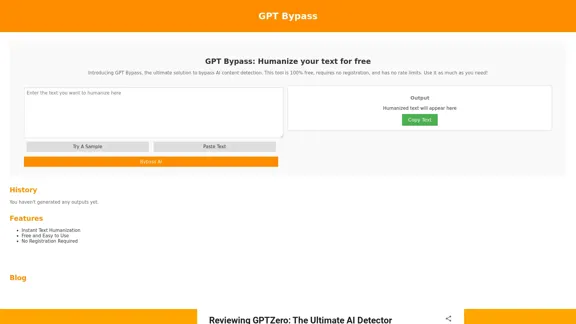
GPT Bypass: 100% Free Tool to Humanize Text and Avoid AI Detection
GPT Bypass: 100% Free Tool to Humanize Text and Avoid AI DetectionGPT Bypass is a free tool that helps you avoid AI detection and make text more human-like for more natural and engaging communication. Try it now!
10.34 K
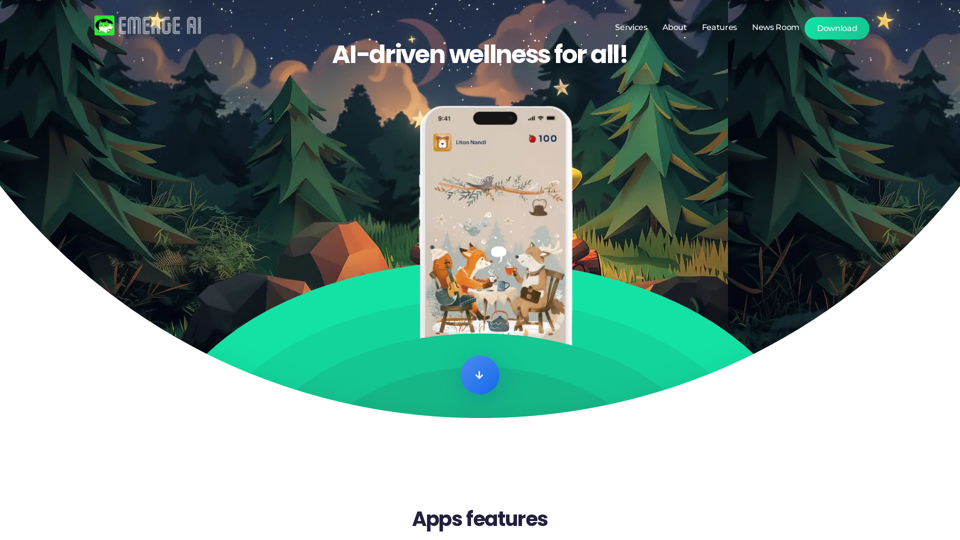
AI-driven wellness for all! App Features: * AI Pets: AI-generated digital companions that evolve and grow alongside you on your wellness journey. * NFT Ranking: In your physical activities and reach fitness milestones, earn tokens that contribute to the growth and value of your digital pet as an NFT. * Networking with friends: Showcase your unique companions and connect with friends who share your wellness goals.
1.16 K
Free Plagiarism Checker And AI Content Detection | CopyFind
Free Plagiarism Checker And AI Content Detection | CopyFindCopyFind AI Plagiarism Checker is a free, accurate tool that checks for duplicate content and verifies if your text is original or has been generated by AI.
202
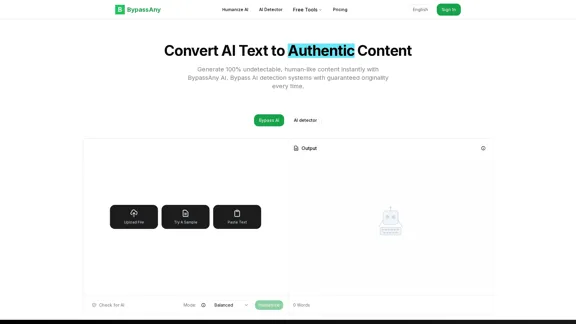
Use the AI detector and AI Humanizer of BypassAny for free. Make your AI- or ChatGPT-generated text undetectable for free today!
438
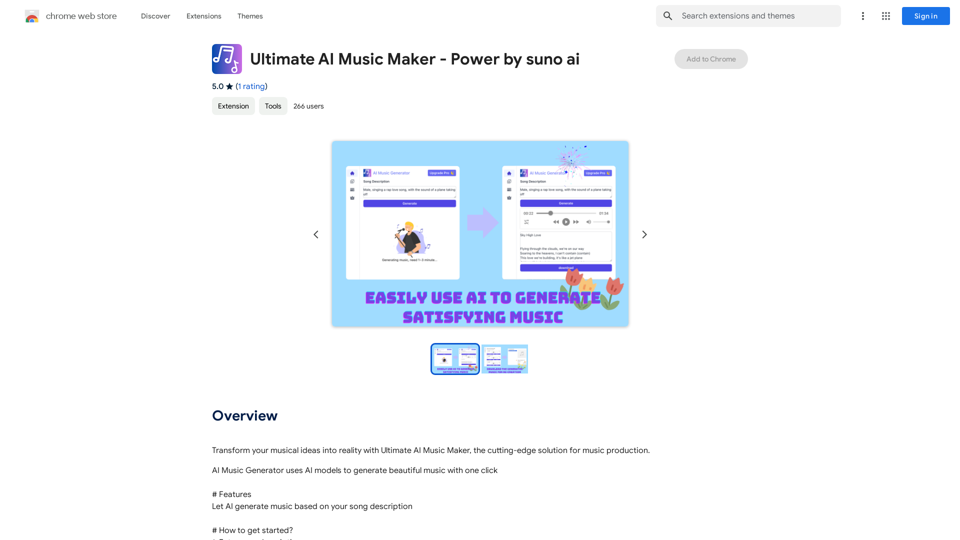
Bring your musical ideas to life with Ultimate AI Music Maker, the latest tool for making music.
193.90 M
Free AI Generators: Comprehensive Tools for All Your Needs
Free AI Generators: Comprehensive Tools for All Your NeedsUnleash the power of AI generators with our complete set of tools. Boost your creativity, marketing, lifestyle, and so much more with our wide range of AI solutions.
1.72 K