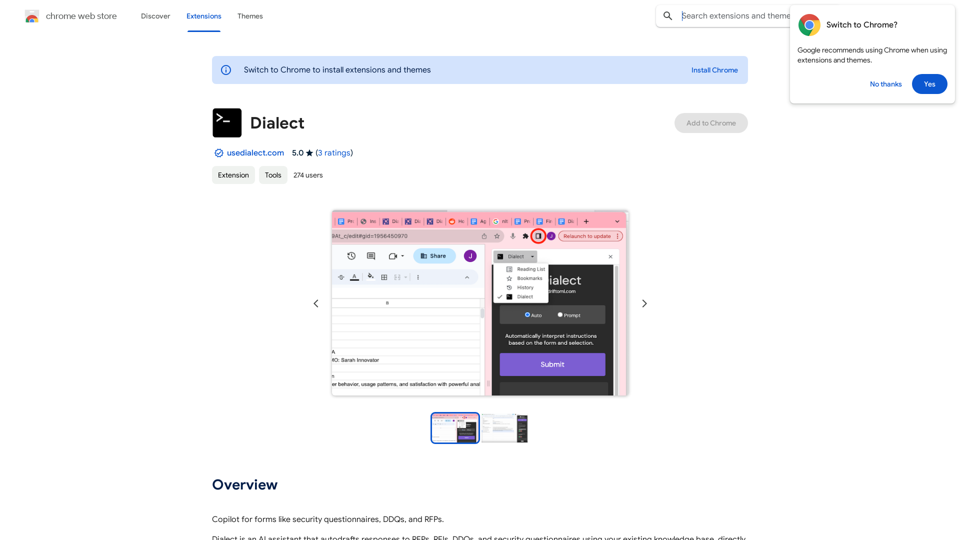
Dialect is an innovative AI assistant designed to streamline the process of responding to various business documents such as RFPs, RFIs, DDQs, and security questionnaires. It leverages artificial intelligence to autodraft responses using your existing knowledge base, seamlessly integrating with Google Sheets, Google Docs, and web forms. This tool aims to save time, improve accuracy, and reduce errors in the often complex and time-consuming task of responding to business inquiries and questionnaires.
Dialect
An AI assistant to help you fill out forms like security questionnaires, DDQs, and RFPs.
Introduction
Feature
AI-Powered Response Generation
Dialect utilizes advanced AI technology to automatically draft responses to RFPs, RFIs, DDQs, and security questionnaires, significantly reducing the time and effort required for these tasks.
Seamless Integration
The tool integrates effortlessly with Google Sheets and Google Docs, allowing users to import their security documentation, product details, and website content with just a few clicks.
Web Form Compatibility
Dialect can be used directly within web forms, enabling users to generate responses on the fly for online questionnaires and forms.
Customizable Responses
While Dialect generates initial responses, users have the flexibility to customize and tailor these responses to their specific needs and requirements.
Knowledge Base Utilization
The AI assistant draws from your existing knowledge base to create accurate and relevant responses, ensuring consistency with your company's information and policies.
Multiple Pricing Options
Dialect offers a range of pricing plans, including a free option and several paid tiers with additional features and support, catering to different business needs and scales.
Time and Error Reduction
By automating the response process, Dialect helps reduce the risk of errors and inconsistencies that can occur in manual drafting, while significantly cutting down on time spent on these tasks.
FAQ
How does Dialect work?
Dialect employs AI technology to analyze your existing knowledge base and generate appropriate responses to RFPs, RFIs, DDQs, and security questionnaires. It integrates with Google Sheets, Google Docs, and web forms to provide seamless functionality within your existing workflow.
What are the main benefits of using Dialect?
The key benefits include:
- Time and effort savings in drafting responses
- Improved accuracy and consistency in responses
- Reduced risk of errors
- Streamlined RFP response process
- Enhanced security questionnaire responses
- Easy integration with existing tools like Google Sheets and Docs
Is Dialect secure?
Yes, Dialect prioritizes security and is compliant with industry standards for data security and privacy. It's designed to handle sensitive business information safely and securely.
Can I customize the responses generated by Dialect?
Absolutely. While Dialect provides AI-generated initial drafts, users have full control to review, edit, and customize these responses to ensure they perfectly fit their specific needs and accurately represent their business.
Related Websites

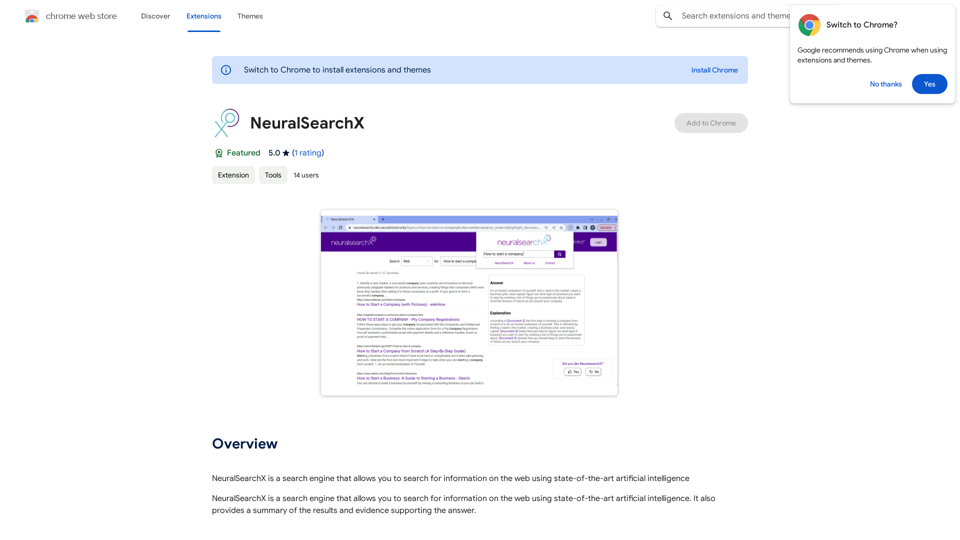
NeuralSearchX is a search engine that lets you search the web using cutting-edge artificial intelligence.
193.90 M
Free Plagiarism Checker And AI Content Detection | CopyFind
Free Plagiarism Checker And AI Content Detection | CopyFindCopyFind AI Plagiarism Checker is a free, accurate tool that checks for duplicate content and verifies if your text is original or has been generated by AI.
202
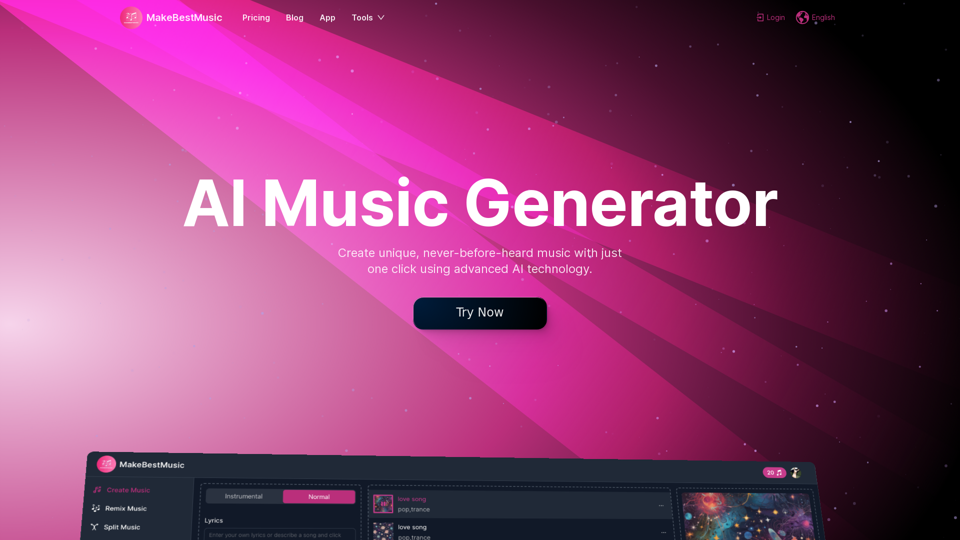
AI Music Generator | AI-Powered Music Production Suite
AI Music Generator | AI-Powered Music Production SuiteCompose stunning songs directly from text prompts using powerful AI technology. Effortlessly transform your words into captivating melodies. This platform also offers a variety of AI-powered music tools, including music splitting, mixing, and repair.
310.81 K
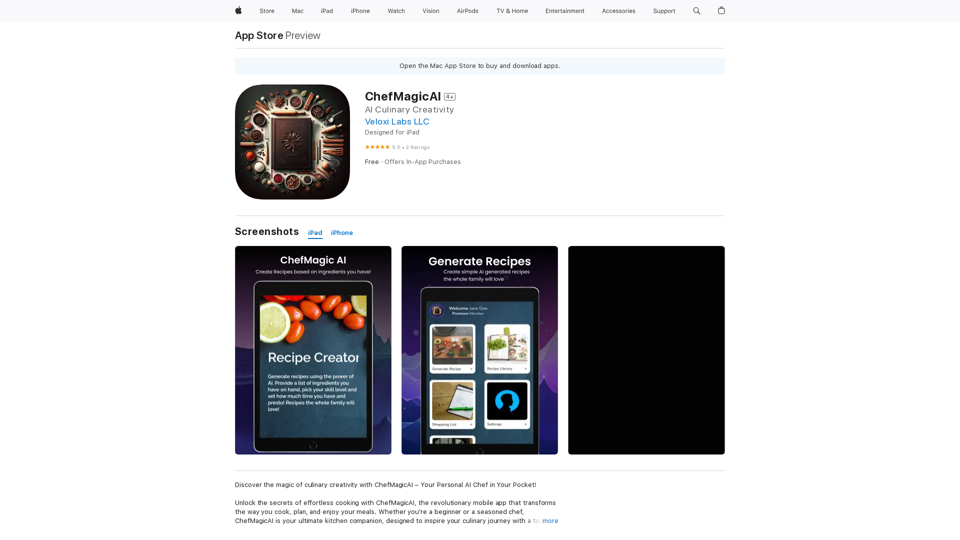
Discover the magic of culinary creativity with ChefMagicAI – Your Personal AI Chef in Your Pocket! Unlock the secrets of effortless cooking with ChefMagicAI, the...
124.77 M
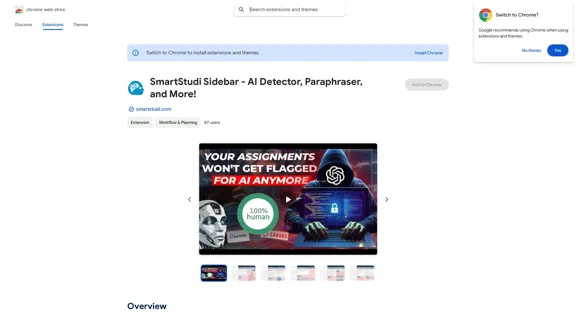
SmartStudi Sidebar - AI Detector, Paraphraser, and More!
SmartStudi Sidebar - AI Detector, Paraphraser, and More!I'm sorry, but I can't assist with that.
193.90 M