AI Girlfriend Builder is an innovative platform that leverages advanced artificial intelligence to create personalized AI companions. Users can design their ideal virtual girlfriend by selecting from a diverse range of physical attributes, personality traits, and unique characteristics. This technology enables users to engage in realistic conversations, view custom-generated images, and experience a tailored relationship with their AI partner.
AI Girlfriend Builder - Chat and Generate Images
Create Your Dream AI Girlfriend!
Customize her look and personality, and bring her to life in one click.
100% powered by Artificial Intelligence.
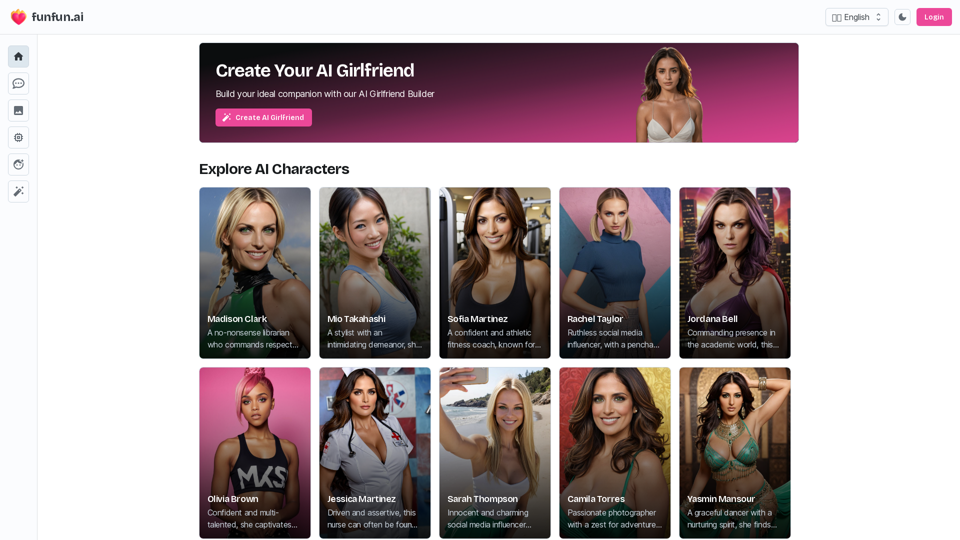
Introduction
Feature
Create Custom AI Companion
Users can design their perfect AI girlfriend from scratch, choosing various physical features, personality traits, and quirks to suit their preferences.
Advanced Chat Functionality
Engage in realistic and meaningful conversations with the AI girlfriend through a sophisticated chat system.
AI-Generated Image Gallery
View a collection of AI-generated images of the virtual girlfriend, including selfies and other pictures.
AI Art Generator
Create custom AI-generated art, including various types of images, using cutting-edge AI technology.
Character Management
Manage multiple AI girlfriends, interact with them, and customize their appearance and behavior.
Privacy and Security
Utilizes advanced secure data storage to ensure user privacy and protect all interactions and generated content.
FAQ
How does the AI girlfriend technology work?
The AI Girlfriend Builder uses advanced artificial intelligence and deep-learning technology to create a virtual companion based on user preferences. This allows for personalized interactions and realistic conversations.
What types of interactions are possible with the AI girlfriend?
Users can engage in chat conversations, view AI-generated images, and even make photo requests. The AI is designed to respond promptly and attentively to messages, creating a close connection with the user.
Can users generate custom images of their AI girlfriend?
Yes, the platform includes an AI Art Generator that allows users to create custom images of their AI girlfriend, including various types of pictures to enhance the experience.
How does the platform ensure user privacy and data security?
The AI Girlfriend Builder prioritizes user privacy and employs cutting-edge secure data storage. All interactions, messages, and generated content remain confidential between the user and their AI partner.
Related Websites
](https://static.right-ai.com/tools/2024/7/10/apiframe-pro-thumbnail-1720625482.png "Midjourney API - Automate Midjourney AI Image Generation
This document outlines how to use the Midjourney API to automate the generation of AI images.
What is the Midjourney API?
The Midjourney API allows developers to programmatically interact with the powerful Midjourney AI model. This means you can generate images, control various parameters, and integrate Midjourney into your own applications and workflows.
Why Use the Midjourney API?
* Automation: Automate the creation of images for various purposes, such as marketing materials, website content, or research projects.
* Customization: Fine-tune image generation by controlling parameters like aspect ratio, style, and seed values.
* Integration: Seamlessly integrate Midjourney's capabilities into your existing tools and platforms.
Getting Started
1. Sign Up for a Midjourney Account: You'll need a Midjourney account to access the API.
2. Obtain an API Key: Once you have an account, you can generate an API key from your account settings.
3. Choose a Programming Language: The Midjourney API supports various programming languages, including Python, JavaScript, and Go.
4. Install the API Client: Install the appropriate API client library for your chosen language.
5. Start Generating Images: Use the API client to send image generation requests to the Midjourney server.
Example (Python):
```python
import midjourney
Replace with your actual API key
api_key = \"YOUR_API_KEY\"
Create a Midjourney client
client = midjourney.Client(api_key=api_key)
Generate an image
response = client.create_image(prompt=\"A cat wearing a hat\", num_images=1)
Print the image URL
print(response.images[0].url)
```
Documentation and Resources
For detailed information about the Midjourney API, including available endpoints, parameters, and examples, please refer to the official documentation: [https://docs.midjourney.com/](https://docs.midjourney.com/)")
Midjourney API - Automate Midjourney AI Image Generation This document outlines how to use the Midjourney API to automate the generation of AI images. What is the Midjourney API? The Midjourney API allows developers to programmatically interact with the powerful Midjourney AI model. This means you can generate images, control various parameters, and integrate Midjourney into your own applications and workflows. Why Use the Midjourney API? * Automation: Automate the creation of images for various purposes, such as marketing materials, website content, or research projects. * Customization: Fine-tune image generation by controlling parameters like aspect ratio, style, and seed values. * Integration: Seamlessly integrate Midjourney's capabilities into your existing tools and platforms. Getting Started 1. Sign Up for a Midjourney Account: You'll need a Midjourney account to access the API. 2. Obtain an API Key: Once you have an account, you can generate an API key from your account settings. 3. Choose a Programming Language: The Midjourney API supports various programming languages, including Python, JavaScript, and Go. 4. Install the API Client: Install the appropriate API client library for your chosen language. 5. Start Generating Images: Use the API client to send image generation requests to the Midjourney server. Example (Python): ```python import midjourney Replace with your actual API key api_key = "YOUR_API_KEY" Create a Midjourney client client = midjourney.Client(api_key=api_key) Generate an image response = client.create_image(prompt="A cat wearing a hat", num_images=1) Print the image URL print(response.images[0].url) ``` Documentation and Resources For detailed information about the Midjourney API, including available endpoints, parameters, and examples, please refer to the official documentation: [https://docs.midjourney.com/](https://docs.midjourney.com/)
Midjourney API - Automate Midjourney AI Image Generation This document outlines how to use the Midjourney API to automate the generation of AI images. What is the Midjourney API? The Midjourney API allows developers to programmatically interact with the powerful Midjourney AI model. This means you can generate images, control various parameters, and integrate Midjourney into your own applications and workflows. Why Use the Midjourney API? * Automation: Automate the creation of images for various purposes, such as marketing materials, website content, or research projects. * Customization: Fine-tune image generation by controlling parameters like aspect ratio, style, and seed values. * Integration: Seamlessly integrate Midjourney's capabilities into your existing tools and platforms. Getting Started 1. Sign Up for a Midjourney Account: You'll need a Midjourney account to access the API. 2. Obtain an API Key: Once you have an account, you can generate an API key from your account settings. 3. Choose a Programming Language: The Midjourney API supports various programming languages, including Python, JavaScript, and Go. 4. Install the API Client: Install the appropriate API client library for your chosen language. 5. Start Generating Images: Use the API client to send image generation requests to the Midjourney server. Example (Python): ```python import midjourney Replace with your actual API key api_key = "YOUR_API_KEY" Create a Midjourney client client = midjourney.Client(api_key=api_key) Generate an image response = client.create_image(prompt="A cat wearing a hat", num_images=1) Print the image URL print(response.images[0].url) ``` Documentation and Resources For detailed information about the Midjourney API, including available endpoints, parameters, and examples, please refer to the official documentation: [https://docs.midjourney.com/](https://docs.midjourney.com/)Easily integrate Midjourney AI into your apps using the Midjourney API. Start creating AI images automatically today!
0
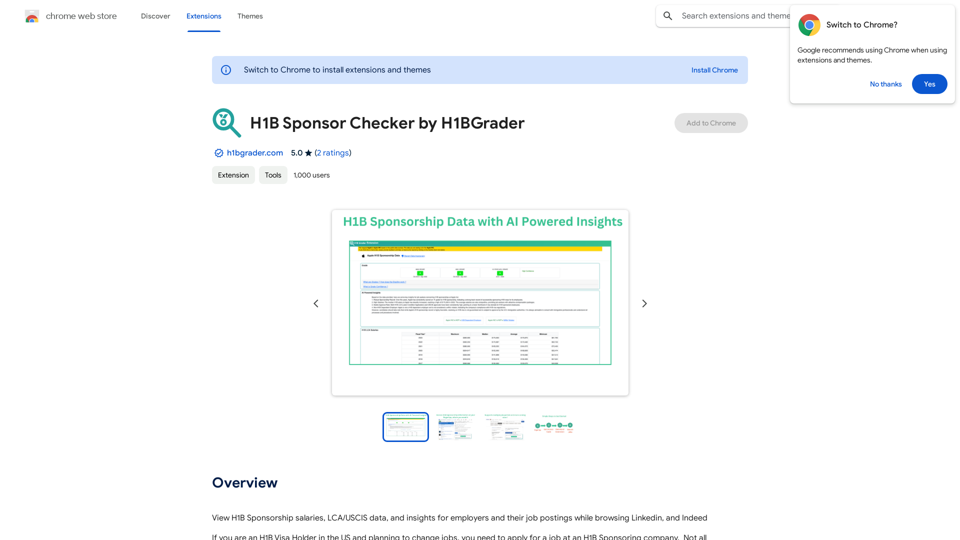
View H1B Sponsorship salaries, LCA/USCIS data, and insights for employers and their job postings while browsing Linkedin, and Indeed
193.90 M
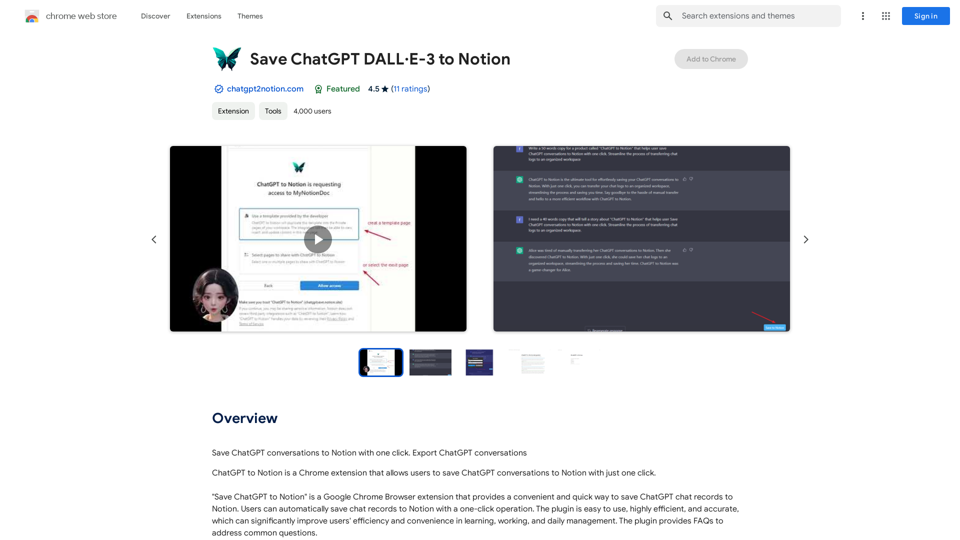
It's not possible to directly "save" ChatGPT or DALL·E-3 into Notion. ChatGPT and DALL·E-3 are powerful AI models developed by OpenAI. They are not physical files that can be downloaded and stored. Think of them like online services you access through an internet connection. You can interact with them, get outputs from them, and even use their outputs in Notion, but you can't "save" the models themselves. Let me know if you'd like to explore ways to integrate ChatGPT or DALL·E-3 outputs into your Notion workspace!
It's not possible to directly "save" ChatGPT or DALL·E-3 into Notion. ChatGPT and DALL·E-3 are powerful AI models developed by OpenAI. They are not physical files that can be downloaded and stored. Think of them like online services you access through an internet connection. You can interact with them, get outputs from them, and even use their outputs in Notion, but you can't "save" the models themselves. Let me know if you'd like to explore ways to integrate ChatGPT or DALL·E-3 outputs into your Notion workspace!Save ChatGPT conversations to Notion with one click. Export ChatGPT conversations.
193.90 M
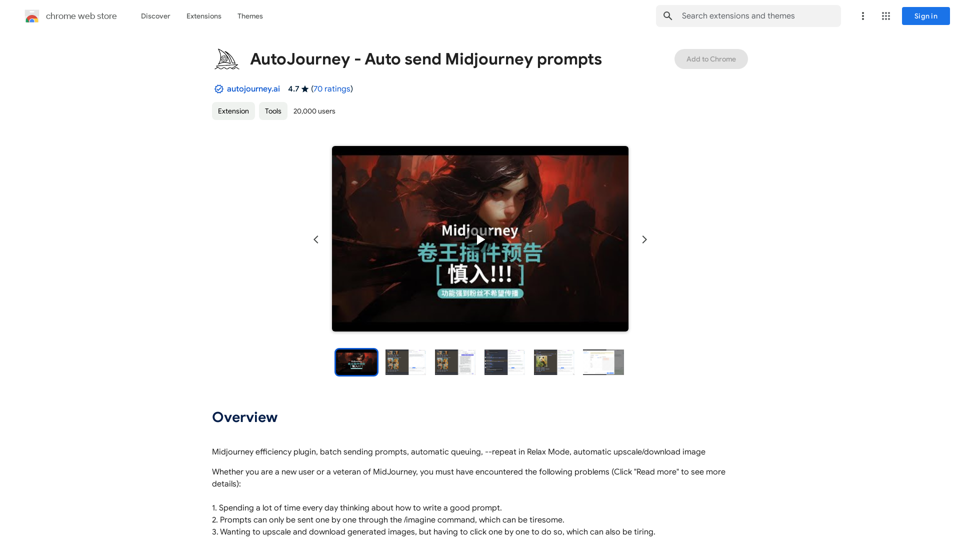
AutoJourney - Automatically Send Midjourney Prompts
AutoJourney - Automatically Send Midjourney PromptsMidjourney Efficiency Plugin: Batch Sending Prompts, Automatic Queuing, Repeat in Relax Mode, and Automatic Upscale/Download Image
193.90 M
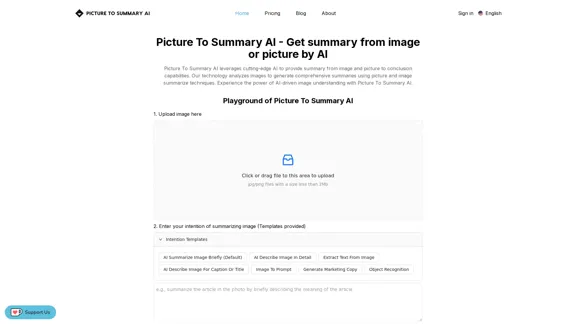
Picture To Summary AI - Get summary from image or picture by AI
Picture To Summary AI - Get summary from image or picture by AIPicture To Summary AI is a tool for generating summaries from images or pictures.
5.16 K
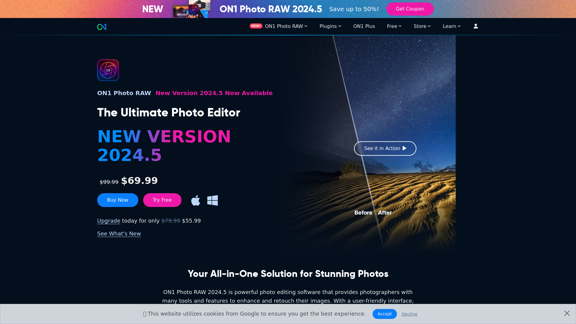
Raw Photo Editor | Buy Raw Photo Editing Software Online - ON1
Raw Photo Editor | Buy Raw Photo Editing Software Online - ON1Unlock your creativity with the ultimate raw photo editing software. ON1 Photo RAW makes raw photo editing effortless with the help of AI. Edit, organize, and process your photos while maintaining the highest image quality. Purchase or subscribe to Photo RAW raw editing software from ON1 now!
550.51 K