Ai Hugging Generator is an innovative online tool that uses AI technology to create personalized hugging videos from static images. This free service allows users to transform photos of two people into dynamic, heartwarming videos of them embracing, offering a unique way to express emotions and create memorable moments.
Ai Hugging Generator | Create People Hugging With AI Free Online
Use our AI Hugging Generator to create free AI hugs online. Experience the joy of hugging each other with AI technology, making AI hugs free and accessible to everyone.
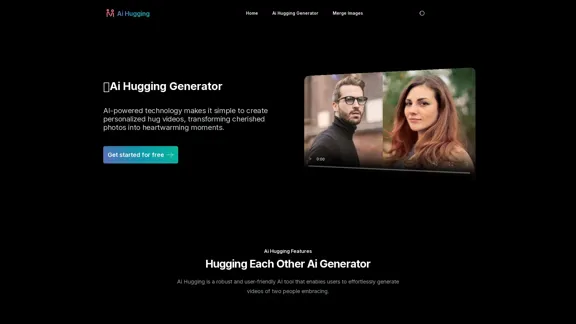
Introduction
Feature
-
Instant AI Hug Video Generation
- Rapid processing: Create hugging videos in minutes
- High-quality output: Generate videos instantly with user-defined parameters
-
Lifelike Hugging Actions and Expressions
- Advanced AI technology: Captures nuances of human interaction
- Realistic motions: Delivers authentic-looking videos with natural facial expressions
-
Customizable Hug Video Styles
- Diverse options: Choose from various hugging styles (warm embrace, light hug, etc.)
- Personalization: Tailor videos to suit individual preferences and needs
-
Genuine Emotion Preservation
- Emotion capture: Preserves real feelings and connections between individuals
- Heartfelt results: Ensures videos convey authentic emotions
-
User-Friendly Process
- Simple 3-step procedure:
- Upload pictures of two people separately
- Enter a description or keywords for the desired image
- Generate the video with a single click
- Simple 3-step procedure:
-
Versatility
- Beyond hugs: Create custom animations for various scenarios
- Wide application: From romantic gestures to funny memes
-
Accessibility
- Free trial available
- Easy account creation for immediate access
How to Use?
-
For best results, upload clear, high-quality photos of both individuals.
-
Experiment with different prompts and keywords to achieve desired outcomes.
-
Try various hugging styles to find the one that best suits your needs.
-
Utilize the free trial to familiarize yourself with the tool before committing.
-
Consider the context and emotion you want to convey when selecting photos and prompts.
-
Download your generated videos in high quality for easy sharing across platforms.
-
Explore beyond hugging animations to unlock the full potential of the tool.
FAQ
What is AI Hugging?
AI Hugging is an AI-powered tool that transforms static images into dynamic videos, specializing in creating personalized hugging videos from photos of two people.
How can I access AI Hugging?
Simply create a free account on the AI Hugging platform to start using the tool.
Is there a free trial for AI Hugging?
Yes, AI Hugging offers a free trial for users to experience the tool's capabilities firsthand.
What can I do with AI Hugging besides creating hugging videos?
AI Hugging allows you to create various custom animations, including romantic gestures and funny memes, by animating any two people in your photos.
How do I download the AI Video generated by AI Hugging?
Once your AI video is generated, you can download it in high-quality format directly from the platform for easy sharing and use.
Evaluation
-
AI Hugging Generator offers a unique and innovative approach to creating personalized videos, filling a niche in the market for emotional and expressive content creation.
-
The tool's ability to generate lifelike hugging actions and preserve genuine emotions is impressive, potentially making it valuable for personal and commercial use.
-
The user-friendly interface and quick processing time are significant advantages, making it accessible to users with varying levels of technical expertise.
-
While the concept is creative, the limited focus on hugging videos may restrict its long-term appeal. Expanding to a broader range of interactions could increase its versatility and user base.
-
Privacy concerns may arise due to the nature of uploading personal photos. Clear privacy policies and robust data protection measures are crucial for user trust.
-
The availability of a free trial is commendable, allowing users to test the service before committing. However, the pricing structure for premium features is not clearly outlined on the website.
-
The tool's effectiveness likely depends heavily on the quality of input images and the accuracy of AI algorithms. Consistent results across various photo types and styles will be key to its success.
Related Websites
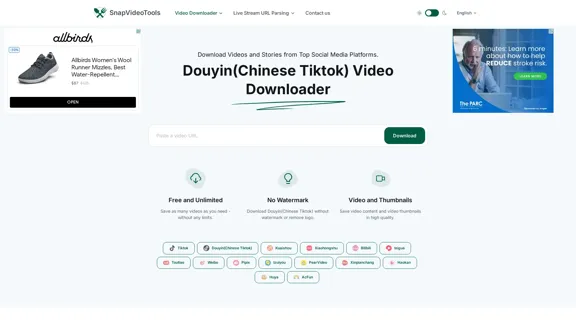
SnapVideoTools is a free online video watermark remover for Douyin, Xiaohongshu, Kuaishou, Bilibili, XiGua, Toutiao, and Weibo. No installation is required.
29.82 K
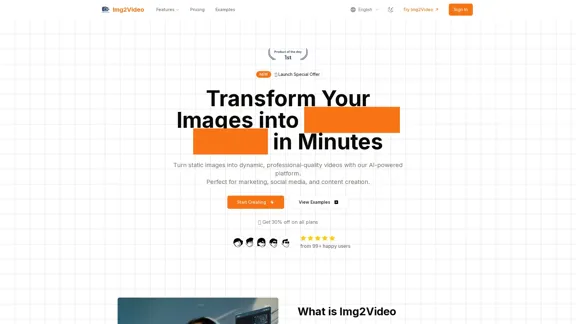
Turn static images into dynamic, professional-quality videos with our AI-powered platform. Perfect for marketing, social media, and content creation.
863
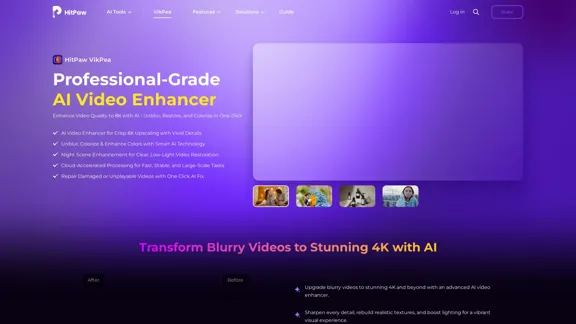
HitPaw VikPea (formerly HitPaw Video Enhancer) is an AI video quality enhancer that helps upscale videos to 8K and improve video quality. It specializes in 8K AI video enhancement.
1.86 M
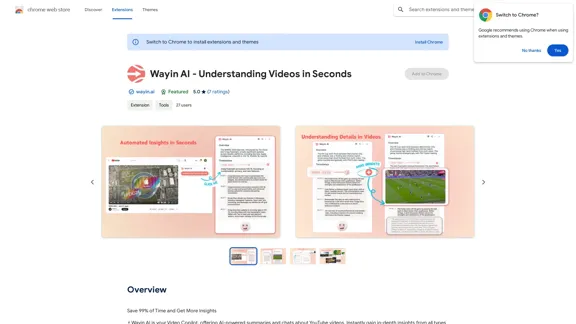
Wayin AI - Understanding Videos in Seconds - Chrome Web Store
Wayin AI - Understanding Videos in Seconds - Chrome Web StoreSave 99% of Time and Get More Insights
193.90 M
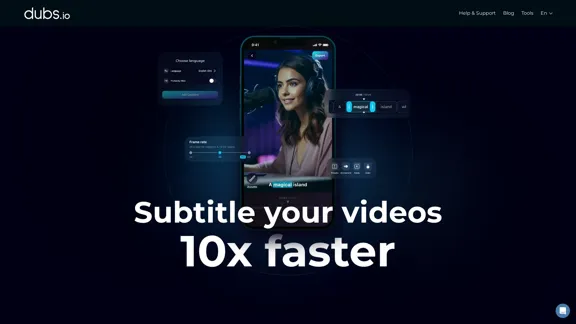
AI Subtitles and Captions Application for Your Content
AI Subtitles and Captions Application for Your ContentRevolutionize your video content with the ultimate captions app. Enhance engagement, accessibility, and discoverability effortlessly!
222.96 K

lipsync video to any audio or text. revolutionary ai video editor. real-time lipsync, seamless translation for global reach. create, reanimate, understand humans in video with our api. from wav2lip founders.
379.86 K
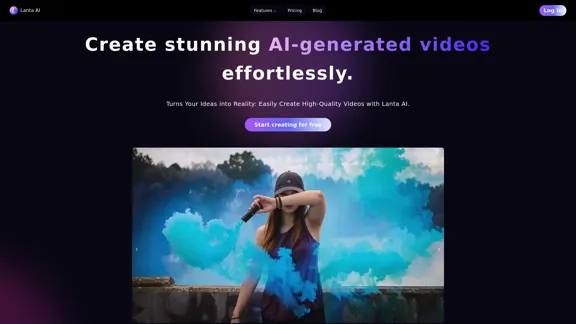
Lanta AI - Text to Video Generator: Powered by CogVideoX & Mochi 1
Lanta AI - Text to Video Generator: Powered by CogVideoX & Mochi 1Transform texts into stunning AI creations with Lanta AI. Powered by advanced technologies like CogVideoX and Mochi 1, our AI Video Generator redefines video editing and animation. Perfect for creators, marketers, and innovators seeking effortless text-to-video transformation.
389.41 K