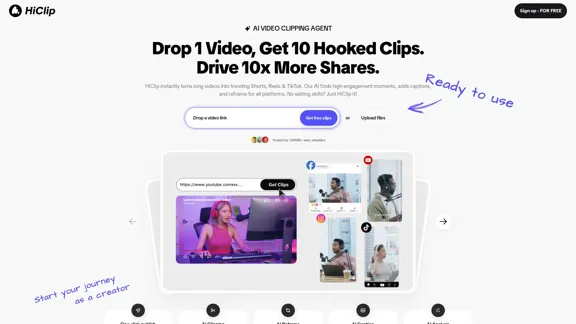
HiClip is an AI-powered video clipping agent designed to transform long videos into engaging short clips suitable for platforms like TikTok, Instagram Reels, and Shorts. By utilizing advanced AI technology, HiClip identifies high-engagement moments, adds captions, and reformats videos for various social media platforms, making video editing accessible to everyone, regardless of skill level.
HiClip - AI Video Clipping Assistant
HiClip instantly transforms long videos into trending Shorts, Reels, and TikTok. Our AI identifies high-engagement moments, adds captions, and reframes for all platforms. No editing skills? Just HiClip it!
Introduction
Feature
-
AI Clipping
HiClip automates the process of generating clips from long videos, extracting highlights effortlessly.
-
AI Reframe
The tool reformats videos to fit the specifications of different platforms, ensuring optimal presentation.
-
AI Captioning
HiClip adds captions to videos automatically, enhancing accessibility and engagement.
-
AI Analysis
The proprietary Context-Aware Analysis™ evaluates engagement signals to determine the most captivating parts of a video.
-
One-Click Publish
Users can publish their clips with a single click, streamlining the sharing process across multiple platforms.
-
Multi-Platform Support
HiClip supports various input sources, including MP4, MOV files, and links from YouTube and Vimeo, with the ability to export in over 10 formats.
How to Use?
- Sign up for a free account on the HiClip website.
- Drop a video link or upload your video file.
- Use the one-click publish feature to generate and share your clips instantly.
- Explore the auto-post feature for seamless sharing on social media platforms.
FAQ
What video editing tasks can HiClip automate?
HiClip automates tasks such as generating clips, extracting highlights, adding subtitles, and reframing videos for any platform.
How much time can HiClip save compared to manual editing?
Users can save over 85% of their editing time, with tasks that would typically take 30+ minutes being completed in about 20 seconds.
How does HiClip understand which parts of my video are most engaging?
HiClip uses Context-Aware Analysis™ to track visual dynamics, audio cues, and semantic context to identify engaging video segments.
What input sources and output formats do you support?
HiClip supports MP4, MOV files, and links from YouTube/Vimeo, with export options in over 10 presets for various social media platforms.
Price
Free plan: $0/month, Premium plan: $19.99/month, Business plan: $49.99/month
The price is for reference only, please refer to the latest official data for actual information.
Evaluation
-
HiClip effectively simplifies the video editing process, making it accessible for users without editing skills. The automation of clipping and captioning saves significant time and effort.
-
The Context-Aware Analysis™ feature is a strong point, as it intelligently identifies engaging moments, enhancing the quality of the output.
-
However, the reliance on AI may not always capture the user's specific vision or style, potentially leading to less personalized results.
-
While the tool is efficient for creating quick clips, users looking for in-depth editing features may find it lacking.
-
Overall, HiClip is an excellent solution for those needing quick, engaging video content for social media, but it may not replace more comprehensive editing software for advanced users.
Related Websites
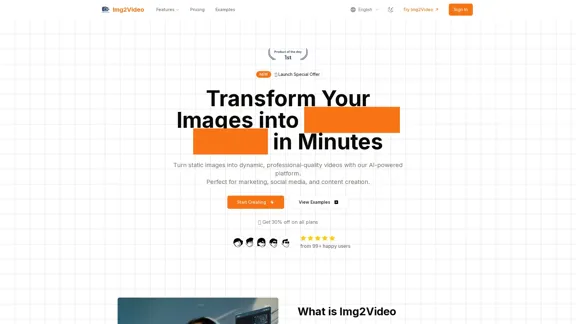
Turn static images into dynamic, professional-quality videos with our AI-powered platform. Perfect for marketing, social media, and content creation.
863
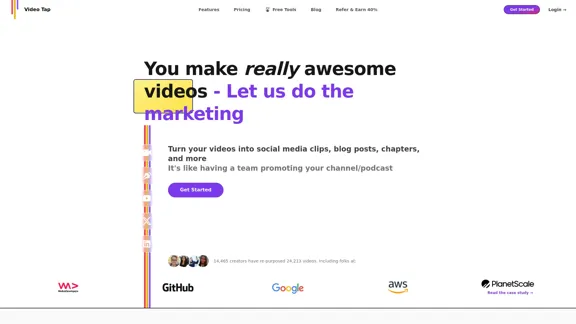
Transform videos into endless content such as blog posts, short clips, summaries and more with Video Tap.
19.54 K
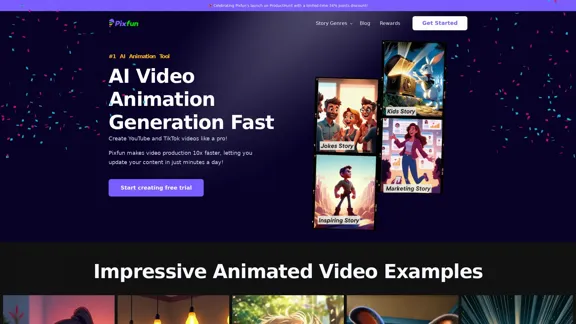
Pixfun – Fast AI Video Animation Generation for TikTok and Facebook
Pixfun – Fast AI Video Animation Generation for TikTok and Facebook33
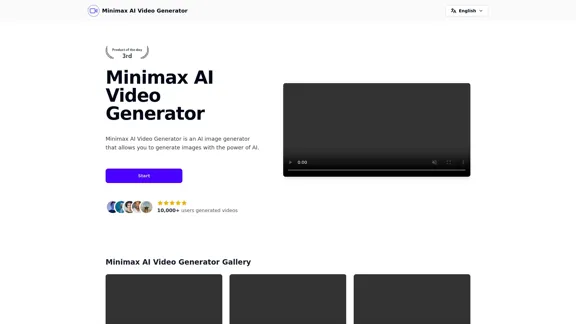
Minimax AI Video Generator | Minimax AI Video Generator | Hailuo AI abab-video-1
Minimax AI Video Generator | Minimax AI Video Generator | Hailuo AI abab-video-1Generate Minimax AI Video Free Online abab-video-1. Free Online | No Credit Card or Login Required
0
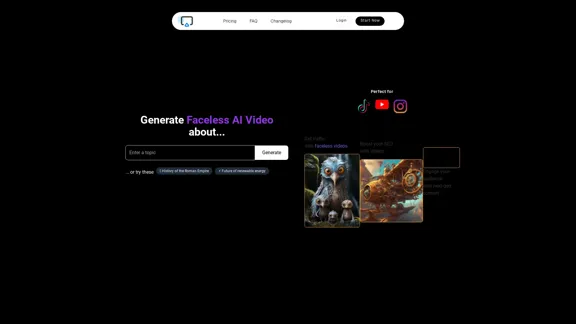
AI Shorts Generator - Create AI Videos in minutes, post automatically on your Social Media. High quality video in 5 minutes
90.24 K
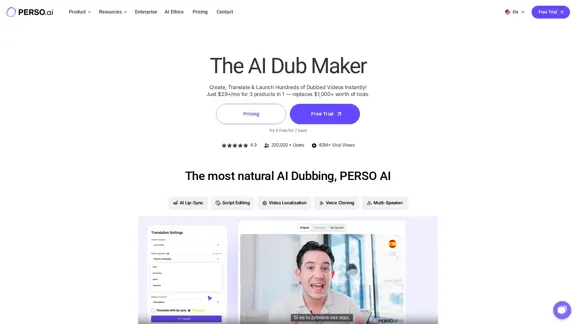
The Most Natural AI Dubbing – Reach Millions with PERSO.ai
The Most Natural AI Dubbing – Reach Millions with PERSO.aiSign up for free! Localize videos in minutes with seamless AI dubbing, voice cloning & lip sync – Grow your global audience effortlessly.
245.18 K
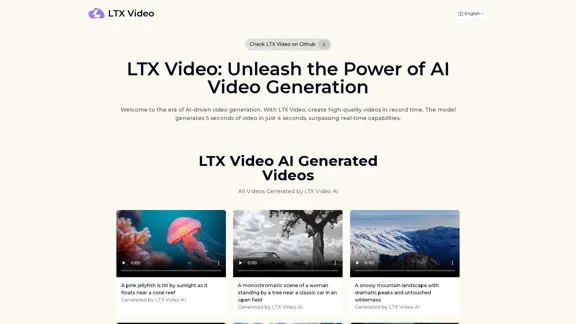
Experience the cutting-edge of AI video generation with LTX-Video AI! LTX-Video AI transforms text and images into dynamic, engaging videos in just minutes.
0
Video Notes TLDR: AI-Powered YouTube Video Note Generator
Video Notes TLDR: AI-Powered YouTube Video Note GeneratorSimplify your YouTube experience with Video Notes TLDR, an AI tool that creates brief, insightful notes from any video. Ideal for students, professionals, and content creators who want to save time and highlight key points.
767