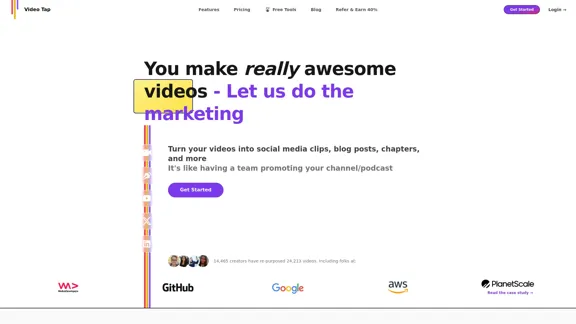
Video Tap es una plataforma innovadora impulsada por IA diseñada para revolucionar la reutilización de contenido de video. Transforma eficientemente los videos en una variedad de formatos de contenido, atendiendo a las necesidades de marketing y promoción. Al aprovechar la tecnología avanzada de IA, Video Tap agiliza el proceso de creación de contenido, facilitando a los creadores maximizar el valor de su contenido de video en múltiples plataformas y formatos.
Video Tap - Transforma videos en contenido infinito
Transforma videos en contenido interminable como publicaciones de blog, clips cortos, resúmenes y más con Video Tap.
Introducción
Funcionalidad
Generación de Contenido Versátil
- Generar clips para redes sociales a partir de videos más largos
- Crear publicaciones de blog a partir de contenido de video
- Producir capítulos, descripciones y etiquetas de YouTube
- Generar transcripciones y subtítulos
- Crear resúmenes de contenido de video
- Generar tweets y publicaciones para redes sociales
- Traducir contenido a múltiples idiomas
Proceso Fácil de Usar
- Agregar videos de YouTube o cargar directamente
- La IA genera automáticamente varios tipos de contenido
- Publicar o programar el contenido generado en tu sitio y redes sociales
Optimización SEO
- Mejora la visibilidad en motores de búsqueda mediante la creación de publicaciones de blog
- Optimiza el contenido de YouTube con descripciones, etiquetas y capítulos
Soporte Multilingüe
- Ofrece capacidades de traducción para múltiples idiomas
Solución Rentable
- Genera publicaciones de blog por menos de $20, más asequible que contratar escritores
Historial Probado
- 14,465 creadores han reutilizado 24,213 videos usando Video Tap
Preguntas Frecuentes
¿Qué tipos de contenido puede crear Video Tap?
Video Tap genera una amplia gama de contenido, incluyendo:
- Clips para redes sociales
- Publicaciones de blog
- Capítulos, descripciones y etiquetas de YouTube
- Transcripciones y subtítulos
- Resúmenes de contenido
- Tweets y publicaciones para redes sociales
¿Cómo mejora Video Tap los esfuerzos de SEO?
Video Tap impulsa el SEO al:
- Crear publicaciones de blog optimizadas para SEO a partir de contenido de video
- Optimizar el contenido de YouTube con descripciones, etiquetas y capítulos
- Mejorar la visibilidad general en motores de búsqueda para contenido relacionado con videos
¿Video Tap admite múltiples idiomas?
Sí, Video Tap ofrece capacidades de traducción para varios idiomas, convirtiéndolo en una herramienta versátil para la creación y distribución de contenido global.
¿Cuántos creadores han utilizado Video Tap?
Según el sitio web, 14,465 creadores han reutilizado con éxito 24,213 videos usando Video Tap, demostrando su popularidad y efectividad.
¿Hay una prueba o demostración disponible para Video Tap?
Video Tap ofrece:
- Un video de demostración de 3 minutos para usuarios potenciales
- Una oportunidad de generar 3 publicaciones de blog gratis
Sitios web relacionados
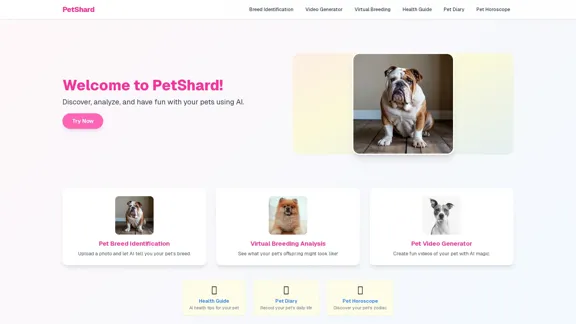
PetShard - Identificación de razas de mascotas con IA y herramientas de cría virtual.
PetShard - Identificación de razas de mascotas con IA y herramientas de cría virtual.Identifica la raza de tu mascota, obtén información sobre su salud, crea videos de mascotas, analiza la compatibilidad de cría virtual y genera contenido para mascotas con nuestras herramientas impulsadas por IA.
0
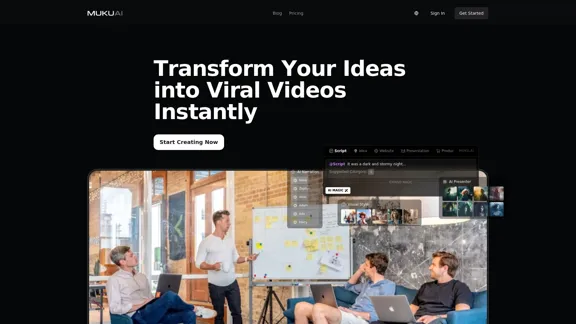
MukuAI: Creador de videos virales impulsado por IA | Contenido sin esfuerzo para TikTok, Instagram y YouTube
MukuAI: Creador de videos virales impulsado por IA | Contenido sin esfuerzo para TikTok, Instagram y YouTubeTransforma ideas en videos preparados para volverse virales en redes sociales.
9.71 K
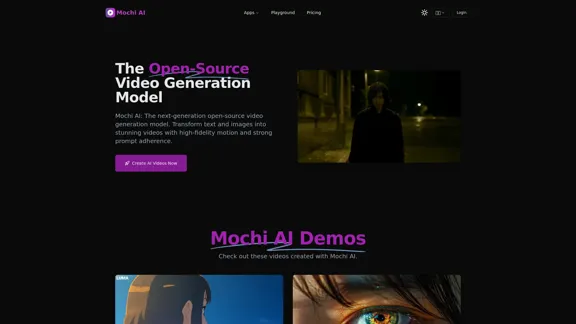
Mochi AI - Modelo Avanzado de Generación de Video de Código Abierto
Mochi AI - Modelo Avanzado de Generación de Video de Código AbiertoMochi AI: El modelo de generación de video de código abierto de próxima generación. Crea videos impresionantes con movimiento de alta fidelidad y fuerte adherencia a las indicaciones utilizando nuestra tecnología de IA de vanguardia.
0
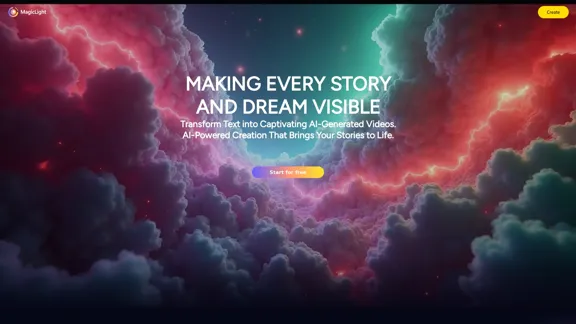
Generador de Arte AI Gratis, ¡Texto a Imagen a Video! Escuela AI Studio
Generador de Arte AI Gratis, ¡Texto a Imagen a Video! Escuela AI StudioMagicLight AI es una innovadora plataforma de inteligencia artificial que convierte texto en imágenes y videos, transformando tu contenido escrito en videos cautivadores de calidad profesional sin esfuerzo. Perfecto para comercializadores, educadores escolares y creadores de contenido, nuestra herramienta te ayuda a generar contenido de video dinámico en minutos: un generador de arte AI gratuito que potencia tu narración digital y esfuerzos de marketing.
822.97 K

Wavel AI | Crea y dobla videos al instante con IA – Rápido, Fácil, Escalable
Wavel AI | Crea y dobla videos al instante con IA – Rápido, Fácil, EscalableTransforma guiones y videos en contenido listo para compartir. Doblaje con clonación de voz, añade subtítulos, edita con B-rolls y personaliza videos con plantillas, avatares y voces similares a las humanas.
411.55 K
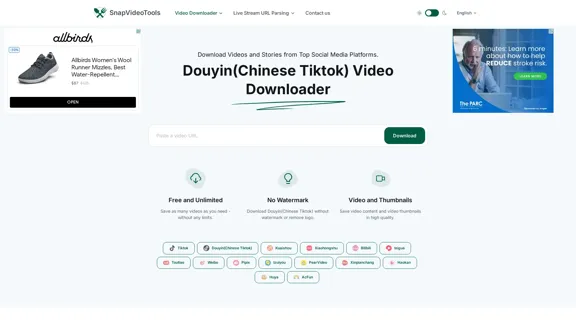
Descargador de videos de Douyin (Tiktok chino) - SnapVideoTools
Descargador de videos de Douyin (Tiktok chino) - SnapVideoToolsSnapVideoTools es un eliminador de marcas de agua de video en línea gratuito para Douyin, Xiaohongshu, Kuaishou, Bilibili, XiGua, Toutiao y Weibo. No se necesita instalación.
29.82 K
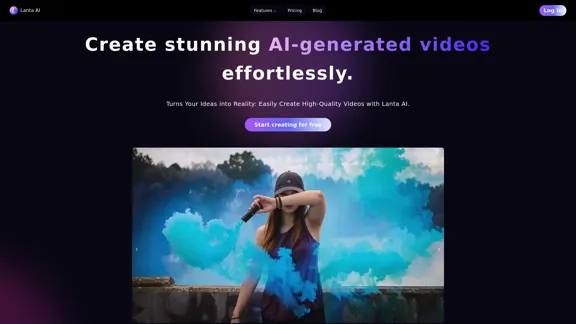
Lanta AI - Generador de Texto a Video: Impulsado por CogVideoX y Mochi 1
Lanta AI - Generador de Texto a Video: Impulsado por CogVideoX y Mochi 1Transforma textos en impresionantes creaciones de IA con Lanta AI. Impulsado por tecnologías avanzadas como CogVideoX y Mochi 1, nuestro generador de video AI redefine la edición de video y la animación. Perfecto para creadores, comercializadores e innovadores que buscan una transformación de texto a video sin esfuerzo.
389.41 K