Creatify Product Video Generator transforms product images into high-quality marketing videos. Designed for e-commerce brands, performance marketers, and growth teams, it offers a cost-effective and efficient solution for creating engaging video content. Users can generate videos quickly, with options for dynamic showcases and cinematic shots, making it ideal for brands looking to enhance their marketing efforts.
AI Product Video Generator - Convert Product Images into Videos
Turn product images into stunning video ads in seconds. Create B-roll, UGC style, and more with Creatify's product video maker. Start now and scale quickly.
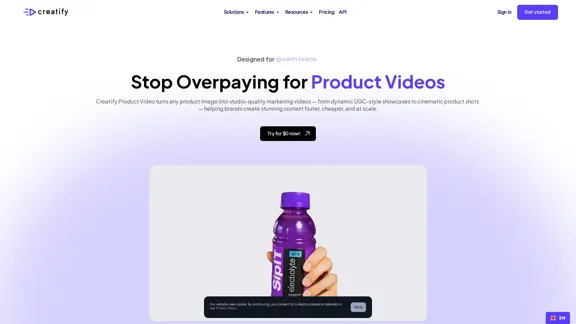
Introduction
Feature
-
Instant Video Creation
Upload a product image and generate videos in just 2 minutes, significantly reducing the time compared to traditional methods.
-
Cost-Effective Solution
Create videos for approximately $1 each, a stark contrast to the typical $3,000+ cost and lengthy production times of conventional video agencies.
-
Multiple Variants
Generate over 50 video variants instantly from a single image, allowing for diverse marketing strategies and A/B testing.
-
User-Friendly Interface
The platform is designed for ease of use, enabling users to create videos without needing extensive technical skills.
-
AI-Powered Features
Includes advanced features such as AI script writing, text-to-speech capabilities, and batch mode for producing multiple videos simultaneously.
-
Versatile Use Cases
Suitable for various applications including eCommerce, social media ads, and content marketing across platforms like TikTok, Instagram, and YouTube.
How to Use?
- Visit the Creatify website and sign in to your account.
- Click on the "Upload" button to select your product image.
- Choose the desired video style from the available options.
- Customize any additional settings such as text overlays or music.
- Click "Generate" to create your video.
- Review the generated video and make any necessary edits.
- Download and share your video across your marketing channels.
FAQ
What is Creatify Product Video Generator?
Creatify Product Video Generator is an AI-driven tool that converts product images into high-quality marketing videos, designed to streamline video production for e-commerce brands and marketers.
How does the video generation process work?
Users simply upload a product image, select their preferred video style, and the AI generates a video in minutes, complete with motion and storytelling elements.
Can I use the videos created for commercial purposes?
Yes, the videos generated can be used for commercial marketing across various platforms without any restrictions.
What types of videos can I create?
You can create a variety of video styles, including dynamic user-generated content (UGC) showcases and cinematic product shots tailored to your brand's needs.
Is there a trial available?
Yes, users can try the product video generation service for free to evaluate its capabilities before committing to a paid plan.
Price
| Plan Type | Price |
|---|---|
| Free Trial | $0/month |
| Basic Plan | $9.99/month |
| Standard Plan | $19.99/month |
| Professional Plan | $49.99/month |
The price is for reference only, please refer to the latest official data for actual information.
Evaluation
-
Creatify Product Video Generator excels in providing a fast and cost-effective solution for video creation, making it accessible for brands of all sizes.
-
The ability to generate multiple video variants from a single image is a significant advantage, allowing for enhanced marketing flexibility.
-
However, the quality of the generated videos may vary depending on the complexity of the product image and the chosen style, which could limit its effectiveness for high-end products.
-
Users may require some time to fully understand and utilize all features effectively, particularly the advanced AI tools.
-
Overall, Creatify offers a valuable service for brands looking to enhance their video marketing efforts, though it may not replace traditional video production for all use cases.
Latest Traffic Insights
Monthly Visits
1.06 M
Bounce Rate
40.36%
Pages Per Visit
4.60
Time on Site(s)
183.74
Global Rank
41393
Country Rank
United States 39283
Recent Visits
Traffic Sources
- Social Media:3.18%
- Paid Referrals:1.16%
- Email:0.10%
- Referrals:5.52%
- Search Engines:50.02%
- Direct:40.02%
Related Websites
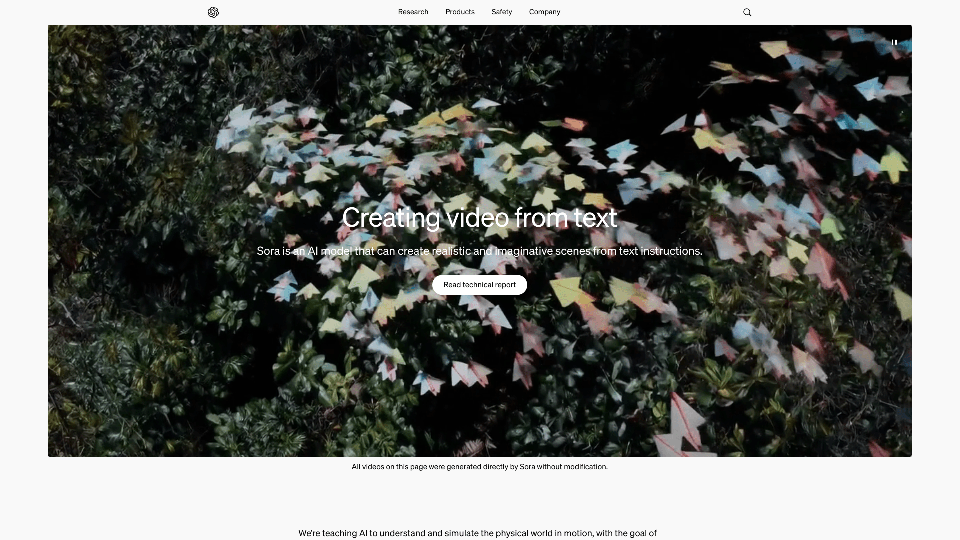
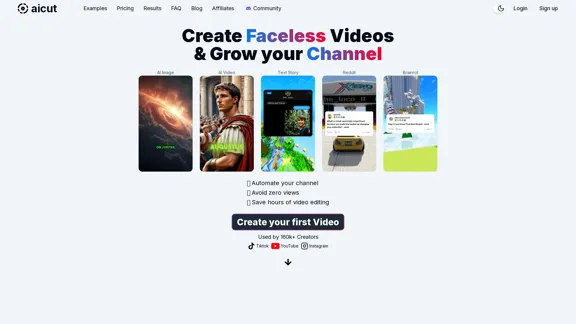
Create short AI videos that expand your faceless channel.
Create short AI videos that expand your faceless channel.Create short AI videos that expand your faceless channel.
264.02 K
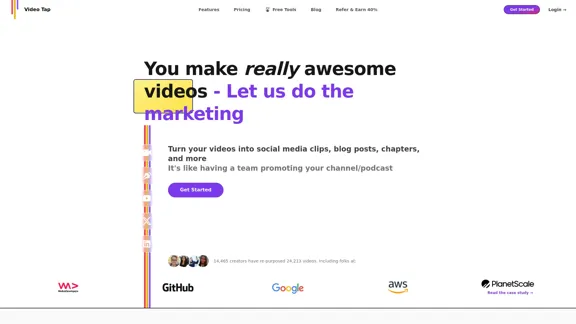
Transform videos into endless content such as blog posts, short clips, summaries and more with Video Tap.
19.54 K
Transform text into stunning videos with Ray2. Create professional-quality content using advanced AI technology.
134

WanVideo AI: All-in-One AI Image, Music, and Video Generator
WanVideo AI: All-in-One AI Image, Music, and Video GeneratorCreate professional-quality videos, images, and music using WanVideo AI. Powered by Alibaba's Wan2.1, Flux AI, and Suno AI technologies. Try our all-in-one AI creative platform for free!
16.34 K

The best free online screen recording tool with advanced video editing and video storage, trusted by over 21 million people, offering easy sharing, is available from Loom.com.
17.73 M

Luma AI Video Generator Free Online - Powered By Dream Machine
Luma AI Video Generator Free Online - Powered By Dream MachineDiscover Luma AI, a video generator from Luma Labs. It's a powerful tool that makes high-quality videos from text descriptions. Check out Luma AI's Dream Machine and compare it to OpenAI's Sora. You'll see how special Luma Video AI technology is.
446.17 K

Vidnoz AI Tools: Create FREE Engaging AI Videos 10X Faster
Vidnoz AI Tools: Create FREE Engaging AI Videos 10X FasterVidnoz is the leading provider of free online video creation tools, powered by AI and intelligent automation. Use Vidnoz AI tools to create successful videos!
5.20 M