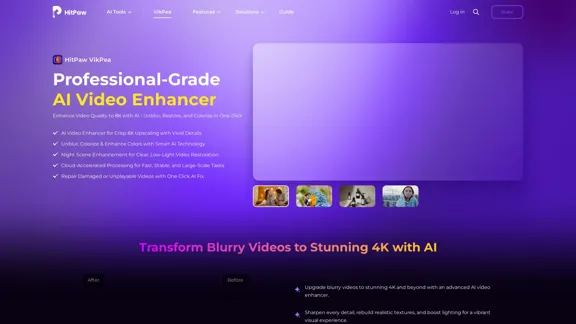
HitPaw Video Enhancer is an AI-powered tool designed to enhance video quality, allowing users to upscale videos up to 8K resolution. It offers features such as unblurring, colorizing, and restoring videos with just one click. The software is suitable for both beginners and professionals, providing an intuitive interface and advanced processing capabilities.
HitPaw Video Enhancer - AI Video Enhancer
HitPaw VikPea (formerly HitPaw Video Enhancer) is an AI video quality enhancer that helps upscale videos to 8K and improve video quality. It specializes in 8K AI video enhancement.
Introduction
Feature
-
AI Video Enhancement
HitPaw VikPea utilizes advanced AI technology to enhance video quality by upscaling resolution, reducing noise, and sharpening details.
-
Multiple AI Models
Users can select from various AI models tailored for different video types, ensuring optimal enhancement results.
-
Cloud Acceleration
The software supports cloud-powered processing, allowing for rapid video enhancement and batch processing of large files.
-
Universal Format Support
HitPaw VikPea supports a wide range of video formats, including MP4, MOV, MKV, AVI, and more, making it versatile for various media types.
-
User-Friendly Interface
The intuitive design allows users to easily navigate through features, making it accessible for first-time users.
-
One-Click Fixes
The tool offers one-click solutions for common video issues, such as stabilization, color correction, and noise reduction.
How to Use?
- Launch HitPaw VikPea and upload your video.
- Choose the appropriate AI model based on your video type.
- Preview the enhancements and make adjustments if necessary.
- Export the upscaled video once satisfied with the results.
FAQ
What is HitPaw Video Enhancer?
HitPaw Video Enhancer is an AI tool that improves video quality by upscaling resolution and enhancing details.
Is it suitable for beginners?
Yes, the software features an intuitive interface and one-click enhancements, making it user-friendly for beginners.
What resolutions can it upscale to?
HitPaw VikPea can upscale videos from SD to HD, HD to 4K, and even 4K to 8K.
How does cloud acceleration work?
Cloud acceleration allows users to process large files quickly by utilizing cloud computing resources.
Is there a free trial available?
Yes, HitPaw VikPea offers a free trial that allows users to explore its features, though exporting is limited.
Price
- Free Trial: Limited features
- Standard Plan: $29.99/month
- Professional Plan: $49.99/month
- Lifetime License: $99.99 (one-time payment)
The price is for reference only, please refer to the latest official data for actual information.
Evaluation
-
Strengths: HitPaw VikPea effectively enhances video quality with minimal user input, making it suitable for a wide range of users. The AI models provide impressive results, particularly in restoring old or low-quality footage.
-
Areas for Improvement: While the software is user-friendly, more advanced users may find the need for additional customization options. The pricing structure could also be more flexible to accommodate occasional users.
-
Overall Impression: HitPaw VikPea is a powerful tool for enhancing video quality, especially for those looking to improve their content without extensive editing knowledge. However, it may not meet the needs of professional editors seeking in-depth control over the enhancement process.
Related Websites
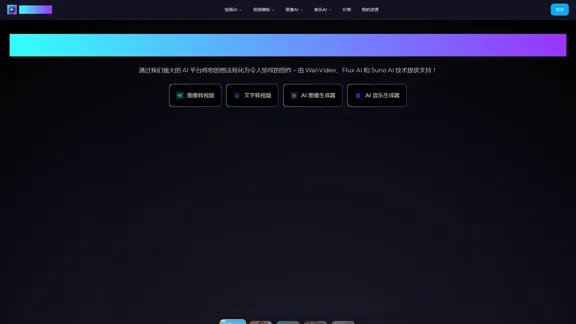
WanVideo AI: All-in-One AI Image, Music, and Video Generator
WanVideo AI: All-in-One AI Image, Music, and Video GeneratorCreate professional-quality videos, images, and music using WanVideo AI. Powered by Alibaba's Wan2.1, Flux AI, and Suno AI technologies. Try our all-in-one AI creative platform for free!
16.34 K
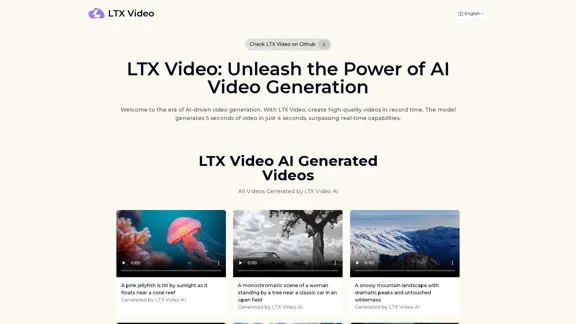
Experience the cutting-edge of AI video generation with LTX-Video AI! LTX-Video AI transforms text and images into dynamic, engaging videos in just minutes.
0
HitPaw VikPea (formerly HitPaw Video Enhancer) is an AI video quality enhancer that helps upscale videos to 8K and improve video quality. It specializes in 8K AI video enhancement.
1.86 M

JoggAI - AI Ad Generator to Create Videos Using URL
JoggAI - AI Ad Generator to Create Videos Using URLThe leading AI commercial generator. Jogg offers a diverse selection of templates and a user-friendly interface. Create your video ads quickly and effectively.
787.09 K
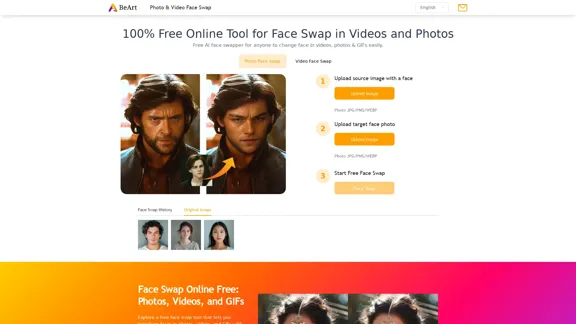
Free Online AI Face Swap for Images, Videos & GIFs
Free Online AI Face Swap for Images, Videos & GIFsTry the best free face swap for photos, videos, and GIFs. No download, no watermark—upload and swap faces in seconds. Perfect for deepfakes. Start now online!
999.81 K
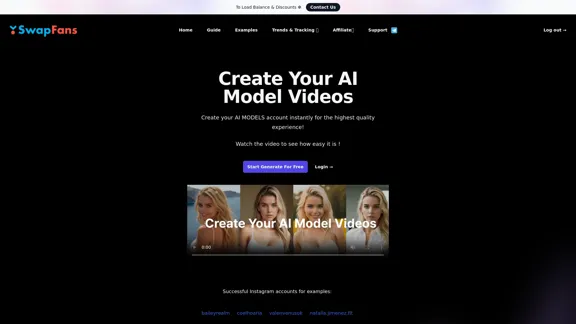
Create your AI MODELS account instantly for the highest quality experience! Watch the video to see how easy it is !
41.00 K
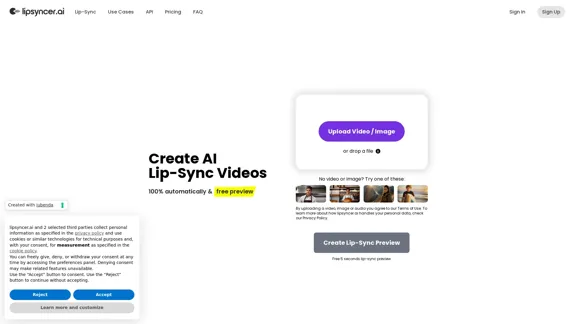
Create AI Lip-Sync Videos Lip-sync technology has advanced significantly, allowing for the creation of realistic videos where characters appear to speak in different languages or say things they never actually said. Here's how to create AI lip-sync videos: 1. Choose your video editing software - Popular options include Adobe After Effects, Reallusion's CrazyTalk, or Synthesia 2. Prepare your source video - Select a high-quality video clip with clear facial features 3. Generate or record the audio - Create the audio track you want the character to lip-sync to 4. Use AI-powered lip-sync tools - Many software options now include AI-driven lip-sync features - Upload your video and audio files - The AI will analyze the audio and match it to the character's mouth movements 5. Fine-tune the results - Adjust timing and mouth shapes as needed for a more natural look 6. Render the final video - Export your lip-synced video in your desired format Tips: - Ensure good lighting and clear facial features in the source video - Use high-quality audio for better results - Practice and experiment with different tools to improve your skills Remember to consider ethical implications and obtain necessary permissions when creating lip-sync videos of real people.
0
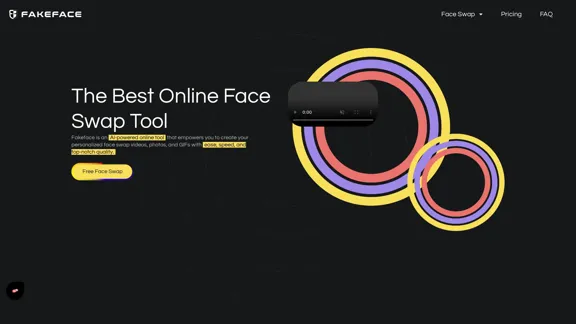
Free Unlimited AI Face Swap for Videos, Photos & GIFs
Free Unlimited AI Face Swap for Videos, Photos & GIFsFree Online AI Face Swap for Videos, Photos & GIFs – No Login Needed! Swap faces instantly with high-quality results. Try it now!
63.49 K