Autoppt est un outil de présentation avancé basé sur l'IA, conçu pour les professionnels et les étudiants. Il simplifie le processus de création de présentations PowerPoint époustouflantes en permettant aux utilisateurs d'entrer un sujet et de générer instantanément un diaporama bien conçu. Cet outil vise à améliorer la productivité et la créativité dans la création de présentations.
Autoppt : Outils de présentation IA avancés pour les professionnels et les étudiants
Créez des présentations impressionnantes en un rien de temps avec notre générateur de PPT alimenté par l'IA. Que vous soyez étudiant ou professionnel, notre outil offre des fonctionnalités intuitives et de beaux modèles pour vous aider à transmettre des messages percutants.

Introduction
Fonctionnalité
-
Génération Instantanée de Diapositives
Autoppt permet aux utilisateurs de créer des diaporamas en moins d'une minute en saisissant simplement un sujet. Cette fonctionnalité réduit considérablement le temps consacré à la préparation des présentations.
-
Variété de Modèles
Les utilisateurs peuvent choisir parmi une variété de modèles et passer de l'un à l'autre en un clic, garantissant que les présentations peuvent être personnalisées pour s'adapter à différents styles et préférences.
-
Génération de Cartes Mentales
L'outil offre également la possibilité de générer des cartes mentales d'un simple clic, fournissant une représentation visuelle des idées et des concepts.
-
Formats d'Exportation Multiples
Les présentations peuvent être exportées dans divers formats, y compris PPTX, PDF et IMAGE, facilitant le partage et la présentation du travail.
-
Stockage de Fichiers
Autoppt inclut des fonctionnalités de stockage de fichiers, permettant aux utilisateurs de sauvegarder leur travail et de le récupérer quand ils en ont besoin.
-
Support Client
La plateforme offre un support client pour aider les utilisateurs avec tout problème qu'ils pourraient rencontrer lors de l'utilisation de l'outil.
Comment utiliser ?
- Commencez par vous connecter à votre compte Autoppt.
- Saisissez le sujet de votre présentation dans la zone désignée.
- Choisissez un modèle qui correspond à votre style parmi les options disponibles.
- Cliquez sur le bouton de génération pour créer vos diapositives de présentation.
- Examinez et modifiez les diapositives générées si nécessaire.
- Exportez votre présentation dans le format de votre choix pour le partage ou la présentation.
FAQ
Qu'est-ce qu'Autoppt ?
Autoppt est un outil de présentation alimenté par l'IA qui permet aux utilisateurs de créer des diaporamas de qualité professionnelle rapidement et efficacement.
Comment fonctionne Autoppt ?
Les utilisateurs saisissent un sujet, et l'IA d'Autoppt génère une présentation complète, y compris des diapositives et des éléments de design, en quelques secondes.
Puis-je personnaliser les présentations créées par Autoppt ?
Oui, les utilisateurs peuvent modifier les diapositives générées et changer de modèle pour mieux répondre à leurs besoins.
Quels formats puis-je utiliser pour exporter mes présentations ?
Les présentations peuvent être exportées en formats PPTX, PDF et IMAGE.
Y a-t-il un essai gratuit disponible ?
Oui, Autoppt propose un essai gratuit pour permettre aux utilisateurs d'explorer ses fonctionnalités avant de s'engager dans un plan payant.
Prix
| Plan | Coût Mensuel | Montant Facturé |
|---|---|---|
| Plan 1 Mois | 19,99 $ | 29,99 $ |
| Plan 1 Trimestre | 39,99 $ | 49,99 $ |
| Plan Premium | 24,99 $ | 249,99 $ (tous les deux ans) |
| Plan 1 An | 12,49 $ | 149,99 $ (annuellement) |
Le prix est donné à titre indicatif, veuillez vous référer aux données officielles les plus récentes pour des informations précises.
Évaluation
-
Autoppt rationalise efficacement le processus de création de présentations, le rendant accessible aux utilisateurs de tous niveaux de compétence. La fonctionnalité de génération instantanée de diapositives est particulièrement bénéfique pour ceux qui ont des délais serrés.
-
Bien que l'outil excelle dans la génération rapide de présentations, certains utilisateurs peuvent trouver que les options de personnalisation sont quelque peu limitées par rapport aux logiciels de présentation traditionnels.
-
La variété de modèles est un point fort, mais l'élargissement de la bibliothèque de modèles pourrait améliorer l'expérience utilisateur et répondre à des besoins de présentation plus spécifiques.
-
Dans l'ensemble, Autoppt est un outil précieux pour quiconque cherchant à gagner du temps et des efforts dans la création de présentations, bien que les utilisateurs recherchant une personnalisation extensive puissent avoir besoin de le compléter avec des outils d'édition supplémentaires.
Sites web connexes
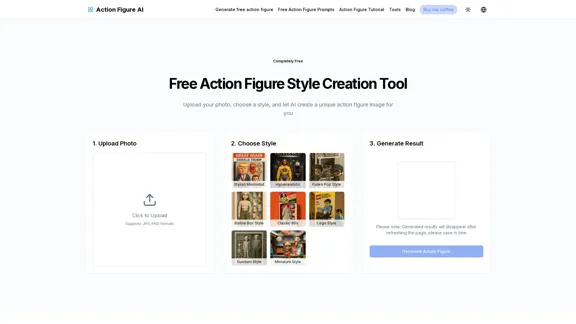
Action Figure AI - Génération d'images d'action figures de haute qualité gratuite
Action Figure AI - Génération d'images d'action figures de haute qualité gratuiteUtilisez Action Figure AI pour transformer librement vos photos en figurines d'action professionnelles. Offrant des invites gratuites, une génération gratuite et plusieurs options de style pour créer des images de figurines d'action uniques.
0
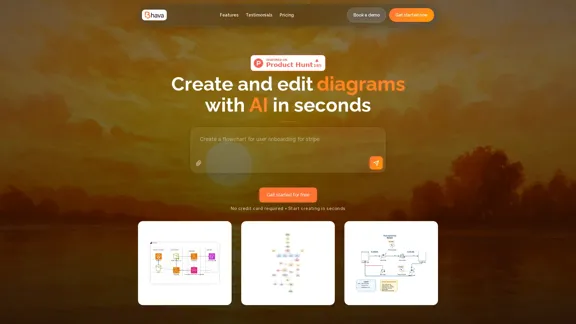
Transformez vos idées en diagrammes professionnels instantanément avec l'éditeur de diagrammes alimenté par l'IA de Bhava. Créez des organigrammes, des diagrammes d'architecture, des UML, des ERD, des diagrammes de séquence, des cartes réseau, des organigrammes, des cartes mentales, des schémas matériels, et plus encore en quelques secondes. Fiable pour les chefs de produit, les développeurs et les ingénieurs du monde entier.
4.48 K
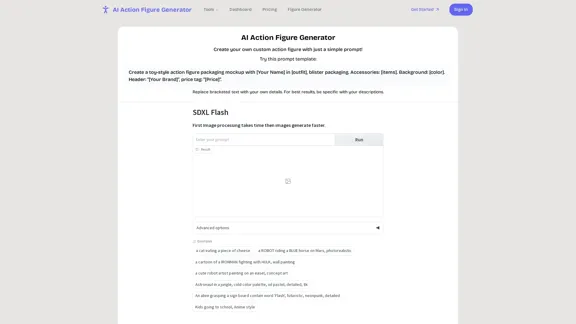
Générateur de figurines d'action AI | Transformez des photos en objets de collection
Générateur de figurines d'action AI | Transformez des photos en objets de collectionCréez des figurines d'action personnalisées à partir de vos photos avec notre générateur IA avancé. Transformez-vous en jouets de style collection avec un emballage et des accessoires réalistes.
0

Designs de henné - Créez de magnifiques designs de henné avec l'IA
Designs de henné - Créez de magnifiques designs de henné avec l'IAGénérez des designs de henné époustouflants en quelques secondes en utilisant l'intelligence artificielle.
0
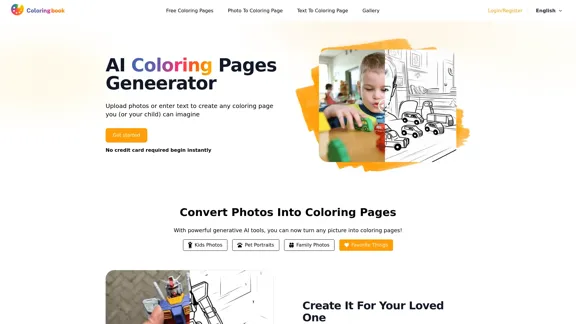
ColoringBook.AI : Générateur de Pages à Colorier Gratuit avec IA
ColoringBook.AI : Générateur de Pages à Colorier Gratuit avec IACréez des pages à colorier personnalisées à partir de textes et d'images avec le générateur gratuit d'IA de ColoringBook.AI. De plus, téléchargez des milliers de pages à colorier imprimables aux formats PDF et PNG. Amusement pour tous les âges !
533.19 K
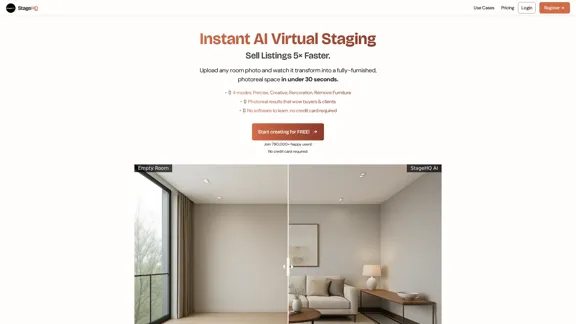
Mise en scène virtuelle par IA en quelques secondes – Précise, Créative, Rénovation et Retrait de meubles
Mise en scène virtuelle par IA en quelques secondes – Précise, Créative, Rénovation et Retrait de meublesTéléchargez une photo d'une pièce vide et StageHQ l'ameublera instantanément avec des intérieurs élégants grâce à l'IA.
0
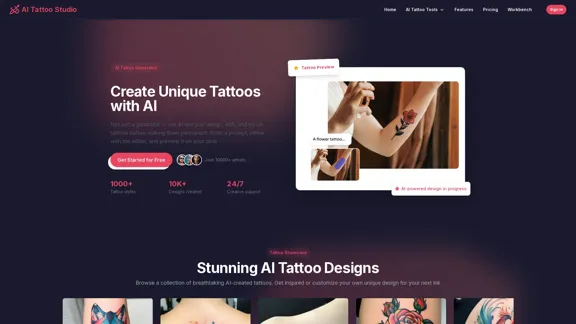
Générateur de tatouages AI – Concevez, modifiez et essayez avec l'IA | Studio de tatouage AI
Générateur de tatouages AI – Concevez, modifiez et essayez avec l'IA | Studio de tatouage AIPas seulement un générateur de tatouages ! Concevez, modifiez et prévisualisez des tatouages sur votre peau avec l'IA. Entrez une invite, affinez avec l'éditeur IA et créez le tatouage parfait.
0