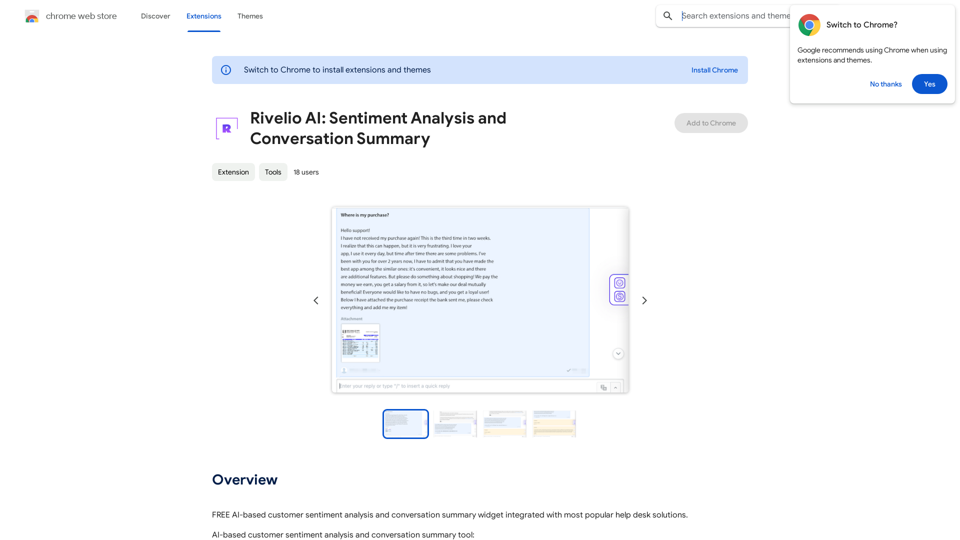
Rivelio AI is an AI-powered platform offering a range of AI technologies, with a focus on sentiment analysis and conversation summary. It aims to help businesses understand customer feelings and streamline support processes. The platform provides free access to its core features, with subscription options for extended use.
Rivelio AI: Sentiment Analysis and Conversation Summary
FREE AI-powered tool that analyzes customer feelings and summarizes conversations. It works with most popular customer service platforms.
Introduction
Feature
AI-based Sentiment Analysis
Rivelio AI employs advanced algorithms to analyze customer feedback and sentiment, providing valuable insights into customer satisfaction levels. This feature enables businesses to take proactive steps in maintaining customer happiness.
Conversation Summary Tool
The platform offers a conversation summary tool that assists support agents by condensing conversations. This feature allows agents to focus on more critical tasks, improving overall efficiency.
Multiple AI Models
Rivelio AI provides access to various AI models, including ChatGPT, GPT-4o, and Dalle3. These models can be utilized for diverse tasks such as text generation, image understanding, and document analysis.
Integration with Help Desk Solutions
The platform is compatible with most popular help desk solutions, ensuring easy implementation and use within existing support infrastructures.
Customization Options
Users can tailor the conversation summary tool to their specific needs, allowing for a more personalized experience.
Free Access and Subscription Model
Rivelio AI offers free access to its sentiment analysis and conversation summary tools, with subscription options available for extended usage beyond free limits.
Privacy Protection
The platform prioritizes user privacy, ensuring that user data is not used for training purposes. Users have the option to delete their accounts and remove all associated data at any time.
FAQ
What is Rivelio AI?
Rivelio AI is an AI-driven platform that provides access to various AI technologies, primarily focusing on sentiment analysis and conversation summary. It helps businesses understand customer sentiments and improve support processes.
How does Rivelio AI's sentiment analysis work?
Rivelio AI uses AI algorithms to analyze customer feedback and sentiment, providing insights on customer satisfaction and overall sentiment.
Can I generate images using Rivelio AI?
No, Rivelio AI does not offer image generation capabilities. It primarily focuses on sentiment analysis and conversation summary.
How many AI models are available on Rivelio AI?
Rivelio AI offers several AI models, including ChatGPT, GPT-4o, and Dalle3, which can be used for various tasks such as text generation, image understanding, and document analysis.
Is my information used for training data?
No, Rivelio AI values user privacy and does not use user data for training purposes. Users can delete their accounts and all associated data at any time.
When should I consider a Rivelio AI subscription?
If the free usage limits do not meet your needs and you heavily rely on Rivelio AI's sentiment analysis and conversation summary tools, subscribing to their affordable products may be beneficial.
Related Websites
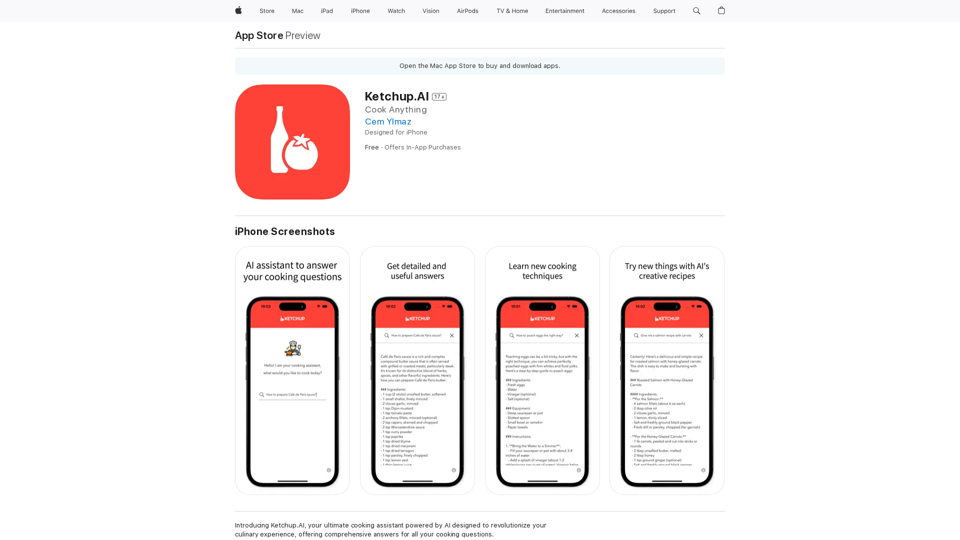
Introducing Ketchup.AI, your ultimate cooking assistant powered by AI, designed to revolutionize your culinary experience, offering comprehensive answers for all your cooking needs.
124.77 M
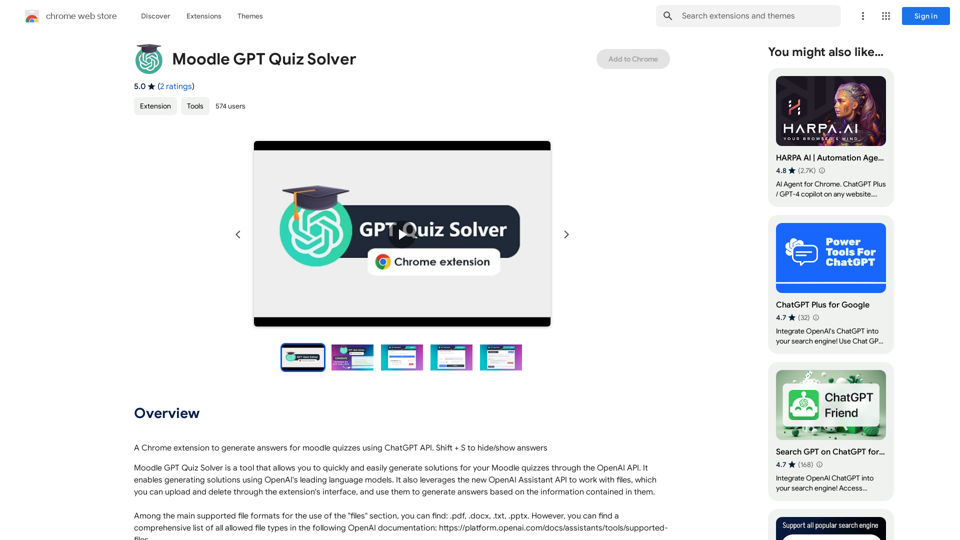
A Chrome extension that helps you find answers for Moodle quizzes by using the ChatGPT API. Press Shift + S to show or hide the answers.
193.90 M
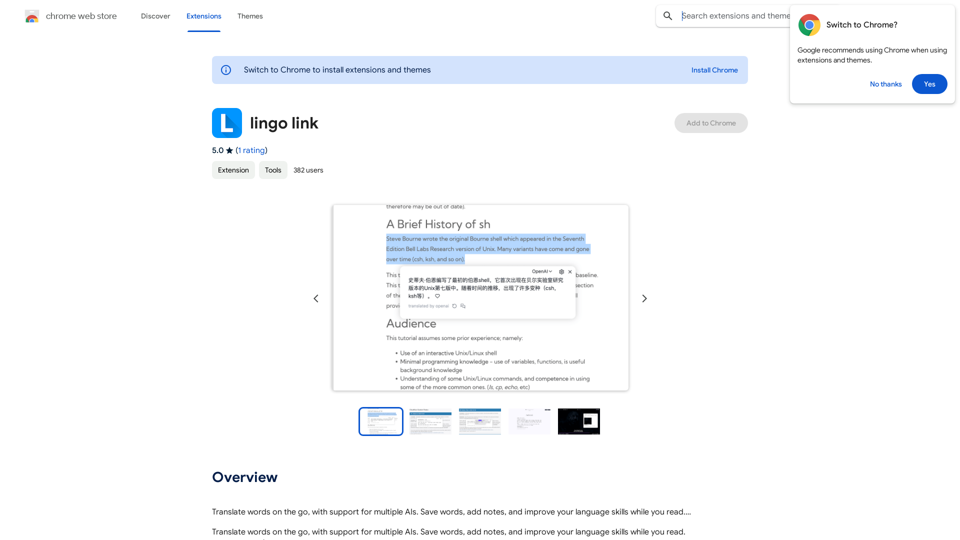
Translate words as you read, with support for multiple AI assistants. Save words, add notes, and improve your language skills while you read.
193.90 M
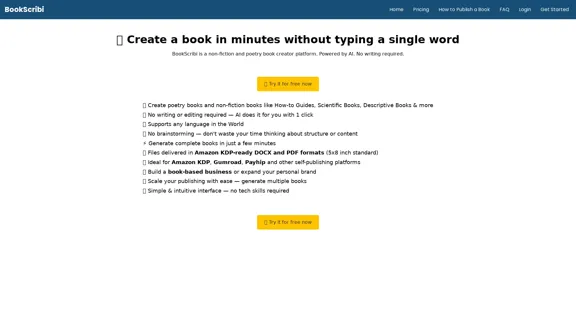
BookScribi is a platform for creating non-fiction and poetry books. Powered by AI. No writing needed.
445
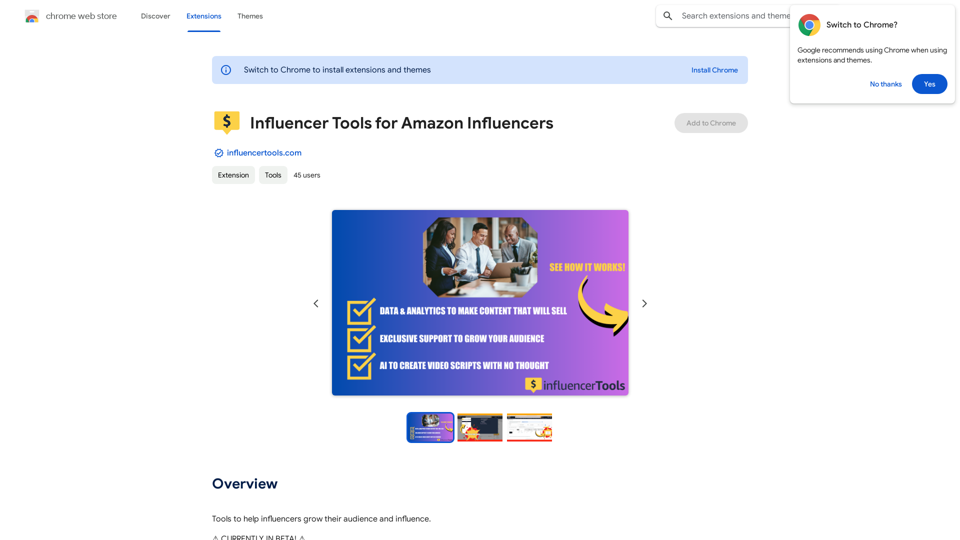
Influencer Tools for Amazon Influencers This guide explores essential tools to help Amazon influencers succeed. 1. Content Creation Tools: * Canva: Design eye-catching graphics, videos, and social media posts. * Lumen5: Create engaging videos from blog posts or scripts. * InShot: Edit and enhance videos for mobile devices. 2. Product Research Tools: * Jungle Scout: Analyze product trends, competition, and sales data. * Helium 10: Discover profitable products, track keywords, and optimize listings. * Viral Launch: Identify trending products and conduct market research. 3. Social Media Management Tools: * Buffer: Schedule and manage social media posts across multiple platforms. * Hootsuite: Monitor brand mentions, engage with followers, and track social media performance. * Later: Plan and visualize Instagram content. 4. Analytics and Tracking Tools: * Amazon Influencer Program Dashboard: Track your performance, earnings, and audience engagement. * Google Analytics: Monitor website traffic and user behavior. * UTM Parameters: Track the effectiveness of your marketing campaigns. 5. Email Marketing Tools: * Mailchimp: Create and send email newsletters to your subscribers. * ConvertKit: Build an email list and automate your marketing workflows. * Klaviyo: Segment your audience and personalize email campaigns.
Influencer Tools for Amazon Influencers This guide explores essential tools to help Amazon influencers succeed. 1. Content Creation Tools: * Canva: Design eye-catching graphics, videos, and social media posts. * Lumen5: Create engaging videos from blog posts or scripts. * InShot: Edit and enhance videos for mobile devices. 2. Product Research Tools: * Jungle Scout: Analyze product trends, competition, and sales data. * Helium 10: Discover profitable products, track keywords, and optimize listings. * Viral Launch: Identify trending products and conduct market research. 3. Social Media Management Tools: * Buffer: Schedule and manage social media posts across multiple platforms. * Hootsuite: Monitor brand mentions, engage with followers, and track social media performance. * Later: Plan and visualize Instagram content. 4. Analytics and Tracking Tools: * Amazon Influencer Program Dashboard: Track your performance, earnings, and audience engagement. * Google Analytics: Monitor website traffic and user behavior. * UTM Parameters: Track the effectiveness of your marketing campaigns. 5. Email Marketing Tools: * Mailchimp: Create and send email newsletters to your subscribers. * ConvertKit: Build an email list and automate your marketing workflows. * Klaviyo: Segment your audience and personalize email campaigns.Tools to help influencers grow their audience and influence.
193.90 M