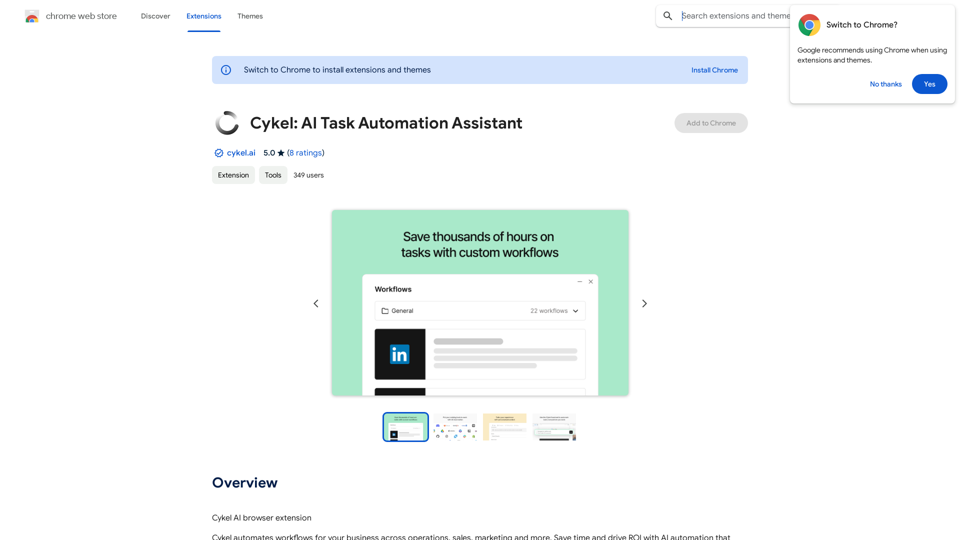
SEO Job Postings Structured Data by Tarta.ai is an AI-driven platform that enhances job postings with structured data for improved search engine optimization. It offers a comprehensive suite of features to optimize job listings, making them more visible and accessible to potential candidates through search engines. The platform leverages advanced AI technologies to provide quick on-page SEO reports and a wide array of tools for various needs in the recruitment process.
Google for Jobs Structured Data by Tarta.ai
SEO Job Postings Structured Data by Tarta.ai is an AI-driven platform that enhances job postings with structured data for improved search engine optimization.
Introduction
Feature
Comprehensive Structured Data
The platform provides essential structured data elements for job postings, including:
- Title and Description
- Job posted and validThrough dates
- hiringOrganization and identifier data
- Employment type
- Job location (country, city, state, zip code, and street address)
- Base salary data
Instant SEO Analysis
Users can obtain quick on-page SEO reports for any job site page they browse, providing immediate insights into the optimization of job listings.
AI-Powered Tools
- Access to nearly 200,000 GPT models for various applications
- GPT-4o for text generation and image understanding
- Dalle3 for image creation and document analysis
User-Friendly Interface
The platform offers an intuitive interface that allows users to easily navigate and utilize its features for optimizing job postings.
Privacy Protection
Tarta.ai prioritizes user privacy, ensuring that user data is not used for training purposes and can be deleted upon request.
Flexible Usage Options
- Daily free uses of GPT-4o document reading and Dalle's image generation
- Subscription options available for users with higher usage needs
FAQ
What are the key benefits of using SEO Job Postings Structured Data?
- Improved visibility of job listings in search engine results
- Enhanced candidate attraction through optimized job postings
- Time-saving instant SEO analysis for job pages
- Access to a wide range of AI-powered tools for recruitment tasks
How does the platform ensure the accuracy of structured data?
The AI-driven system is designed to extract and format job posting information accurately, following Google's guidelines for job posting structured data.
Can the platform integrate with existing applicant tracking systems (ATS)?
While specific integration details are not provided, many SEO tools offer API capabilities. It's best to check with Tarta.ai support for integration possibilities with your ATS.
Is there a limit to the number of job postings I can optimize?
The information doesn't specify a limit. For high-volume users, the subscription model likely offers more extensive usage capabilities.
How often should I update the structured data for my job postings?
It's recommended to update the structured data whenever there are changes to the job posting, especially for dates, salary information, or location details to maintain accuracy and relevance.
Related Websites
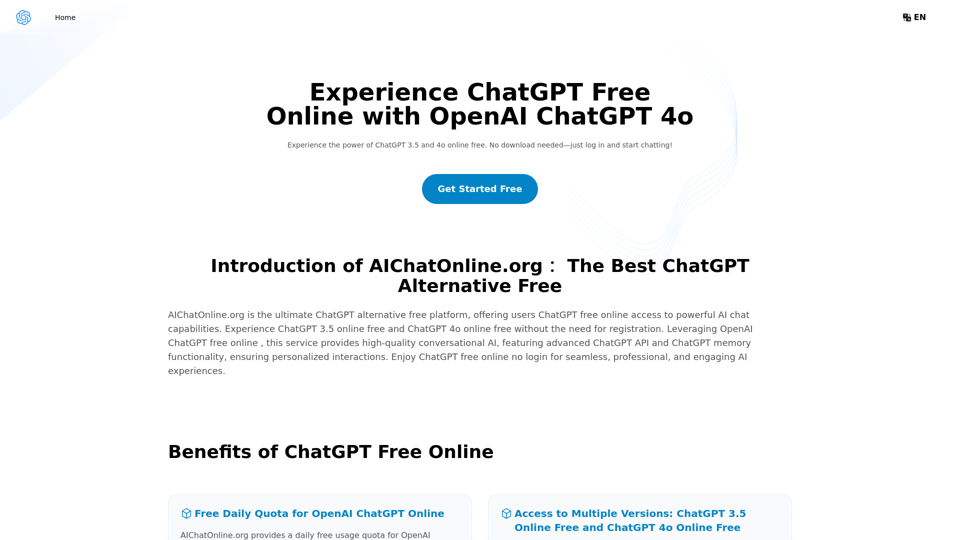
The Free Alternative to ChatGPT Powered by 4o | AIChatOnline.org
The Free Alternative to ChatGPT Powered by 4o | AIChatOnline.orgDiscover AIChatOnline.org, your ultimate platform for free online access to ChatGPT. Enjoy ChatGPT 3.5 online for free and ChatGPT 4 online for free, with no registration required. Take advantage of OpenAI's free online ChatGPT for advanced AI capabilities, including ChatGPT memory and ChatGPT API integration.
70.11 K
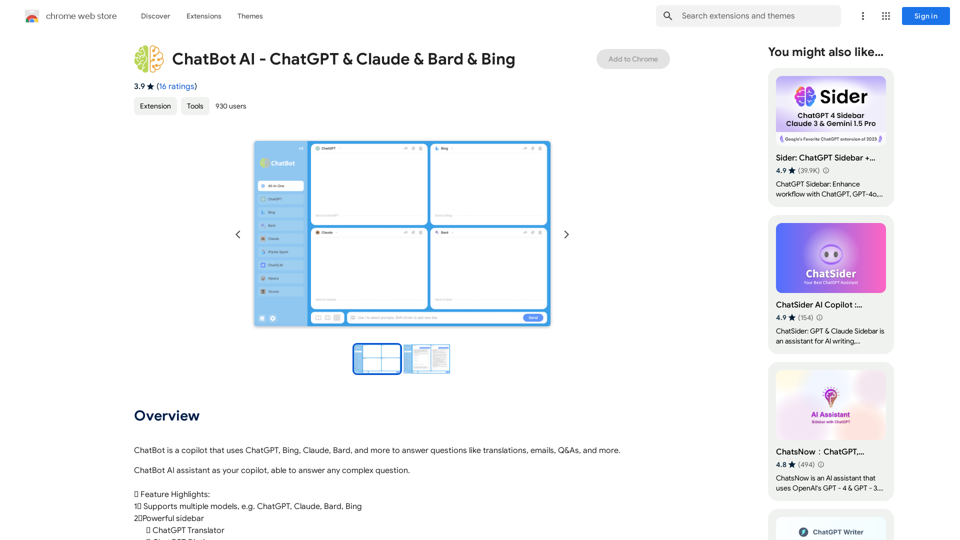
ChatBot AI - ChatGPT & Claude & Bard & BingOverviewChatBot AI
ChatBot AI - ChatGPT & Claude & Bard & BingOverviewChatBot AIChatBot is a copilot that uses ChatGPT, Bing, Claude, Bard, and more to answer questions like translations, emails, Q&As, and more.
193.90 M

CleanerPro, our AI-powered image editor, transforms e-commerce visuals by enabling effortless removal of logos, text, and unwanted elements with just one click.
0