Dadan AI Assist enhances video creation by streamlining workflows and improving engagement. With AI-generated transcriptions, titles, descriptions, tags, summaries, chapters, and meeting notes, users can create more discoverable videos quickly and efficiently. The platform is designed to make video content more searchable and accessible, catering to various use cases such as education, marketing, and corporate training.
Dadan AI Assist: Create more engaging, more discoverable videos faster
Enhance your video production workflow with our powerful suite of AI video tools.
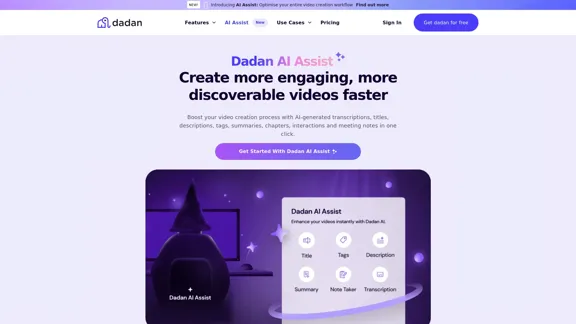
Introduction
Feature
-
AI Video Transcription
Automatically convert video audio into searchable text with up to 99% accuracy, ensuring accessibility for all viewers.
-
Auto-generated Metadata
Enhance discoverability with automatically created titles, tags, and descriptions, optimizing content for search engines.
-
Chapter Creation
Automatically detect key sections in videos and create chapters, improving navigation and user experience.
-
Meeting Notes and Summaries
Generate clear and concise meeting notes and summaries in real-time, keeping all team members informed.
-
Interactive Elements
Increase engagement with auto-generated quizzes, polls, and calls to action, encouraging viewer interaction.
-
Video Sharing
Easily share optimized videos across platforms with password-protected links, maintaining control over access.
How to Use?
- Upload or record a video using the Dadan platform.
- Click on ‘Transcription’ in the AI Assist menu to generate a searchable transcript.
- Customize your video with titles, tags, descriptions, chapters, and more.
- Share your optimized video easily across various platforms.
FAQ
How do I use AI Assist?
Once you upload or record a video, navigate to the video management page and select AI Assist options to transcribe and optimize your video.
How accurate are the transcriptions with Dadan AI Assist?
The platform utilizes advanced technology to ensure high accuracy in AI-generated transcriptions.
Can I customize my video chapters and summaries?
Yes, users can manually edit auto-generated chapters and summaries before sharing.
Can I use AI Assist on the Free plan?
Currently, AI Assist is not available on the Free plan, but a free 2-week trial of the Pro plan is offered.
What types of videos work best with Dadan’s AI Assist?
The AI is optimized for various video types, including meetings, webinars, training sessions, and sales demos.
Price
- Free plan: $0/month
- Pro plan: Free 2-week trial available
- Pricing for other plans TBC
The price is for reference only, please refer to the latest official data for actual information.
Evaluation
- Dadan AI Assist effectively streamlines video creation, making it accessible for users of all skill levels.
- The automatic generation of metadata and chapters significantly enhances video discoverability and user engagement.
- However, the lack of support for multiple languages may limit its usability for a global audience.
- The platform could benefit from clearer pricing information and additional features for the Free plan to attract more users.
- Overall, Dadan AI Assist is a powerful tool for video creators, though improvements in language support and pricing transparency would enhance its appeal.
Related Websites
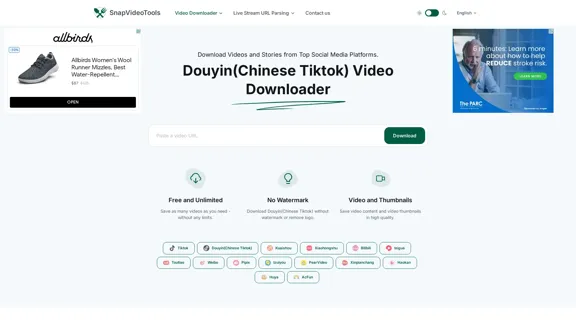
SnapVideoTools is a free online video watermark remover for Douyin, Xiaohongshu, Kuaishou, Bilibili, XiGua, Toutiao, and Weibo. No installation is required.
29.82 K
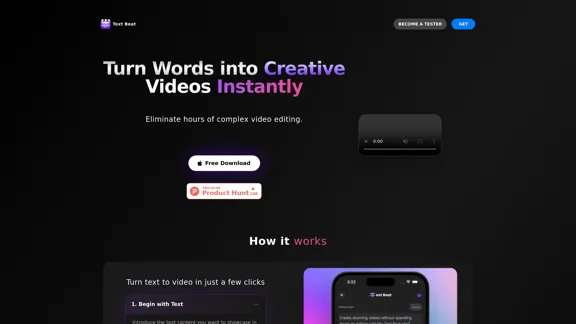
Text Beat is an innovative video creation tool that transforms text into engaging videos automatically
159
Play Sprunki OC Mod online - Create custom characters, mix music, and join the creative community. Free browser-based music game with OC maker.
0
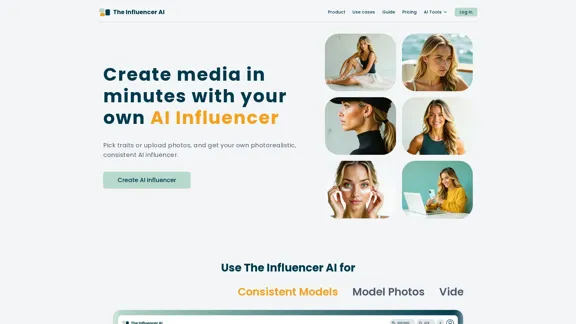
AI influencer content in minutes: create stunning images and videos with one consistent virtual persona, skipping weeks of production with The Influencer AI.
111.22 K
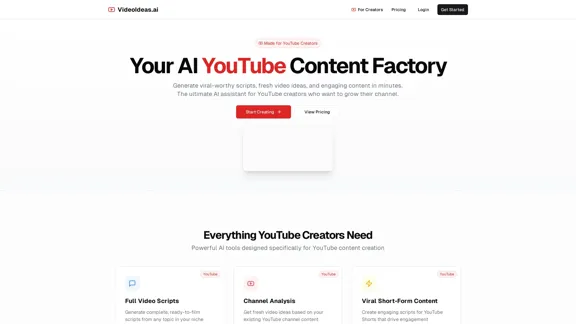
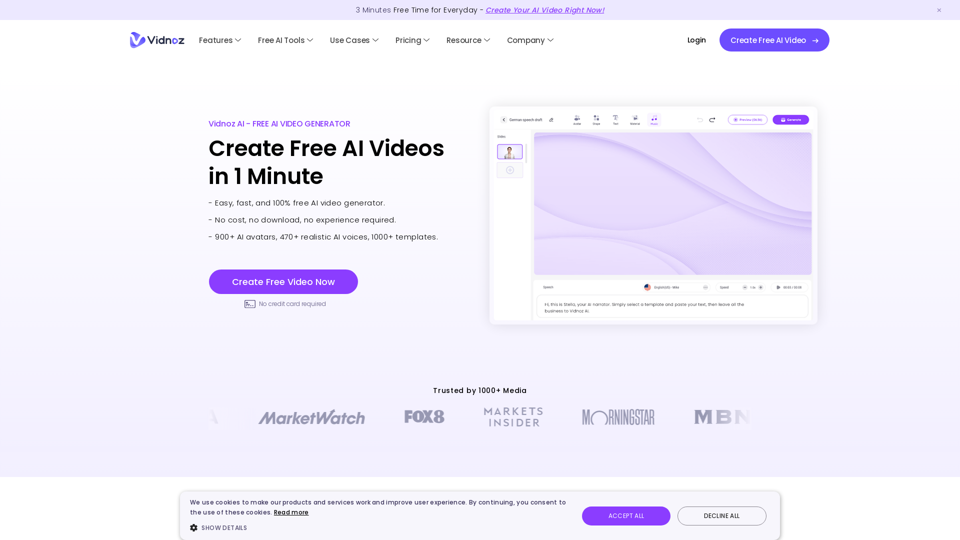
Vidnoz AI Tools: Create FREE Engaging AI Videos 10X Faster
Vidnoz AI Tools: Create FREE Engaging AI Videos 10X FasterVidnoz is the leading provider of free online video creation tools, powered by AI and intelligent automation. Use Vidnoz AI tools to create successful videos!
5.20 M
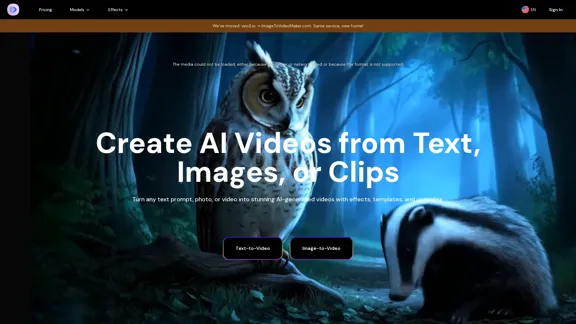
AI Video Generator – Create Videos from Text, Images, or Clips | Image-to-Video Maker
AI Video Generator – Create Videos from Text, Images, or Clips | Image-to-Video MakerGenerate AI videos from text, images, or video clips with the Image-to-Video Maker. Add effects, templates, and upscale to 4K—all in one powerful video platform.
25.40 K
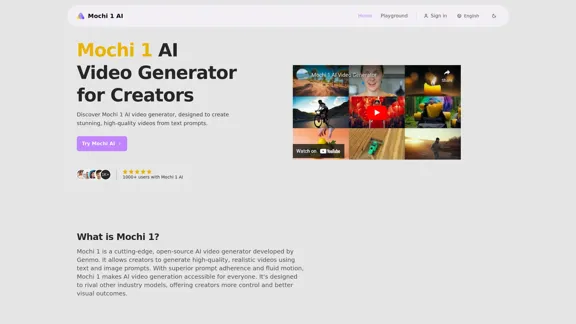
Mochi 1 - AI Video Generator for Stunning Creative Videos
Mochi 1 - AI Video Generator for Stunning Creative VideosMochi 1 makes it easy to turn your ideas into professional videos perfect for creators of all skill levels.
5.14 K