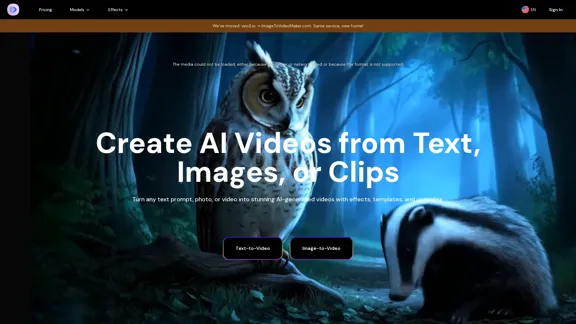
Image-to-Video Maker is an innovative AI-powered platform that allows users to create videos from text, images, or clips effortlessly. It simplifies the video creation process by enabling users to describe their ideas in plain language, which the AI then transforms into high-quality videos complete with dialogue, effects, and ambient sound. The platform supports various models and offers features like video upscaling and diverse AI effects, making it suitable for both casual users and professionals.
AI Video Generator – Create Videos from Text, Images, or Clips | Image-to-Video Maker
Generate AI videos from text, images, or video clips with the Image-to-Video Maker. Add effects, templates, and upscale to 4K—all in one powerful video platform.
Introduction
Feature
-
Text-to-Video Generation
Users can input a text description, and the AI generates a 4K video, including dialogue and sound effects. Supported models include Veo 3, Kling 2.1, and Hailuo 02.
-
Image-to-Video Creation
The platform can animate photos by generating videos from any text prompt, utilizing advanced semantic understanding.
-
AI Video Effects
Users can enhance their videos with one-click AI effects, making it easy to add professional touches without technical skills.
-
Video Upscaling
The AI-powered upscaling feature enhances video quality, ensuring that the final output is suitable for various applications.
-
User-Friendly Interface
The platform is designed for ease of use, allowing users to create videos quickly without needing extensive video editing experience.
-
Flexible Subscription Plans
Offers various pricing tiers to accommodate different budgets, ensuring that users only pay for the features they need.
How to Use?
- Visit the Image-to-Video Maker website and sign up for an account.
- Choose the text-to-video or image-to-video feature based on your needs.
- For text-to-video, describe your idea clearly in the input box.
- For image-to-video, upload your desired photo and provide any necessary prompts.
- Select any additional effects or features you wish to apply.
- Click "Generate" to create your video, which will be ready in minutes.
FAQ
What is Image-to-Video Maker?
Image-to-Video Maker is an AI video platform that allows users to create videos from text descriptions, images, or clips, streamlining the video production process.
How does Image-to-Video Maker work?
Users input text or upload images, and the AI generates videos based on the provided content, incorporating dialogue, effects, and sound.
Can I use the videos created by Image-to-Video Maker commercially?
Yes, the videos generated are typically royalty-free, allowing users to utilize them in various projects without restrictions.
What are the main advantages of using Image-to-Video Maker?
The platform combines multiple AI models into one service, offers easy-to-use features, and provides high-quality video outputs quickly.
What are the limitations of Image-to-Video Maker?
Some users may experience challenges with audio synchronization, and access may be limited for those on lower-tier subscription plans.
Price
| Plan | Monthly Cost | Features |
|---|---|---|
| Basic Plan | $12.99 | 10 credits/month, all free features |
| Premium Plan | $23.99 | 25 credits/month, all Basic features |
| Ultimate Plan | $59.99 | 70 credits/month, all Premium features |
| Ultimate Pro Plan | $199 | 230 credits/month, all Ultimate features |
The price is for reference only, please refer to the latest official data for actual information.
Evaluation
-
Image-to-Video Maker excels in providing a user-friendly interface that allows users to create high-quality videos quickly, making it an excellent tool for marketers and content creators.
-
The AI technology behind the platform is impressive, delivering realistic animations and effects that enhance the overall video quality.
-
However, there are areas for improvement, particularly in audio synchronization for dialogue-heavy videos, which can detract from the viewing experience.
-
Additionally, the pricing structure may be a barrier for casual users, as higher-tier plans are necessary for accessing advanced features.
-
Overall, Image-to-Video Maker is a powerful tool for video creation, but potential users should consider their specific needs and budget before committing to a subscription.
Related Websites

lipsync video to any audio or text. revolutionary ai video editor. real-time lipsync, seamless translation for global reach. create, reanimate, understand humans in video with our api. from wav2lip founders.
379.86 K
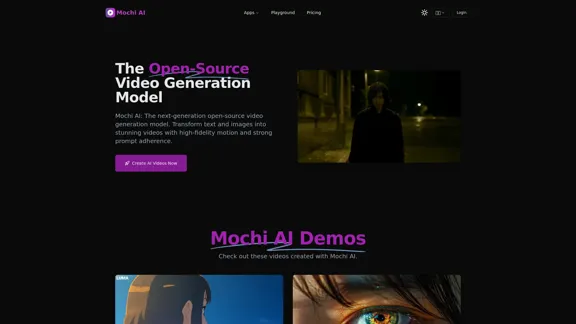
Mochi AI - Advanced Open-Source Video Generation Model
Mochi AI - Advanced Open-Source Video Generation ModelMochi AI: The next-generation open-source video generation model. Create stunning videos with high-fidelity motion and strong prompt adherence using our cutting-edge AI technology.
0
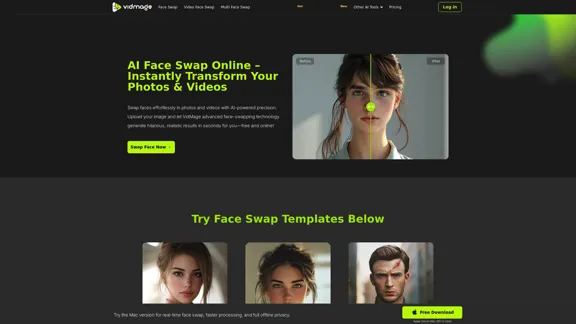
AI Face Swap Online – Instantly Exchange Faces in Photos and Videos
AI Face Swap Online – Instantly Exchange Faces in Photos and VideosSwap faces in photos, videos, and GIFs with AI. Try face swap, gender swap, celebrity swap, and more for fun, realistic results. No watermarks, fast, and high-quality. Start now!
797.14 K
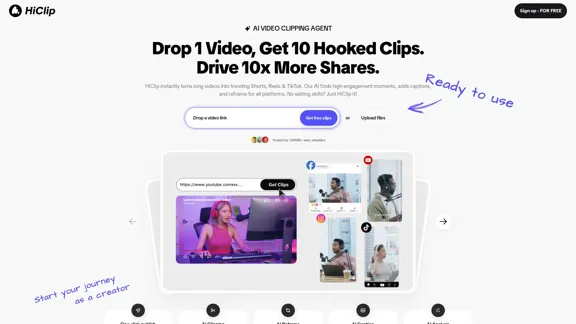
HiClip instantly transforms long videos into trending Shorts, Reels, and TikTok. Our AI identifies high-engagement moments, adds captions, and reframes for all platforms. No editing skills? Just HiClip it!
0
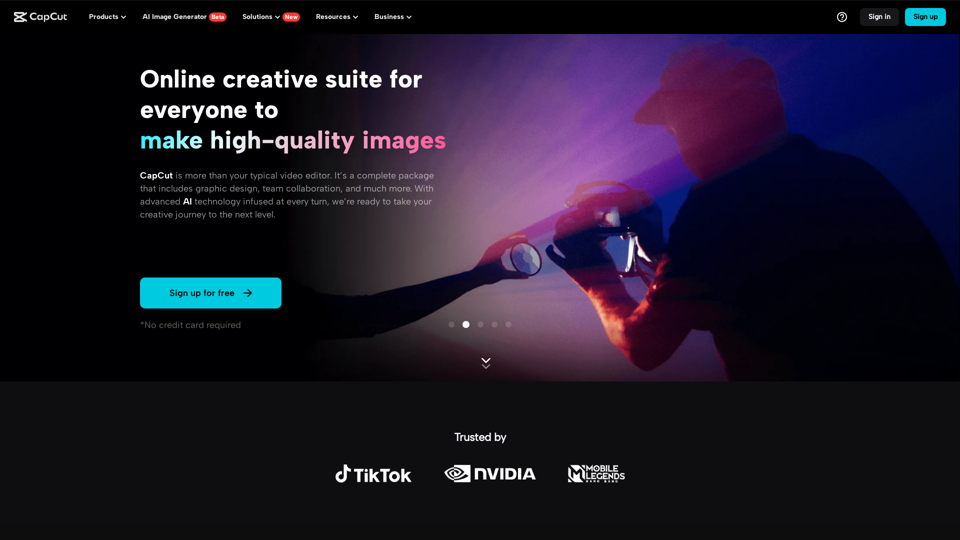
CapCut | All-in-one video editor & graphic design tool powered by AI
CapCut | All-in-one video editor & graphic design tool powered by AICapCut is an all-in-one creative platform powered by AI that enables video editing and image design on browsers, Windows, Mac, Android, and iOS.
39.44 M
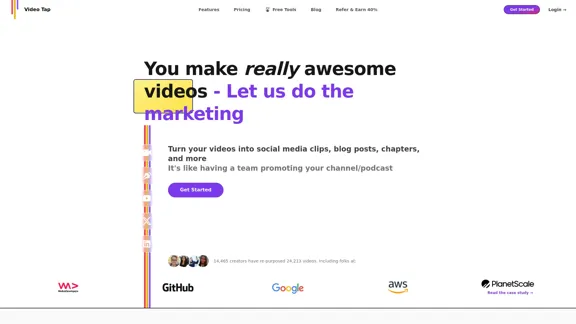
Transform videos into endless content such as blog posts, short clips, summaries and more with Video Tap.
19.54 K
Ghibli Video AI - Experience the Studio Ghibli Filter
Ghibli Video AI - Experience the Studio Ghibli FilterTransform photos into AI Ghibli videos with the AI Ghibli video generator! Our Studio Ghibli filter adds magical animations - no skills needed. Try Ghibli.AI now!
50
WanVideo AI: All-in-One AI Image, Music, and Video Generator
WanVideo AI: All-in-One AI Image, Music, and Video GeneratorCreate professional-quality videos, images, and music using WanVideo AI. Powered by Alibaba's Wan2.1, Flux AI, and Suno AI technologies. Try our all-in-one AI creative platform for free!
16.34 K