Open-source RightAI Tools Directory
  • Discover AI
  • Submit
  • Startup
  • Blog
Open-source RightAI Tools Directory
Discover the best AI tools of 2025 with the RightAI Tools Directory!

Friend Links

AI Anime GeneratorToolsApp AI

Support

Tap4
Privacy policyTerms & ConditionsContact Us
Loading...
loading...

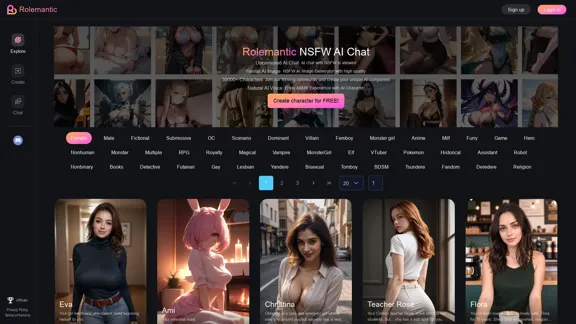
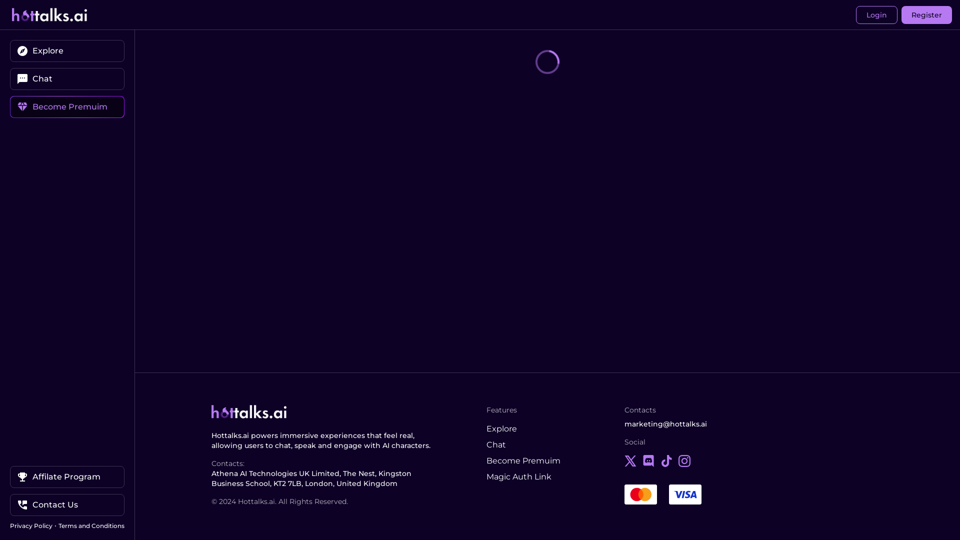
Hottalks.ai - Enjoy the Ultimate AI Girlfriend Experience

Your dream companion awaits! Uncensored AI chat experience with NSFW AI images. Experience adaptive AI-driven role-plays today.
Visit Website
Hottalks.ai - Enjoy the Ultimate AI Girlfriend Experience
Visit Website

Introduction

Hottalks.ai is an innovative AI-powered platform offering an immersive experience for users to chat, speak, and engage with AI characters. The platform aims to provide a realistic and engaging interaction, making it feel like an ultimate AI companion experience. With a wide range of AI characters and premium features, Hottalks.ai caters to users seeking a unique and interactive AI-driven conversation experience.

Feature

Immersive AI Interaction

Hottalks.ai provides a realistic and engaging experience, allowing users to interact with AI characters in a natural way. The platform's design focuses on creating an immersive environment for users to enjoy lifelike conversations.

Multi-Modal Communication

Users can both chat and speak with AI characters, enhancing the feeling of having a real conversation. This multi-modal approach adds depth to the interaction and makes the experience more engaging.

Premium Features

By becoming a premium user, subscribers can access additional features to enhance their experience on the platform. These exclusive features provide added value and a more comprehensive interaction with AI characters.

Diverse AI Characters

Hottalks.ai offers a wide range of AI characters, each with unique personalities and characteristics. Users can explore and interact with various characters to find the ones that best suit their preferences.

User-Friendly Interface

The platform is designed for ease of use. Users can simply login or register for an account to start exploring and interacting with AI characters immediately.

Privacy Protection

Hottalks.ai prioritizes user privacy. The platform does not use user data for training purposes, and users have the option to delete their account at any time, ensuring complete removal of their data.

FAQ

What type of interactions does Hottalks.ai offer?

Hottalks.ai offers text-based chat and voice interactions with AI characters, providing a realistic and engaging conversational experience.

Is image generation available on Hottalks.ai?

No, Hottalks.ai is primarily a text-based platform focusing on chat and conversation. It does not offer image generation capabilities.

How can I access premium features on Hottalks.ai?

To access premium features, users need to subscribe to the platform. This subscription enhances the user experience by providing additional functionalities.

Can I customize my AI character interactions?

Users can explore different AI characters, each with unique personalities, allowing for varied and customized interaction experiences.

Is my data safe on Hottalks.ai?

Yes, Hottalks.ai values user privacy and does not use user data for training purposes. Users can delete their account and all associated data at any time.

Latest Traffic Insights

  • Monthly Visits

    40.45 K

  • Bounce Rate

    40.96%

  • Pages Per Visit

    7.32

  • Time on Site(s)

    129.61

  • Global Rank

    441263

  • Country Rank

    India 41740

Recent Visits

Traffic Sources

  • Social Media:
    3.20%
  • Paid Referrals:
    0.69%
  • Email:
    0.07%
  • Referrals:
    19.69%
  • Search Engines:
    31.00%
  • Direct:
    45.15%
More Data

Related Websites

AI Text Shortener | Precise Text Adjuster | WordLimiter
View Detail

AI Text Shortener | Precise Text Adjuster | WordLimiter

AI Text Shortener | Precise Text Adjuster | WordLimiter

WordLimit helps you to shorten your text precisely without losing key information and your unique writing style. Feel free to use it because it will never make your Human-Written content become AI-Written!

834
CO-STAR Prompt Template
==========================

Task Description
Describe the task you want the AI to perform. Be specific and concise.

Input Prompt
Provide the input prompt that the AI will receive. This can be a question, a statement, or a scenario.

Desired Response
Describe the desired response from the AI. What type of answer or output are you expecting?

Constraints
List any constraints or rules that the AI should follow when generating a response. This can include tone, style, or specific keywords to include or avoid.

Evaluation Metrics
Describe how you will evaluate the AI's response. What metrics or criteria will you use to determine the quality of the response?

Example Output
Provide an example of what a good response from the AI might look like. This can help clarify the task and provide a target for the AI to aim for.
View Detail

CO-STAR Prompt Template ========================== Task Description Describe the task you want the AI to perform. Be specific and concise. Input Prompt Provide the input prompt that the AI will receive. This can be a question, a statement, or a scenario. Desired Response Describe the desired response from the AI. What type of answer or output are you expecting? Constraints List any constraints or rules that the AI should follow when generating a response. This can include tone, style, or specific keywords to include or avoid. Evaluation Metrics Describe how you will evaluate the AI's response. What metrics or criteria will you use to determine the quality of the response? Example Output Provide an example of what a good response from the AI might look like. This can help clarify the task and provide a target for the AI to aim for.

CO-STAR Prompt Template ========================== Task Description Describe the task you want the AI to perform. Be specific and concise. Input Prompt Provide the input prompt that the AI will receive. This can be a question, a statement, or a scenario. Desired Response Describe the desired response from the AI. What type of answer or output are you expecting? Constraints List any constraints or rules that the AI should follow when generating a response. This can include tone, style, or specific keywords to include or avoid. Evaluation Metrics Describe how you will evaluate the AI's response. What metrics or criteria will you use to determine the quality of the response? Example Output Provide an example of what a good response from the AI might look like. This can help clarify the task and provide a target for the AI to aim for.

Using CO-STAR to Make Your Prompt 10 Times More Effective!

193.90 M
Face Swap - AI Face Swapper
View Detail

Face Swap - AI Face Swapper

Face Swap - AI Face Swapper

Upload photos or videos to swap the face. Switch any face on photo and video. Generate magic AI face swap photos and videos.

193.90 M
Conveyor
View Detail

Conveyor

Conveyor

Precise and customized responses to each customer's security inquiries.

193.90 M
Minimize Climate Risk | Maximize Future Opportunities | ClimateAi
View Detail

Minimize Climate Risk | Maximize Future Opportunities | ClimateAi

Minimize Climate Risk | Maximize Future Opportunities | ClimateAi

Build climate resilience with accurate insights and actionable recommendations that will give you a competitive edge.

10.69 K
Liner | AI Copilot on Your Workspace, Powered by ChatGPT
View Detail

Liner | AI Copilot on Your Workspace, Powered by ChatGPT

Liner | AI Copilot on Your Workspace, Powered by ChatGPT

Try Liner. Boost productivity and optimize your workflow with AI Copilot by summarizing articles, generating code, and composing emails.

6.20 M
Magic Cal
View Detail

Magic Cal

Magic Cal

Make events with AI -- ChatGPT in Google Calendar This is a guide on how to use ChatGPT to create events in your Google Calendar. 1. Open ChatGPT and Google Calendar: * Start a new conversation in ChatGPT. * Open your Google Calendar in a separate tab or window. 2. Tell ChatGPT what you want to schedule: * Be specific about the event details, including: * Event name: (e.g., "Team Meeting") * Date and time: (e.g., "Next Tuesday at 2:00 PM") * Duration: (e.g., "1 hour") * Location: (e.g., "Conference Room") * Description: (optional, add any relevant details) 3. ChatGPT will generate a calendar event string: * ChatGPT will provide you with a text string that includes all the event details in a format suitable for Google Calendar. 4. Copy and paste the event string into Google Calendar: * Click on the "Create" button in Google Calendar. * Paste the event string generated by ChatGPT into the event details field. * Adjust any details if needed. 5. Save the event: * Click "Save" to add the event to your Google Calendar. Let me know if you have any other questions.

193.90 M
GPTsLab: Smartly Filter and Discover Top GPTs
View Detail

GPTsLab: Smartly Filter and Discover Top GPTs

GPTsLab: Smartly Filter and Discover Top GPTs

Collect over 90,000+ GPTs, search for them quickly. Save GPTs to your personal space and manage them. In GPT-4, it will automatically suggest relevant GPTs.

193.90 M