Open-source RightAI Tools Directory
  • Discover AI
  • Submit
  • Startup
  • Blog
Open-source RightAI Tools Directory
Discover the best AI tools of 2025 with the RightAI Tools Directory!

Friend Links

AI Anime GeneratorToolsApp AI

Support

Tap4
Privacy policyTerms & ConditionsContact Us
Loading...
loading...

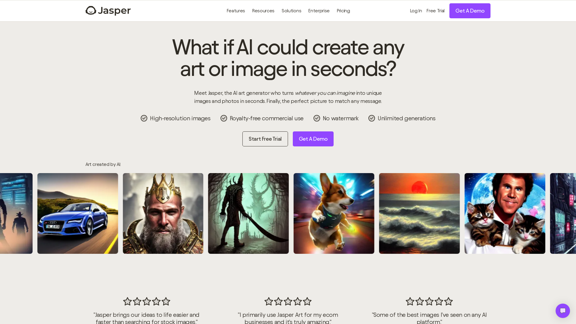
AI Art Generator | AI Image Generator - Jasper Art

Jasper Art is a new AI art generator that transforms your text prompt into stunning art and lifelike AI-generated images within seconds. Your AI artist produces the ideal picture to complement your message.
Visit Website
AI Art Generator | AI Image Generator - Jasper Art
Visit Website

Introduction

Jasper AI Art Generator is an innovative tool that empowers users to create high-quality, unique images using artificial intelligence. This powerful platform enables both businesses and individual creators to bring their visual ideas to life quickly and easily, without the need for advanced design skills or expensive software. Jasper offers a user-friendly interface that transforms written prompts into stunning, customizable images in seconds.

Feature

High-Resolution Image Generation

Jasper produces crisp, clear images suitable for various applications, ensuring professional-quality output for all your creative needs.

Royalty-Free Commercial Use

All images generated by Jasper are available for unrestricted commercial use, providing flexibility for both personal and business purposes.

No Watermarks

Generated images are clean and ready to use without any branding, allowing for seamless integration into your projects.

Unlimited Generations

Create as many images as you need without restrictions, giving you the freedom to explore and refine your visual concepts.

User-Friendly Creation Process

  1. Write a detailed prompt describing your desired image
  2. Select additional parameters like medium, artist style, and mood
  3. Generate four AI-created images in seconds

Time and Cost Efficiency

Quickly produce unique visuals for marketing campaigns, social media, and more, reducing expenses on stock photos and custom illustrations.

Versatile Applications

Create images for various purposes, from product photos to concept art, catering to diverse creative needs.

Brand Consistency

Generate on-brand visuals that align with your company's style, maintaining a cohesive visual identity across all platforms.

FAQ

What are the pricing options for Jasper AI Art Generator?

Jasper AI Art Generator is included in Jasper's Pro and Business plans, starting at $59 per month/seat when billed annually. A 7-day free trial is available, allowing users to generate 200 images for free during the trial period.

What rights do users have over the generated images?

Users have full commercial rights to the images generated using Jasper AI Art Generator. The images can be used for various purposes, including digital and print media, websites, merchandise, and marketing materials.

How does Jasper AI Art Generator work?

Users write a prompt describing the desired image, select additional parameters like style and mood, and Jasper processes this input to create four AI-generated images in seconds.

Can Jasper AI Art Generator be used for business purposes?

Yes, Jasper AI Art Generator is designed for both individual creators and businesses. It offers time-saving and cost-effective solutions for creating unique visuals for marketing campaigns, social media, and various other business applications.

How can I get started with Jasper AI Art Generator?

To begin using Jasper AI Art Generator, sign up for a Jasper Pro or Business plan, access the AI Art Generator feature, and start experimenting with prompts and styles to create your AI-generated images.

Related Websites
AI Headshot Generator Free
View Detail

AI Headshot Generator Free

AI Headshot Generator Free

Create stunning, professional headshots for free with our AI Headshot Generator. Perfect for LinkedIn and resumes. Try it now!

0
Grammar Check & Paraphrasing Too
View Detail

Grammar Check & Paraphrasing Too

Grammar Check & Paraphrasing Too

AI Spell Checker and Paraphrasing Tool for English, Spanish, German, French, Italian, Hindi, and 50+ Languages, Powered by ChatGPT

193.90 M
Sanket's OpenAI Search
View Detail

Sanket's OpenAI Search

Sanket's OpenAI Search

Chrome Extension for OpenAI Search This is a Chrome extension that integrates OpenAI's powerful search capabilities directly into your browser. Features: * Seamless Search: Access OpenAI's search results directly from your address bar or by clicking a dedicated button. * Contextual Understanding: The extension leverages OpenAI's advanced language models to understand the context of your search queries, delivering more relevant and insightful results. * Summarization and Insights: Get concise summaries and key takeaways from search results, saving you time and effort. * Customizable Settings: Tailor your search experience with options to adjust parameters like temperature and top_p for fine-tuned results. Benefits: * Enhanced Research: Uncover deeper insights and explore information more effectively. * Improved Productivity: Quickly find the information you need and streamline your workflow. * New Ways to Explore: Discover unexpected connections and gain a broader understanding of topics.

193.90 M
Batch Save ChatGPT to Notion

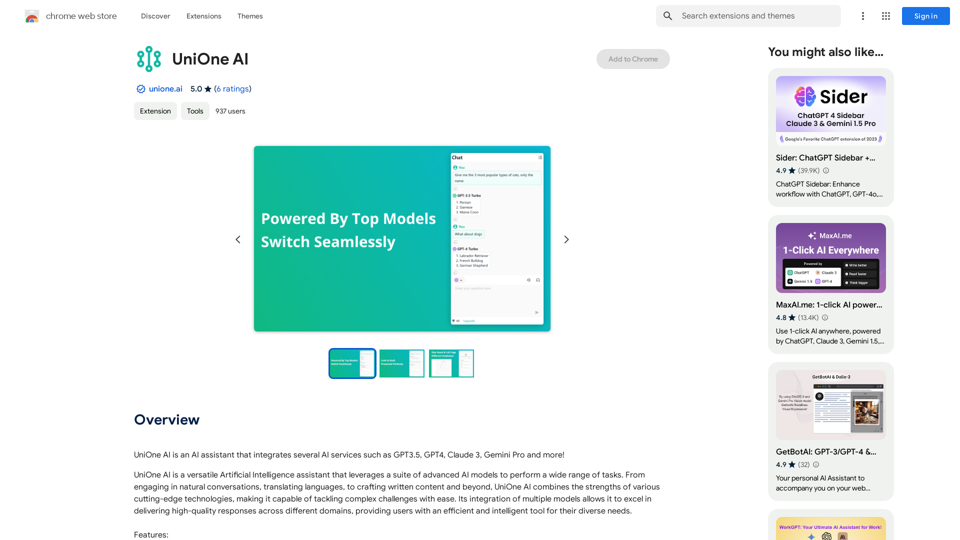
This is a guide on how to save multiple ChatGPT responses to Notion in a batch. 

Tools You'll Need:

* ChatGPT: An AI chatbot that can generate text.
* Notion: A note-taking and project management tool.
* Python: A programming language.
* Requests Library: A Python library for making HTTP requests.

Steps:

1. Get Your Notion API Token:
   - Go to your Notion workspace settings.
   - Navigate to the "Integrations" tab.
   - Click "Create new integration" and choose "API Token".
   - Copy your API token.

2. Install Python Libraries:
   - Open your terminal or command prompt.
   - Type `pip install requests` and press Enter.

3. Write Python Script:
   - Create a new Python file (e.g., `save_chatgpt_to_notion.py`).
   - Paste the following code into the file, replacing `YOUR_NOTION_API_TOKEN` with your actual token:

```python
import requests

def save_chatgpt_response_to_notion(response, page_id, token):
  """Saves a ChatGPT response to a Notion page."""
  url = f"https://api.notion.com/v1/pages/{page_id}/children"
  headers = {"Authorization": f"Bearer {token}"}
  data = {
    "parent": {
      "page_id": page_id
    },
    "properties": {
      "title": {
        "title": [
          {
            "text": {
              "content": "ChatGPT Response"
            }
          }
        ]
      },
      "content": {
        "rich_text": [
          {
            "text": {
              "content": response
            }
          }
        ]
      }
    }
  }
  response = requests.post(url, headers=headers, json=data)
  print(response.status_code)

Example usage
page_id = "YOUR_NOTION_PAGE_ID"
token = "YOUR_NOTION_API_TOKEN"

Get ChatGPT responses (replace with your actual ChatGPT interaction)
chatgpt_responses = [
  "This is the first ChatGPT response.",
  "This is the second ChatGPT response.",
  "This is the third ChatGPT response."
]

Save each response to Notion
for response in chatgpt_responses:
  save_chatgpt_response_to_notion(response, page_id, token)
```

4. Run the Script:
   - In your terminal, navigate to the directory where you saved the Python file.
   - Type `python save_chatgpt_to_notion.py` and press Enter.

5. Check Notion:
   - Open your Notion workspace and go to the page specified by `page_id`.
   - You should see your ChatGPT responses saved as separate blocks.
View Detail

Batch Save ChatGPT to Notion This is a guide on how to save multiple ChatGPT responses to Notion in a batch. Tools You'll Need: * ChatGPT: An AI chatbot that can generate text. * Notion: A note-taking and project management tool. * Python: A programming language. * Requests Library: A Python library for making HTTP requests. Steps: 1. Get Your Notion API Token: - Go to your Notion workspace settings. - Navigate to the "Integrations" tab. - Click "Create new integration" and choose "API Token". - Copy your API token. 2. Install Python Libraries: - Open your terminal or command prompt. - Type `pip install requests` and press Enter. 3. Write Python Script: - Create a new Python file (e.g., `save_chatgpt_to_notion.py`). - Paste the following code into the file, replacing `YOUR_NOTION_API_TOKEN` with your actual token: ```python import requests def save_chatgpt_response_to_notion(response, page_id, token): """Saves a ChatGPT response to a Notion page.""" url = f"https://api.notion.com/v1/pages/{page_id}/children" headers = {"Authorization": f"Bearer {token}"} data = { "parent": { "page_id": page_id }, "properties": { "title": { "title": [ { "text": { "content": "ChatGPT Response" } } ] }, "content": { "rich_text": [ { "text": { "content": response } } ] } } } response = requests.post(url, headers=headers, json=data) print(response.status_code) Example usage page_id = "YOUR_NOTION_PAGE_ID" token = "YOUR_NOTION_API_TOKEN" Get ChatGPT responses (replace with your actual ChatGPT interaction) chatgpt_responses = [ "This is the first ChatGPT response.", "This is the second ChatGPT response.", "This is the third ChatGPT response." ] Save each response to Notion for response in chatgpt_responses: save_chatgpt_response_to_notion(response, page_id, token) ``` 4. Run the Script: - In your terminal, navigate to the directory where you saved the Python file. - Type `python save_chatgpt_to_notion.py` and press Enter. 5. Check Notion: - Open your Notion workspace and go to the page specified by `page_id`. - You should see your ChatGPT responses saved as separate blocks.

Batch Save ChatGPT to Notion This is a guide on how to save multiple ChatGPT responses to Notion in a batch. Tools You'll Need: * ChatGPT: An AI chatbot that can generate text. * Notion: A note-taking and project management tool. * Python: A programming language. * Requests Library: A Python library for making HTTP requests. Steps: 1. Get Your Notion API Token: - Go to your Notion workspace settings. - Navigate to the "Integrations" tab. - Click "Create new integration" and choose "API Token". - Copy your API token. 2. Install Python Libraries: - Open your terminal or command prompt. - Type `pip install requests` and press Enter. 3. Write Python Script: - Create a new Python file (e.g., `save_chatgpt_to_notion.py`). - Paste the following code into the file, replacing `YOUR_NOTION_API_TOKEN` with your actual token: ```python import requests def save_chatgpt_response_to_notion(response, page_id, token): """Saves a ChatGPT response to a Notion page.""" url = f"https://api.notion.com/v1/pages/{page_id}/children" headers = {"Authorization": f"Bearer {token}"} data = { "parent": { "page_id": page_id }, "properties": { "title": { "title": [ { "text": { "content": "ChatGPT Response" } } ] }, "content": { "rich_text": [ { "text": { "content": response } } ] } } } response = requests.post(url, headers=headers, json=data) print(response.status_code) Example usage page_id = "YOUR_NOTION_PAGE_ID" token = "YOUR_NOTION_API_TOKEN" Get ChatGPT responses (replace with your actual ChatGPT interaction) chatgpt_responses = [ "This is the first ChatGPT response.", "This is the second ChatGPT response.", "This is the third ChatGPT response." ] Save each response to Notion for response in chatgpt_responses: save_chatgpt_response_to_notion(response, page_id, token) ``` 4. Run the Script: - In your terminal, navigate to the directory where you saved the Python file. - Type `python save_chatgpt_to_notion.py` and press Enter. 5. Check Notion: - Open your Notion workspace and go to the page specified by `page_id`. - You should see your ChatGPT responses saved as separate blocks.

Save ChatGPT Conversations to Notion with One Click Export your ChatGPT conversations directly to Notion with a single click.

193.90 M
AI Photo Editor - Edit photos online for free
View Detail

AI Photo Editor - Edit photos online for free

AI Photo Editor - Edit photos online for free

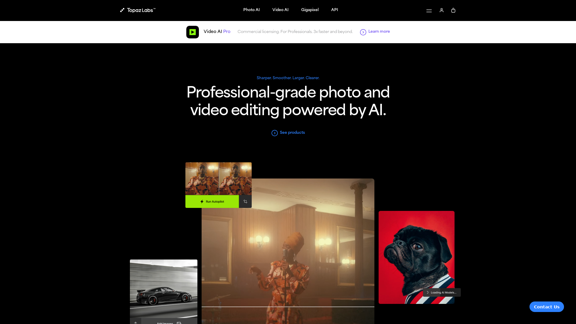
Pixelfox AI is one of the best free AI image editing tools, designed to automatically edit images and photos. Start editing photos now.

58.05 K
AI Playground
View Detail

AI Playground

AI Playground

Gan AI Playground is a developer-focused platform offering advanced AI tools and technologies.

0
AI Face Studio - AI Face Transformation & Editing Tools
View Detail

AI Face Studio - AI Face Transformation & Editing Tools

AI Face Studio - AI Face Transformation & Editing Tools

AI Face Studio provides face swapping, outfit alterations, video transformations, style conversions, and facial editing with premium security and high-quality outcomes.

27.66 K
Flux Image AI Generator Online Free | FluxImage.co
View Detail

Flux Image AI Generator Online Free | FluxImage.co

Flux Image AI Generator Online Free | FluxImage.co

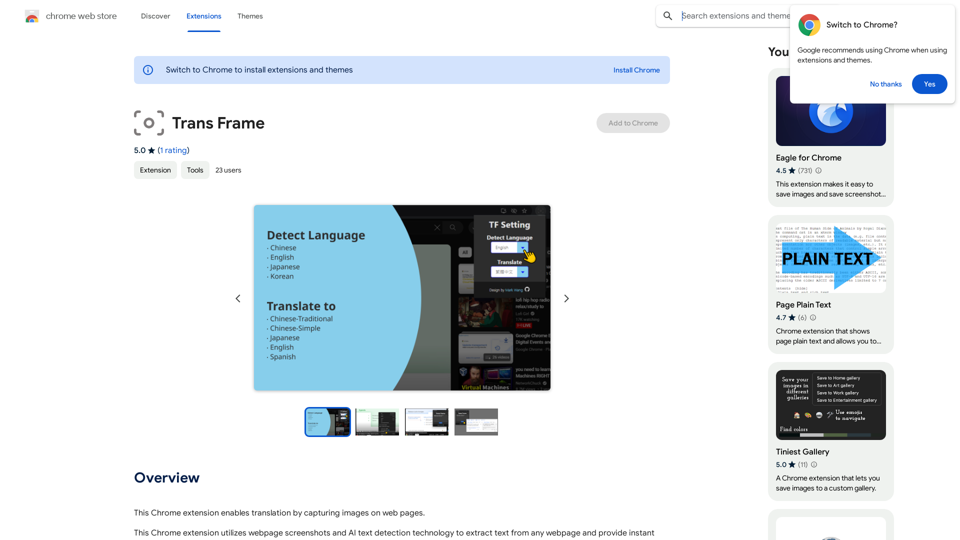
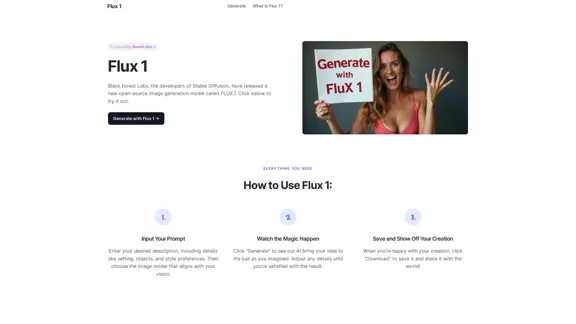
Create captivating images and videos with Flux Image AI Generator, the state-of-the-art AI image generation tool available for free online

2.35 K