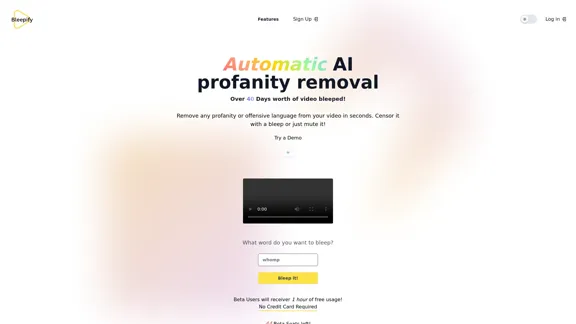
Bleepify is an innovative AI-powered tool designed to automatically remove profanity and offensive language from videos. It offers a quick and efficient solution for content creators, families, and anyone looking to clean up their video content. With its advanced speech-to-text models and local processing, Bleepify promises to save time and ensure content remains monetization-friendly.
Bleepify
Automatically remove any profanity from any video with AI.
Introduction
Feature
-
Automatic AI Profanity Removal
- Instantly removes profanity or offensive language from videos
- Options to censor with a bleep sound or mute the offensive content
-
Local Processing
- Videos are processed on the user's computer
- Ensures privacy and faster processing times
- Eliminates the need for uploading and downloading
-
Advanced Speech-to-Text Models
- Utilizes cutting-edge speech recognition technology
- Offers high accuracy in detecting and censoring profanity
-
Time-Saving for Content Creators
- Automates the process of cleaning up video content
- Helps avoid demonetization issues on platforms
-
Family-Friendly Content Creation
- Allows users to clean up movies or content for family viewing
- Customizable censorship options
-
Beta Program
- Offers 1 hour of free usage for beta users
- Limited to 44 beta seats at the time of writing
How to Use?
- Sign up for the beta program to get 1 hour of free usage.
- No credit card is required for the beta access.
- The tool processes videos locally, so ensure your computer meets the necessary requirements.
- Experiment with different censorship options (bleeping or muting) to find what works best for your content.
- Use Bleepify to quickly clean up content before uploading to monetized platforms to avoid potential issues.
FAQ
How can I try Bleepify?
You can sign up for the beta program. Access will be granted as beta seats become available.
How much will Bleepify cost?
Beta testers receive $2.50 of free credit. After that, the service is priced at $0.035 per video minute processed.
Is my video content safe when using Bleepify?
Yes, Bleepify processes your videos locally on your computer, ensuring that your content never leaves your device.
Can Bleepify be used for movies and other content not created by the user?
Yes, Bleepify can be used to clean up any video content, including movies, for family-friendly viewing.
Price
- Beta testers: $2.50 of free credit
- Regular pricing: $0.035 per video minute processed
The price is for reference only, please refer to the latest official data for actual information.
Evaluation
-
Bleepify addresses a genuine need in the content creation market, offering a quick and efficient solution for removing profanity from videos. This can be particularly valuable for creators who need to maintain family-friendly content or avoid demonetization on platforms with strict language policies.
-
The local processing feature is a significant advantage, ensuring privacy and faster processing times. This sets Bleepify apart from cloud-based solutions that might raise concerns about data security.
-
The pricing model seems reasonable, especially with the free credit for beta testers. However, for users processing large volumes of content, costs could accumulate quickly at $0.035 per minute.
-
While the AI-powered speech recognition is promising, the actual accuracy and effectiveness of the profanity detection and removal will be crucial for user satisfaction. Real-world testing will be necessary to fully evaluate this aspect.
-
The tool's simplicity is appealing, but more advanced users might appreciate additional features such as custom word lists or adjustable sensitivity levels for different contexts.
-
Bleepify could potentially expand its market by offering integrations with popular video editing software or social media platforms, streamlining the workflow for content creators.
Related Websites
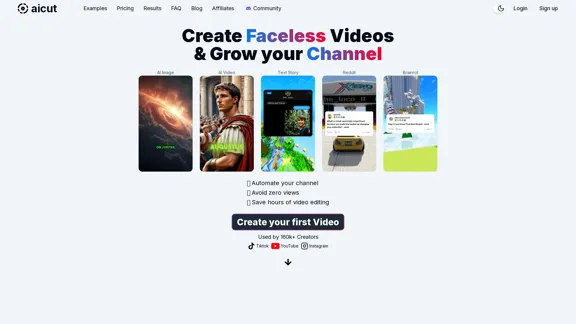
Create short AI videos that expand your faceless channel.
Create short AI videos that expand your faceless channel.Create short AI videos that expand your faceless channel.
264.02 K
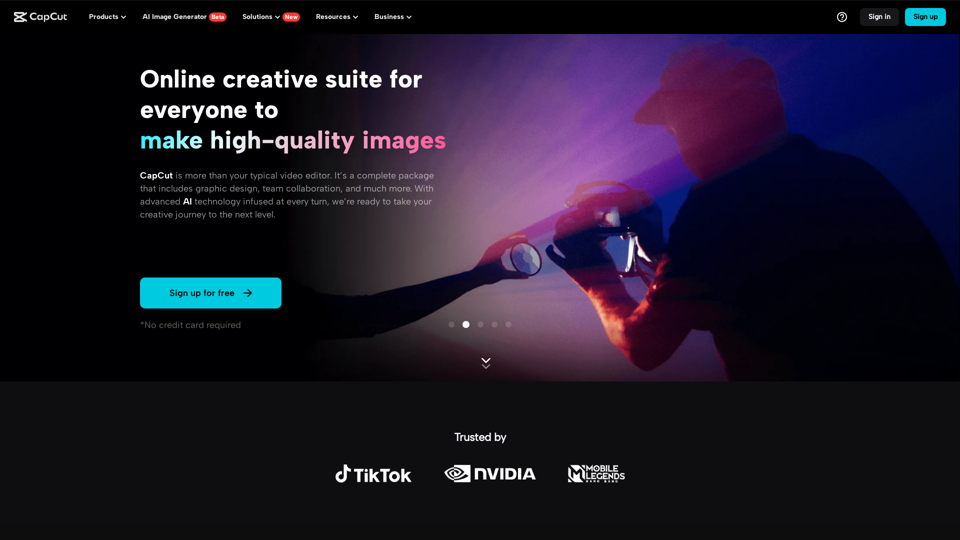
CapCut | All-in-one video editor & graphic design tool powered by AI
CapCut | All-in-one video editor & graphic design tool powered by AICapCut is an all-in-one creative platform powered by AI that enables video editing and image design on browsers, Windows, Mac, Android, and iOS.
39.44 M
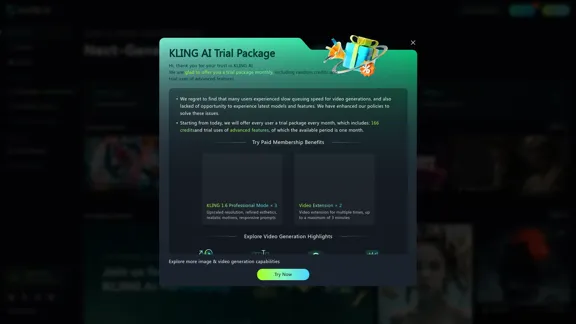
KLING AI: Studio for Creative AI of the Next Generation
KLING AI: Studio for Creative AI of the Next GenerationKLING AI, tools for creating imaginative images and videos, based on state-of-the-art generative AI methods.
11.51 M
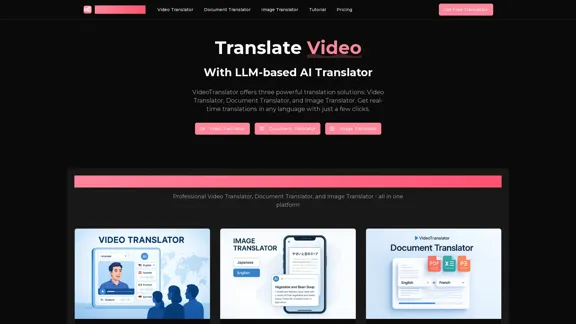
AI Video Translator, Document Translator & Image Translator
AI Video Translator, Document Translator & Image TranslatorTranslate any file instantly with VideoTranslator. Our top AI translator can translate documents, images, audio, and video - PDF, Word, PNG, MP3, and more.
3.02 K
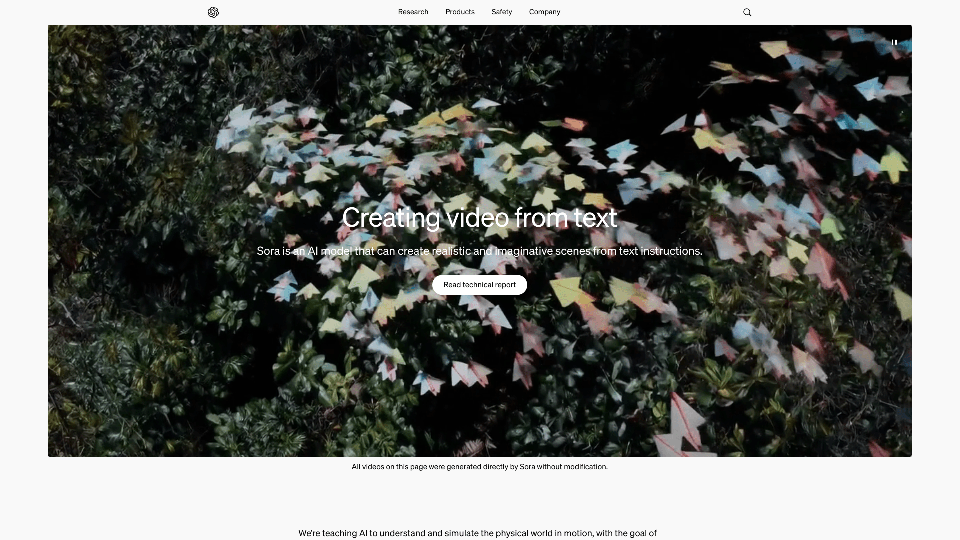
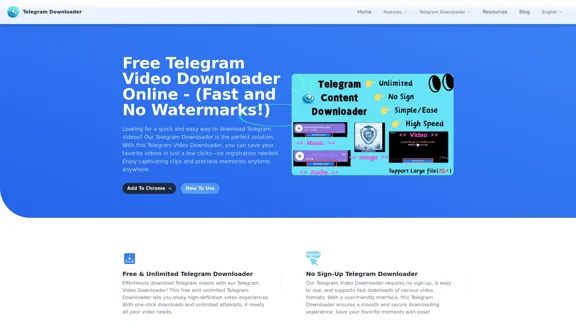
Free Telegram Video Downloader Online - (Quick and No Watermarks!)
Free Telegram Video Downloader Online - (Quick and No Watermarks!)The best Free Telegram Video Downloader for downloading high-quality videos from Telegram channels and groups—no watermarks, no sign-up, no limits. Enjoy seamless, user-friendly downloads with our Telegram Downloader. Get it now!
9.13 K
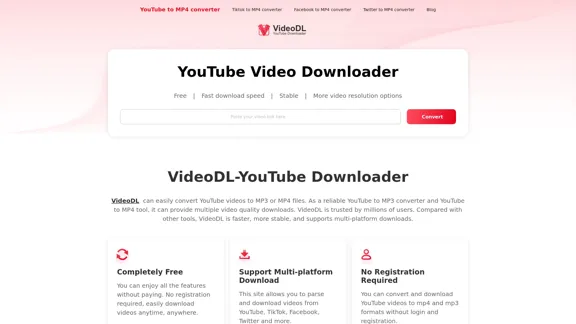
Free Youtube Video Downloader: Youtube to Mp4 Converter
Free Youtube Video Downloader: Youtube to Mp4 ConverterVideoDL is a free, fast, and stable online YouTube video downloader that allows you to convert YouTube videos to MP4 or MP3 with the highest quality.
0