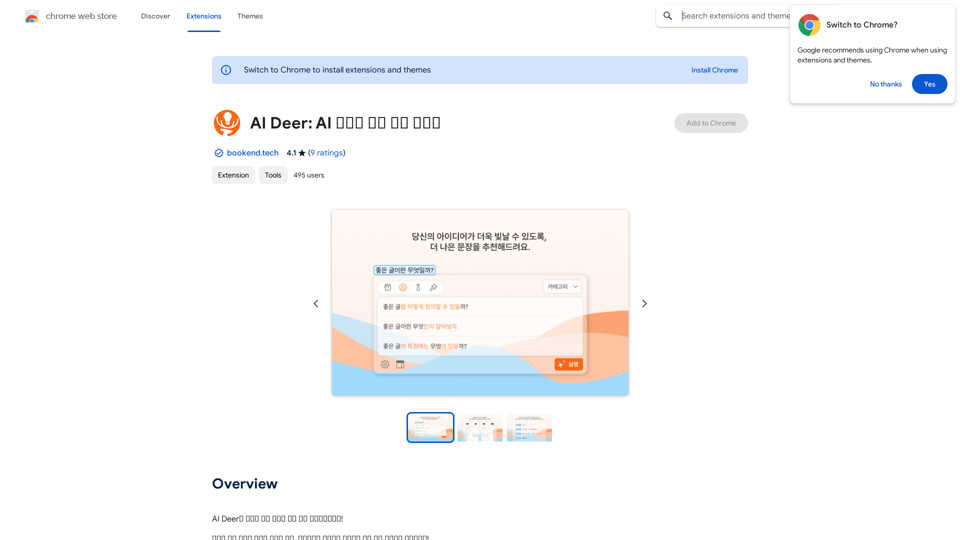
AI Deer is an innovative Chrome extension designed to enhance Korean language writing. It offers sentence correction, category-based refinement, and progress tracking features. This free tool is ideal for users looking to improve their Korean writing skills and create more polished content, whether for academic, professional, or personal use.
AI Deer: AI Korean Sentence Correction Solution
AI Deer will help you turn your great inspiration into a wonderful piece of writing!
Introduction
Feature
Sophisticated Sentence Correction
AI Deer employs advanced artificial intelligence to detect and correct grammatical errors in Korean sentences, helping users refine their writing skills and produce more accurate content.
Category-Based Correction
Users can select specific writing categories (e.g., formal or informal) to receive tailored corrections, ensuring more precise and contextually appropriate suggestions for their content.
History and Progress Tracking
The extension includes a history feature that allows users to review their corrected sentences and monitor their improvement over time, facilitating targeted learning and skill development.
User-Friendly Interface
- Install AI Deer from the Chrome Web Store
- Open the extension and choose your writing category
- Input your sentence and click "Correct"
- Review and adjust the corrected sentence as needed
Free Access
AI Deer is completely free to use, with all features accessible without any subscription or payment requirements.
FAQ
What is AI Deer?
AI Deer is an innovative Chrome extension that provides sentence correction solutions for Korean language processing, helping users improve their writing skills and create more polished content.
How does AI Deer work?
AI Deer utilizes artificial intelligence to analyze Korean sentences, detect grammatical errors, and provide corrections based on the selected writing category.
Is AI Deer suitable for academic or professional writing?
Yes, AI Deer is suitable for academic and professional writing, as it helps users refine their Korean language skills and produce more polished and accurate content.
Are there any costs associated with using AI Deer?
No, AI Deer is a free extension. Users can access all its features without any subscription or payment requirements.
Related Websites
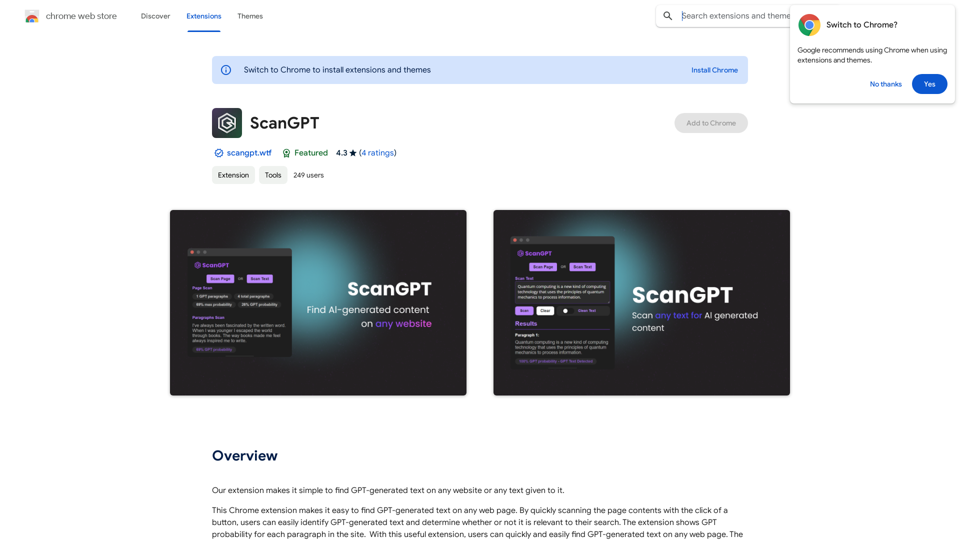
Our extension makes it simple to find GPT-generated text on any website or any text given to it.
193.90 M
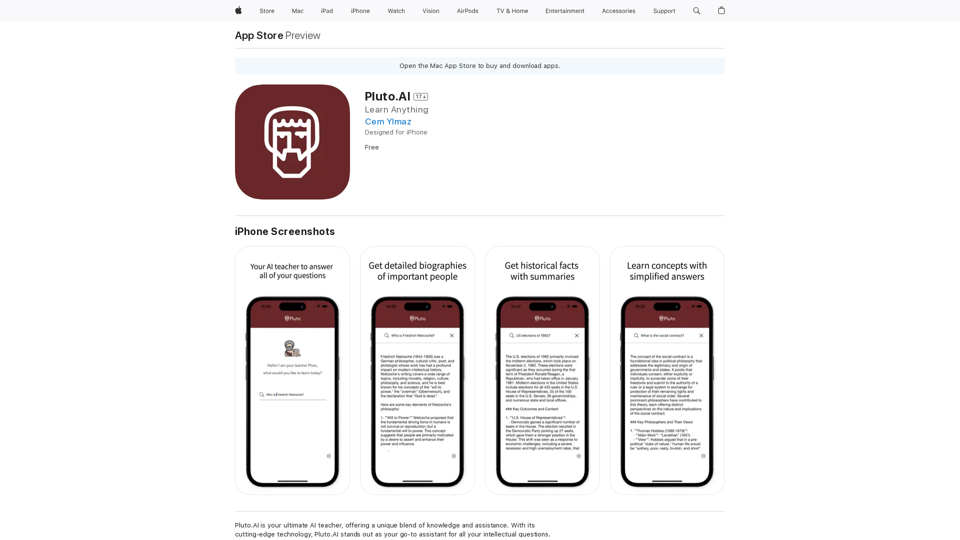
Pluto.AI is your ultimate AI teacher, offering a unique blend of knowledge and assistance. With its cutting-edge technology, Pluto.AI stands out as your go-to assistant for learning and growth.
124.77 M
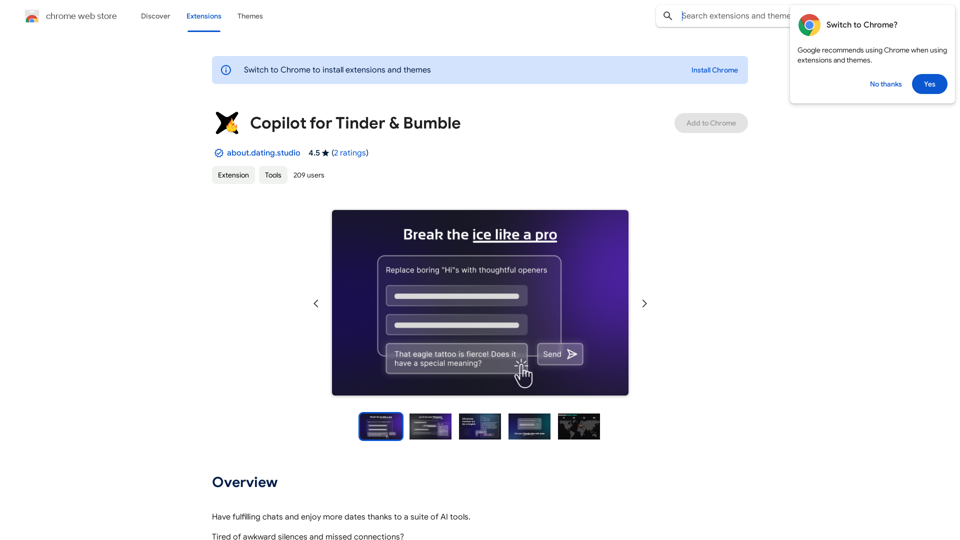
Copilot for Tinder & Bumble Tired of swiping endlessly? Let Copilot handle your dating app game! * Craft irresistible bios: Copilot helps you write witty and engaging bios that highlight your best qualities. * Spark conversations: Struggling to come up with opening lines? Copilot suggests clever and personalized messages to break the ice. * Navigate tricky situations: Copilot offers advice and guidance on handling awkward moments or difficult conversations. * Boost your matches: With Copilot's help, you'll stand out from the crowd and attract more matches. * Save time and energy: Let Copilot do the heavy lifting so you can focus on enjoying the dating experience. Start swiping smarter, not harder. Get Copilot today!
Copilot for Tinder & Bumble Tired of swiping endlessly? Let Copilot handle your dating app game! * Craft irresistible bios: Copilot helps you write witty and engaging bios that highlight your best qualities. * Spark conversations: Struggling to come up with opening lines? Copilot suggests clever and personalized messages to break the ice. * Navigate tricky situations: Copilot offers advice and guidance on handling awkward moments or difficult conversations. * Boost your matches: With Copilot's help, you'll stand out from the crowd and attract more matches. * Save time and energy: Let Copilot do the heavy lifting so you can focus on enjoying the dating experience. Start swiping smarter, not harder. Get Copilot today!Have meaningful conversations and go on more dates with the help of a collection of AI tools.
193.90 M
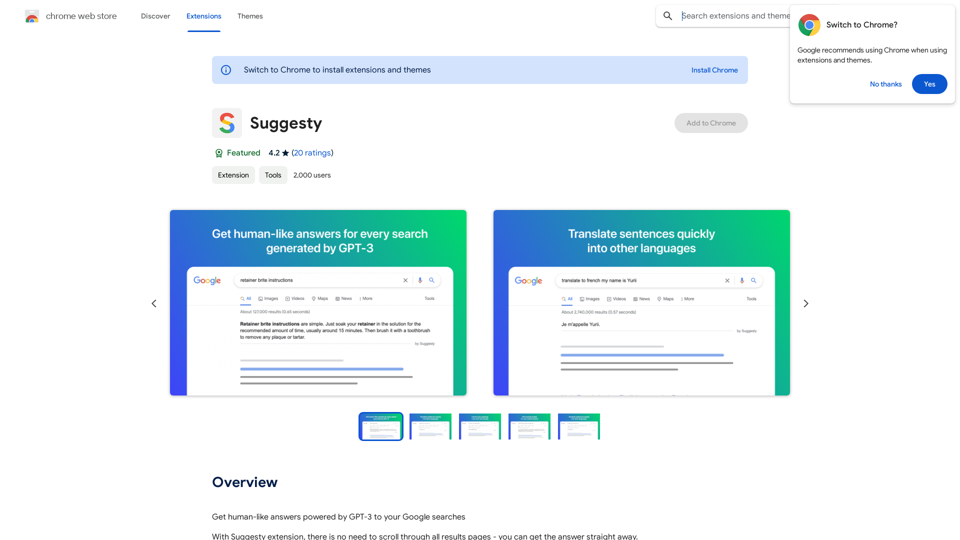
Suggesty Suggesty is a cutting-edge AI-powered tool designed to assist users in generating high-quality content quickly and efficiently.
Suggesty Suggesty is a cutting-edge AI-powered tool designed to assist users in generating high-quality content quickly and efficiently.Get human-like answers powered by GPT-3 to your Google searches
193.90 M
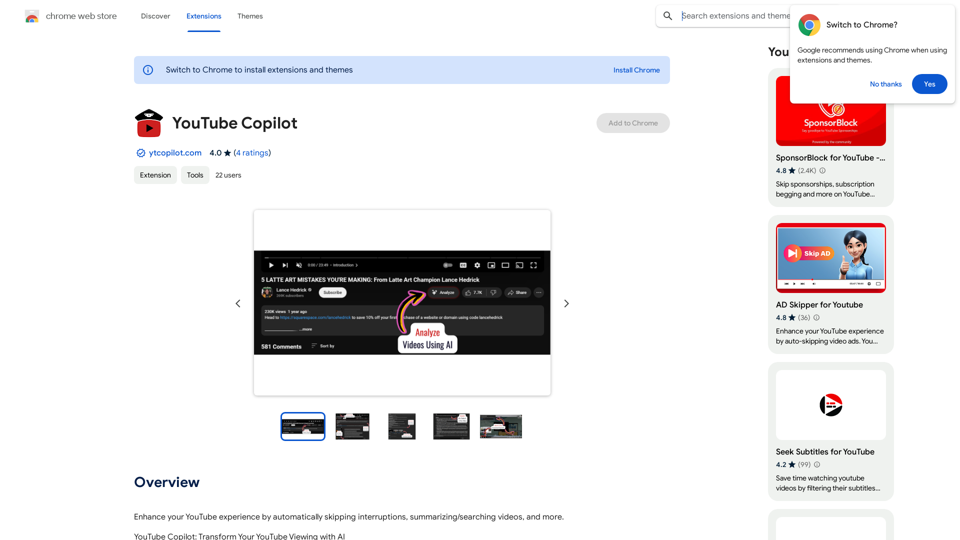
Improve your YouTube viewing by automatically skipping ads, summarizing videos, and searching within them.
193.90 M