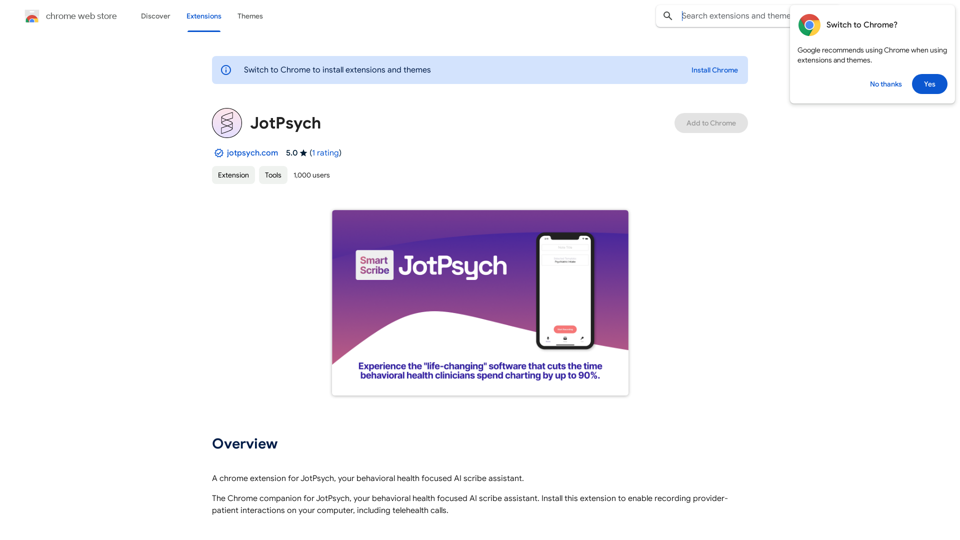
JotPsych is an innovative AI scribe assistant designed specifically for behavioral health professionals. It offers a Chrome extension that enables medical providers to effortlessly record and document patient interactions, including telehealth calls. This tool aims to streamline the documentation process, allowing healthcare professionals to focus more on patient care and less on administrative tasks.
JotPsych
A Chrome extension for JotPsych, your AI scribe assistant focused on behavioral health.
Introduction
Feature
AI-Powered Documentation
JotPsych utilizes advanced AI technology to provide accurate and efficient medical documentation, significantly reducing the time spent on administrative tasks.
Chrome Extension Integration
The tool is available as a Chrome extension, making it easily accessible and compatible with various Electronic Health Records (EHR) software systems.
24/7 Availability
JotPsych's AI assistant is available round the clock, ensuring that medical professionals can document patient interactions at any time, enhancing flexibility and convenience.
Seamless EHR Integration
The Chrome extension is designed to integrate smoothly with existing EHR software, facilitating easy documentation and organization of patient records.
Flexible Pricing Options
JotPsych offers both a free version with limited features and a paid subscription with additional benefits, catering to different needs and budgets.
Telehealth Support
The tool is capable of recording and documenting telehealth calls, addressing the growing demand for remote healthcare services.
FAQ
How do I get started with JotPsych?
To begin using JotPsych:
- Install the JotPsych Chrome extension from the Chrome Web Store
- Configure the extension to work with your EHR software
- Set up your account
- Start recording provider-patient interactions using the Chrome extension
What are some tips for using JotPsych effectively?
Here are some helpful tips for maximizing your JotPsych experience:
- Explore the free version before committing to a paid subscription
- Take time to carefully configure the extension for seamless EHR integration
- Leverage the AI technology to streamline your documentation process and allocate more time to patient care
Is JotPsych suitable for all medical professionals?
While JotPsych is primarily focused on behavioral health, its AI-powered documentation capabilities can benefit various medical professionals who need to record and document patient interactions efficiently.
Related Websites
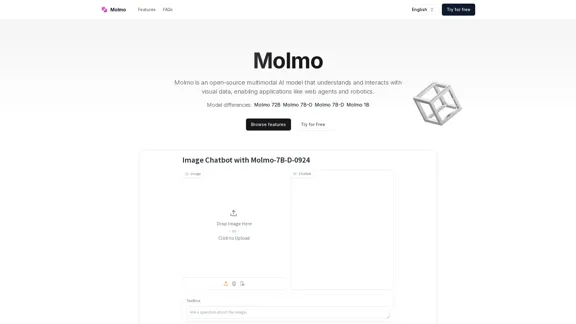
Molmo is an open-source multimodal AI model that understands and interacts with visual data, enabling applications like web agents and robotics.
2.20 K
![Email Name Generator - Create Both Custom and Random Email Addresses
This tool helps you generate email addresses, both personalized and random.
Create a Custom Email:
* First Name: [Input field for first name]
* Last Name: [Input field for last name]
* Domain: [Dropdown menu with various domain options]
Generate a Random Email:
* Number of Emails: [Input field for desired number of emails]
* Domain: [Dropdown menu with various domain options]
Click "Generate" to see your results!](https://static.right-ai.com/tools/2024/7/11/emailnamegen-com-thumbnail-1720705001.png "Email Name Generator - Create Both Custom and Random Email Addresses
This tool helps you generate email addresses, both personalized and random.
Create a Custom Email:
* First Name: [Input field for first name]
* Last Name: [Input field for last name]
* Domain: [Dropdown menu with various domain options]
Generate a Random Email:
* Number of Emails: [Input field for desired number of emails]
* Domain: [Dropdown menu with various domain options]
Click \"Generate\" to see your results!")
Email Name Generator - Create Both Custom and Random Email Addresses This tool helps you generate email addresses, both personalized and random. Create a Custom Email: * First Name: [Input field for first name] * Last Name: [Input field for last name] * Domain: [Dropdown menu with various domain options] Generate a Random Email: * Number of Emails: [Input field for desired number of emails] * Domain: [Dropdown menu with various domain options] Click "Generate" to see your results!
Email Name Generator - Create Both Custom and Random Email Addresses This tool helps you generate email addresses, both personalized and random. Create a Custom Email: * First Name: [Input field for first name] * Last Name: [Input field for last name] * Domain: [Dropdown menu with various domain options] Generate a Random Email: * Number of Emails: [Input field for desired number of emails] * Domain: [Dropdown menu with various domain options] Click "Generate" to see your results!Use our AI-powered Email Name Generator to create both custom and randomly generated unique email addresses, perfect for both personal and professional use.
18
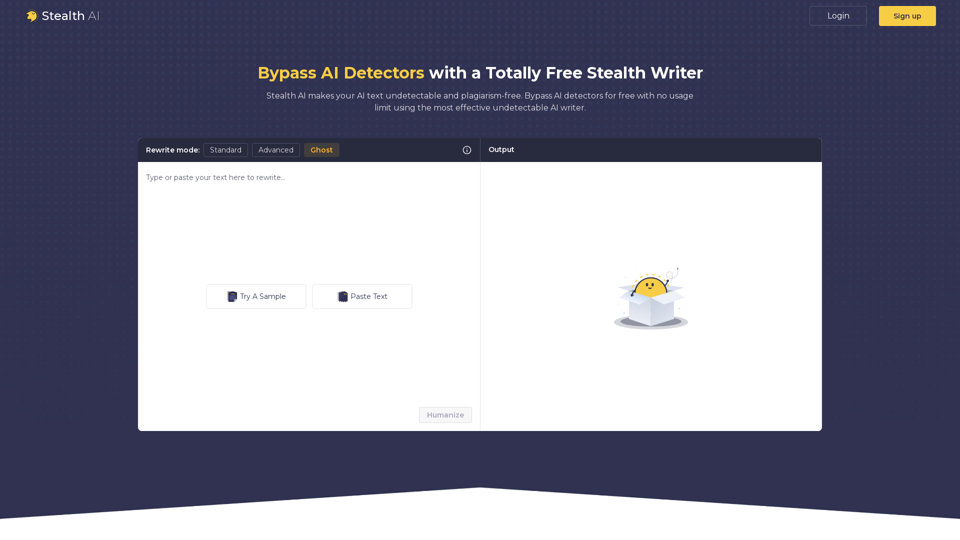
Stealth AI: Undetectable AI - Bypass AI Detector - Stealth Writer
Stealth AI: Undetectable AI - Bypass AI Detector - Stealth WriterGenerate undetectable AI-written content and fool AI detection tools with Stealth AI. Discover our powerful AI bypass solution to make your AI text invisible and original.
0
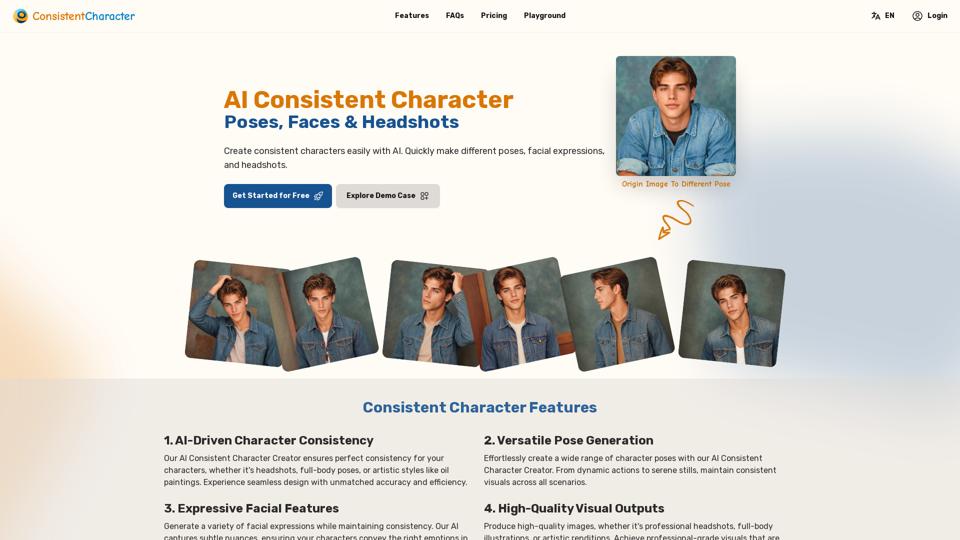
AI Consistent Character Creator: Poses, Faces & Headshots
AI Consistent Character Creator: Poses, Faces & HeadshotsEasily create consistent characters with AI. Quickly generate different poses, facial expressions, and headshots.
1.28 K
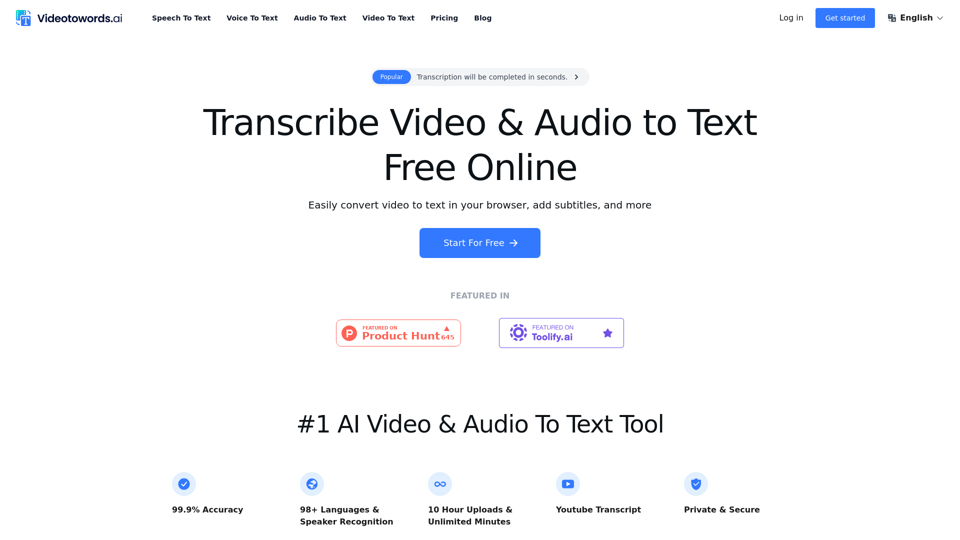
AI Speech To Text Tool: Transcribe Audio & Video To Text
AI Speech To Text Tool: Transcribe Audio & Video To TextVideotowords AI provides speech to text, or video to text, using our voice to text recognition and audio to text transcription. We offer free online speech to text, YouTube transcripts, audio to text converters, and video transcriptions. We support 98+ languages.
42.13 K
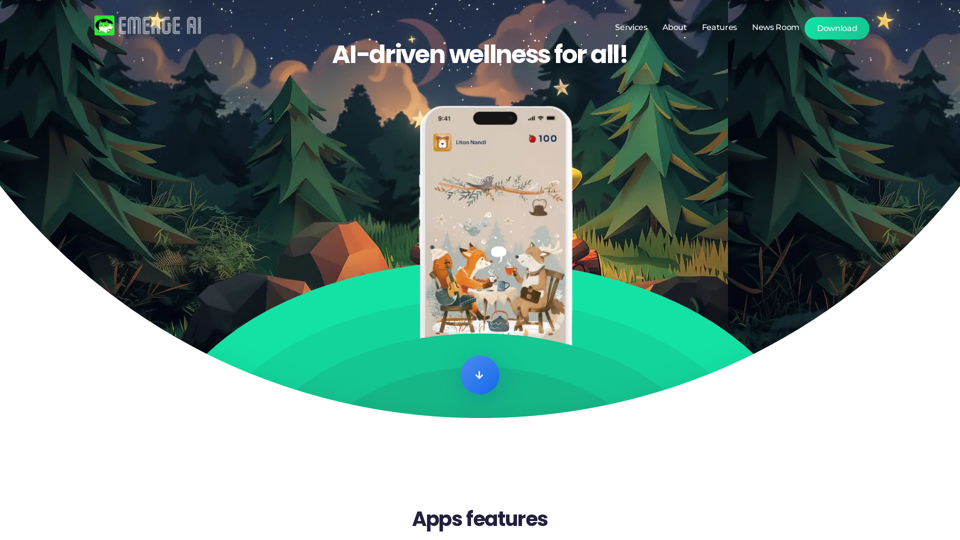
AI-driven wellness for all! App Features: * AI Pets: AI-generated digital companions that evolve and grow alongside you on your wellness journey. * NFT Ranking: In your physical activities and reach fitness milestones, earn tokens that contribute to the growth and value of your digital pet as an NFT. * Networking with friends: Showcase your unique companions and connect with friends who share your wellness goals.
1.16 K
Free Plagiarism Checker And AI Content Detection | CopyFind
Free Plagiarism Checker And AI Content Detection | CopyFindCopyFind AI Plagiarism Checker is a free, accurate tool that checks for duplicate content and verifies if your text is original or has been generated by AI.
202