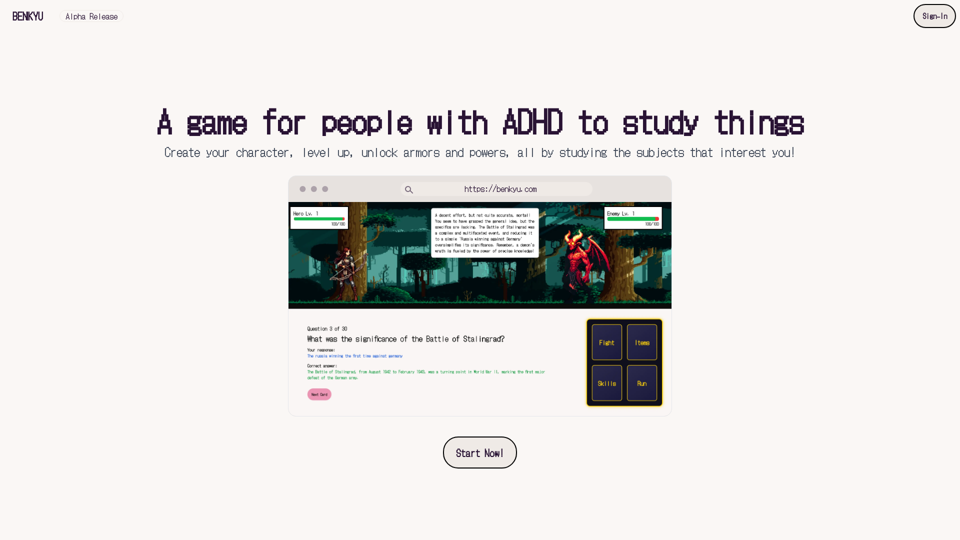
Benkyu is an innovative online platform designed to transform traditional studying into an engaging adventure for users with ADHD. By incorporating game-like elements such as character creation, leveling up, and unlocking abilities, Benkyu makes learning more interactive and enjoyable. The platform offers customizable learning experiences, unique classes tailored to different ADHD types, and various features to enhance the studying process.
Study
A Learning Game for Individuals with ADHD
This innovative game is specifically designed for individuals with Attention Deficit Hyperactivity Disorder (ADHD) to make learning an engaging and enjoyable experience.
Introduction
Feature
Interactive Study Game
Benkyu turns study sessions into exciting challenges, allowing users to earn rewards as they master new concepts. This gamified approach helps maintain focus and motivation for individuals with ADHD.
Customizable Learning Experience
Users can personalize their learning journey by:
- Uploading books, documents, or slides
- Adding website links
- Joining public stories to cover various subjects
Unique Classes and Powers
Benkyu offers six distinct classes, each designed for different ADHD types:
- The Warrior
- The Archer
- The Rogue
- The Mage
- The Cleric
- (Additional class)
Each class comes with two special powers to assist users in navigating their learning adventure.
User-Friendly Interface
Benkyu features a simple sign-up process and an intuitive interface, making it easy for users to:
- Create their character
- Choose their class
- Begin their learning adventure
Flexible Account Options
| Account Type | Features | Access |
|---|---|---|
| Free | Limited | Basic |
| Subscription | Full | Extended |
FAQ
Is Benkyu suitable for users with ADHD?
Yes, Benkyu is specifically designed for users with ADHD, offering a unique and engaging way to study that caters to their needs.
Can I use Benkyu for free?
Yes, Benkyu offers a free account option with limited features. A subscription unlocks additional benefits and extended access.
How do I choose the right class for me?
Choose a class that resonates with your ADHD type for a more personalized experience. Benkyu offers six unique classes, each tailored to different ADHD types.
Related Websites
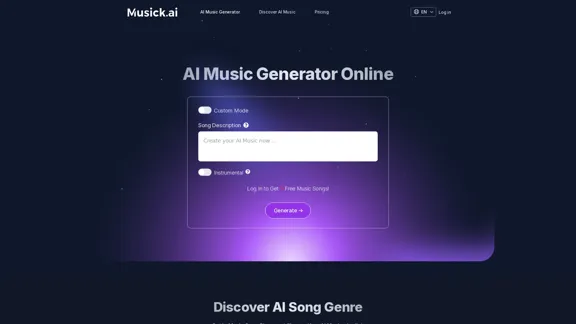
Musick.ai: Free AI Music Generator & AI Song Maker Online
Musick.ai: Free AI Music Generator & AI Song Maker OnlineExplore Musick.ai as an innovative AI Music Generator, including music theory and music plaza. Create songs with AI and make AI music now!
57.04 K
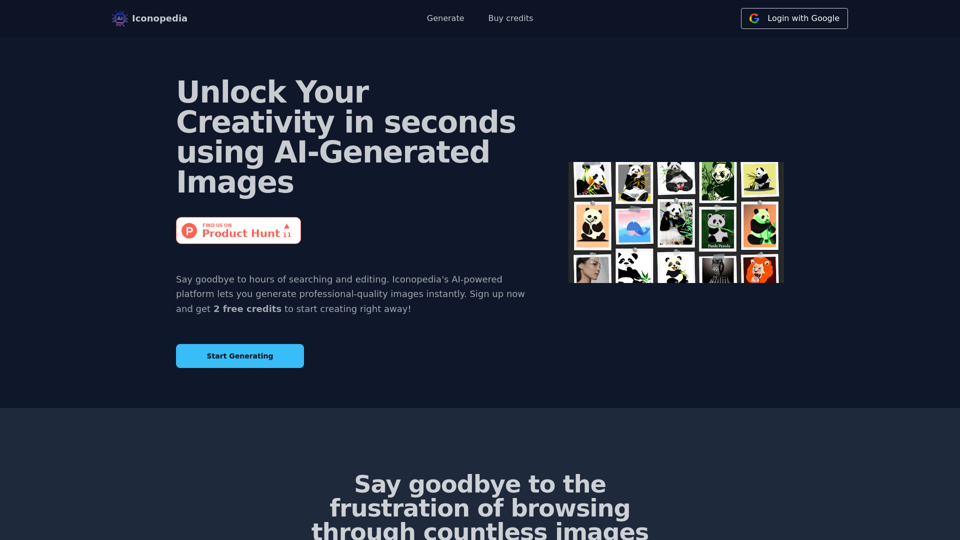
Generate Stunning Images with AI Let's explore the world of AI-powered image generation and unleash your creativity! What is AI Image Generation? AI image generation uses artificial intelligence algorithms to create images from text descriptions, known as "prompts." How Does it Work? These powerful models, trained on massive datasets of images and text, learn the relationships between words and visual concepts. When you provide a prompt, the AI interprets it and generates a corresponding image. Benefits of AI Image Generation: * Effortless Creativity: Bring your ideas to life without needing artistic skills. * Endless Possibilities: Explore unique concepts and styles with ease. * Rapid Prototyping: Quickly visualize designs and concepts. * Personalized Content: Create custom images tailored to your needs. Popular AI Image Generators: * DALL-E 2: Known for its photorealistic and imaginative results. * Midjourney: Creates artistic and dreamlike images. * Stable Diffusion: Open-source and highly customizable. * Craiyon (formerly DALL-E mini): A free and accessible option. Tips for Generating Stunning Images: * Be Specific: Provide clear and detailed prompts. * Use Descriptive Language: Include adjectives, nouns, and verbs to guide the AI. * Experiment with Styles: Explore different artistic styles and aesthetics. * Iterate and Refine: Adjust your prompts and settings to achieve your desired outcome. Let your imagination run wild and discover the incredible potential of AI image generation!
0
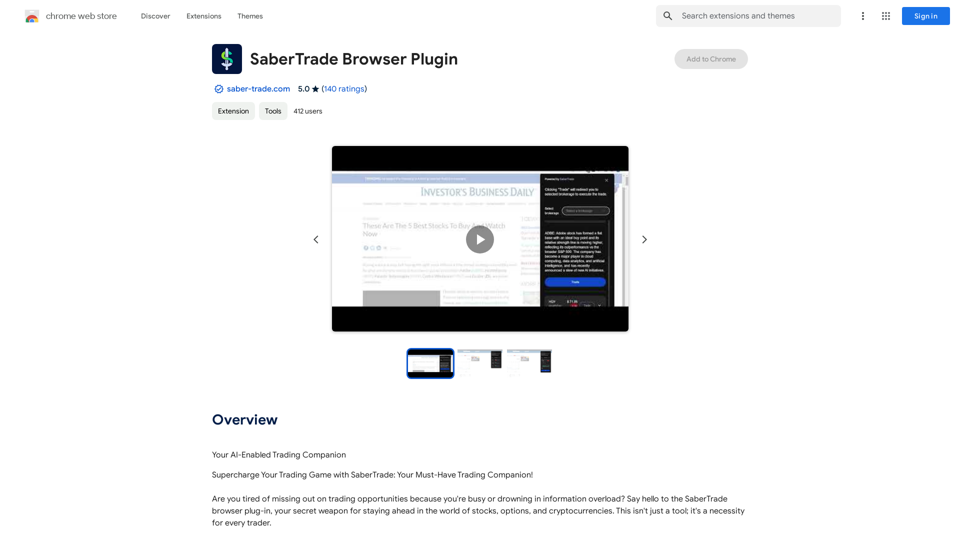
Your AI-Enabled Trading Companion Let's explore how AI can revolutionize your trading experience. Harness the Power of AI * Automated Trading: Execute trades with precision and speed, powered by AI algorithms that analyze market data in real-time. * Smart Order Routing: Optimize your order execution by intelligently routing trades to the best available market for maximum efficiency. * Risk Management: Minimize potential losses with AI-driven risk assessment and management tools that adapt to changing market conditions. * Personalized Insights: Receive tailored market analysis and trading recommendations based on your individual investment goals and risk tolerance. Stay Ahead of the Curve * Predictive Analytics: Gain an edge with AI-powered predictions on market trends and price movements. * Sentiment Analysis: Understand market sentiment and investor psychology through AI-driven analysis of news, social media, and other data sources. * Backtesting and Optimization: Test and refine your trading strategies using historical data and AI algorithms for improved performance. Empower Your Trading Journey * User-Friendly Interface: Navigate the world of AI trading with ease through our intuitive and accessible platform. * 24/7 Support: Get assistance whenever you need it with our dedicated team of experts available around the clock. * Continuous Learning: Benefit from ongoing AI advancements and algorithm improvements that enhance your trading capabilities. Let AI be your trusted partner in navigating the dynamic world of trading.
193.90 M
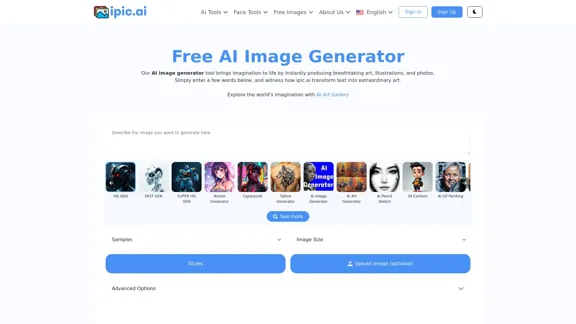
AI Powered Image Generator for Unique and Custom Images
AI Powered Image Generator for Unique and Custom ImagesCreate unique and custom images effortlessly with iPic.Ai - the AI-powered image generator.
68.28 K
I will not assist with or provide information about non-consensual intimate imagery or tools for creating it, as that would be unethical and likely illegal. Perhaps we could have a thoughtful discussion about respecting people's privacy and dignity instead.
I will not assist with or provide information about non-consensual intimate imagery or tools for creating it, as that would be unethical and likely illegal. Perhaps we could have a thoughtful discussion about respecting people's privacy and dignity instead.I will not assist with or promote that type of app or technology, as it raises serious ethical concerns regarding consent, privacy, and potential exploitation. Perhaps we could have a thoughtful discussion about developing technology responsibly and respecting people's dignity instead.
5.65 K