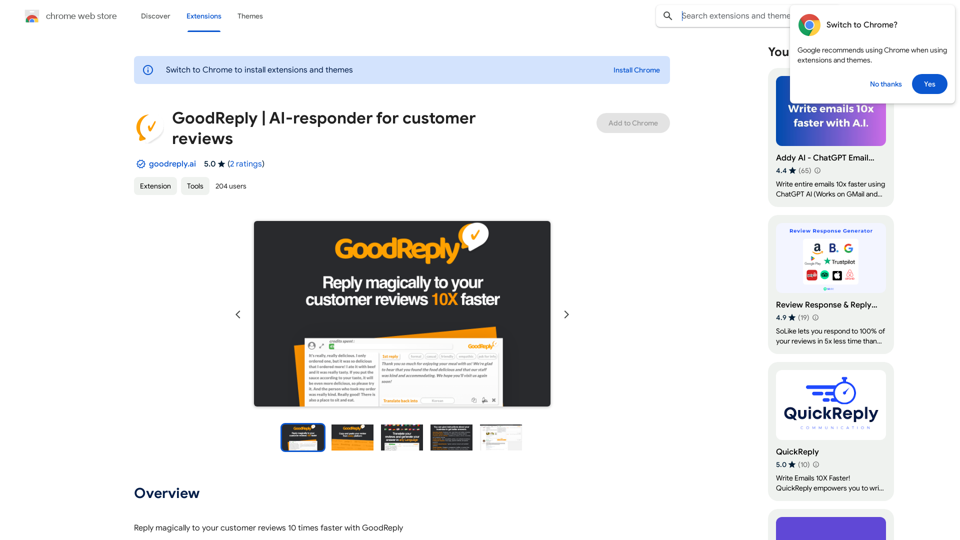
Chatty is an innovative AI-powered platform that facilitates seamless conversations with advanced language models. It offers users a diverse range of AI technologies, enabling exploration of various topics and applications. The platform provides a personalized and efficient chatting experience, making it accessible to a wide audience.
Talkative
Chat with Web-LLM Models in the Browser
You can interact with Web-LLM models directly in your web browser without requiring any additional setup or installation. This allows you to easily experiment with and explore the capabilities of these models.
Getting Started
To get started, simply open a web browser and navigate to the Web-LLM model's website or platform. Once you're on the website, you can usually find a chat interface or text input field where you can enter your prompts or questions.
How it Works
When you enter a prompt or question, the Web-LLM model processes your input and generates a response. This response is then displayed in the chat interface or output field, allowing you to read and interact with the model's output.
Benefits
The benefits of chatting with Web-LLM models in the browser include:
* Convenience: No need to install any software or set up any development environments.
* Accessibility: Anyone with a web browser can interact with the model, regardless of their technical expertise.
* Ease of use: The chat interface provides a user-friendly way to interact with the model, making it easy to experiment and explore its capabilities.
Use Cases
Some potential use cases for chatting with Web-LLM models in the browser include:
* Research and development: Quickly experiment with different models and prompts to explore their capabilities and limitations.
* Education and learning: Use the chat interface to teach students about AI and language models, or to provide interactive learning experiences.
* Creative writing and ideation: Use the model as a tool to generate ideas, write stories, or create poetry.
Overall, chatting with Web-LLM models in the browser provides a convenient and accessible way to interact with these powerful language models, and can be a valuable tool for a wide range of applications.
Introduction
Feature
Advanced Language Models
Chatty incorporates a comprehensive collection of AI models, including Gemma 2B, tailored to meet specific user needs and preferences. These models ensure a more personalized and efficient conversation experience.
Optimized VRAM Requirements
Models with the (1k) suffix have been optimized to reduce VRAM requirements by 2-3GB, making Chatty more accessible to users with varying hardware capabilities.
Efficient Processing
While initial responses may take longer due to model downloading, Chatty's advanced algorithms ensure quick and efficient processing for subsequent interactions.
Personalized Experience
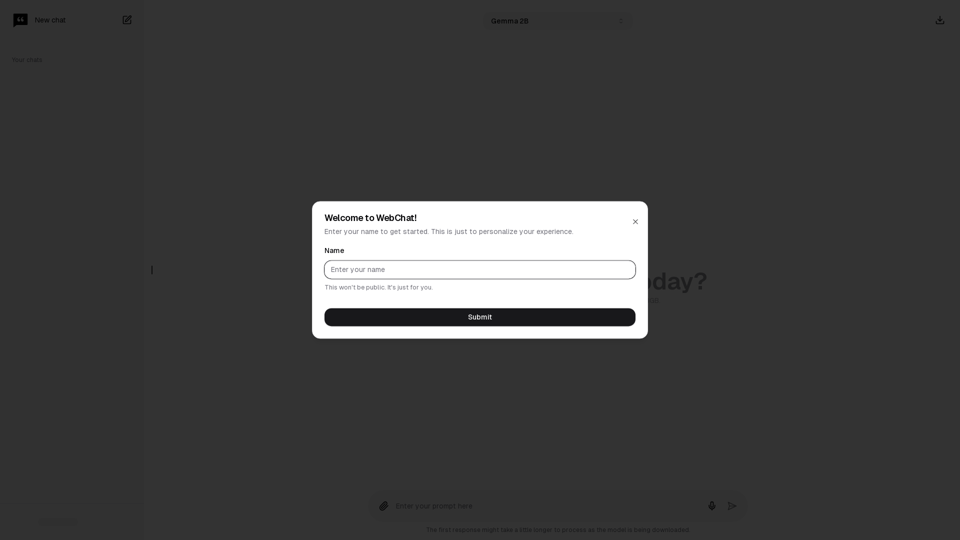
Users can easily personalize their experience by entering their name at the start of the session, enhancing the overall interaction with the AI.
Affordable Subscription Plans
Chatty offers a range of cost-effective subscription options, making its advanced AI technologies accessible to a broader user base.
FAQ
How do I get started with Chatty?
To begin using Chatty, simply enter your name to personalize your experience. This step prepares you for immediate interaction with the advanced language models.
What are the key benefits of using Chatty?
Chatty offers several advantages, including:
- Access to advanced language models
- Fast and efficient processing
- Affordable pricing options
- Personalized user experience
Is my information secure when using Chatty?
Yes, Chatty prioritizes user security and privacy. All data is stored securely and confidentially, ensuring a safe environment for your conversations and interactions.
Related Websites
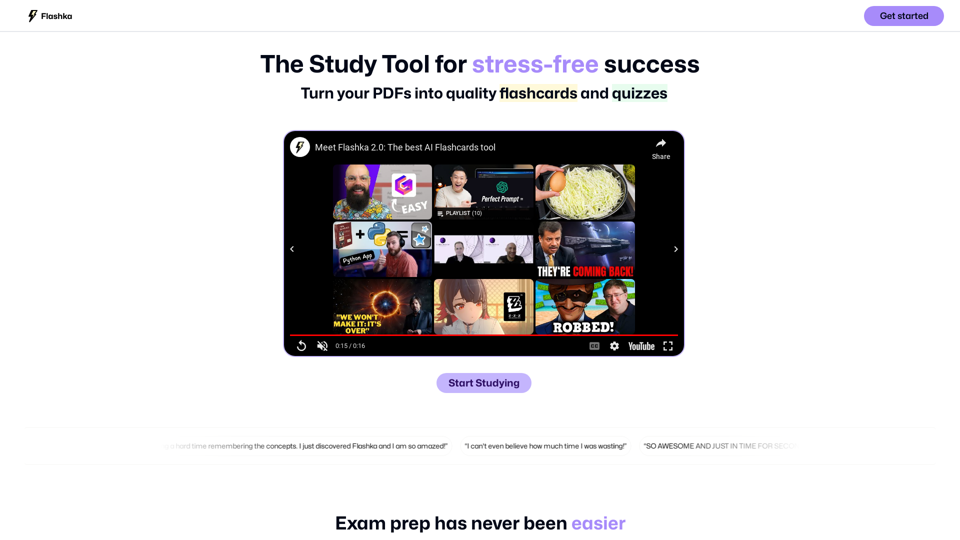
Flashka helps you learn by automatically generating flashcards and aiding you in the learning process.
287.56 K
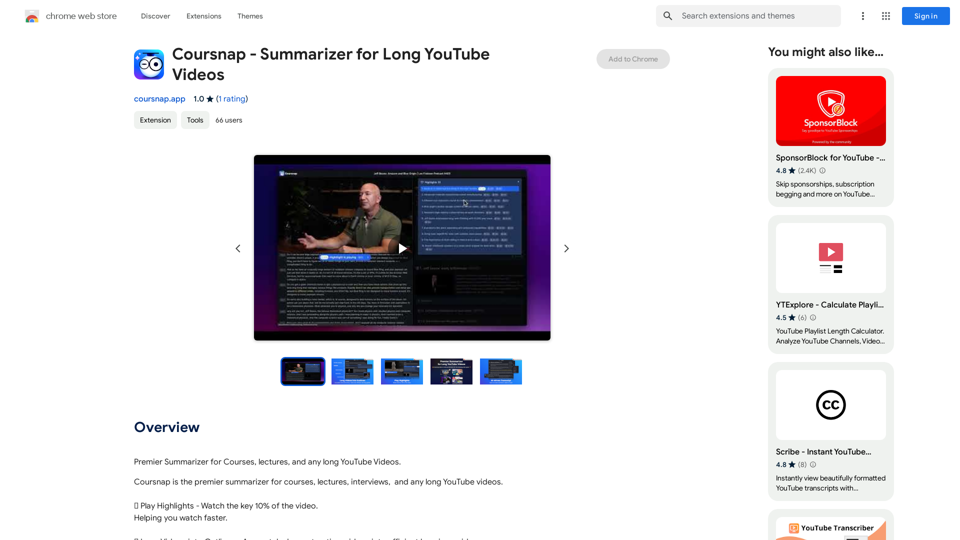
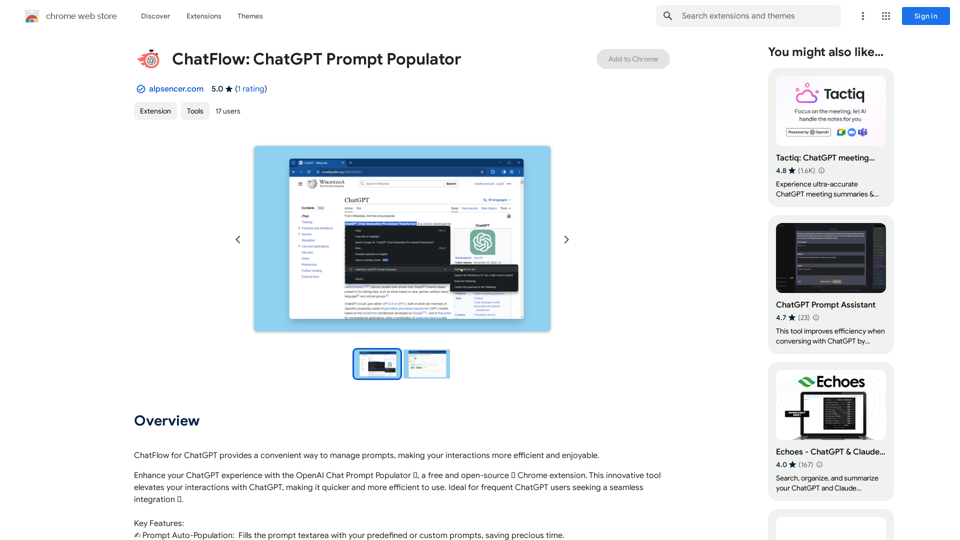
ChatFlow for ChatGPT makes it easy to manage your prompts, so you can have more efficient and enjoyable conversations.
193.90 M
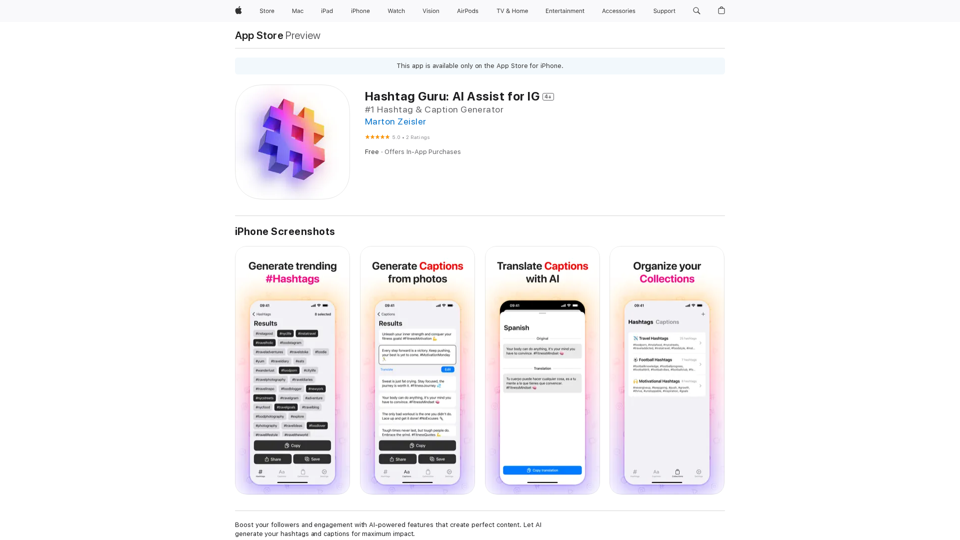
Hashtag Guru: AI Assistant for Instagram on the App Store
Hashtag Guru: AI Assistant for Instagram on the App StoreYour Ultimate AI-Powered Hashtag and Caption Generator! Unlock the secret to social media success with Hashtag Guru, the ultimate AI-driven hashtag generator and caption creator that helps you increase your online visibility, boost engagement, and grow your followers!
124.77 M
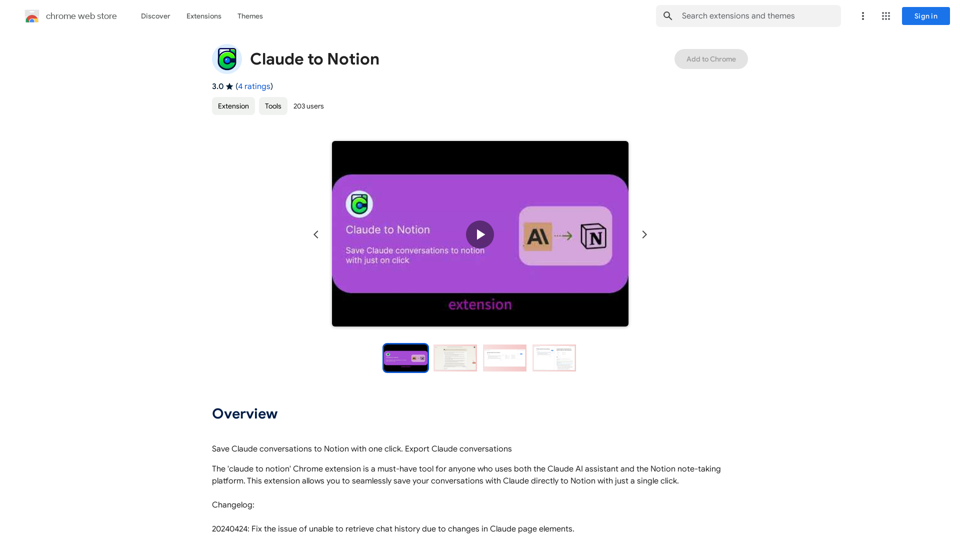
Claude to Notion This is a guide on how to connect Claude, an AI assistant, with Notion, a note-taking and workspace app. Why connect Claude and Notion? * Boost your productivity: Use Claude to generate content, summarize information, and automate tasks directly within Notion. * Enhance your research: Ask Claude questions about your Notion notes and get insightful answers. * Unlock new creative possibilities: Leverage Claude's generative capabilities to brainstorm ideas, write stories, or compose emails within your Notion workspace. How to connect Claude and Notion: 1. API Keys: Obtain an API key for both Claude and Notion. 2. Integration Tool: Explore integration tools like Zapier or Integromat to connect Claude and Notion. These platforms allow you to create workflows that trigger actions in one app based on events in the other. 3. Custom Development: For advanced users, you can develop your own custom integration using the Claude and Notion APIs. This gives you the most flexibility but requires coding knowledge. Example Use Cases: * Meeting Summarization: After a meeting, paste the transcript into Notion and use Claude to generate a concise summary. * Content Creation: Use Claude to write blog posts, articles, or social media captions directly within your Notion pages. * Idea Generation: Brainstorm new ideas for projects or tasks by prompting Claude with specific questions within your Notion workspace. Remember to review the documentation and terms of service for both Claude and Notion to ensure proper usage and security.
Claude to Notion This is a guide on how to connect Claude, an AI assistant, with Notion, a note-taking and workspace app. Why connect Claude and Notion? * Boost your productivity: Use Claude to generate content, summarize information, and automate tasks directly within Notion. * Enhance your research: Ask Claude questions about your Notion notes and get insightful answers. * Unlock new creative possibilities: Leverage Claude's generative capabilities to brainstorm ideas, write stories, or compose emails within your Notion workspace. How to connect Claude and Notion: 1. API Keys: Obtain an API key for both Claude and Notion. 2. Integration Tool: Explore integration tools like Zapier or Integromat to connect Claude and Notion. These platforms allow you to create workflows that trigger actions in one app based on events in the other. 3. Custom Development: For advanced users, you can develop your own custom integration using the Claude and Notion APIs. This gives you the most flexibility but requires coding knowledge. Example Use Cases: * Meeting Summarization: After a meeting, paste the transcript into Notion and use Claude to generate a concise summary. * Content Creation: Use Claude to write blog posts, articles, or social media captions directly within your Notion pages. * Idea Generation: Brainstorm new ideas for projects or tasks by prompting Claude with specific questions within your Notion workspace. Remember to review the documentation and terms of service for both Claude and Notion to ensure proper usage and security.Save Claude conversations to Notion with one click. Export Claude conversations.
193.90 M
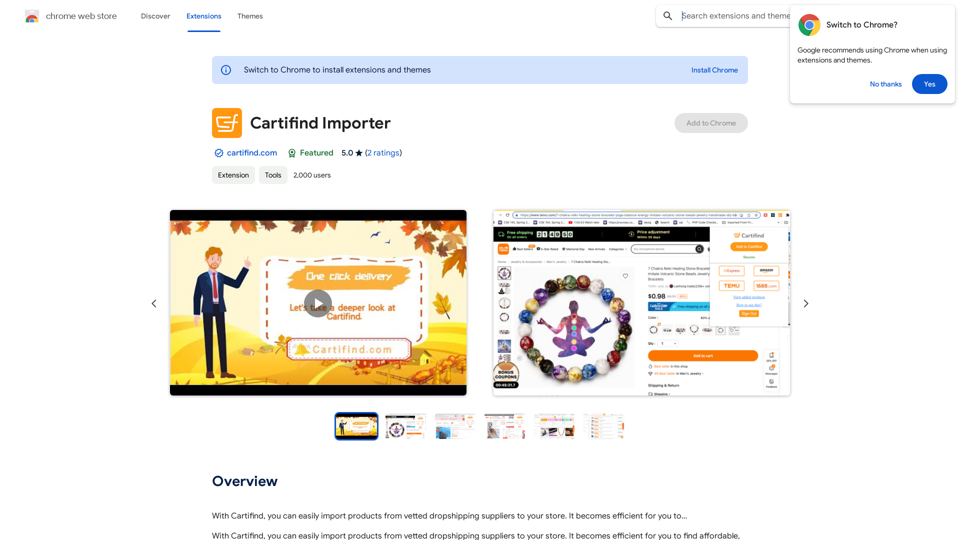
With Cartifind, you can easily import products from vetted dropshipping suppliers to your store. It becomes efficient for you to manage your product catalog, track inventory, and fulfill orders seamlessly.
193.90 M