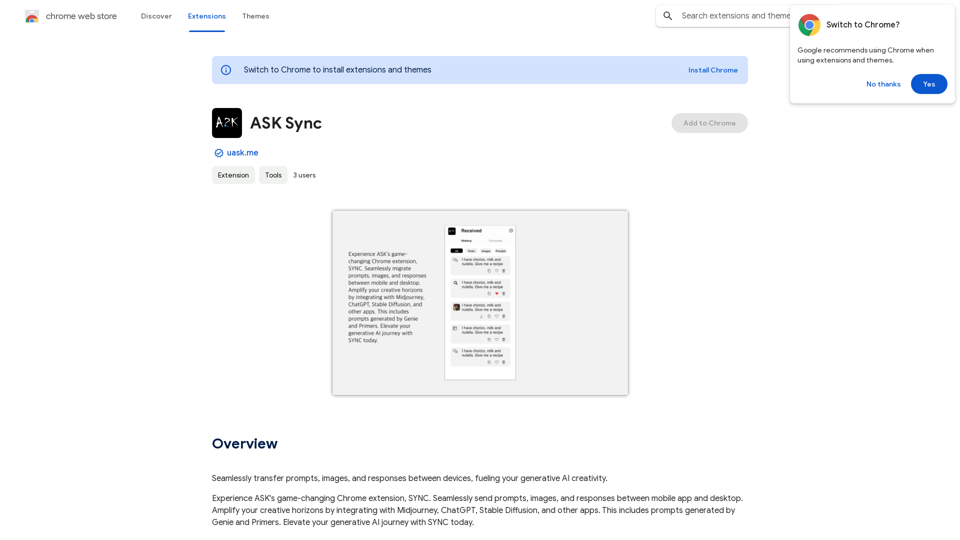
SYNC is a Chrome extension developed by Absolute Disruption, LLC, designed to enhance generative AI creativity. It facilitates seamless transfer of prompts, images, and responses between devices, integrating with popular AI tools like Midjourney, ChatGPT, and Stable Diffusion. SYNC offers both free and subscription-based access, providing users with a platform to elevate their AI-driven creative processes.
Ask Sync
Effortlessly move your prompts, images, and responses between your devices, boosting your generative AI creativity.
Introduction
Feature
Cross-Device Synchronization
SYNC enables users to transfer prompts, images, and responses seamlessly between devices, ensuring continuity in creative workflows.
AI Tool Integration
The extension integrates with leading generative AI applications:
- Midjourney
- ChatGPT
- Stable Diffusion
- Other compatible apps
Genie and Primers
SYNC incorporates Genie and Primers features for generating:
- Prompts
- Images
Subscription Benefits
While basic features are available to all users, subscribers gain:
- Additional benefits
- Extended access beyond free usage limits
User-Friendly Interface
SYNC is designed for ease of use, allowing both novice and experienced users to enhance their generative AI journey.
FAQ
What is SYNC?
SYNC is a Chrome extension created by Absolute Disruption, LLC that enables seamless transfer of prompts, images, and responses between devices, enhancing generative AI creativity.
How do I use SYNC?
Every user can utilize SYNC for transferring prompts, images, and responses between devices. Subscribing to the platform provides additional benefits and extended access beyond free usage limits.
What are the main benefits of using SYNC?
The key benefits include:
- Integration with Midjourney, ChatGPT, Stable Diffusion, and other AI apps
- Generation of prompts and images using Genie and Primers
- Seamless cross-device transfer of creative content
- Enhanced generative AI capabilities
Is there a cost associated with SYNC?
While the exact cost isn't specified, SYNC offers:
- Free basic access
- Subscription-based premium features with additional benefits and extended usage limits
Related Websites
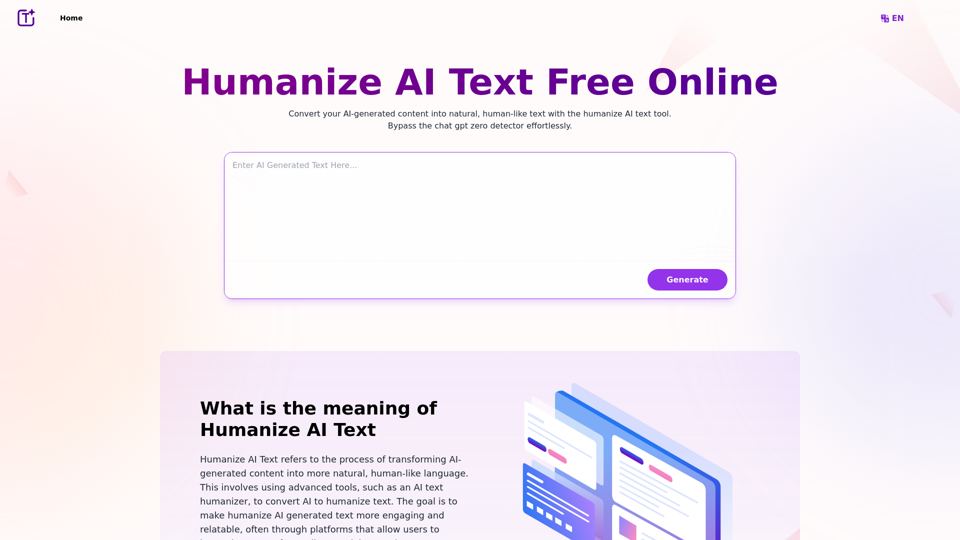
Experience the power of our AI text humanizer to convert AI text into human-like text effortlessly. Humanize AI text for free online to create engaging and undetectable content. Perfect for humanizing AI text from ChatGPT.
337.20 K
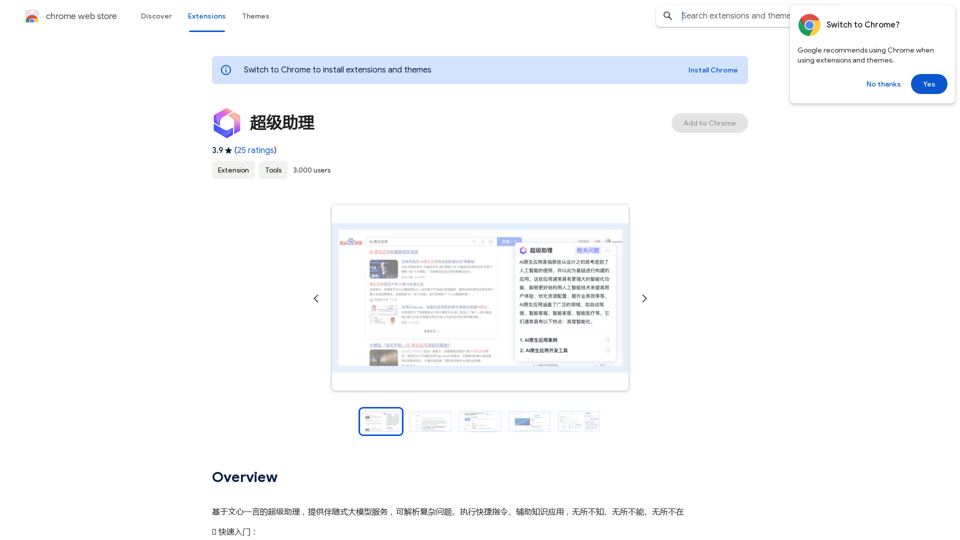
A super assistant based on Wenxin Yiyan, providing companion-style large model services. It can parse complex questions, execute quick commands, and assist with knowledge applications. It knows everything, can do everything, and is everywhere.
193.90 M
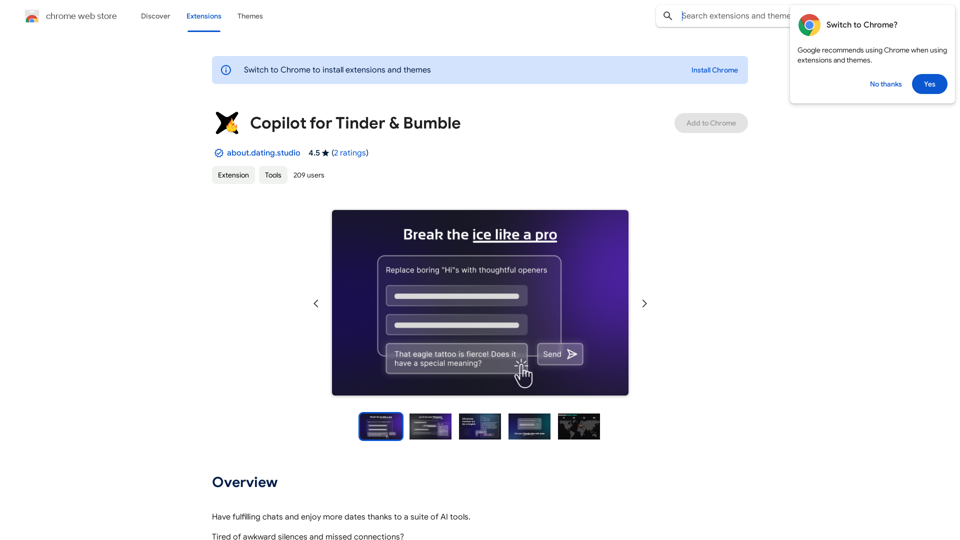
Copilot for Tinder & Bumble Tired of swiping endlessly? Let Copilot handle your dating app game! * Craft irresistible bios: Copilot helps you write witty and engaging bios that highlight your best qualities. * Spark conversations: Struggling to come up with opening lines? Copilot suggests clever and personalized messages to break the ice. * Navigate tricky situations: Copilot offers advice and guidance on handling awkward moments or difficult conversations. * Boost your matches: With Copilot's help, you'll stand out from the crowd and attract more matches. * Save time and energy: Let Copilot do the heavy lifting so you can focus on enjoying the dating experience. Start swiping smarter, not harder. Get Copilot today!
Copilot for Tinder & Bumble Tired of swiping endlessly? Let Copilot handle your dating app game! * Craft irresistible bios: Copilot helps you write witty and engaging bios that highlight your best qualities. * Spark conversations: Struggling to come up with opening lines? Copilot suggests clever and personalized messages to break the ice. * Navigate tricky situations: Copilot offers advice and guidance on handling awkward moments or difficult conversations. * Boost your matches: With Copilot's help, you'll stand out from the crowd and attract more matches. * Save time and energy: Let Copilot do the heavy lifting so you can focus on enjoying the dating experience. Start swiping smarter, not harder. Get Copilot today!Have meaningful conversations and go on more dates with the help of a collection of AI tools.
193.90 M