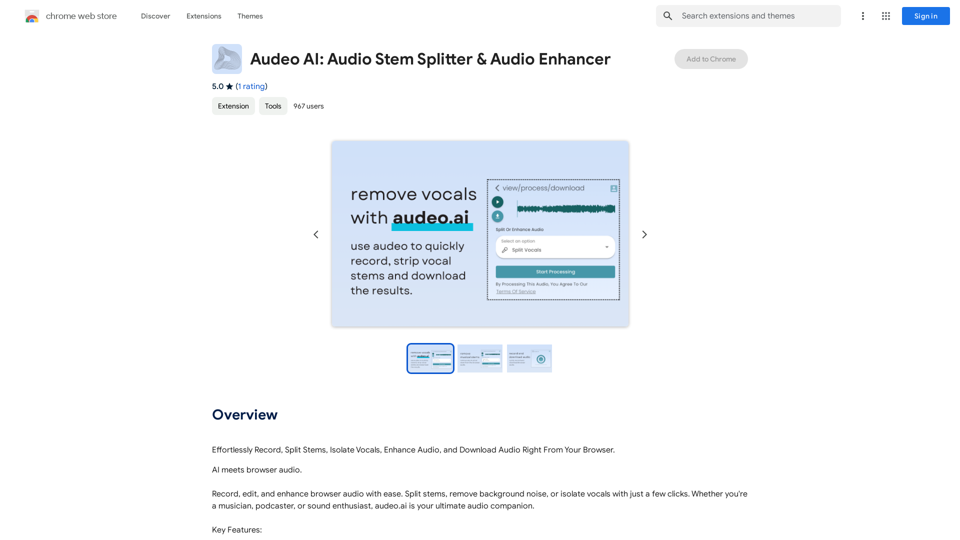
Audeo AI ist eine innovative KI-gestützte Plattform für Audioverarbeitung und -verbesserung. Sie bietet eine umfassende Suite von Werkzeugen für Aufnahme, Stem-Splitting, Gesangsisolierung und Audiooptimierung, die alle direkt über Ihren Webbrowser zugänglich sind. Diese benutzerfreundliche Plattform richtet sich sowohl an Gelegenheitsnutzer als auch an Profis, die effiziente Lösungen für die Audiomanipulation suchen.
Audeo AI: Audio-Stämme-Splitter & Audio-Verbesserer
Mühelos aufnehmen, Stämme aufteilen, Vocals isolieren, Audio verbessern und Audio direkt aus Ihrem Browser herunterladen.
Einführung
Funktion
Browser-basierte Audioaufnahme
Nehmen Sie hochwertige Audiodateien direkt über Ihren Browser auf, ohne zusätzliche Software oder technisches Fachwissen zu benötigen.
Fortschrittliches Stem-Splitting
Trennen Sie Audiospuren einfach in einzelne Komponenten und ermöglichen Sie so eine präzise Bearbeitung und Manipulation bestimmter Elemente innerhalb einer Aufnahme.
Gesangsisolierungstechnologie
Extrahieren Sie saubere Gesangsspuren aus gemischten Audiodateien, perfekt für Remixing, Karaoke oder gesangsorientierte Projekte.
Rauschunterdrückungsfunktionen
Verbessern Sie die Audioqualität durch Entfernen unerwünschter Hintergrundgeräusche, was zu saubereren, professioneller klingenden Aufnahmen führt.
Intuitive Audio-Bearbeitungswerkzeuge
Greifen Sie auf eine Reihe von Bearbeitungsfunktionen zu, um Ihre Audiodateien zu verfeinern und zu verbessern, geeignet für verschiedene Anwendungen und Fähigkeitsstufen.
Hochwertige Audioausgabe
Laden Sie Ihre bearbeiteten und verbesserten Audiokreationen in hochwertigen Formaten herunter, bereit zur sofortigen Verwendung oder zum Teilen.
Kostenloses Zugangsmodell
Genießen Sie grundlegende Funktionen ohne Abonnement, mit der Option, für erweiterte Funktionalitäten und erweiterten Zugriff aufzurüsten.
Datenschutzzusicherung
Priorisieren Sie die Privatsphäre der Nutzer, indem Sie persönliche Daten nicht für Trainingszwecke verwenden und Optionen zur Kontolöschung für die vollständige Datenentfernung anbieten.
Häufig gestellte Fragen
Was ist der Hauptfokus von Audeo AI?
Audeo AI ist in erster Linie eine audioorientierte Plattform, die Werkzeuge für Aufnahme, Stem-Splitting, Gesangsisolierung und Audiooptimierung anbietet. Es bietet keine Bildgenerierung oder GPT-Modellfunktionen.
Ist ein Abonnement erforderlich, um Audeo AI zu nutzen?
Nein, grundlegende Funktionen von Audeo AI stehen allen Nutzern ohne Abonnement oder Bezahlung zur Verfügung. Fortgeschrittene Funktionen und erweiterter Zugriff können jedoch ein Abonnement erfordern.
Wie kann ich meine Nutzung von Audeo AI maximieren?
Um Ihre Nutzung von Audeo AI zu maximieren:
- Nutzen Sie die täglichen kostenlosen Verwendungen der Audio-Bearbeitungsfunktionen
- Erkunden Sie die Bandbreite der verfügbaren KI-gestützten Werkzeuge
- Erwägen Sie ein Upgrade für den Zugriff auf erweiterte Funktionen, falls erforderlich
Verwendet Audeo AI Nutzerdaten für das Training?
Nein, Audeo AI verwendet keine Nutzerdaten für Trainingszwecke. Sie priorisieren die Privatsphäre der Nutzer und ermöglichen die Kontolöschung für die vollständige Datenentfernung.
Verwandte Webseiten
Häufig verwendete Prompts, die Sie direkt in ChatGPT und LLM eingeben können. Lassen Sie uns Ihren heutigen Produktivitätslevel steigern!
193.90 M
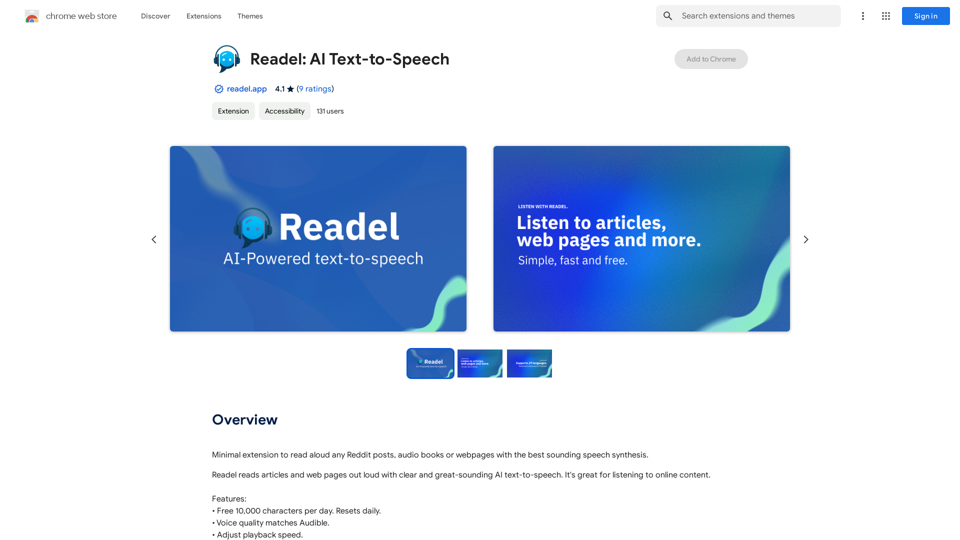
Minimale Erweiterung, um beliebige Reddit-Posts, Hörbücher oder Webseiten mit der besten klingenden Sprachausgabe vorzulesen.
193.90 M
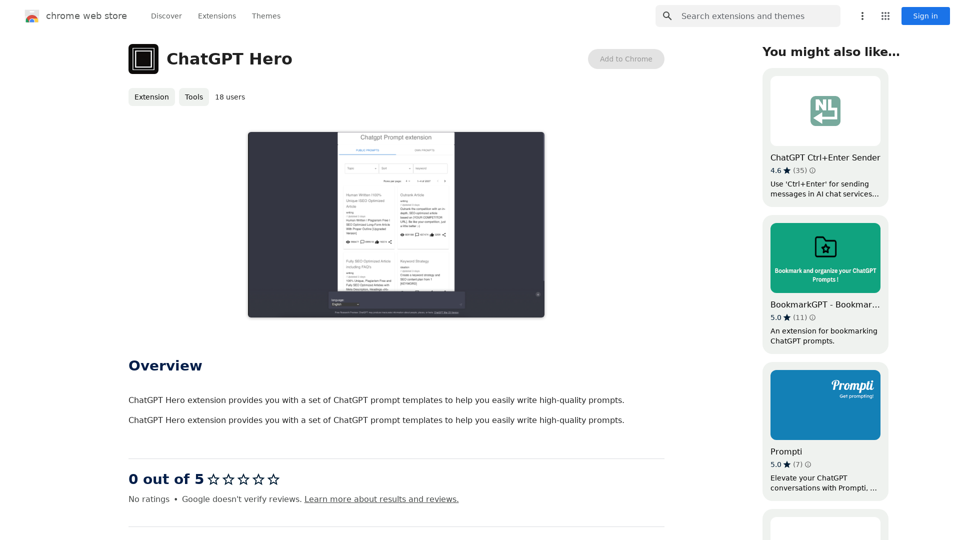
Die ChatGPT Hero Erweiterung bietet Ihnen eine Reihe von ChatGPT-Prompt-Vorlagen, mit denen Sie einfach hochwertige Prompts erstellen können.
193.90 M
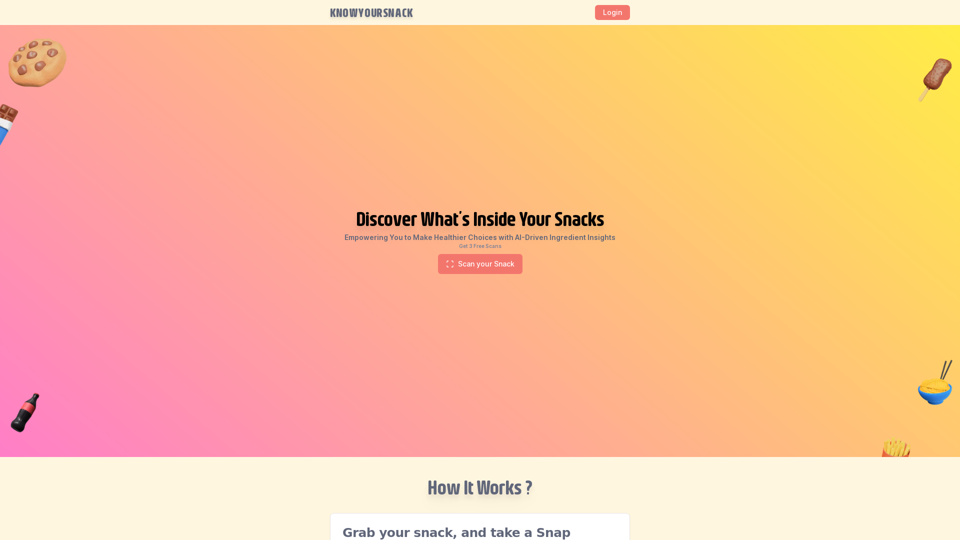
Knowyoursnack - Entdecken Sie, was in Ihren Snacks steckt
Knowyoursnack - Entdecken Sie, was in Ihren Snacks stecktKnowYourSnack ist Ihr persönlicher Führer zum Verständnis von Snack-Zutaten. Einfach ein Foto des Zutatenverzeichnisses auf jeder Snack-Verpackung aufnehmen, und unsere künstliche Intelligenz-basierte App wird schädliche Substanzen identifizieren, detaillierte Informationen bereitstellen und Ihnen helfen, gesündere Wahlmöglichkeiten zu treffen.
0
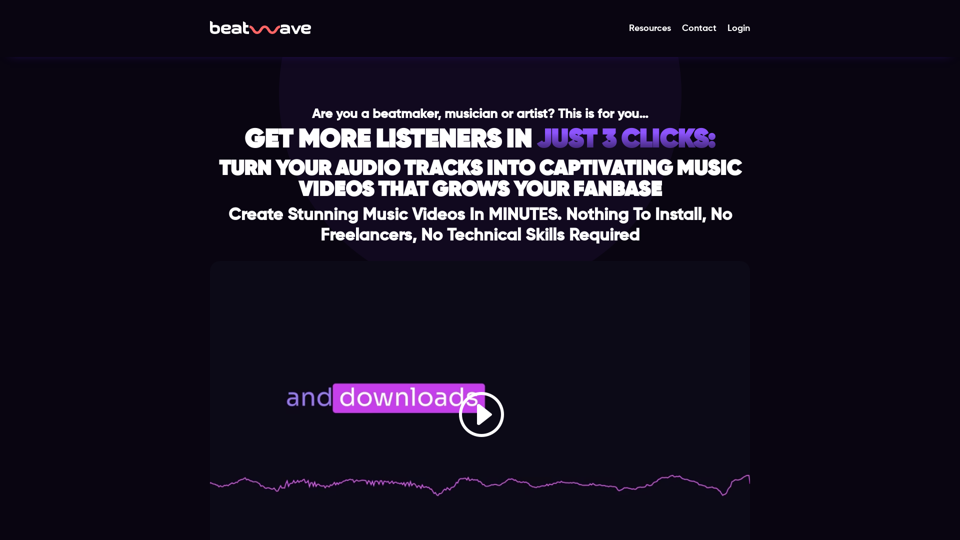
Beatwave: Erstellen Sie Audio- & Musik-Visualisierer mit nur wenigen Klicks
Beatwave: Erstellen Sie Audio- & Musik-Visualisierer mit nur wenigen KlicksErstellen Sie ansprechende Audio- & Musik-Visualisierer in Sekunden mit Beatwave. Verwandeln Sie Ihre Tracks, Beats, Audio- und Podcasts leicht in ansprechende Videos.
7.54 K
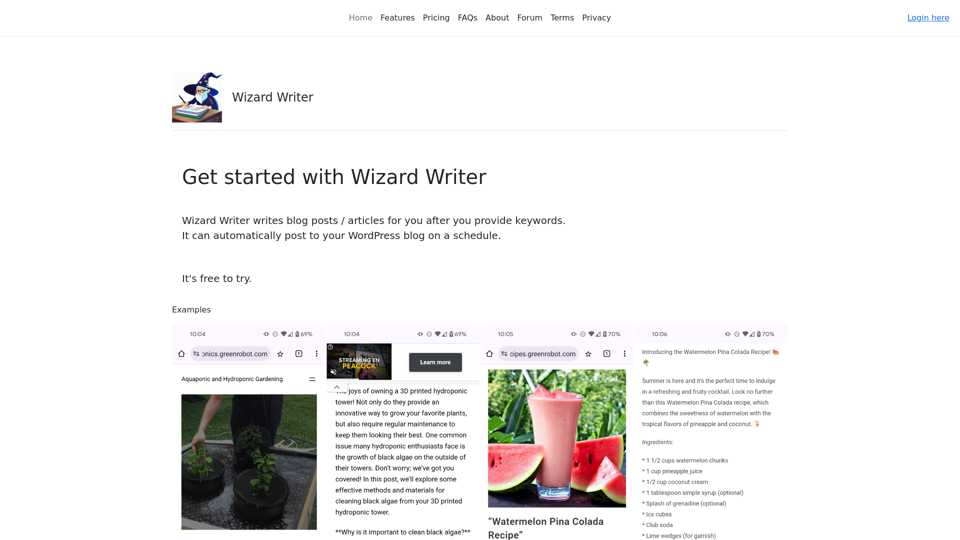
Wizard Writer ist eine KI-gestützte Plattform, die Zugriff auf eine große Auswahl an KI-Technologien für verschiedene Bedürfnisse bietet, einschließlich Textgenerierung und Content-Erstellung.
0