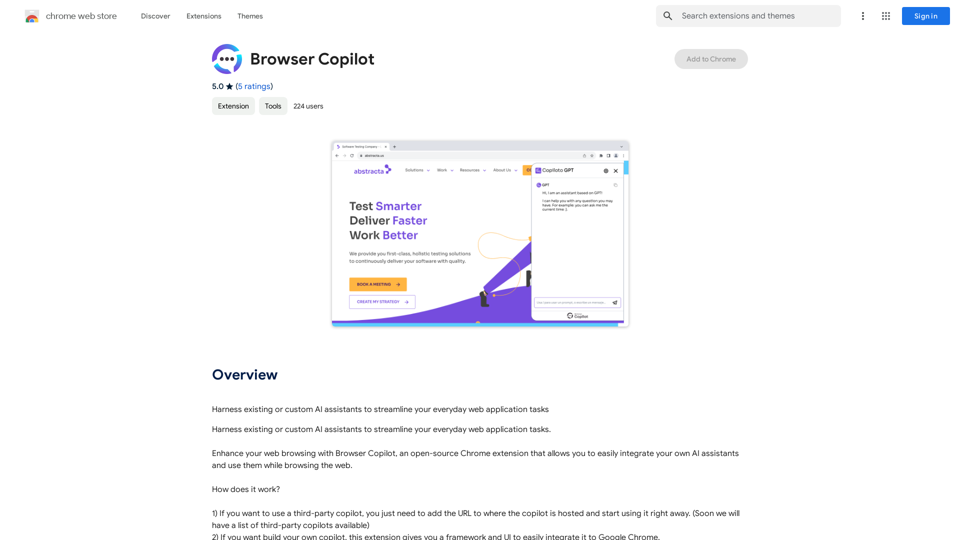
Flockjay is a modern Generative Enablement platform designed for Sales Enablement teams. It combines Learning Management and Content Management into a unified system, allowing easy management of sales teams' content, learning, deal insights, and coaching. The platform leverages Generative AI to enhance sales team productivity and effectiveness.
Flockjay
Chrome extension for the Flockjay Sales Elevation Platform
Introduction
Feature
Unified Learning and Content Management
Flockjay's platform integrates Learning Management and Content Management, streamlining the process of managing sales teams' resources, including content, learning materials, deal insights, and coaching tools.
Generative AI Integration
The platform incorporates Generative AI technology to assist sales teams in various tasks, such as crafting emails and composing webchat messages, enhancing efficiency and communication.
Chrome Extension for Easy Access
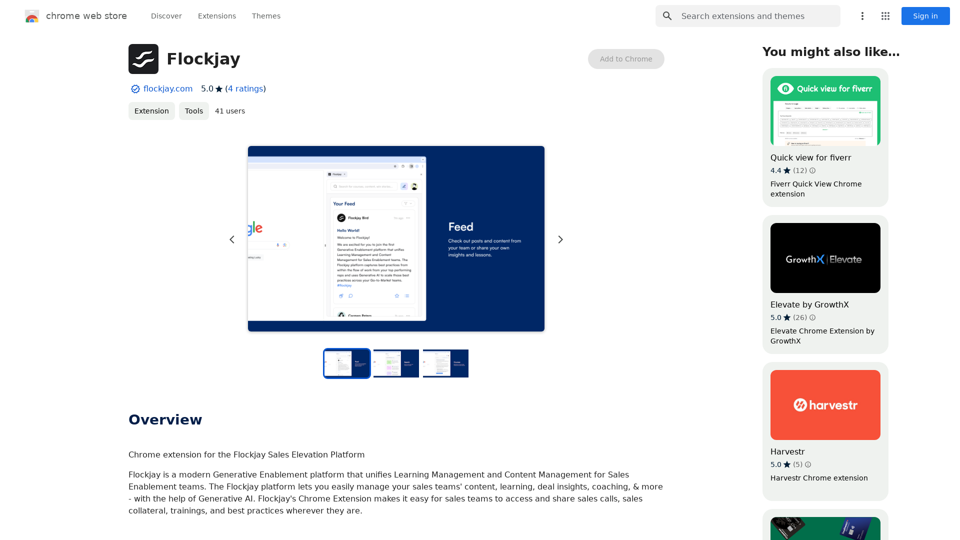
Flockjay offers a Chrome Extension that provides sales teams with quick and convenient access to essential resources like sales calls, collateral, trainings, and best practices, regardless of their location.
Streamlined Workflow
By centralizing sales enablement tools and resources, Flockjay helps streamline the sales team's workflow, potentially increasing overall productivity and effectiveness.
Comprehensive Resource Management
The platform allows for easy management of various sales-related resources, including sales calls, collateral, trainings, and best practices, all in one place.
FAQ
What is Flockjay?
Flockjay is a modern Generative Enablement platform that unifies Learning Management and Content Management for Sales Enablement teams. It helps manage sales teams' content, learning, deal insights, and coaching with the assistance of Generative AI.
What are the main features of Flockjay?
The main features of Flockjay include:
- Unified Learning and Content Management
- Generative AI integration
- Chrome Extension for easy access to resources
- Streamlined workflow for sales teams
- Comprehensive management of sales-related resources
How do I use Flockjay?
To use Flockjay, install the Chrome Extension. This allows you to easily access and share sales calls, sales collateral, trainings, and best practices wherever you are.
What is the pricing for Flockjay?
Flockjay's pricing is not publicly disclosed. For more information about pricing plans, you need to contact their support team directly.
Latest Traffic Insights
Monthly Visits
193.90 M
Bounce Rate
56.27%
Pages Per Visit
2.71
Time on Site(s)
115.91
Global Rank
-
Country Rank
-
Recent Visits
Traffic Sources
- Social Media:0.48%
- Paid Referrals:0.55%
- Email:0.15%
- Referrals:12.81%
- Search Engines:16.21%
- Direct:69.81%
Related Websites
Get the key information from every webpage. Generate AI-powered notes and save time with Upword.
193.90 M
Midjourney SREF Codes Library for Style Reference What are SREF Codes? SREF codes are special text strings used in Midjourney to quickly and easily apply specific artistic styles to your image generations. How to Use SREF Codes: Simply add an SREF code to your Midjourney prompt. For example: `/imagine a majestic dragon, SREF:cyberpunk` SREF Code Library: This library contains a collection of SREF codes categorized by style. * Art Styles: * `photorealistic`: Creates images with high levels of realism. * `impressionistic`: Captures the essence of a scene with loose brushstrokes and vibrant colors. * `cubist`: Breaks down objects into geometric shapes. * `surrealist`: Creates dreamlike and fantastical images. * `abstract`: Focuses on form, color, and composition rather than representational imagery. * Visual Effects: * `cinematic`: Gives images a cinematic look and feel. * `HDR`: Creates images with high dynamic range, resulting in greater detail and contrast. * `neon`: Adds vibrant neon lights to the image. * `pixel art`: Generates images in a retro pixel art style. * Other Styles: * `anime`: Creates images in the style of Japanese animation. * `manga`: Similar to anime, but with a more comic book aesthetic. * `sketch`: Generates images that resemble pencil sketches. * `watercolor`: Creates images with the look and feel of watercolor paintings. Note: This is just a small sample of the many SREF codes available. Explore and Experiment: The best way to learn about SREF codes is to experiment with them! Try combining different codes to create unique and interesting styles.
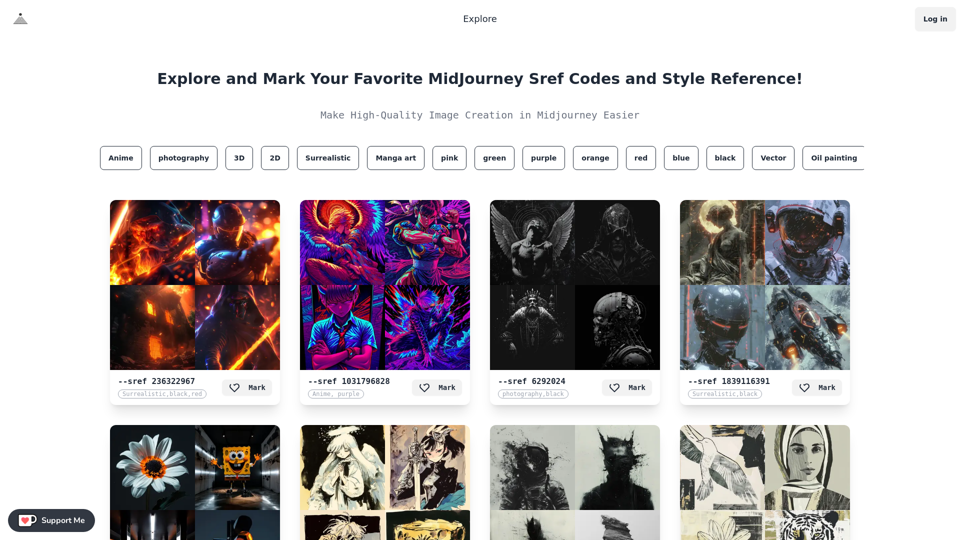
Midjourney SREF Codes Library for Style Reference What are SREF Codes? SREF codes are special text strings used in Midjourney to quickly and easily apply specific artistic styles to your image generations. How to Use SREF Codes: Simply add an SREF code to your Midjourney prompt. For example: `/imagine a majestic dragon, SREF:cyberpunk` SREF Code Library: This library contains a collection of SREF codes categorized by style. * Art Styles: * `photorealistic`: Creates images with high levels of realism. * `impressionistic`: Captures the essence of a scene with loose brushstrokes and vibrant colors. * `cubist`: Breaks down objects into geometric shapes. * `surrealist`: Creates dreamlike and fantastical images. * `abstract`: Focuses on form, color, and composition rather than representational imagery. * Visual Effects: * `cinematic`: Gives images a cinematic look and feel. * `HDR`: Creates images with high dynamic range, resulting in greater detail and contrast. * `neon`: Adds vibrant neon lights to the image. * `pixel art`: Generates images in a retro pixel art style. * Other Styles: * `anime`: Creates images in the style of Japanese animation. * `manga`: Similar to anime, but with a more comic book aesthetic. * `sketch`: Generates images that resemble pencil sketches. * `watercolor`: Creates images with the look and feel of watercolor paintings. Note: This is just a small sample of the many SREF codes available. Explore and Experiment: The best way to learn about SREF codes is to experiment with them! Try combining different codes to create unique and interesting styles.Explore a list of 177 unique Midjourney sref codes and style references to find your perfect Midjourney sref code effect.
149.96 K
Help me read | GPT Reading Assistant, a free Chrome browser extension, summarizes any webpage using ChatGPT, supporting the use of GPT-3.5 or GPT-4 models. ...
193.90 M
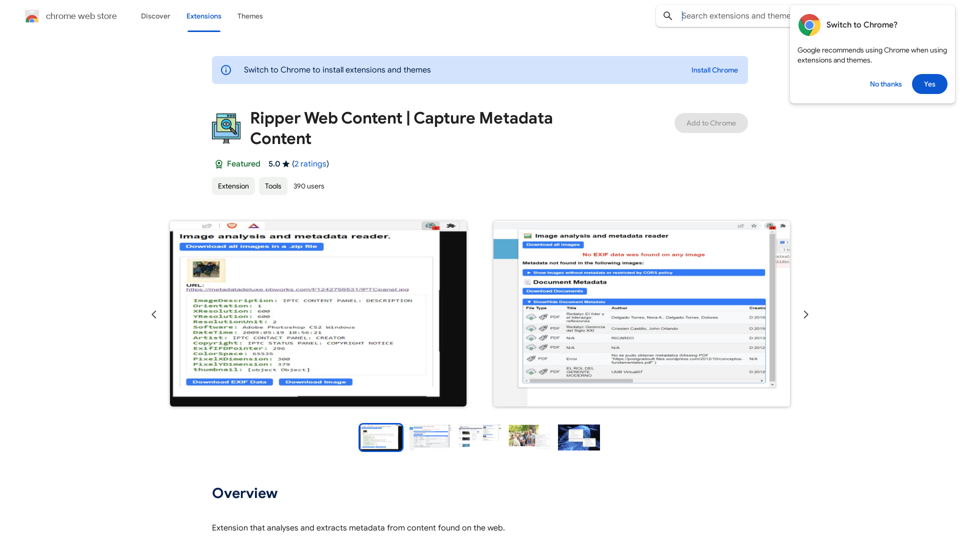
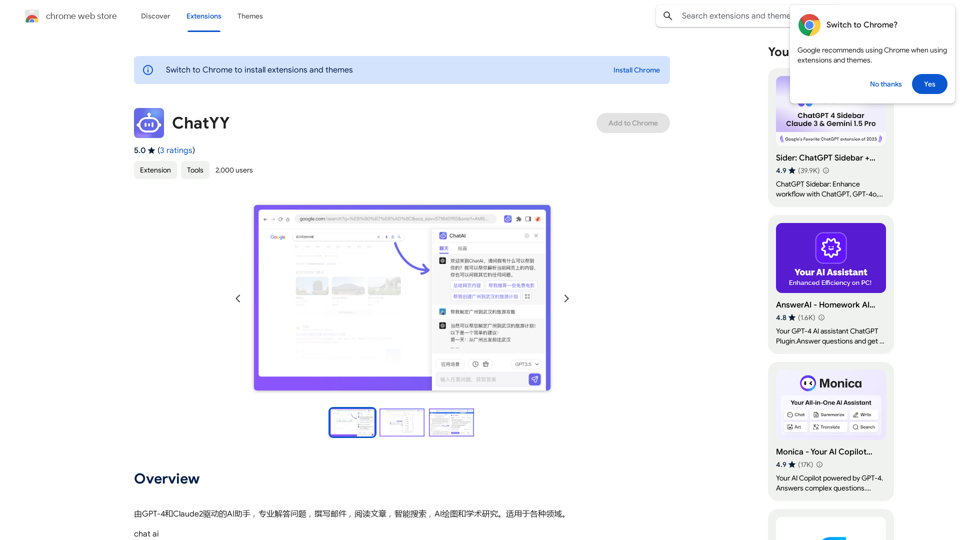
Driven by GPT-4 and Claude2, this AI assistant is capable of professionally answering questions, composing emails, reading articles, conducting intelligent searches, creating AI-generated graphics, and assisting with academic research. It is applicable to various fields.
193.90 M
Wallow To roll or move about in a lazy, relaxed way, often in a pleasant or enjoyable manner.
Wallow To roll or move about in a lazy, relaxed way, often in a pleasant or enjoyable manner.Wallow streamlines digital product development with real-time incident tracking, team alignment, and integrated communication tools. Experience seamless collaboration and boost productivity with Wallow.
847