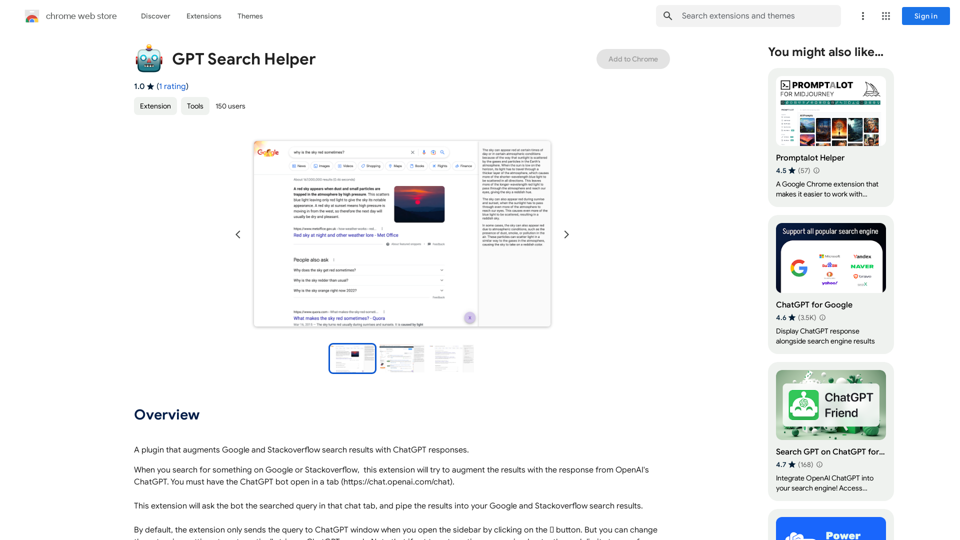
GPT Search Helper is a Chrome extension that enhances Google and Stackoverflow search results by incorporating ChatGPT responses. This tool seamlessly integrates AI-powered insights into your search experience, providing users with more comprehensive and intelligent search outcomes.
GPT Search Helper
A plugin that adds ChatGPT responses to Google and Stack Overflow search results.
Introduction
Feature
Augment Search Results
The extension automatically enriches Google and Stackoverflow search results with relevant ChatGPT responses, offering users a more comprehensive view of their queries.
Flexible Trigger Options
Users can choose between manual activation via a sidebar button or automatic triggering of ChatGPT searches, allowing for customized user experiences.
Easy Installation and Setup
Simple installation process from the Chrome Web Store, followed by a straightforward setup involving opening the ChatGPT bot in a separate tab.
Free to Use
GPT Search Helper is completely free, with no subscription or payment required for full functionality.
Compatible with Popular Platforms
The extension is specifically designed to work with Google and Stackoverflow, two of the most widely used platforms for information search and problem-solving.
FAQ
How does GPT Search Helper work?
The extension sends your search query to the ChatGPT bot in a separate tab and integrates the AI-generated response into your Google or Stackoverflow search results.
Is GPT Search Helper compatible with other search engines?
Currently, the extension is designed to work exclusively with Google and Stackoverflow search results.
Are there any usage limits for GPT Search Helper?
While the extension itself doesn't impose limits, users should be aware that frequent use, especially with automatic triggering, may reach the free usage limits of ChatGPT.
How can I optimize my experience with GPT Search Helper?
For best results, ensure the ChatGPT bot is open in a separate tab before using the extension. Consider adjusting the extension settings based on your usage preferences and be mindful of potential ChatGPT usage limits.
Related Websites
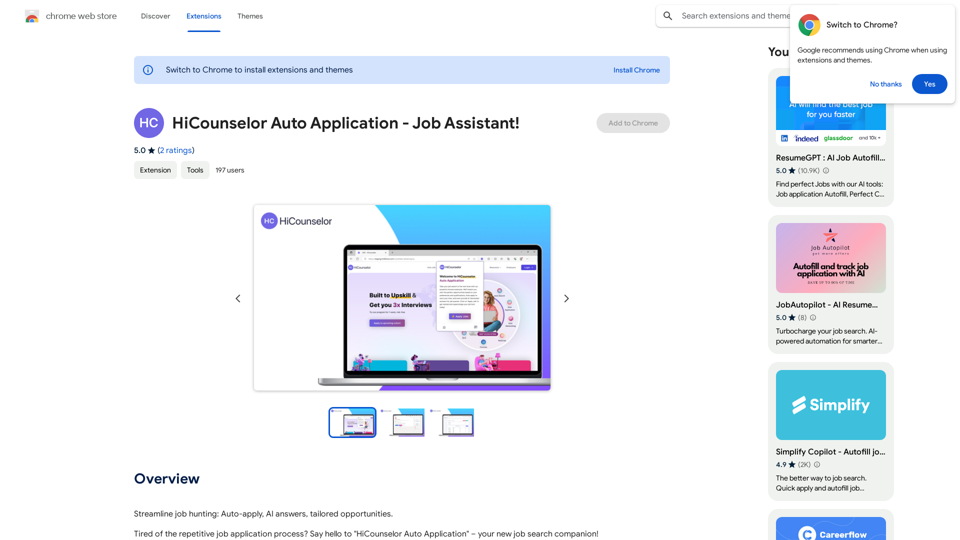
Find your dream job faster: Apply automatically, get AI-powered answers, and discover personalized opportunities.
193.90 M
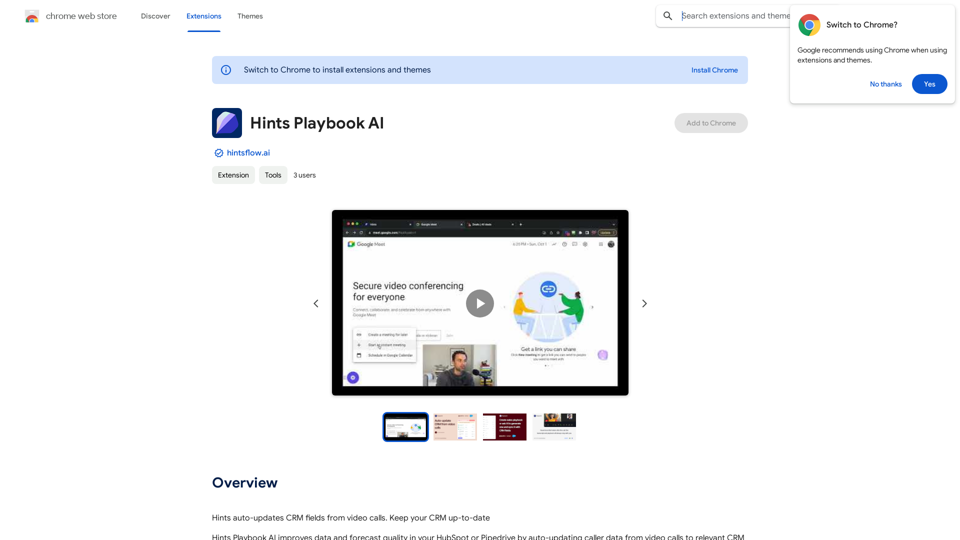
Hints Playbook AI This playbook provides guidance on how to effectively use hints to improve the performance of AI models. Understanding Hints Hints are additional pieces of information provided to an AI model to guide its output. They can take various forms, such as: * Textual prompts: Direct instructions or suggestions. * Examples: Demonstrating the desired output format or style. * Constraints: Specifying limitations or boundaries for the response. Types of Hints * Zero-shot: Hints are provided without any examples. * Few-shot: A small number of examples are given to illustrate the desired output. * Fine-tuning: Hints are incorporated into the training data to adjust the model's behavior. Best Practices for Using Hints * Be specific: Clearly articulate what you want the AI to do. * Provide context: Give the model enough background information to understand the task. * Use examples: Demonstrate the desired output format or style. * Iterate and refine: Experiment with different types and formats of hints to find what works best. * Evaluate results: Assess the quality of the AI's output and adjust hints accordingly.
Hints Playbook AI This playbook provides guidance on how to effectively use hints to improve the performance of AI models. Understanding Hints Hints are additional pieces of information provided to an AI model to guide its output. They can take various forms, such as: * Textual prompts: Direct instructions or suggestions. * Examples: Demonstrating the desired output format or style. * Constraints: Specifying limitations or boundaries for the response. Types of Hints * Zero-shot: Hints are provided without any examples. * Few-shot: A small number of examples are given to illustrate the desired output. * Fine-tuning: Hints are incorporated into the training data to adjust the model's behavior. Best Practices for Using Hints * Be specific: Clearly articulate what you want the AI to do. * Provide context: Give the model enough background information to understand the task. * Use examples: Demonstrate the desired output format or style. * Iterate and refine: Experiment with different types and formats of hints to find what works best. * Evaluate results: Assess the quality of the AI's output and adjust hints accordingly.Hints automatically updates CRM fields from video calls. Keep your CRM up-to-date.
193.90 M
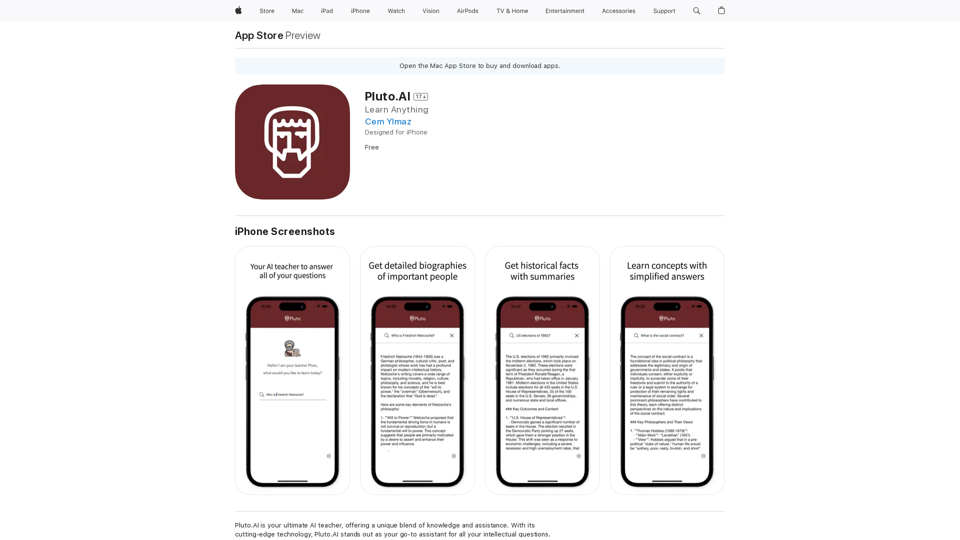
Pluto.AI is your ultimate AI teacher, offering a unique blend of knowledge and assistance. With its cutting-edge technology, Pluto.AI stands out as your go-to assistant for learning and growth.
124.77 M
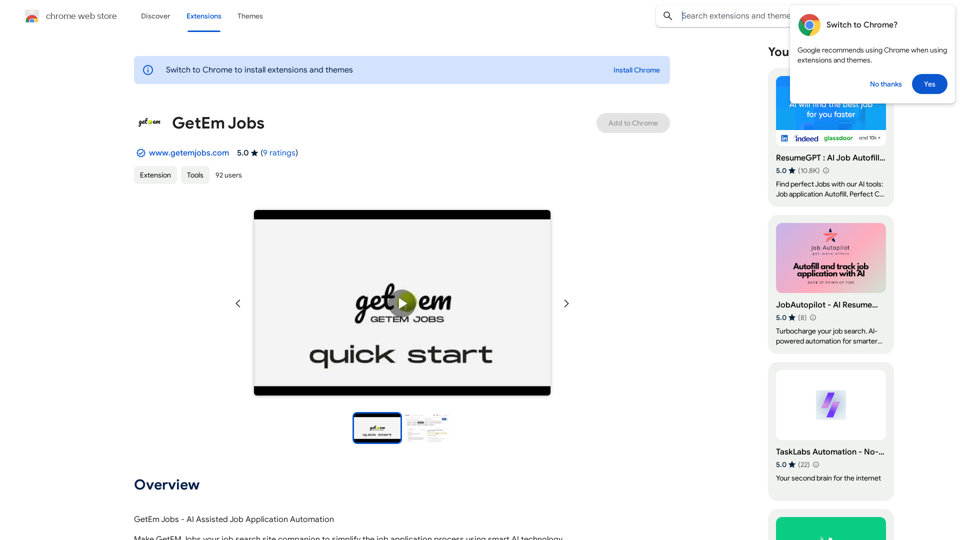
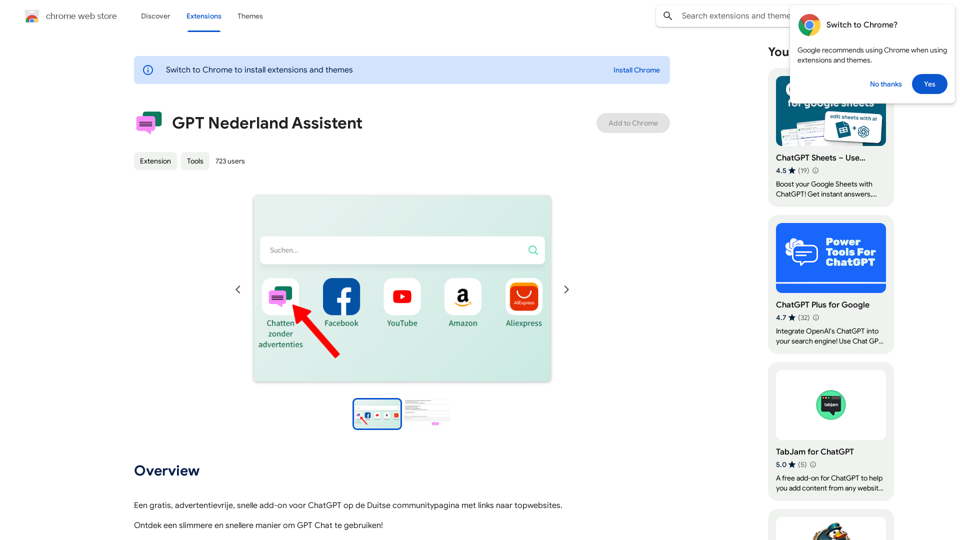
A free, ad-free, fast add-on for ChatGPT on the German community page with links to top websites.
193.90 M