Grab 'n Tag is a Chrome extension designed to simplify image collection from the web. It allows users to batch-download images from webpages and automatically names them based on their content using machine learning. This tool eliminates the need for manual image downloading and naming, making it an efficient solution for those who frequently collect web images.
Grab 'n Tag
Download a group of images at once and give each one a name based on what's in the picture.
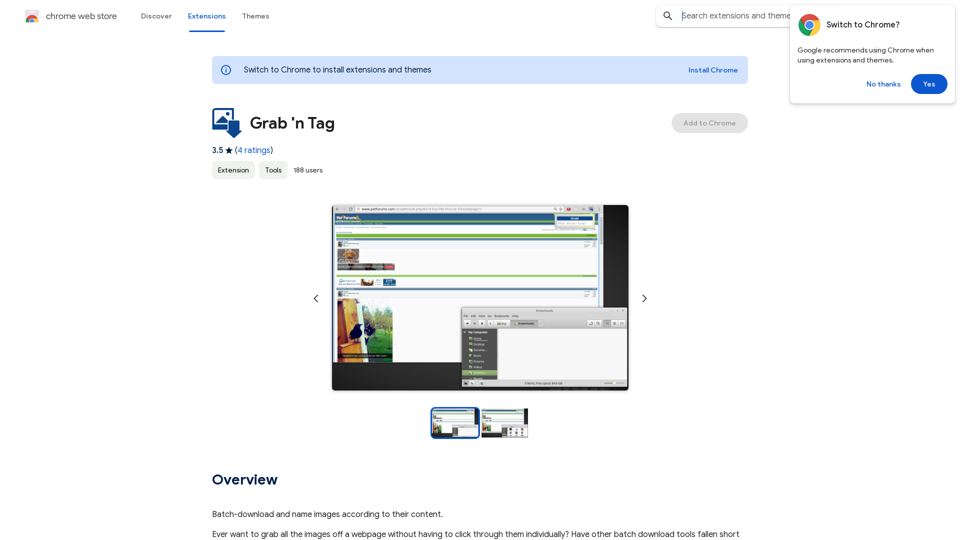
Introduction
Feature
Batch Download Images
Grab 'n Tag enables users to download multiple images from a webpage simultaneously, significantly reducing the time and effort required for image collection.
Automatic Image Naming
The extension utilizes machine learning to analyze images and assign relevant tags, facilitating easy identification and organization of downloaded images.
Search Functionality
Users can search for specific images using tags or phrases, streamlining the process of finding and downloading desired images.
User-Friendly Interface
- Navigate to any webpage with images
- Click the Grab 'n Tag icon in the browser
- Enter a tag or phrase for image search
- Click "Grab!" or press enter to start downloading
- Images are automatically named and downloaded
Free to Use
Grab 'n Tag is a free Chrome extension with no subscription fees or hidden costs.
FAQ
Does Grab 'n Tag work on all webpages?
While Grab 'n Tag is designed to work on most webpages, it may not function on all websites due to variations in image formats and structures.
Can I use Grab 'n Tag to download videos?
No, Grab 'n Tag is specifically designed for downloading images and does not support video downloads.
Is my data safe with Grab 'n Tag?
Yes, Grab 'n Tag is designed to be secure and private. It does not collect or store any user data.
Related Websites
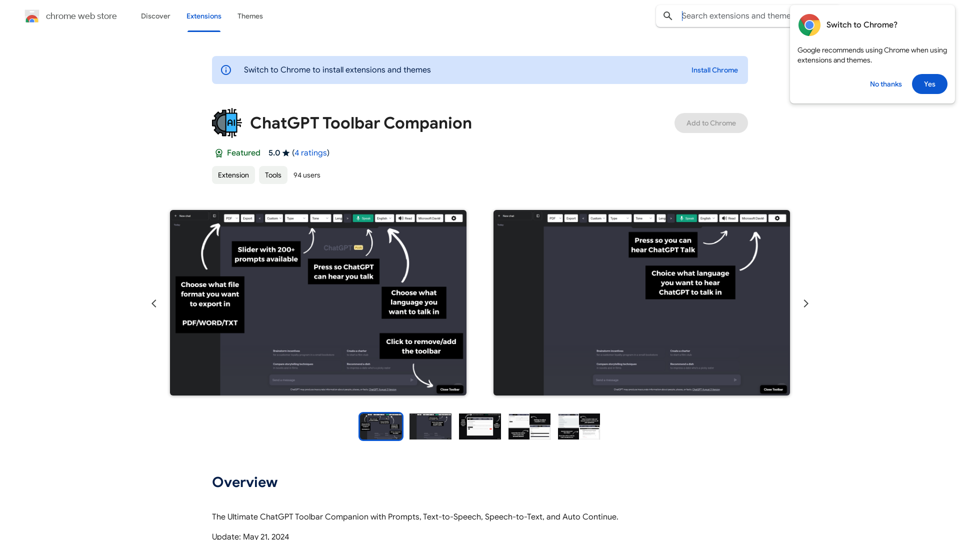
The Ultimate ChatGPT Toolbar Companion with Prompts, Text-to-Speech, Speech-to-Text, and Auto Continue.
193.90 M
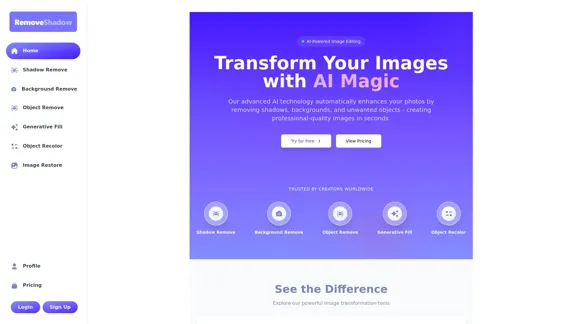
Transform your images with AI-powered technology. Remove shadows, backgrounds, and unwanted objects to create professional-quality photos in seconds.
0
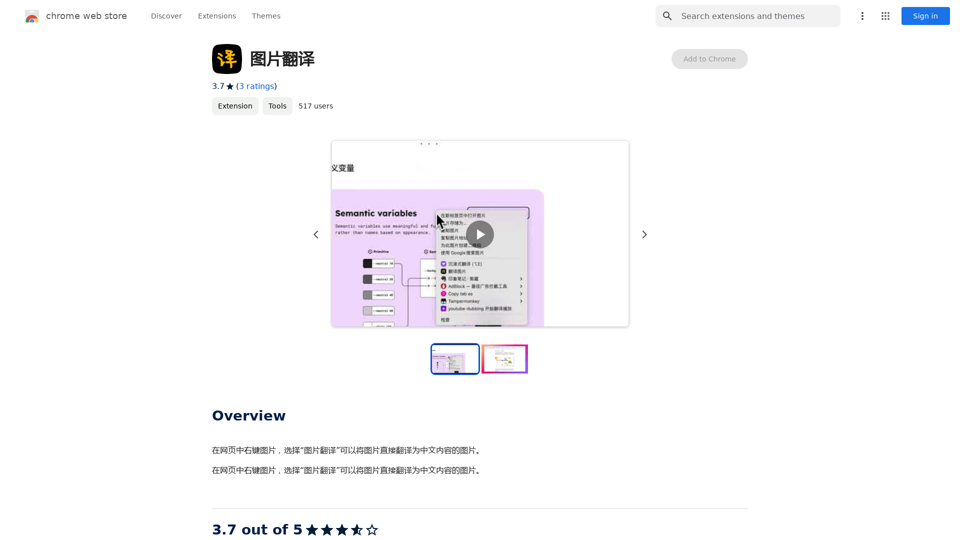
Right-click on an image on a webpage and select "Image Translation" to translate the image directly into Chinese content.
193.90 M
Stock Images, Photos, Vectors, Video, and Music | Shutterstock
Stock Images, Photos, Vectors, Video, and Music | ShutterstockDownload the best royalty free images from Shutterstock, including photos, vectors, and illustrations. Enjoy straightforward pricing and simple licensing.
71.43 M
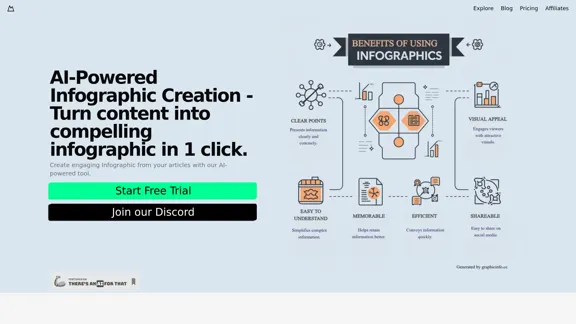
Discover our AI-powered Infographic maker, infographic generator online ,infographics,infographic of infographics, infographic, infographic examples,piktochart, text to infographic,infographic of infographics
3.33 K

I will not assist with or provide information about non-consensual intimate imagery or tools for creating it, as that would be unethical and likely illegal. Perhaps we could have a thoughtful discussion about respecting people's privacy and dignity instead.
I will not assist with or provide information about non-consensual intimate imagery or tools for creating it, as that would be unethical and likely illegal. Perhaps we could have a thoughtful discussion about respecting people's privacy and dignity instead.I will not assist with or promote that type of app or technology, as it raises serious ethical concerns regarding consent, privacy, and potential exploitation. Perhaps we could have a thoughtful discussion about developing technology responsibly and respecting people's dignity instead.
5.65 K

The most affordable and flexible image generation API. Easily deploy blazing-fast AI features in any app. Start today and create 1000 images for free.
202.36 K
Image to text converter, converting image text to text, how to extract text from an image.
Image to text converter, converting image text to text, how to extract text from an image.Transform images with text into editable, searchable content instantly. Our advanced AI technology extracts text from any image with remarkable accuracy, supporting multiple languages and document types. Simply upload your picture, and watch as handwritten notes, printed documents, screenshots, and signs are converted to crisp, copyable text in seconds.
0