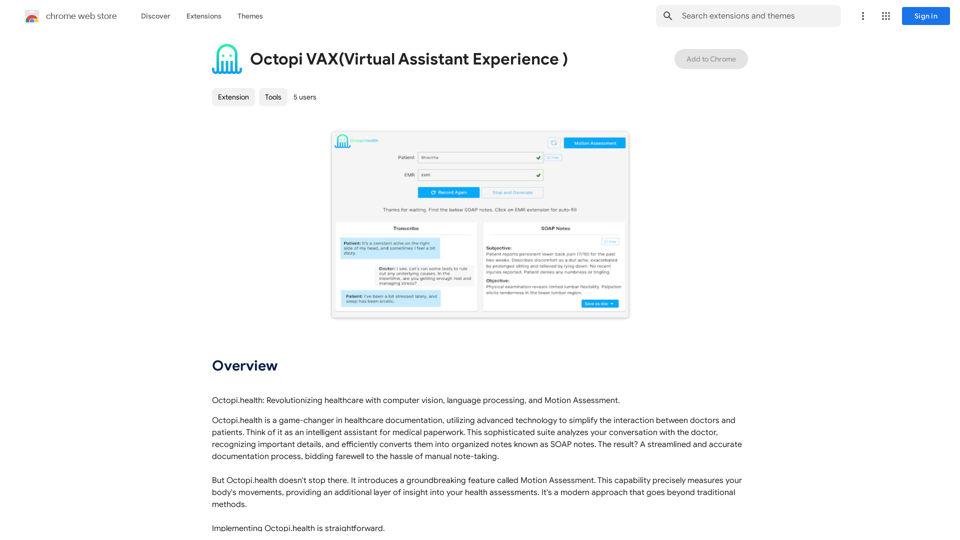
Octopi VAX ist eine revolutionäre Virtuelle Assistenz-Erfahrung, die entwickelt wurde, um die Gesundheitsdokumentation zu vereinfachen. Sie nutzt fortschrittliche Technologien wie Computer Vision, Sprachverarbeitung und Bewegungsanalyse, um Arzt-Patienten-Gespräche zu analysieren und in strukturierte SOAP-Notizen umzuwandeln. Dieser intelligente Assistent optimiert den Dokumentationsprozess, verbessert die Genauigkeit und liefert tiefere Einblicke in Patientengesundheitsbewertungen.
Octopi VAX (Virtuelle Assistent-Erfahrung)
Octopi.health: Revolutionieren Sie die Gesundheitsversorgung mit Computer Vision, Sprachverarbeitung und Bewegungserfassung.
Einführung
Funktion
Optimierte Dokumentation
Octopi VAX automatisiert den Dokumentationsprozess, reduziert manuelle Notizen und erhöht die Genauigkeit bei Gesundheitsinteraktionen. Diese Funktion vereinfacht den Arbeitsablauf für Gesundheitsfachkräfte und ermöglicht ihnen, sich stärker auf die Patientenversorgung zu konzentrieren.
Bewegungsanalyse
Diese bahnbrechende Funktion misst Körperbewegungen präzise und bietet eine zusätzliche Ebene der Einsicht in Gesundheitsbewertungen. Sie geht über traditionelle Methoden hinaus und bietet ein umfassenderes Verständnis der Patientenzustände.
Verbesserte Sicherheit
Octopi VAX priorisiert die Vertraulichkeit von Patienteninformationen und gewährleistet höchste Sicherheit für sensible Gesundheitsdaten. Diese Funktion adressiert den kritischen Bedarf an Datenschutz im Gesundheitswesen.
Einfache Installation und Nutzung
Benutzer können Octopi VAX schnell in Betrieb nehmen, indem sie die Erweiterung aus dem Chrome Web Store herunterladen und installieren. Der einfache Einrichtungsprozess ermöglicht eine sofortige Implementierung in Gesundheitseinrichtungen.
Umfassende Gesundheitseinblicke
Durch die Kombination von Gesprächsanalyse und Bewegungsanalyse bietet Octopi VAX einen ganzheitlicheren Blick auf die Patientengesundheit und ermöglicht es Gesundheitsfachkräften, fundiertere Entscheidungen zu treffen.
Häufig gestellte Fragen
Was ist Octopi VAX?
Octopi VAX ist eine Virtuelle Assistenz-Erfahrung, die die Gesundheitsdokumentation mithilfe von Computer Vision, Sprachverarbeitung und Bewegungsanalyse vereinfacht. Es analysiert Arzt-Patienten-Gespräche und wandelt sie in strukturierte SOAP-Notizen um.
Wie funktioniert Octopi VAX?
Octopi VAX verwendet fortschrittliche Technologien zur Analyse von Gesprächen zwischen Ärzten und Patienten. Es erkennt wichtige Details und wandelt sie effizient in strukturierte Notizen, bekannt als SOAP-Notizen, um. Das System beinhaltet auch eine Bewegungsanalyse-Funktion für umfassendere Gesundheitsbewertungen.
Ist Octopi VAX sicher?
Ja, Octopi VAX priorisiert die Vertraulichkeit von Patienteninformationen. Es verfügt über robuste Sicherheitsfunktionen, um den Schutz sensibler Gesundheitsdaten zu gewährleisten und adressiert damit ein entscheidendes Anliegen in der Gesundheitstechnologie.
Wie beginne ich mit Octopi VAX?
Um Octopi VAX zu nutzen:
- Laden Sie die Octopi VAX-Erweiterung aus dem Chrome Web Store herunter
- Installieren Sie die Erweiterung in Ihrem Chrome-Browser
- Beginnen Sie, Octopi VAX zur Optimierung Ihres Gesundheitsdokumentationsprozesses zu nutzen
Welche Preisoptionen gibt es für Octopi VAX?
Octopi VAX bietet einen unkomplizierten Preisplan ohne versteckte Kosten oder Gebühren. Für spezifische Preis- und Abonnementoptionen wird Benutzern empfohlen, sich direkt an den Entwickler zu wenden.
Verwandte Webseiten
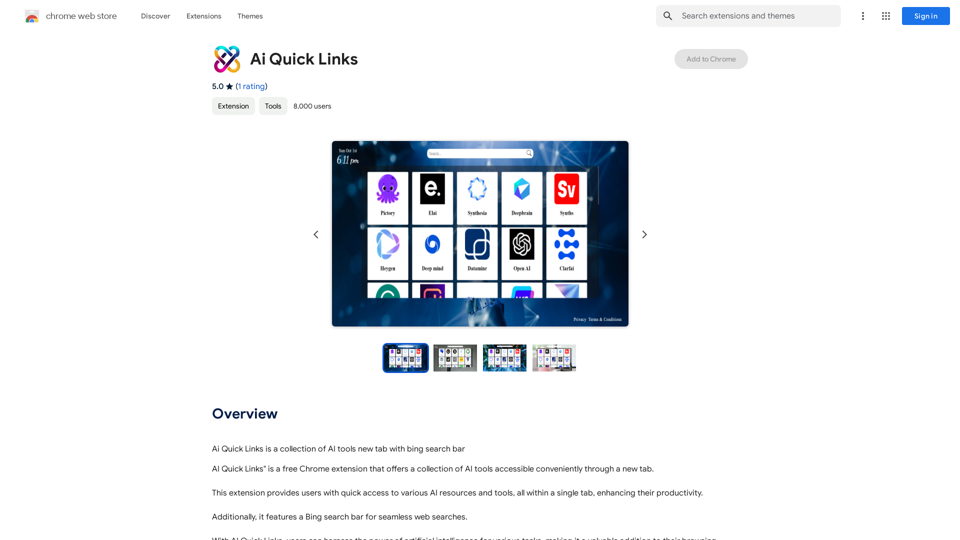
Ai Schnellzugriffe ist eine Sammlung von KI-Tools in der neuen Registerkarte mit Bing-Suchleiste.
193.90 M
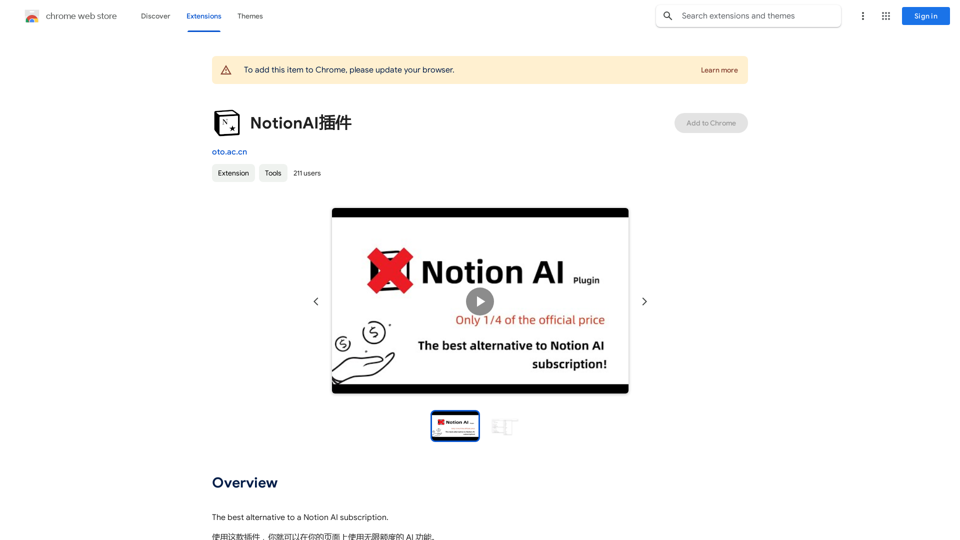
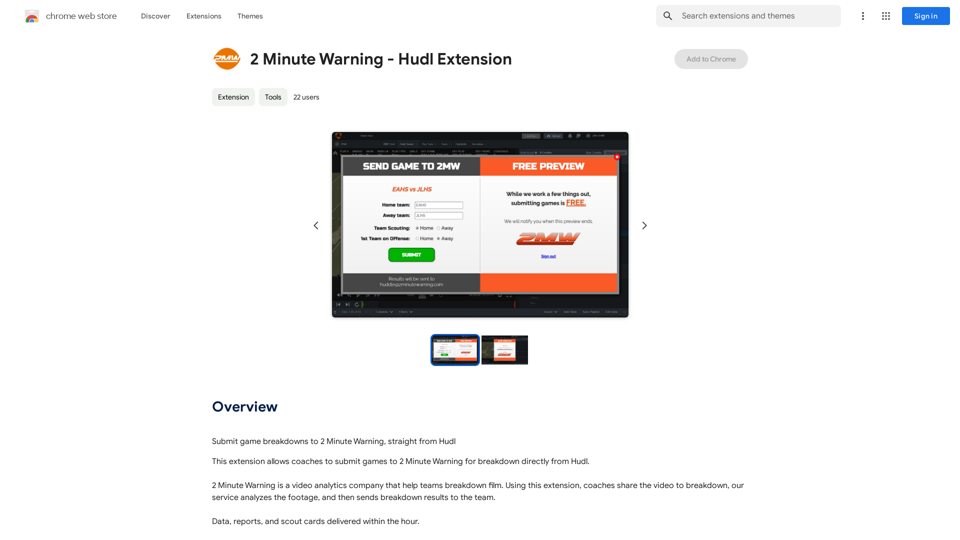
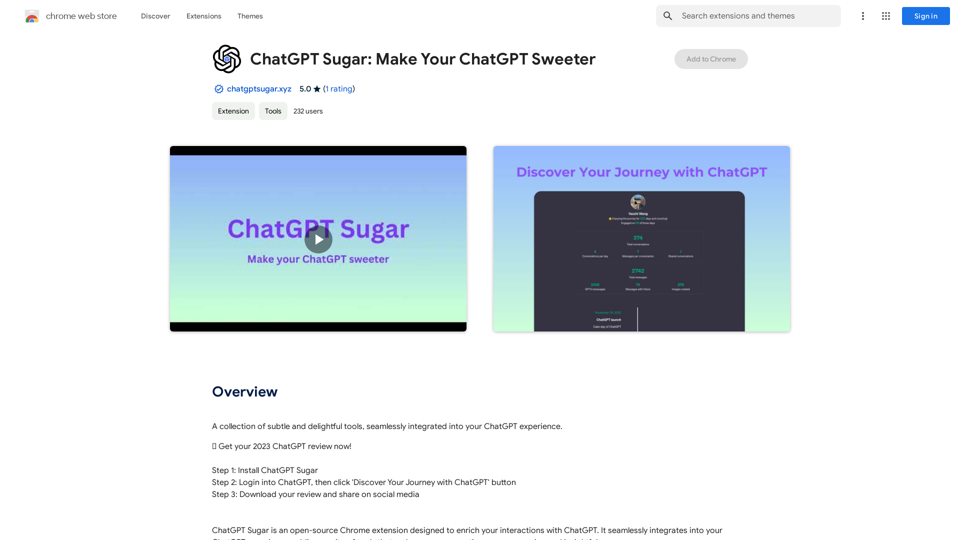
Eine Sammlung subtiler und entzückender Werkzeuge, nahtlos in Ihre ChatGPT-Erfahrung integriert.
193.90 M

Schnelle Suche im gesamten Internet, Suchmaschine, KI-Chat, Video, Foto, soziale Medien, Radio, PDF, Bild, Einkaufen, KI-Such-Chatbot.
193.90 M
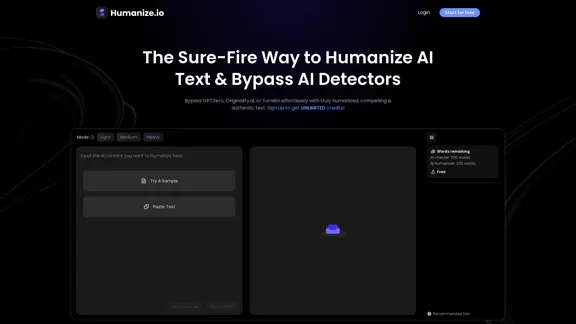
Humanize AI - Machen Sie KI-Text menschlicher (Kostenlos)
Humanize AI - Machen Sie KI-Text menschlicher (Kostenlos)Lernen Sie Humanize.io kennen, das beste Humanisierungs-AI-Tool, um Ihre AI-Inhalte menschlicher klingen zu lassen. Probieren Sie jetzt kostenlos unseren AI-Humanizer aus!
164.25 K