Open-source RightAI Tools Directory
  • Discover AI
  • Submit
  • Startup
  • Blog
Open-source RightAI Tools Directory
Discover the best AI tools of 2025 with the RightAI Tools Directory!

Friend Links

AI Anime GeneratorToolsApp AI

Support

Tap4
Privacy policyTerms & ConditionsContact Us
Loading...
loading...

Podly - AI Toolset for Merch By Amazon

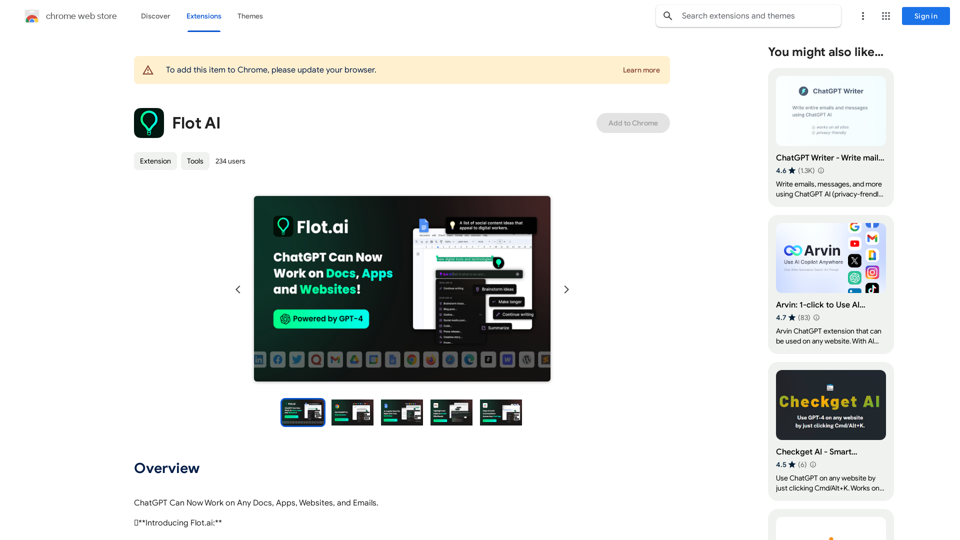
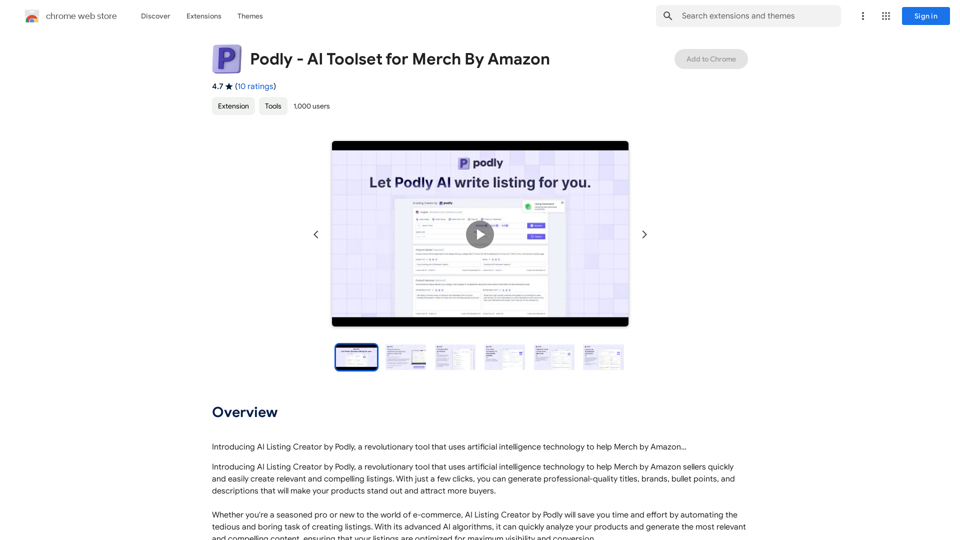
Introducing AI Listing Creator by Podly, a revolutionary tool that uses artificial intelligence technology to help Merch by Amazon sellers create high-quality product listings quickly and efficiently.
Visit Website
Podly - AI Toolset for Merch By Amazon
Visit Website

Introduction

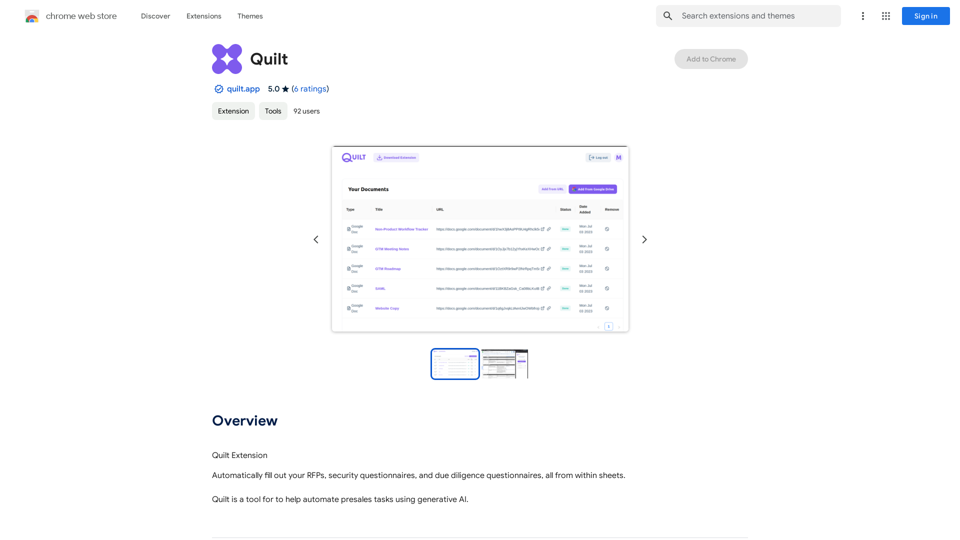
Podly is an AI-powered toolset designed for Merch by Amazon sellers. It simplifies the process of creating compelling product listings by utilizing advanced AI algorithms. Podly analyzes products and generates professional-quality titles, brands, bullet points, and descriptions, helping sellers attract more buyers and stand out in the marketplace.

Feature

AI Listing Creator

Podly's AI Listing Creator employs artificial intelligence technology to help Merch by Amazon sellers create high-quality listings with minimal effort. This feature saves time and streamlines the listing creation process.

Free Account Option

Users can sign up for a free account, allowing them to explore and utilize Podly's basic features without committing to a paid subscription. This accessibility enables sellers to test the tool's capabilities before deciding on a premium plan.

Advanced AI Algorithms

The platform's sophisticated AI algorithms quickly analyze products and generate optimized listings. This technology significantly reduces the time and effort required for sellers to create compelling product descriptions.

Chrome Extension

Podly offers a Chrome extension, making it easy for users to integrate the tool into their workflow and create listings directly from their browser.

Customization Options

Users can experiment with different settings and options to tailor their listings and optimize results, allowing for a personalized approach to product presentation.

Paid Subscription Plans

In addition to the free account, Podly offers paid subscription plans with advanced features and benefits for users who require more comprehensive tools.

FAQ

Is Podly free to use?

Yes, Podly offers a free account option that allows users to sign up and start using the tool without committing to a paid subscription. This enables sellers to explore the basic features and functionality of the platform.

What are the main benefits of using Podly?

Podly's AI Listing Creator helps Merch by Amazon sellers create high-quality listings quickly and easily, saving time and effort. The advanced AI algorithms optimize listings for maximum visibility and conversion, potentially leading to increased sales and business growth.

Can I upgrade to a paid subscription with Podly?

Yes, Podly offers paid subscription plans that provide additional features and benefits beyond the free account. These premium options cater to users who require more advanced tools and capabilities for their Merch by Amazon business.

Latest Traffic Insights

  • Monthly Visits

    193.90 M

  • Bounce Rate

    56.27%

  • Pages Per Visit

    2.71

  • Time on Site(s)

    115.91

  • Global Rank

    -

  • Country Rank

    -

Recent Visits

Traffic Sources

  • Social Media:
    0.48%
  • Paid Referrals:
    0.55%
  • Email:
    0.15%
  • Referrals:
    12.81%
  • Search Engines:
    16.21%
  • Direct:
    69.81%
More Data

Related Websites

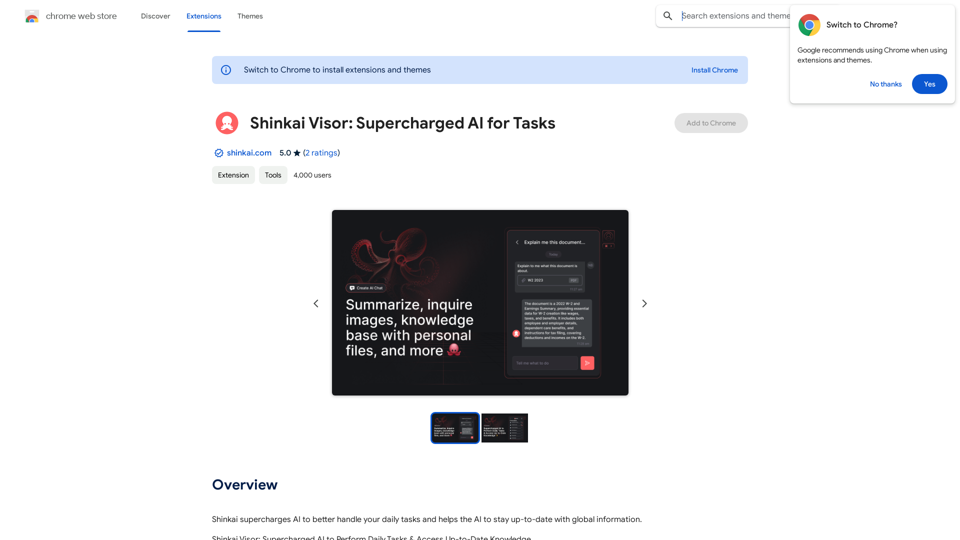
Page Assist - A Web UI for Local AI Models
View Detail

Page Assist - A Web UI for Local AI Models

Page Assist - A Web UI for Local AI Models

Use your computer's own AI programs to help you explore the internet.

193.90 M
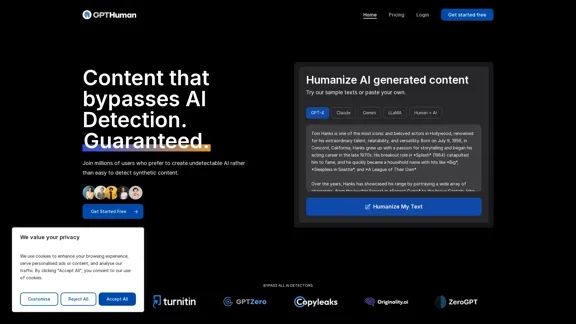
DecEptioner - Humanize AI Text Like A Pro!
View Detail

DecEptioner - Humanize AI Text Like A Pro!

DecEptioner - Humanize AI Text Like A Pro!

Helps to make false-positive cases of specific AI content detectors seem less like mistakes.

193.90 M
PixCleaner
View Detail

PixCleaner

PixCleaner

Remove the background from an image using pixcleaner background remover. Remove the background from any image online URL, simply...

193.90 M
Wizard Writer
View Detail

Wizard Writer

Wizard Writer

Wizard Writer is an AI-powered platform that gives you access to many different AI tools for a variety of uses, such as writing text and creating content.

0
Audimee - Unlimited Vocals, Unlimited Creative Freedom
View Detail

Audimee - Unlimited Vocals, Unlimited Creative Freedom

Audimee - Unlimited Vocals, Unlimited Creative Freedom

Convert your vocals with our royalty-free voices, train your own voices, create copyright-free cover vocals, and much more.

489.79 K
Find Inspiration for Your Next Design
View Detail

Find Inspiration for Your Next Design

Find Inspiration for Your Next Design

Get the latest and creative design inspiration and ideas from PromptDoDo.

0
Free ChatGPT Omni (GPT4o) | gptomni.ai
View Detail

Free ChatGPT Omni (GPT4o) | gptomni.ai

Free ChatGPT Omni (GPT4o) | gptomni.ai

Free ChatGPT Omni: gptomni.ai offers a free, easy-to-use, web-based chat interface for conversations with the GPT4o AI model.

1.25 K
AI Voice Over for YouTube 

This is a guide to using AI voice over for your YouTube videos. 

Why Use AI Voice Over?

* Cost-Effective: AI voice over is much cheaper than hiring a professional voice actor.
* Time-Saving: You can generate voice over quickly and easily, without needing to schedule recording sessions.
* Variety of Voices: Choose from a wide range of AI voices, including male, female, and even robotic voices.
* Accessibility: Make your videos accessible to viewers who are deaf or hard of hearing by adding captions generated by AI.

How to Use AI Voice Over

1. Choose a Platform: There are many different platforms that offer AI voice over services, such as:
    * Google Cloud Text-to-Speech
    * Amazon Polly
    * Microsoft Azure Text to Speech
    * Murf.ai
    * NaturalReader
2. Write Your Script:  Write a clear and concise script for your video.
3. Upload Your Script:  Upload your script to the chosen platform.
4. Select a Voice: Choose the voice that best suits your video.
5. Adjust Settings:  Adjust settings such as speed, pitch, and volume.
6. Generate Voice Over:  Click the "Generate" button to create your voice over.
7. Download and Edit: Download the generated voice over file and edit it as needed.
8. Add to Your Video:  Add the voice over to your YouTube video.

Tips for Using AI Voice Over

* Use Natural Language:  Write your script as if you were speaking naturally.
* Vary Your Tone:  Use different tones of voice to keep your viewers engaged.
* Add Pauses:  Include pauses in your script to allow viewers to process information.
* Proofread Carefully:  Always proofread your script before generating the voice over.
* Experiment:  Try different voices, settings, and styles to find what works best for you.
View Detail

AI Voice Over for YouTube This is a guide to using AI voice over for your YouTube videos. Why Use AI Voice Over? * Cost-Effective: AI voice over is much cheaper than hiring a professional voice actor. * Time-Saving: You can generate voice over quickly and easily, without needing to schedule recording sessions. * Variety of Voices: Choose from a wide range of AI voices, including male, female, and even robotic voices. * Accessibility: Make your videos accessible to viewers who are deaf or hard of hearing by adding captions generated by AI. How to Use AI Voice Over 1. Choose a Platform: There are many different platforms that offer AI voice over services, such as: * Google Cloud Text-to-Speech * Amazon Polly * Microsoft Azure Text to Speech * Murf.ai * NaturalReader 2. Write Your Script: Write a clear and concise script for your video. 3. Upload Your Script: Upload your script to the chosen platform. 4. Select a Voice: Choose the voice that best suits your video. 5. Adjust Settings: Adjust settings such as speed, pitch, and volume. 6. Generate Voice Over: Click the "Generate" button to create your voice over. 7. Download and Edit: Download the generated voice over file and edit it as needed. 8. Add to Your Video: Add the voice over to your YouTube video. Tips for Using AI Voice Over * Use Natural Language: Write your script as if you were speaking naturally. * Vary Your Tone: Use different tones of voice to keep your viewers engaged. * Add Pauses: Include pauses in your script to allow viewers to process information. * Proofread Carefully: Always proofread your script before generating the voice over. * Experiment: Try different voices, settings, and styles to find what works best for you.

AI Voice Over for YouTube This is a guide to using AI voice over for your YouTube videos. Why Use AI Voice Over? * Cost-Effective: AI voice over is much cheaper than hiring a professional voice actor. * Time-Saving: You can generate voice over quickly and easily, without needing to schedule recording sessions. * Variety of Voices: Choose from a wide range of AI voices, including male, female, and even robotic voices. * Accessibility: Make your videos accessible to viewers who are deaf or hard of hearing by adding captions generated by AI. How to Use AI Voice Over 1. Choose a Platform: There are many different platforms that offer AI voice over services, such as: * Google Cloud Text-to-Speech * Amazon Polly * Microsoft Azure Text to Speech * Murf.ai * NaturalReader 2. Write Your Script: Write a clear and concise script for your video. 3. Upload Your Script: Upload your script to the chosen platform. 4. Select a Voice: Choose the voice that best suits your video. 5. Adjust Settings: Adjust settings such as speed, pitch, and volume. 6. Generate Voice Over: Click the "Generate" button to create your voice over. 7. Download and Edit: Download the generated voice over file and edit it as needed. 8. Add to Your Video: Add the voice over to your YouTube video. Tips for Using AI Voice Over * Use Natural Language: Write your script as if you were speaking naturally. * Vary Your Tone: Use different tones of voice to keep your viewers engaged. * Add Pauses: Include pauses in your script to allow viewers to process information. * Proofread Carefully: Always proofread your script before generating the voice over. * Experiment: Try different voices, settings, and styles to find what works best for you.

Watch foreign language YouTube videos in your own language.

193.90 M