Dewagear CreateAI is a comprehensive AI tool creator that enables users to generate various types of AI-driven content. This versatile platform offers a wide range of features, including AI chatbots, content generation, image creation, voiceover synthesis, speech-to-text transcription, and code generation. With Dewagear CreateAI, users can create AI virtual assistants and produce diverse AI content all in one place.
Dewagear CreateAI
Dewagear CreateAI

Introduction
Feature
AI Chat Bots
- Create innovative virtual AI assistants
- Equipped with industry and conversion specialists' expertise
- Seamlessly handle queries
- Provide immediate access to requested information
AI Content Generation
- Generate outstanding content 10 times faster
- Assist with various writing tasks:
- Blog posts
- Resumes and job descriptions
- Emails and social media content
AI Image Creation
- Generate AI artwork and images
- Intuitive interface with cutting-edge technology
- Quickly produce high-quality visuals with minimal effort
AI Voiceover Synthesis
- Produce professional voiceovers in minutes
- Incorporate natural elements:
- Necessary expressions
- Tone inflections
- Enhance audience engagement
AI Speech to Text Transcribe
- Accurate transcription of audio files
- Support for numerous languages
- Translation into English from other languages
AI Code Generation
- Code like an expert
- Craft intricate algorithms effortlessly
- Use natural language to describe your needs
Custom Templates
- Unlimited templates available for various purposes:
- Ads
- Blog Posts
- Ecommerce
- Emails
- Frameworks
- Marketing
- Social Media
- Video
- Websites
- Other
Additional Features
- Project Management
- Team Management
- Advanced Analytics
FAQ
How does Dewagear CreateAI work?
- Choose a writing instrument
- Provide your writing topics
- Create content using AI
- The trained AI understands your specifications
- Produces distinctive, human-like content within seconds
What is the pricing model for Dewagear CreateAI?
- Start creating for free
- No credit card required
- Unlock the ultimate power of AI and creative potential
What types of content can be created with Dewagear CreateAI?
Dewagear CreateAI supports the creation of various AI-driven content, including:
- AI chatbots
- AI-generated text content
- AI images and artwork
- AI voiceovers
- AI speech-to-text transcriptions
- AI-generated code
Is there a way to visualize ideas using Dewagear CreateAI?
Yes, users can generate AI-driven artwork and images using text input. This feature allows for easy visualization of ideas and concepts.
How can users get support or ask questions about Dewagear CreateAI?
Users can reach out to the Dewagear CreateAI support team for any questions or concerns. The company is committed to helping users unlock their creative potential with the platform.
Related Websites


Octane AI | Intelligent Quizzes That Boost Sales for Shopify Stores
Octane AI | Intelligent Quizzes That Boost Sales for Shopify StoresYou can't afford to have leaks in your customer journey. Plug the leak with product quizzes that sell like crazy. No coding required (unless you want to!).
136.30 K
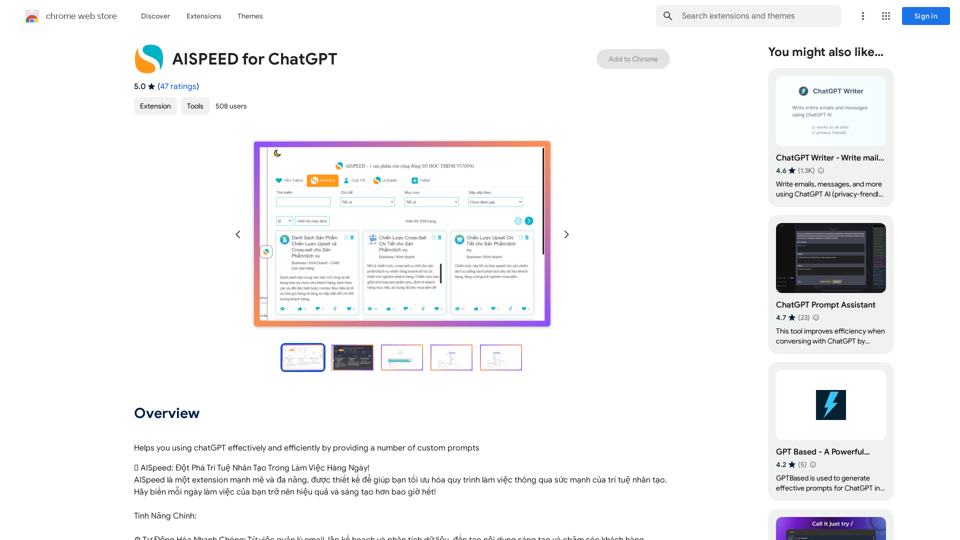
AISPEED for ChatGPT What is AISPEED? AISPEED is a powerful AI assistant designed to enhance your ChatGPT experience. Key Features: * Faster Response Times: Experience significantly reduced wait times for ChatGPT responses. * Improved Accuracy: Benefit from enhanced accuracy and fluency in ChatGPT's generated text. * Personalized Settings: Customize your ChatGPT experience with tailored settings to suit your needs. * Multi-Modal Support: Interact with ChatGPT using text, voice, and even images. * Seamless Integration: AISPEED integrates seamlessly with various platforms and applications. How AISPEED Works: AISPEED leverages advanced AI algorithms and techniques to optimize ChatGPT's performance. It accelerates response generation, refines text quality, and enables new interaction modes. Benefits: * Increased Productivity: Get faster answers and complete tasks more efficiently. * Enhanced Creativity: Explore new ideas and generate more creative content. * Improved Communication: Engage in more natural and meaningful conversations. * Expanded Capabilities: Unlock the full potential of ChatGPT with advanced features.
AISPEED for ChatGPT What is AISPEED? AISPEED is a powerful AI assistant designed to enhance your ChatGPT experience. Key Features: * Faster Response Times: Experience significantly reduced wait times for ChatGPT responses. * Improved Accuracy: Benefit from enhanced accuracy and fluency in ChatGPT's generated text. * Personalized Settings: Customize your ChatGPT experience with tailored settings to suit your needs. * Multi-Modal Support: Interact with ChatGPT using text, voice, and even images. * Seamless Integration: AISPEED integrates seamlessly with various platforms and applications. How AISPEED Works: AISPEED leverages advanced AI algorithms and techniques to optimize ChatGPT's performance. It accelerates response generation, refines text quality, and enables new interaction modes. Benefits: * Increased Productivity: Get faster answers and complete tasks more efficiently. * Enhanced Creativity: Explore new ideas and generate more creative content. * Improved Communication: Engage in more natural and meaningful conversations. * Expanded Capabilities: Unlock the full potential of ChatGPT with advanced features.Provides a number of custom prompts to help you use ChatGPT effectively and efficiently.
193.90 M

Reduce your cloud compute costs by 3-5 times with the best cloud GPU rentals. Vast.ai's simple search interface allows for fair comparison of GPU rentals from all providers.
869.48 K

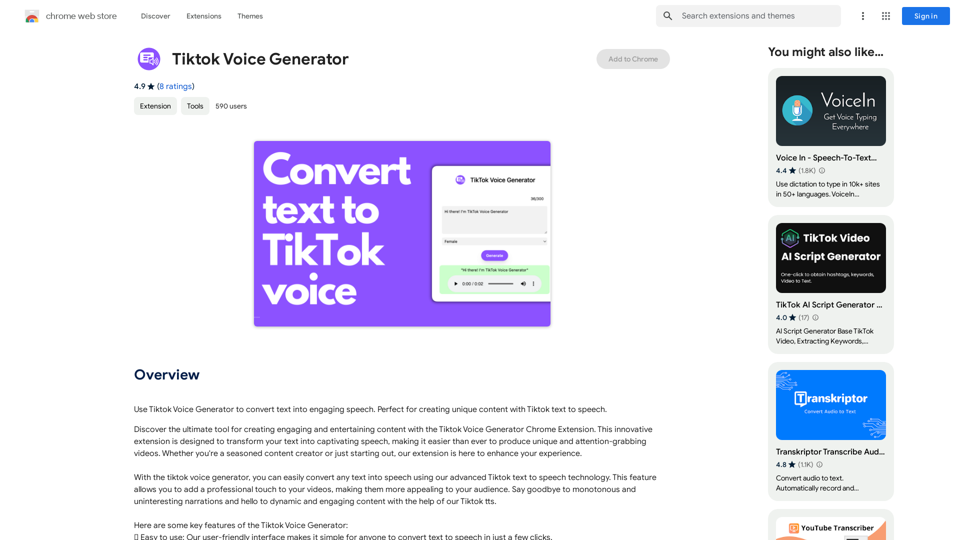
TikTok Voice Generator ========================== The TikTok voice generator is a popular feature on the social media platform that allows users to create and share videos with unique and entertaining voiceovers. This feature has become a sensation among TikTok users, with many using it to add humor, creativity, and personality to their videos. How Does it Work? -------------------- The TikTok voice generator uses advanced AI technology to convert written text into a spoken voice. Users can type in the text they want to convert, and the generator will produce a natural-sounding voiceover in a matter of seconds. The voice generator offers a range of voices, accents, and languages to choose from, allowing users to customize their voiceovers to fit their style and preferences. Features and Benefits ------------------------- Variety of Voices The TikTok voice generator offers a vast library of voices, including male and female voices, different accents, and languages. This allows users to experiment with different voices and find the one that best suits their content. Easy to Use The voice generator is incredibly easy to use. Users simply need to type in the text they want to convert, select the voice they want to use, and the generator will do the rest. Add Humor and Creativity The TikTok voice generator is a great way to add humor and creativity to videos. Users can use the generator to create funny voiceovers, parody songs, or even create their own characters. Increase Engagement Videos with voiceovers generated by the TikTok voice generator tend to perform better in terms of engagement. The unique and entertaining voiceovers can help capture viewers' attention and increase the chances of going viral. Conclusion ---------- The TikTok voice generator is a powerful tool that can help users take their content to the next level. With its advanced AI technology, ease of use, and variety of voices, it's no wonder why it has become a favorite among TikTok users. Whether you're looking to add humor, creativity, or personality to your videos, the TikTok voice generator is definitely worth trying out.
TikTok Voice Generator ========================== The TikTok voice generator is a popular feature on the social media platform that allows users to create and share videos with unique and entertaining voiceovers. This feature has become a sensation among TikTok users, with many using it to add humor, creativity, and personality to their videos. How Does it Work? -------------------- The TikTok voice generator uses advanced AI technology to convert written text into a spoken voice. Users can type in the text they want to convert, and the generator will produce a natural-sounding voiceover in a matter of seconds. The voice generator offers a range of voices, accents, and languages to choose from, allowing users to customize their voiceovers to fit their style and preferences. Features and Benefits ------------------------- Variety of Voices The TikTok voice generator offers a vast library of voices, including male and female voices, different accents, and languages. This allows users to experiment with different voices and find the one that best suits their content. Easy to Use The voice generator is incredibly easy to use. Users simply need to type in the text they want to convert, select the voice they want to use, and the generator will do the rest. Add Humor and Creativity The TikTok voice generator is a great way to add humor and creativity to videos. Users can use the generator to create funny voiceovers, parody songs, or even create their own characters. Increase Engagement Videos with voiceovers generated by the TikTok voice generator tend to perform better in terms of engagement. The unique and entertaining voiceovers can help capture viewers' attention and increase the chances of going viral. Conclusion ---------- The TikTok voice generator is a powerful tool that can help users take their content to the next level. With its advanced AI technology, ease of use, and variety of voices, it's no wonder why it has become a favorite among TikTok users. Whether you're looking to add humor, creativity, or personality to your videos, the TikTok voice generator is definitely worth trying out.Use the Tiktok Voice Generator to convert text into engaging speech. Perfect for creating unique content with Tiktok text to speech.
193.90 M