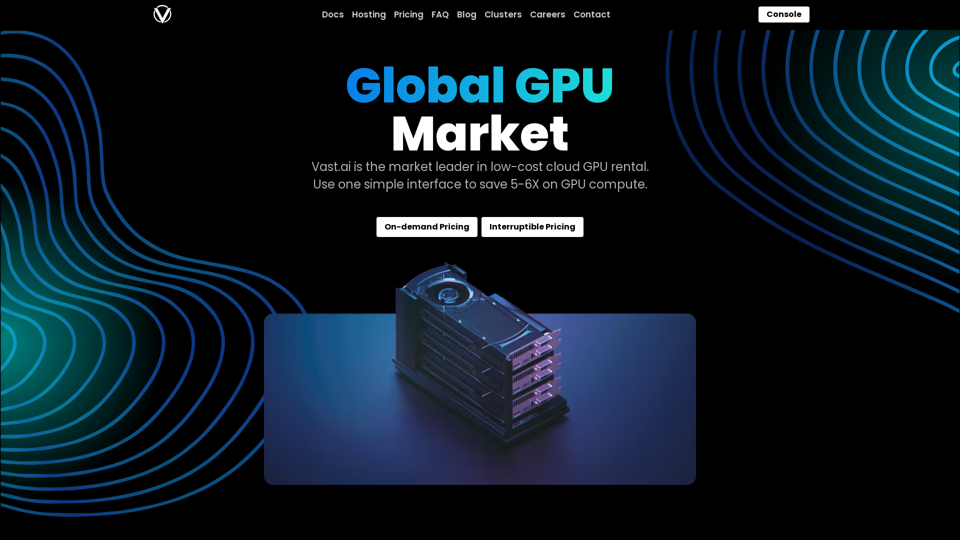
Vast.ai is a leading platform for affordable cloud GPU rentals, offering significant cost savings on GPU compute. The service provides a user-friendly interface with flexible pricing options, including on-demand and interruptible rates, catering to various user needs. Vast.ai supports a wide range of GPU models and utilizes a Docker-based ecosystem for efficient software deployment.
Rent GPUs | Vast.ai
Reduce your cloud compute costs by 3-5 times with the best cloud GPU rentals. Vast.ai's simple search interface allows for fair comparison of GPU rentals from all providers.
Introduction
Feature
Cost-Effective GPU Rental
Vast.ai offers substantial savings on GPU compute, with users able to save 5-6X compared to standard rates. The platform provides both on-demand and interruptible pricing options, allowing users to choose the most cost-effective solution for their specific requirements.
Diverse GPU Options
The service supports a variety of high-performance GPUs, including:
| GPU Model | Availability |
|---|---|
| RTX 4090 | On-demand |
| RTX 3090 | On-demand |
| RTX A6000 | On-demand |
| RTX A5000 | On-demand |
| A40 | On-demand |
Docker-based Ecosystem
Vast.ai leverages Docker technology for container and image deployment, enabling users to quickly set up and run their required software environments with ease.
Advanced Search Console
The platform features a powerful search console that allows users to find specific GPU configurations. Users can search for both on-demand and interruptible rental options, providing flexibility in their selection process.
Flexible Security Options
Vast.ai offers a range of provider options with varying security levels, from individual hobbyists to Tier-4 data centers, allowing users to choose the appropriate security level for their tasks.
Multiple Interface Options
Users can interact with the platform through either a graphical user interface (GUI) or a command-line interface (CLI). This flexibility enables easy searching for offers, launching instances, and automating deployment processes.
Real-time Bidding System
Vast.ai incorporates a real-time bidding system for interruptible instances, potentially offering additional savings of 50% or more through auction pricing.
FAQ
What is the main advantage of using Vast.ai?
Vast.ai provides significant cost savings on GPU compute, with users able to save 5-6X compared to standard rates. The platform offers both on-demand and interruptible pricing options, allowing for flexible and cost-effective GPU rentals.
How does the interruptible pricing option work?
Interruptible pricing offers lower rates in exchange for flexibility. Users can save an additional 50% or more by using interruptible instances and participating in the real-time bidding system with auction pricing.
What types of GPUs are available on Vast.ai?
Vast.ai offers a range of high-performance GPUs for on-demand rental, including RTX 4090, RTX 3090, RTX A6000, RTX A5000, and A40. The availability of specific models may vary, so it's best to check the platform for the most up-to-date options.
How does Vast.ai ensure software compatibility?
Vast.ai uses a Docker-based ecosystem for container and image deployment. This approach allows users to quickly set up and run their required software environments, ensuring compatibility and ease of use.
Can I automate my GPU rental process on Vast.ai?
Yes, Vast.ai provides both a graphical user interface (GUI) and a command-line interface (CLI). The CLI option allows users to automate their deployment processes, including searching for offers and launching instances.
Related Websites
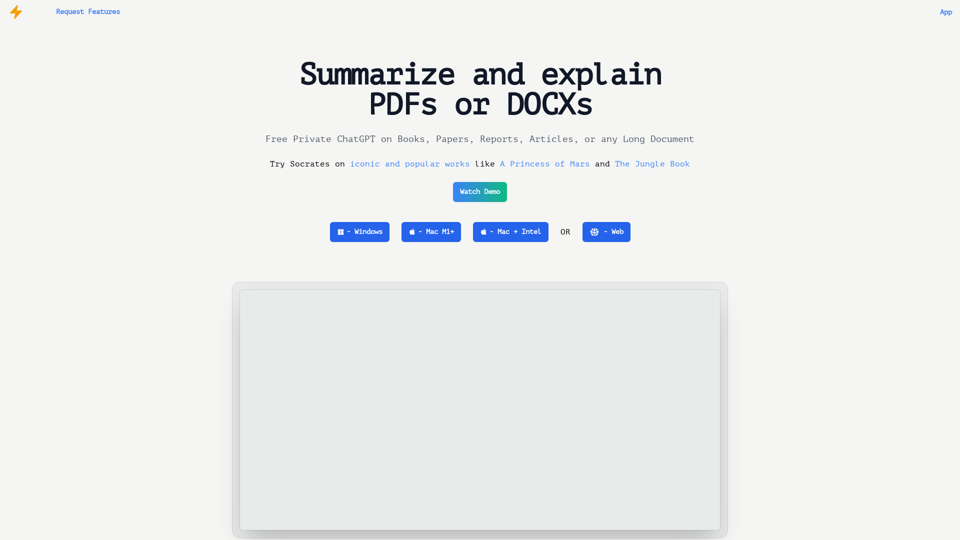
Get free AI-powered answers with Socrates. Socrates uses secure, local AI processing to analyze documents. It's ideal for explaining concepts and extracting answers from books, papers, reports, articles, manuals, or contracts.
0
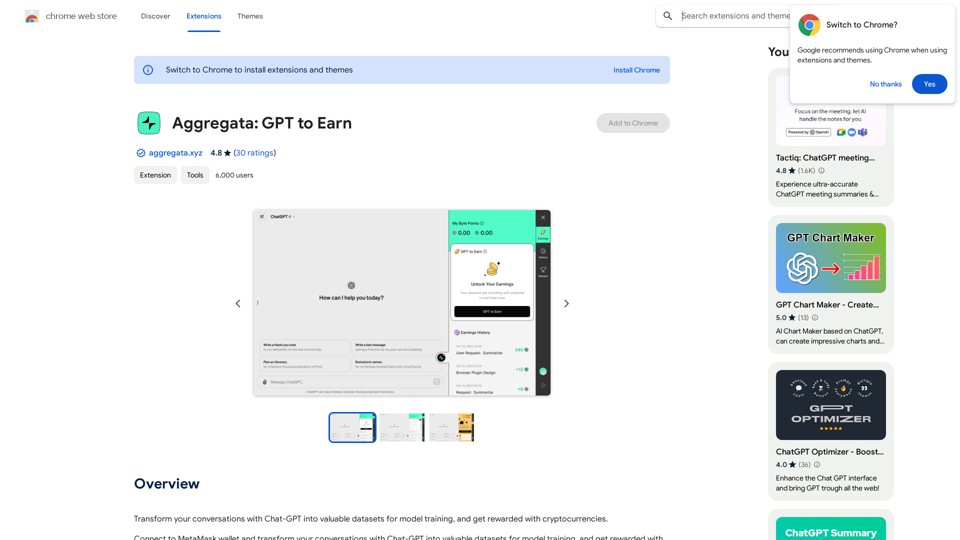
Transform your conversations with Chat-GPT into valuable datasets for model training, and get rewarded with cryptocurrencies.
193.90 M
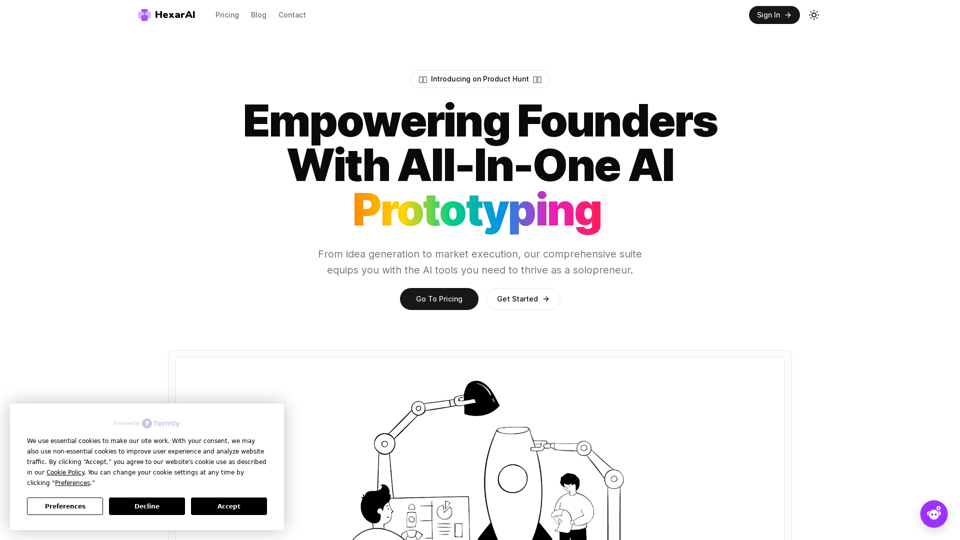
Unlock your business's full potential with HexarAI, the all-in-one AI platform. Seamlessly integrate marketing, tech development, accounting, design, and business management for unparalleled efficiency and success.
0
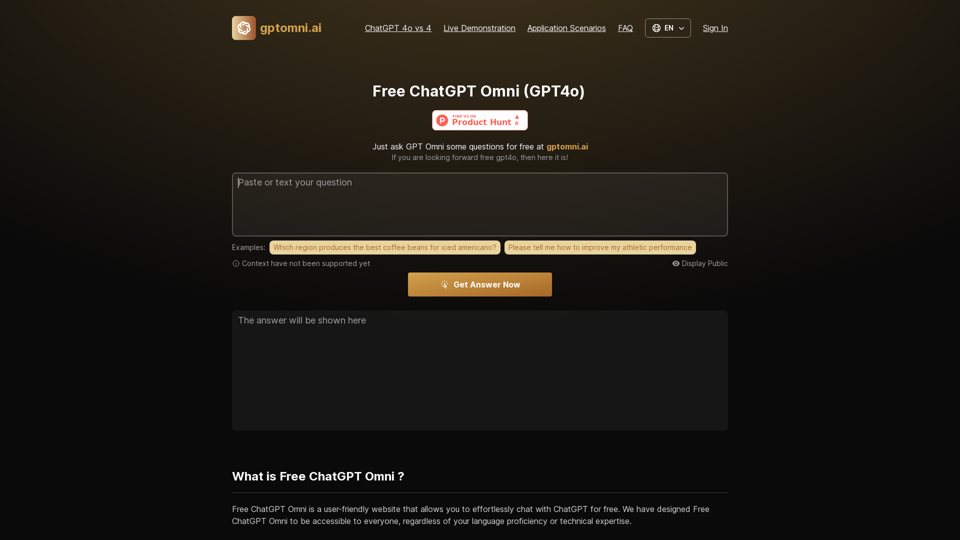
Free ChatGPT Omni: gptomni.ai offers a free, easy-to-use, web-based chat interface for conversations with the GPT4o AI model.
1.25 K
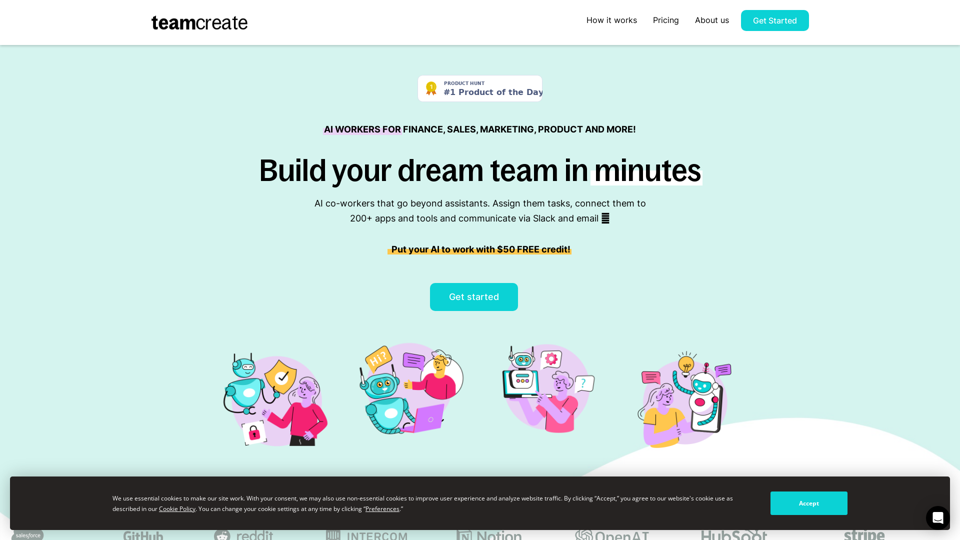
TeamCreate AI: Build Your AI Dream Team in Minutes!
TeamCreate AI: Build Your AI Dream Team in Minutes!What if you could grow your team and boost productivity without the usual financial or hiring constraints? Teamcreate enables companies of all sizes to create AI workers for hundreds of roles in Sales, Finance, Product and more.
422