Open-source RightAI Tools Directory
  • Discover AI
  • Submit
  • Startup
  • Blog
Open-source RightAI Tools Directory
Discover the best AI tools of 2025 with the RightAI Tools Directory!

Friend Links

AI Anime GeneratorToolsApp AI

Support

Tap4
Privacy policyTerms & ConditionsContact Us
Loading...
loading...

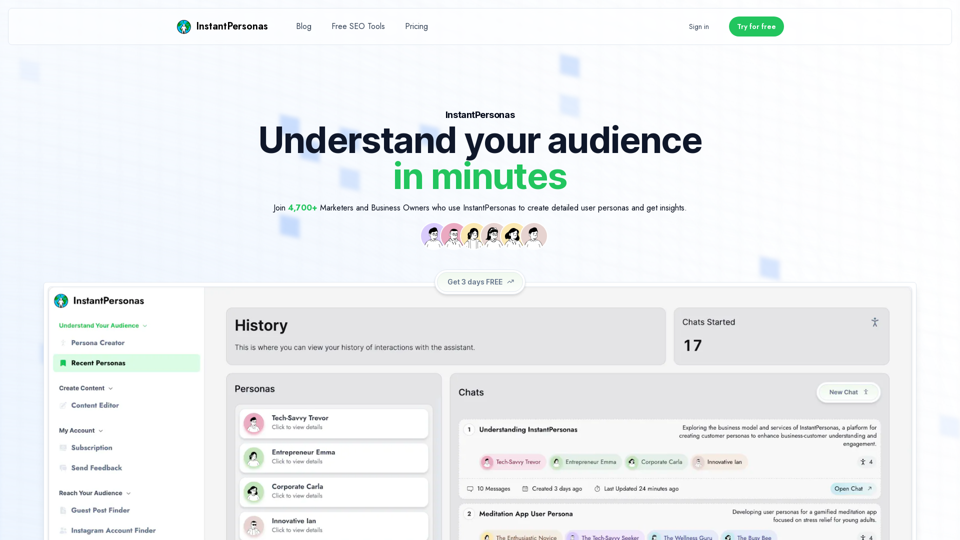
Detailed User Personas in Seconds | Try for Free

Save hours understanding your customers with our User Persona generator.
Visit Website
Detailed User Personas in Seconds | Try for Free
Visit Website

Introduction

InstantPersonas is an AI-powered platform designed to help marketers and business owners understand their audience quickly and effectively. With over 4,700 users, it generates detailed user personas and provides real-time insights into audience thoughts. The platform offers a range of features to boost SEO, save time, and create targeted content.

Feature

AI-Driven Persona Creation

InstantPersonas utilizes artificial intelligence to generate detailed user personas in minutes, providing a deep understanding of your target audience.

Customizable Personas

Users can refine and tailor AI-generated personas to fit specific needs, ensuring accuracy and relevance to their business.

Real-Time Audience Insights

The platform offers real-time insights into audience thoughts, enabling users to create content that resonates with their target market.

SEO Optimization Tools

InstantPersonas provides various free SEO tools to enhance your online presence:

ToolPurpose
Topical AuthorityGenerate content ideas to boost topical authority
Guest Post FinderDiscover guest posting opportunities in your niche
Google Keyword FinderIdentify optimal keywords for your target audience
Instagram Hashtag FinderFind relevant hashtags for Instagram marketing
Share Preview OptimizerOptimize social media share previews
Headline AnalyzerCreate engaging titles for your content

Time-Saving Features

By providing quick access to audience insights and SEO tools, InstantPersonas significantly reduces the time spent on market research and content creation.

Competitive Pricing

InstantPersonas offers affordable pricing options:

PlanPriceSavings
Monthly$9.95/month-
Yearly$6.20/month37%

Community Engagement

Users can join the InstantPersonas community to connect with other marketers and business owners, sharing experiences and insights.

FAQ

Why choose InstantPersonas over ChatGPT?

InstantPersonas is specifically designed for creating detailed user personas and providing audience insights, offering specialized tools and features that ChatGPT may not provide.

How does InstantPersonas enhance SEO efforts?

InstantPersonas boosts SEO by offering deep target market insights, identifying niche-specific marketing opportunities, and facilitating the creation of SEO-optimized content tailored to your audience.

What is the vision for InstantPersonas?

While specific details about the platform's future direction are not provided, InstantPersonas aims to continually improve its AI-driven persona creation and audience insight capabilities to better serve marketers and business owners.

How can I get started with InstantPersonas?

InstantPersonas offers a free trial, allowing users to experience the platform's features and benefits before committing to a subscription.

Latest Traffic Insights

  • Monthly Visits

    781

  • Bounce Rate

    46.00%

  • Pages Per Visit

    1.70

  • Time on Site(s)

    43.36

  • Global Rank

    9393577

  • Country Rank

    -

Recent Visits

Traffic Sources

  • Social Media:
    6.57%
  • Paid Referrals:
    1.19%
  • Email:
    0.06%
  • Referrals:
    11.03%
  • Search Engines:
    45.62%
  • Direct:
    35.54%
More Data

Related Websites

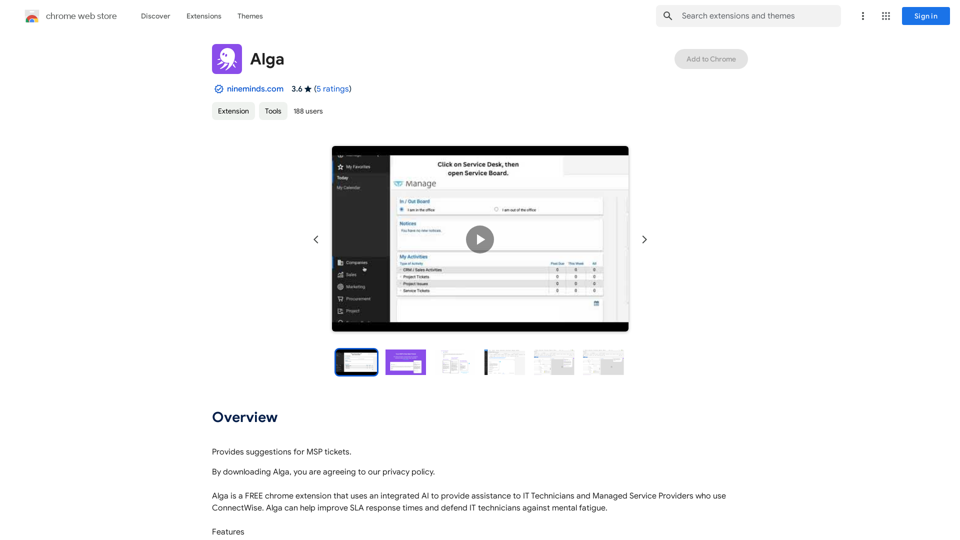
Wintermute: AI Web Companion
View Detail

Wintermute: AI Web Companion

Wintermute: AI Web Companion

Hey! I'm Wintermute, your personal AI companion. I understand web pages and can help you with your questions about anything.

193.90 M
Article Summary with ChatGPT and Take Notes

This is a guide on how to use ChatGPT to summarize articles and take notes effectively. 

Step 1:  Provide ChatGPT with the Article

Copy and paste the full text of the article into the ChatGPT interface. 

Step 2:  Craft Your Prompt

Tell ChatGPT what you want it to do. Here are some examples:

* Summarize: "Please summarize this article in 200 words."
* Key Points: "What are the main points of this article?"
* Bullet Points: "Summarize the key findings of this article in bullet points."
* Notes: "Take notes on this article, focusing on the author's arguments and supporting evidence."

Step 3:  Review and Refine

ChatGPT will generate a summary, key points, bullet points, or notes based on your prompt. 

* Read carefully: Make sure the output accurately reflects the article's content.
* Edit as needed:  You can ask ChatGPT to rephrase sections or provide more detail.
* Add your own insights:  Don't just copy ChatGPT's output. Use it as a starting point and add your own thoughts, questions, and connections.

Tips for Effective Use:

* Be specific: The more specific your prompt, the better the output will be.
* Experiment with different prompts: Try various phrasing to see what works best.
* Use ChatGPT as a tool:  It's a powerful aid, but it's not a replacement for critical reading and thinking.
View Detail

Article Summary with ChatGPT and Take Notes This is a guide on how to use ChatGPT to summarize articles and take notes effectively. Step 1: Provide ChatGPT with the Article Copy and paste the full text of the article into the ChatGPT interface. Step 2: Craft Your Prompt Tell ChatGPT what you want it to do. Here are some examples: * Summarize: "Please summarize this article in 200 words." * Key Points: "What are the main points of this article?" * Bullet Points: "Summarize the key findings of this article in bullet points." * Notes: "Take notes on this article, focusing on the author's arguments and supporting evidence." Step 3: Review and Refine ChatGPT will generate a summary, key points, bullet points, or notes based on your prompt. * Read carefully: Make sure the output accurately reflects the article's content. * Edit as needed: You can ask ChatGPT to rephrase sections or provide more detail. * Add your own insights: Don't just copy ChatGPT's output. Use it as a starting point and add your own thoughts, questions, and connections. Tips for Effective Use: * Be specific: The more specific your prompt, the better the output will be. * Experiment with different prompts: Try various phrasing to see what works best. * Use ChatGPT as a tool: It's a powerful aid, but it's not a replacement for critical reading and thinking.

Article Summary with ChatGPT and Take Notes This is a guide on how to use ChatGPT to summarize articles and take notes effectively. Step 1: Provide ChatGPT with the Article Copy and paste the full text of the article into the ChatGPT interface. Step 2: Craft Your Prompt Tell ChatGPT what you want it to do. Here are some examples: * Summarize: "Please summarize this article in 200 words." * Key Points: "What are the main points of this article?" * Bullet Points: "Summarize the key findings of this article in bullet points." * Notes: "Take notes on this article, focusing on the author's arguments and supporting evidence." Step 3: Review and Refine ChatGPT will generate a summary, key points, bullet points, or notes based on your prompt. * Read carefully: Make sure the output accurately reflects the article's content. * Edit as needed: You can ask ChatGPT to rephrase sections or provide more detail. * Add your own insights: Don't just copy ChatGPT's output. Use it as a starting point and add your own thoughts, questions, and connections. Tips for Effective Use: * Be specific: The more specific your prompt, the better the output will be. * Experiment with different prompts: Try various phrasing to see what works best. * Use ChatGPT as a tool: It's a powerful aid, but it's not a replacement for critical reading and thinking.

I can do that! Please provide me with the URL of the webpage or article you'd like me to summarize. I'll do my best to create a concise and easy-to-understand summary for you.

193.90 M
Parental Search - Keep Your Kids Safe
View Detail

Parental Search - Keep Your Kids Safe

Parental Search - Keep Your Kids Safe

Parental Search uses AI to protect your children from harmful content online. It's free and easy to use.

193.90 M
No Language
View Detail

No Language

No Language

AI for Generating Real-Time Commentary Videos

193.90 M
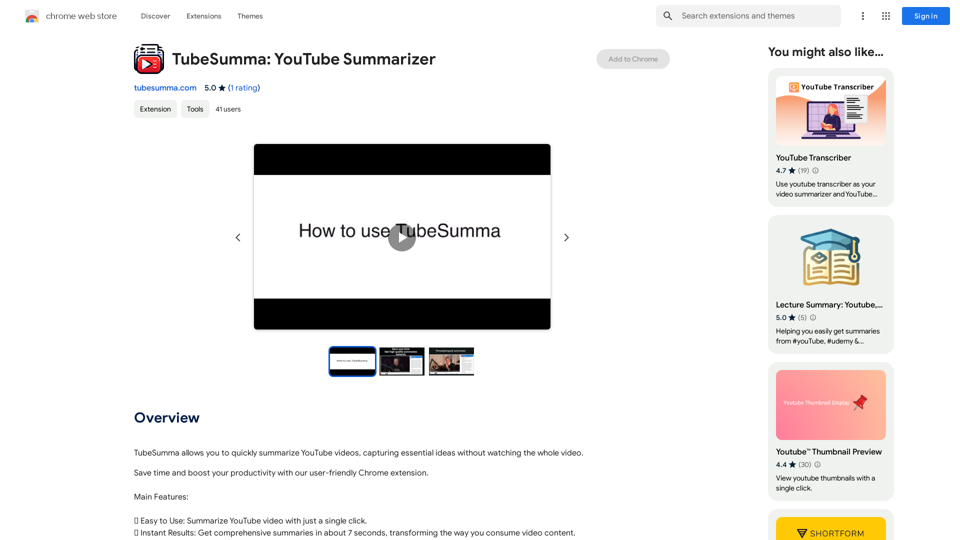
TubeSumma: YouTube Summarizer
View Detail

TubeSumma: YouTube Summarizer

TubeSumma: YouTube Summarizer

TubeSumma lets you quickly summarize YouTube videos, grabbing the main points without having to watch the entire thing.

193.90 M
NirvanaAI Extension
View Detail

NirvanaAI Extension

NirvanaAI Extension

Extension that allows you to have AI-powered tools for grammar correction, transcription, and...

193.90 M
v3RPG
View Detail

v3RPG

v3RPG

Bringing gamification to storytelling.

582
ChatGPT Context Menu

* Copy: Copies the selected text.
* Paste: Pastes the copied text.
* Delete: Deletes the selected text.
* Edit: Opens a text editor to modify the selected text.
* Generate: Uses ChatGPT to generate new text based on the selected context.
* Summarize: Creates a concise summary of the selected text.
* Translate: Translates the selected text into another language.
* Translate to English: Translates the selected text into English.
* Code: Attempts to identify and format the selected text as code.
* Help: Provides information about the context menu options.
View Detail

ChatGPT Context Menu * Copy: Copies the selected text. * Paste: Pastes the copied text. * Delete: Deletes the selected text. * Edit: Opens a text editor to modify the selected text. * Generate: Uses ChatGPT to generate new text based on the selected context. * Summarize: Creates a concise summary of the selected text. * Translate: Translates the selected text into another language. * Translate to English: Translates the selected text into English. * Code: Attempts to identify and format the selected text as code. * Help: Provides information about the context menu options.

ChatGPT Context Menu * Copy: Copies the selected text. * Paste: Pastes the copied text. * Delete: Deletes the selected text. * Edit: Opens a text editor to modify the selected text. * Generate: Uses ChatGPT to generate new text based on the selected context. * Summarize: Creates a concise summary of the selected text. * Translate: Translates the selected text into another language. * Translate to English: Translates the selected text into English. * Code: Attempts to identify and format the selected text as code. * Help: Provides information about the context menu options.

Please provide the text you would like to send to ChatGPT.

193.90 M