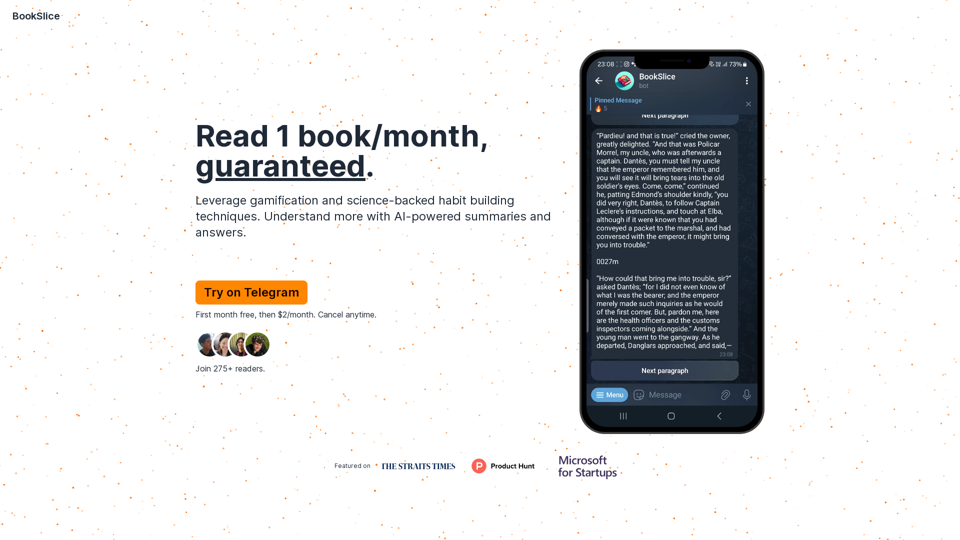
BookSlice is a gamified book reader designed for busy individuals who want to read more. It transforms reading into a habitual and addictive experience by leveraging psychological tools and AI-powered features. The app aims to help users build a consistent reading routine and gain deeper understanding of the books they read.
BookSlice - A fun, game-like way to read books for people with busy schedules.
Read one book per month, guaranteed, using science-backed techniques.
Introduction
Feature
Gamification and Habit Building
BookSlice incorporates science-backed habit building techniques such as:
- Implementation intentions
- Habit stacking
- Situational cues
- Streaks
These features make reading an irresistible daily habit.
AI-Powered Summaries and Answers
- Available on the $2 tier (limited time offer)
- Provides in-depth understanding of the content
- Allows users to ask questions about the book and receive context-specific answers
Custom Reminders and Streaks
- Set personalized reminders to maintain a consistent reading schedule
- Track daily reading streaks to reinforce the habit
Telegram Bot Integration
- BookSlice operates as a Telegram bot
- Easy installation and minimal setup required
- Accessible through the Telegram app on your phone
Pricing Structure
| Period | Cost | Notes |
|---|---|---|
| First month | Free | Trial period |
| Subsequent months | $2/month | Cancellable anytime |
100% money-back guarantee offered
FAQ
What is BookSlice?
BookSlice is a gamified book reader designed for busy people, helping them read more books by making reading a habitual and addictive experience.
How does BookSlice work?
BookSlice leverages psychological tools such as implementation intentions, habit stacking, situational cues, and streaks to make reading habitual and addictive. It also provides AI-powered summaries and answers for deeper understanding.
How do I install BookSlice?
BookSlice is a Telegram bot. You need to install the Telegram app on your phone to use BookSlice.
What file format does BookSlice support?
BookSlice supports the EPUB file format, which is the most widely supported vendor-independent e-book format.
Will BookSlice help me read more books?
Yes, BookSlice is specifically designed to help you read more books by making reading a consistent part of your daily routine through gamification and habit-building features.
Related Websites
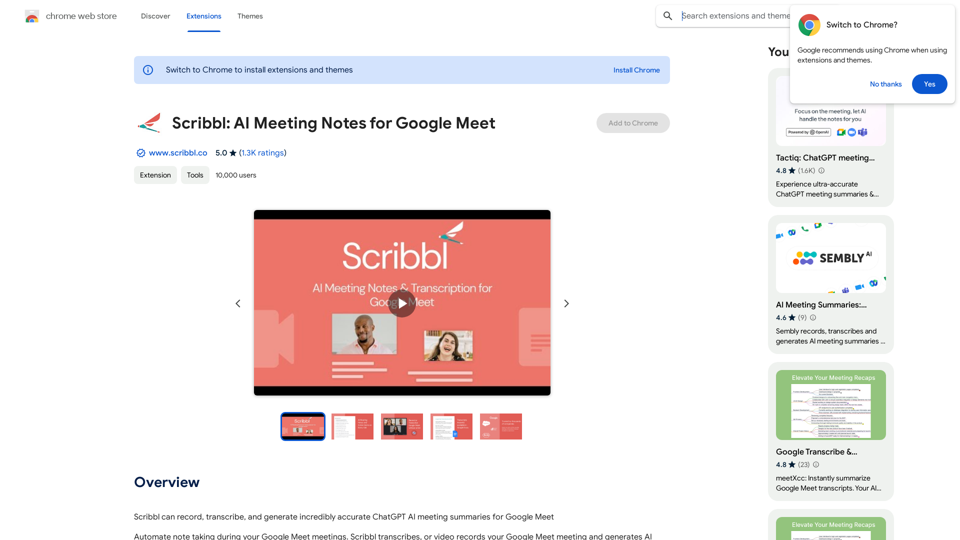
Scribbl can record, transcribe, and generate extremely accurate ChatGPT AI meeting summaries for Google Meet.
193.90 M
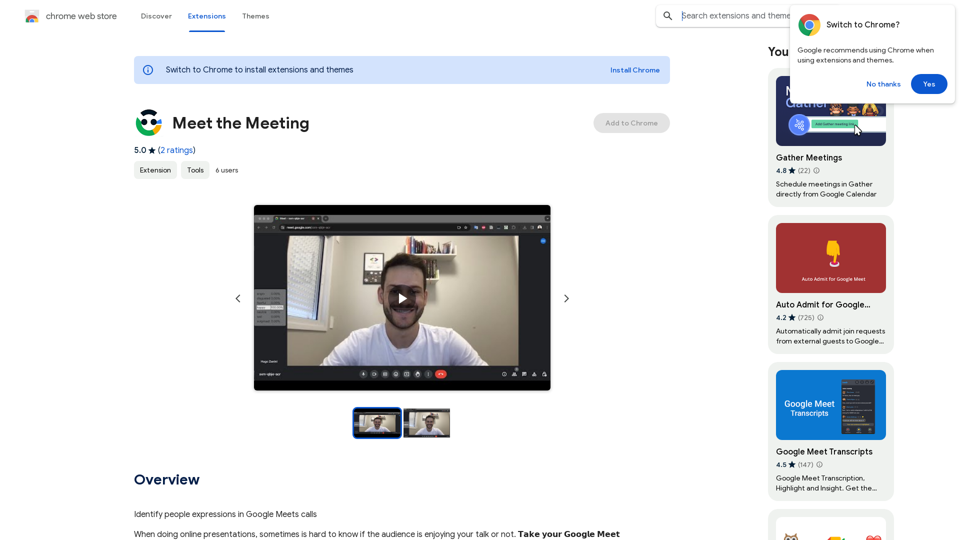
Identifying People Expressions in Google Meets Calls This is a complex task with several challenges: * Technical Limitations: Google Meets doesn't currently offer an API to directly access facial expressions of participants. * Privacy Concerns: Analyzing facial expressions raises significant privacy issues. Users should have control over whether their expressions are being tracked and used. * Accuracy: Even with access to facial data, accurately interpreting expressions can be difficult due to variations in lighting, angles, and individual differences. Possible Approaches (with limitations): * User-Submitted Data: Participants could manually indicate their emotions during the call, which could be collected and analyzed. This relies on user honesty and may not capture subtle expressions. * Third-Party Tools: Some external tools might analyze video feeds and attempt to detect expressions. However, their accuracy and privacy practices should be carefully evaluated. * Future Developments: Google or other companies might develop features that allow for more ethical and accurate expression analysis in the future. It's important to remember that facial expressions are just one aspect of communication, and relying solely on them can be misleading.
193.90 M
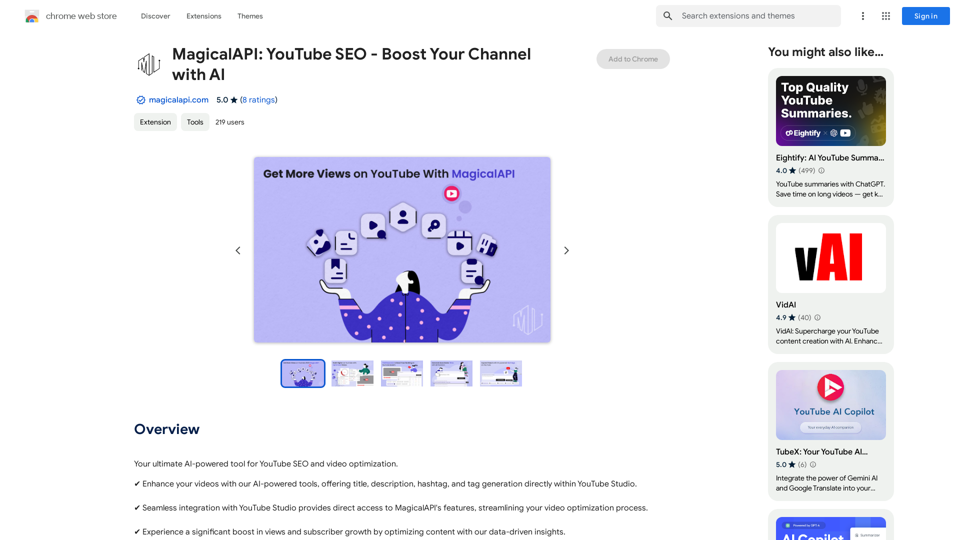
MagicalAPI: YouTube SEO - Boost Your Channel with AI
MagicalAPI: YouTube SEO - Boost Your Channel with AIYour ultimate AI-powered tool for YouTube SEO and video optimization.
193.90 M

Universal Listening Comprehension - Speech-to-Text, Bilingual Subtitle Translation
Universal Listening Comprehension - Speech-to-Text, Bilingual Subtitle TranslationAlibaba's free large model application, real-time speech recognition, AI subtitle translation, and intelligent summarization. Essential for online courses, chasing dramas, and online meetings. Record, transcribe, translate, and summarize online courses and meetings from any web page.
193.90 M

Adaapt.ai - Simplify and Optimize Your Processes with Automation
Adaapt.ai - Simplify and Optimize Your Processes with AutomationUnlock efficiency and elevate your business with Adaapt.ai - Your partner in automation. Streamline processes effortlessly and boost productivity. Discover cutting-edge solutions tailored for your success.
0
ChatGPT Keyboard Shortcuts #Navigation * Ctrl + →: Move to the next message * Ctrl + ←: Move to the previous message * Home: Move to the beginning of the conversation * End: Move to the end of the conversation #Editing * Ctrl + A: Select all text * Ctrl + C: Copy selected text * Ctrl + X: Cut selected text * Ctrl + V: Paste copied or cut text * Ctrl + Z: Undo * Ctrl + Y: Redo * Ctrl + Shift + F: Format text as code #Actions * Enter: Send the message * Shift + Enter: Insert a new line * Ctrl + Shift + Enter: Send the message and insert a new line * Esc: Cancel editing and close the message input field * Ctrl + Shift + Space: Open the emoji picker * Ctrl + Shift + /: Open the help menu #Accessibility * Ctrl + +: Increase font size * Ctrl + -: Decrease font size * Ctrl + 0: Reset font size to default
ChatGPT Keyboard Shortcuts #Navigation * Ctrl + →: Move to the next message * Ctrl + ←: Move to the previous message * Home: Move to the beginning of the conversation * End: Move to the end of the conversation #Editing * Ctrl + A: Select all text * Ctrl + C: Copy selected text * Ctrl + X: Cut selected text * Ctrl + V: Paste copied or cut text * Ctrl + Z: Undo * Ctrl + Y: Redo * Ctrl + Shift + F: Format text as code #Actions * Enter: Send the message * Shift + Enter: Insert a new line * Ctrl + Shift + Enter: Send the message and insert a new line * Esc: Cancel editing and close the message input field * Ctrl + Shift + Space: Open the emoji picker * Ctrl + Shift + /: Open the help menu #Accessibility * Ctrl + +: Increase font size * Ctrl + -: Decrease font size * Ctrl + 0: Reset font size to defaultEnhance your ChatGPT experience with easy-to-use keyboard shortcuts.
193.90 M