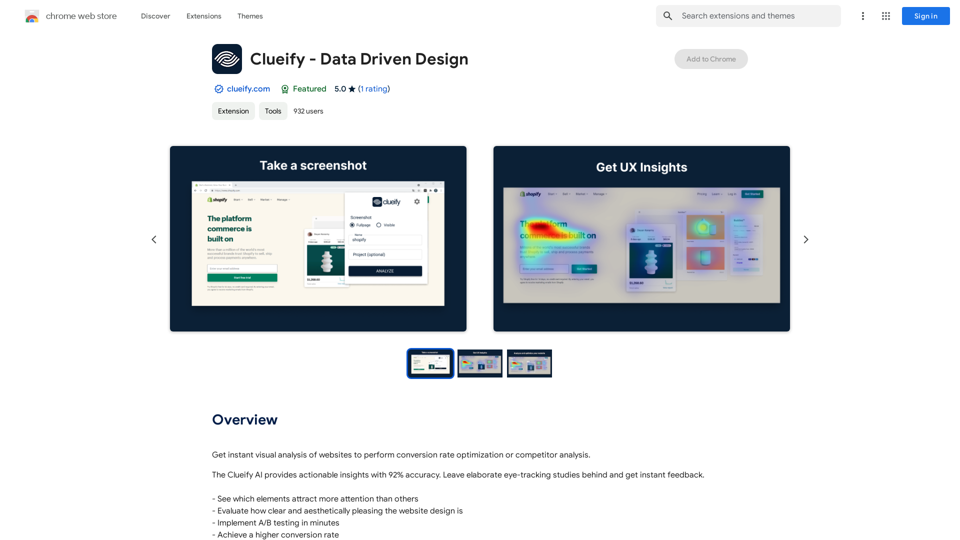
Clueify is a data-driven design platform that revolutionizes website optimization through instant visual analysis. It offers powerful tools for conversion rate optimization and competitor analysis, leveraging AI technology to provide actionable insights with 92% accuracy. Clueify eliminates the need for time-consuming eye-tracking studies, making professional-level design optimization accessible to businesses of all sizes.
Clueify - 数据驱动设计
Get instant visual analysis of websites to perform conversion rate optimization or competitor analysis.
Introduction
Feature
Instant Visual Analysis
Clueify provides immediate feedback on website designs, highlighting elements that attract more attention and evaluating the clarity and aesthetic appeal of layouts. This feature enables quick identification of design strengths and weaknesses.
A/B Testing Capabilities
Users can implement A/B testing rapidly, facilitating data-driven decisions to boost conversion rates. This feature streamlines the optimization process, allowing for efficient comparison of design variations.
AI-Powered Insights
The Clueify AI delivers highly accurate, actionable insights, empowering users to make informed design decisions. With a 92% accuracy rate, these insights provide a reliable foundation for website optimization strategies.
Chrome Extension Integration
Clueify offers a convenient Chrome extension, making it easy to analyze websites directly from the browser. This seamless integration enhances user workflow and accessibility.
Tiered Pricing Model
Clueify caters to various user needs with a free version offering limited features and a paid subscription with advanced capabilities. This flexible pricing structure makes the tool accessible to a wide range of users and businesses.
FAQ
What is Clueify and how does it work?
Clueify is a data-driven design platform that provides instant visual analysis of websites. It uses AI technology to offer actionable insights for conversion rate optimization and competitor analysis, eliminating the need for elaborate eye-tracking studies.
What are the main features of Clueify?
The main features of Clueify include:
- Instant visual analysis of website designs
- A/B testing capabilities for conversion rate optimization
- AI-powered insights with 92% accuracy
- Chrome browser extension for easy access
- Tiered pricing model with free and paid options
How do I get started with Clueify?
To start using Clueify:
- Install the Clueify extension on your Chrome browser
- Use the tool to analyze your website and receive instant feedback
- Utilize the insights provided to optimize your website design and improve conversion rates
Is Clueify suitable for all types of businesses?
Yes, Clueify is designed to be useful for businesses of all sizes. Its user-friendly interface and actionable insights make it accessible for small businesses, while its powerful features and accuracy make it valuable for larger enterprises as well.
Related Websites
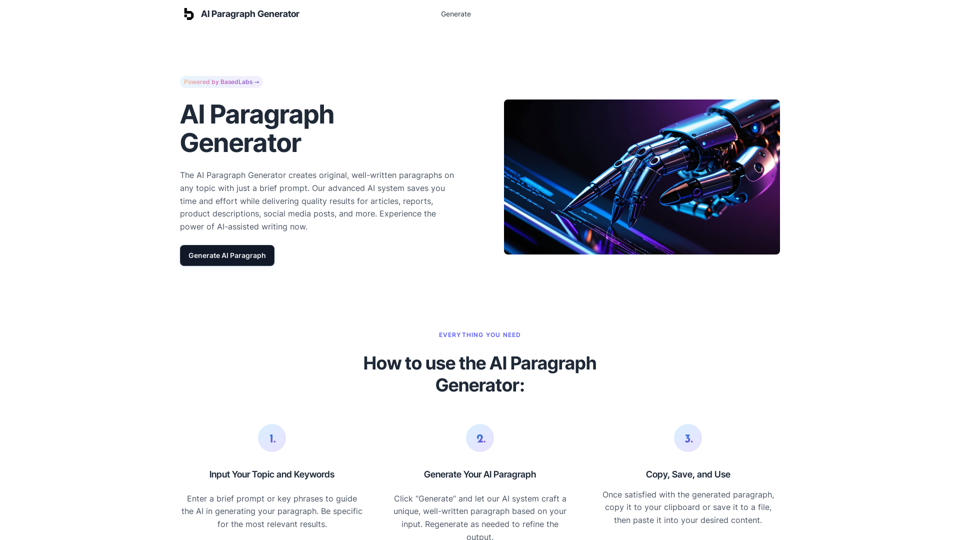
AI Paragraph Generator – Quickly generate paragraphs on any topic with our state-of-the-art AI Paragraph Generator
AI Paragraph Generator – Quickly generate paragraphs on any topic with our state-of-the-art AI Paragraph GeneratorAI Paragraph Generator – Quickly generate paragraphs on any topic with our state-of-the-art AI Paragraph Generator
0
DecentralizedAI This is a general term referring to artificial intelligence (AI) systems that are not controlled by a single, centralized entity. Instead of relying on a large corporation or government to manage and govern AI, decentralized AI aims to distribute these capabilities across a network of independent nodes. Think of it like a blockchain for AI: * Transparency: The decision-making processes of decentralized AI are open and visible to everyone. * Security: Since there's no single point of failure, it's harder for malicious actors to take control or manipulate the system. * Resilience: Even if some nodes go offline, the network can continue to function. * Accessibility: Decentralized AI can make AI technology more accessible to individuals and smaller organizations. There are many potential applications for decentralized AI, including: * Data privacy: Decentralized AI can help protect user data by distributing it across multiple nodes. * Fairness and bias mitigation: By involving a wider range of participants in the training process, decentralized AI can help reduce bias in AI systems. * Autonomous organizations: Decentralized AI can be used to create self-governing organizations that operate without human intervention. Decentralized AI is still a relatively new field, but it has the potential to revolutionize the way we develop and use AI.
DecentralizedAI This is a general term referring to artificial intelligence (AI) systems that are not controlled by a single, centralized entity. Instead of relying on a large corporation or government to manage and govern AI, decentralized AI aims to distribute these capabilities across a network of independent nodes. Think of it like a blockchain for AI: * Transparency: The decision-making processes of decentralized AI are open and visible to everyone. * Security: Since there's no single point of failure, it's harder for malicious actors to take control or manipulate the system. * Resilience: Even if some nodes go offline, the network can continue to function. * Accessibility: Decentralized AI can make AI technology more accessible to individuals and smaller organizations. There are many potential applications for decentralized AI, including: * Data privacy: Decentralized AI can help protect user data by distributing it across multiple nodes. * Fairness and bias mitigation: By involving a wider range of participants in the training process, decentralized AI can help reduce bias in AI systems. * Autonomous organizations: Decentralized AI can be used to create self-governing organizations that operate without human intervention. Decentralized AI is still a relatively new field, but it has the potential to revolutionize the way we develop and use AI.The AI Layer2 Extension for Google Chrome.
193.90 M
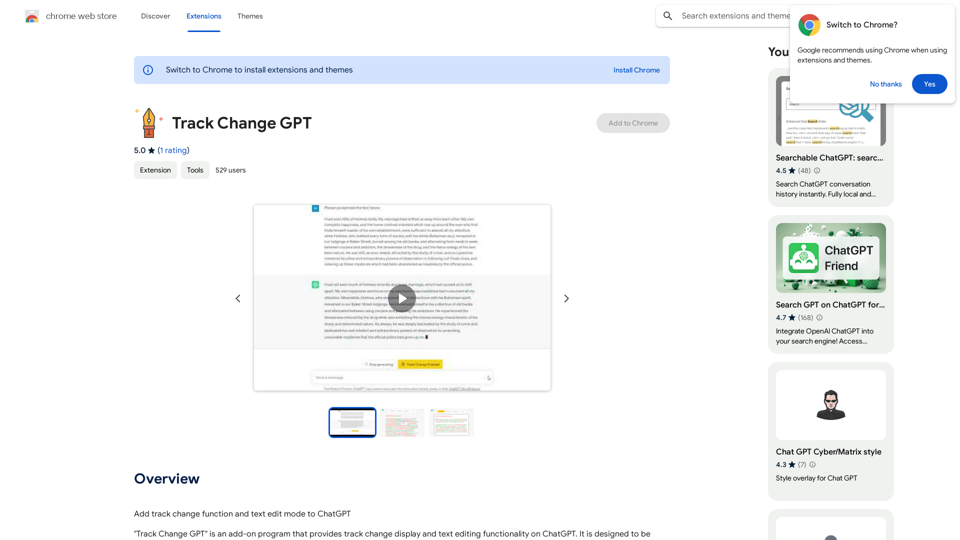
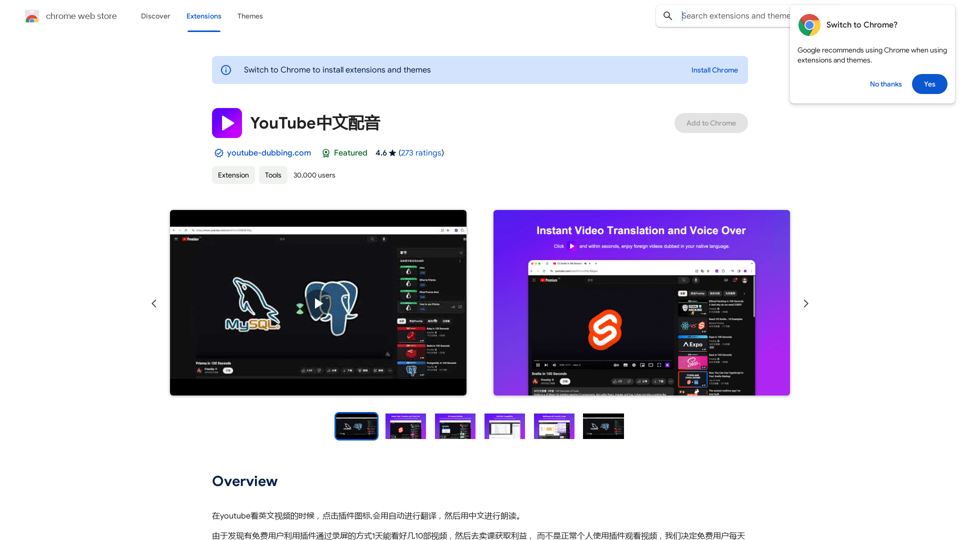
When watching English videos on YouTube, click the plugin icon, and it will automatically translate and then read aloud in Chinese.
193.90 M
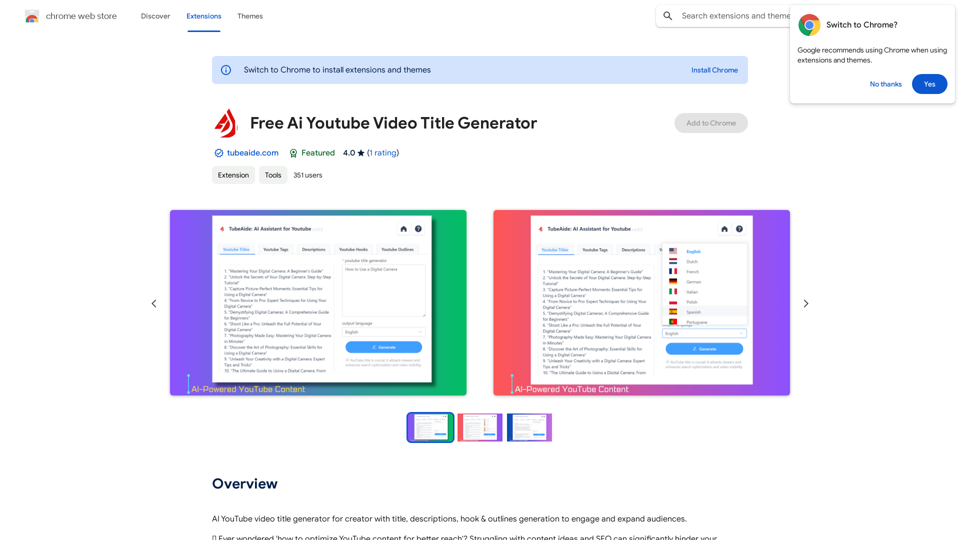
AI YouTube Video Title Generator for Creators: Generate Titles, Descriptions, Hooks, and Outlines to Engage and Expand Your Audience.
193.90 M
The intelligent notebook for world creators - Notebook.ai
The intelligent notebook for world creators - Notebook.aiNotebook.ai is a collection of tools designed for writers and roleplayers to create magnificent universes — and everything within them.
149.28 K