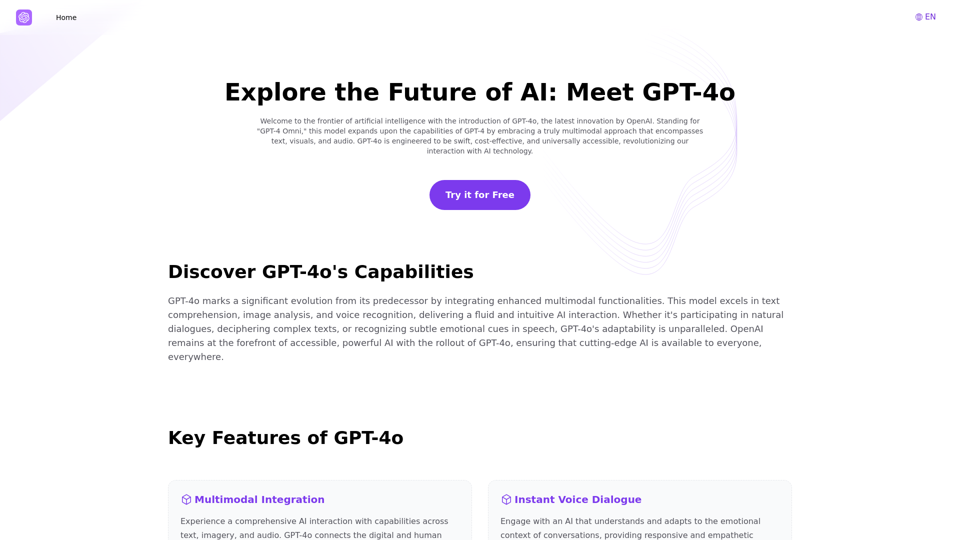
GPT-4o is an advanced multimodal AI platform developed by OpenAI that integrates text, visuals, and audio capabilities. It is designed to be swift, cost-effective, and universally accessible, revolutionizing AI interaction for individuals and businesses. GPT-4o offers a comprehensive AI experience with features like instant voice dialogue, advanced visual recognition, and inclusive accessibility.
Explore GPT-4 for Free Online: OpenAI's Cutting-Edge Multimodal AI Platform
Explore the future of AI with GPT-4o, OpenAI's groundbreaking multimodal platform that interprets and generates text, visuals, and audio. Experience unparalleled speed, cost efficiency, and accessibility in AI technology. Dive into GPT-4o's capabilities and learn how it can revolutionize your interaction with AI. Perfect for tech enthusiasts, developers, and businesses aiming to enhance operational efficiency and engagement.
Introduction
Feature
Multimodal Integration
GPT-4o provides a comprehensive AI interaction experience by integrating capabilities across text, imagery, and audio, connecting the digital and human realms seamlessly.
Instant Voice Dialogue
The platform engages users with an AI that understands and adapts to the emotional context of conversations, offering responsive and empathetic interactions.
Advanced Visual Recognition
GPT-4o excels in image and document analysis precision, making it suitable for various applications from academic research to industry-specific needs.
Inclusive Accessibility
The platform democratizes AI by balancing robust free access with expansive features for paid subscribers, ensuring a broad utilization spectrum.
Free Access
Users can experience and utilize GPT-4o's advanced features for free via the platform GPT4o.so, making it easily accessible to a wide range of users.
Desktop Integration
A ChatGPT Desktop App is available for seamless integration and enhanced performance, allowing users to leverage GPT-4o's power on their desktops.
FAQ
What is GPT-4o?
GPT-4o is an advanced multimodal AI platform that integrates text, visuals, and audio capabilities, developed by OpenAI to revolutionize AI interaction.
How does GPT-4o differ from previous GPT models?
GPT-4o is engineered to be swift, cost-effective, and universally accessible, with enhanced multimodal functionalities compared to previous models.
What are the key advantages of using GPT-4o?
The key advantages include comprehensive AI interaction, instant voice dialogue, advanced visual recognition, and inclusive accessibility.
How much does GPT-4o API cost to use?
The GPT-4o API pricing is not publicly disclosed, but it's designed for developers looking to create interactive and adaptive AI services.
Can GPT-4o understand videos?
GPT-4o can process inputs from text, visuals, and audio concurrently, but its specific capabilities for video understanding are not explicitly mentioned.
What languages does GPT-4o support?
The platform supports multiple languages, but the exact list is not provided in the given information.
Related Websites
AI Voiceover for Video Creators Elevate Your Videos with Realistic AI Voices Tired of bland, monotone narration? Want to add a professional touch to your videos without breaking the bank? Introducing AI voiceover, the game-changer for video creators! Benefits of Using AI Voiceover: * High-Quality, Natural-Sounding Voices: Choose from a wide range of realistic AI voices, each with unique tones and styles. * Cost-Effective: Say goodbye to expensive voice actors and studios. AI voiceover is affordable and accessible to everyone. * Time-Saving: Generate voiceovers quickly and easily, freeing up your time to focus on other aspects of your video production. * Multilingual Support: Reach a global audience by translating your voiceovers into multiple languages. * Customizable Options: Adjust voice pitch, speed, and emphasis to perfectly match your video's tone and style. Perfect for: * YouTube Videos * Explainer Videos * Corporate Videos * E-Learning Content * Podcasts * And More! Get Started Today! Try our AI voiceover tool and experience the difference.
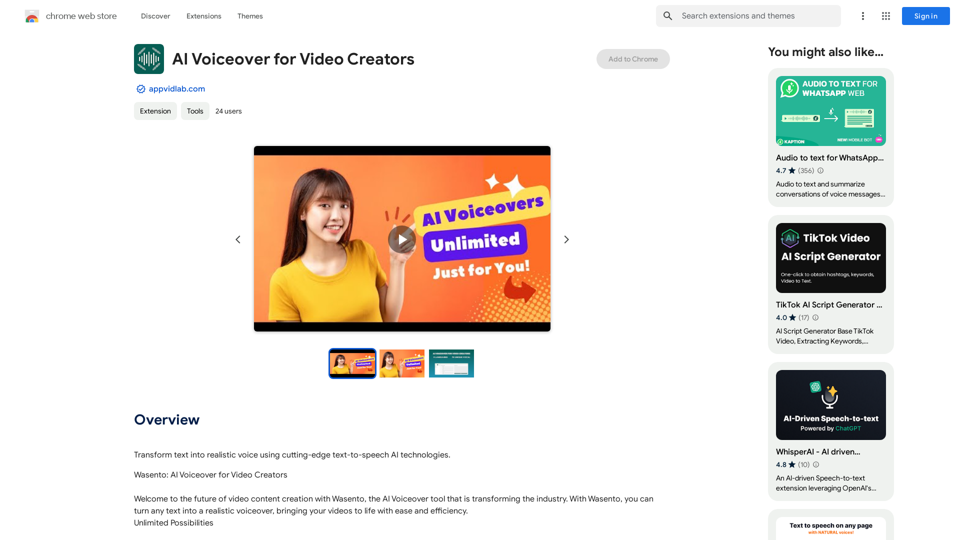
AI Voiceover for Video Creators Elevate Your Videos with Realistic AI Voices Tired of bland, monotone narration? Want to add a professional touch to your videos without breaking the bank? Introducing AI voiceover, the game-changer for video creators! Benefits of Using AI Voiceover: * High-Quality, Natural-Sounding Voices: Choose from a wide range of realistic AI voices, each with unique tones and styles. * Cost-Effective: Say goodbye to expensive voice actors and studios. AI voiceover is affordable and accessible to everyone. * Time-Saving: Generate voiceovers quickly and easily, freeing up your time to focus on other aspects of your video production. * Multilingual Support: Reach a global audience by translating your voiceovers into multiple languages. * Customizable Options: Adjust voice pitch, speed, and emphasis to perfectly match your video's tone and style. Perfect for: * YouTube Videos * Explainer Videos * Corporate Videos * E-Learning Content * Podcasts * And More! Get Started Today! Try our AI voiceover tool and experience the difference.Use state-of-the-art text-to-speech AI to make your text sound like a real person speaking.
193.90 M
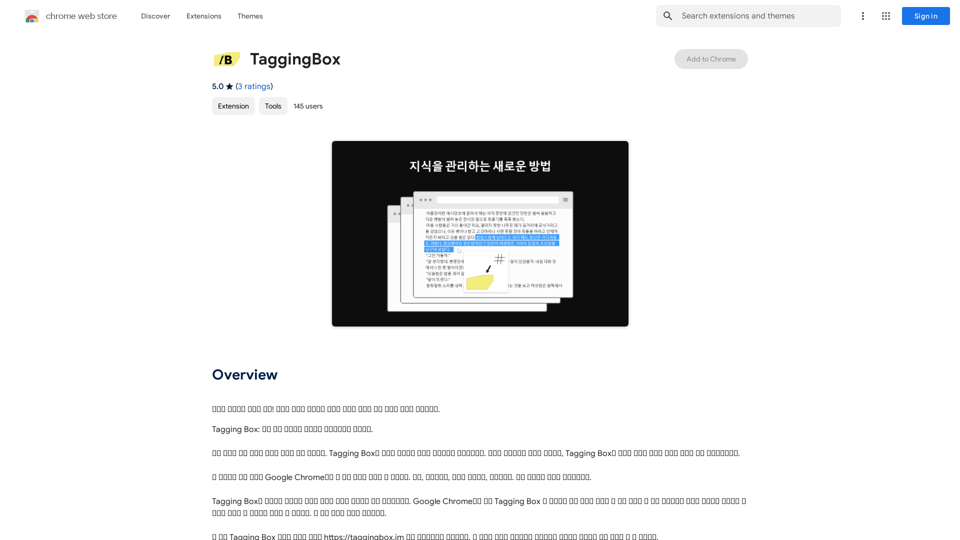
A new way to manage your knowledge! Just like sticking a sticker on an important note, we recommend the best tags for your information.
193.90 M
Hashtag Guru: AI Assistant for Instagram on the App Store
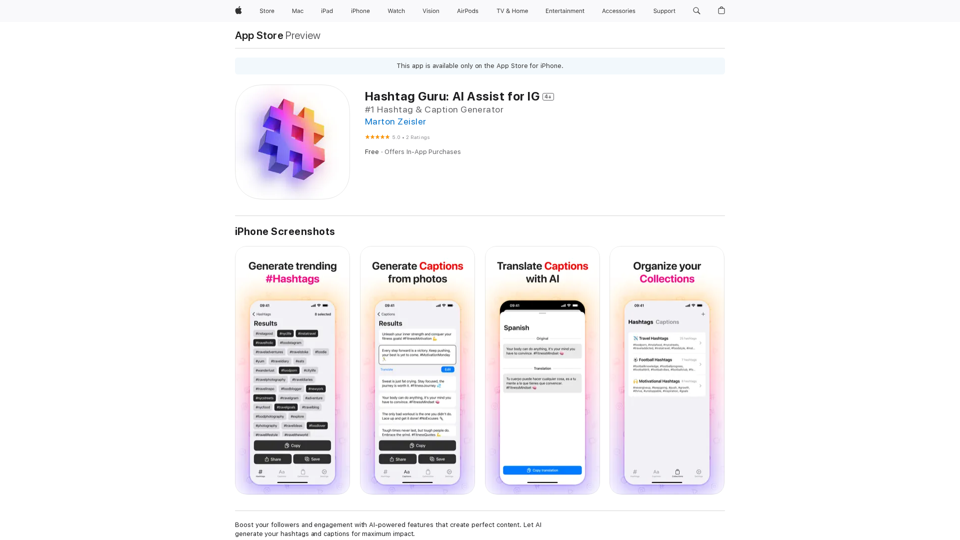
Hashtag Guru: AI Assistant for Instagram on the App StoreYour Ultimate AI-Powered Hashtag and Caption Generator! Unlock the secret to social media success with Hashtag Guru, the ultimate AI-driven hashtag generator and caption creator that helps you increase your online visibility, boost engagement, and grow your followers!
124.77 M
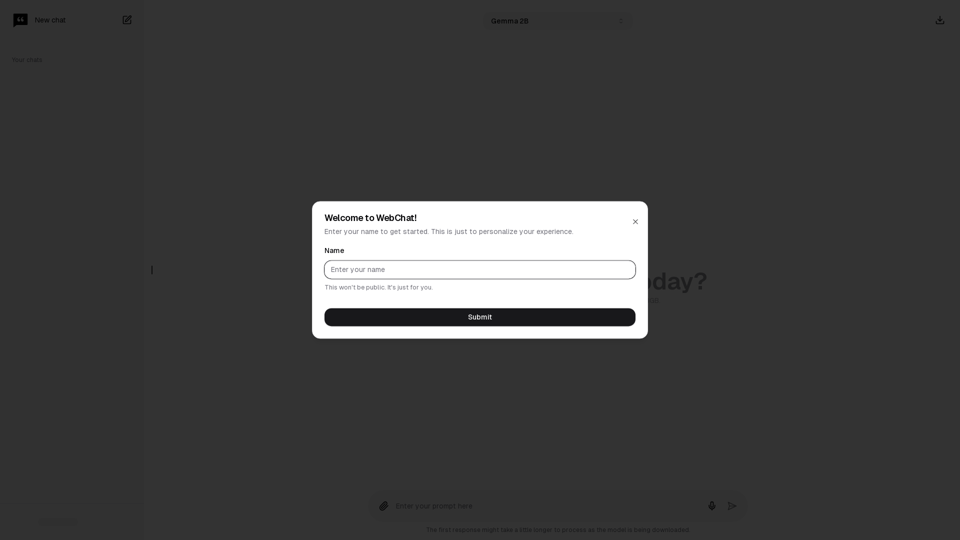
Chat with Web-LLM Models in the Browser You can interact with Web-LLM models directly in your web browser without requiring any additional setup or installation. This allows you to easily experiment with and explore the capabilities of these models. Getting Started To get started, simply open a web browser and navigate to the Web-LLM model's website or platform. Once you're on the website, you can usually find a chat interface or text input field where you can enter your prompts or questions. How it Works When you enter a prompt or question, the Web-LLM model processes your input and generates a response. This response is then displayed in the chat interface or output field, allowing you to read and interact with the model's output. Benefits The benefits of chatting with Web-LLM models in the browser include: * Convenience: No need to install any software or set up any development environments. * Accessibility: Anyone with a web browser can interact with the model, regardless of their technical expertise. * Ease of use: The chat interface provides a user-friendly way to interact with the model, making it easy to experiment and explore its capabilities. Use Cases Some potential use cases for chatting with Web-LLM models in the browser include: * Research and development: Quickly experiment with different models and prompts to explore their capabilities and limitations. * Education and learning: Use the chat interface to teach students about AI and language models, or to provide interactive learning experiences. * Creative writing and ideation: Use the model as a tool to generate ideas, write stories, or create poetry. Overall, chatting with Web-LLM models in the browser provides a convenient and accessible way to interact with these powerful language models, and can be a valuable tool for a wide range of applications.
2.59 K
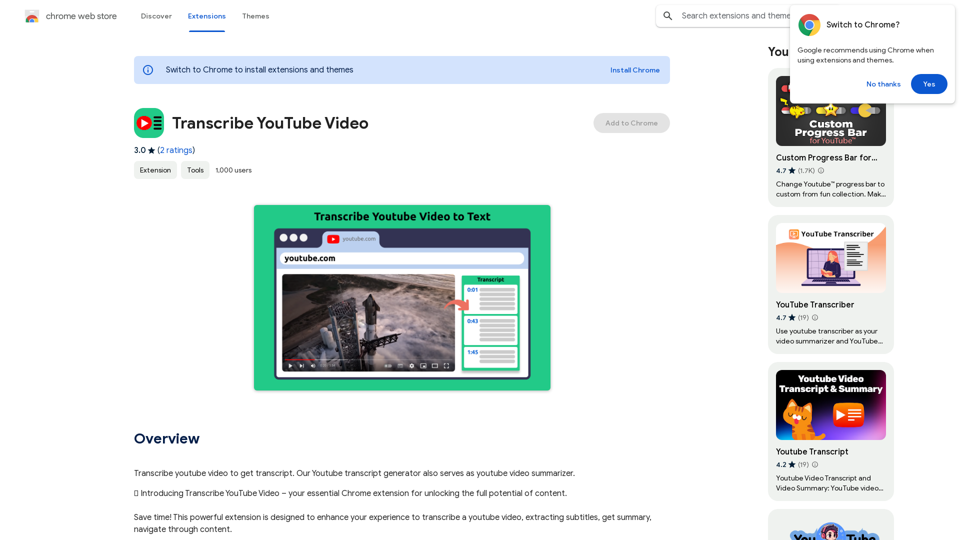
Please provide me with the YouTube video link so I can transcribe it for you.
Please provide me with the YouTube video link so I can transcribe it for you.Transcribe a YouTube video to get a transcript. Our YouTube transcript generator also acts as a YouTube video summarizer.
193.90 M
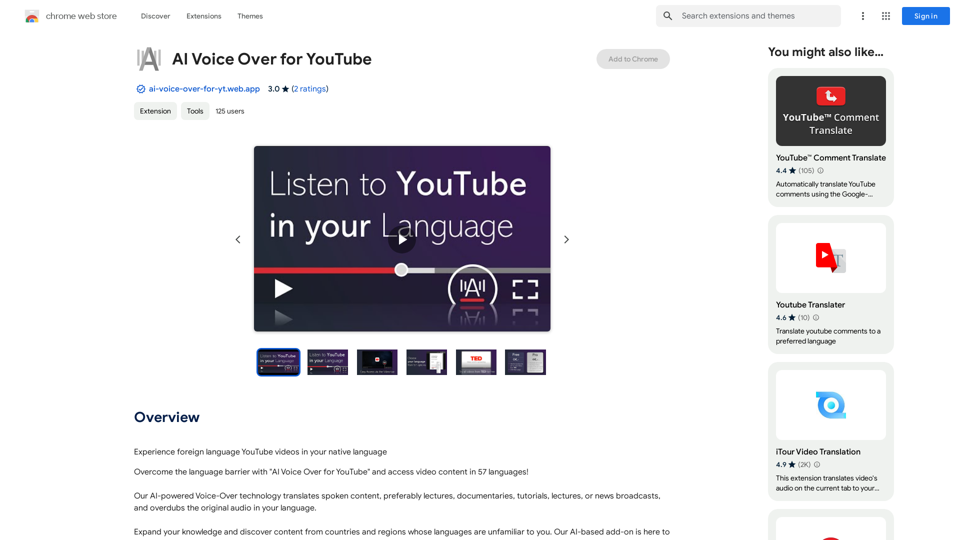
AI Voice Over for YouTube This is a guide to using AI voice over for your YouTube videos. Why Use AI Voice Over? * Cost-Effective: AI voice over is much cheaper than hiring a professional voice actor. * Time-Saving: You can generate voice over quickly and easily, without needing to schedule recording sessions. * Variety of Voices: Choose from a wide range of AI voices, including male, female, and even robotic voices. * Accessibility: Make your videos accessible to viewers who are deaf or hard of hearing by adding captions generated by AI. How to Use AI Voice Over 1. Choose a Platform: There are many different platforms that offer AI voice over services, such as: * Google Cloud Text-to-Speech * Amazon Polly * Microsoft Azure Text to Speech * Murf.ai * NaturalReader 2. Write Your Script: Write a clear and concise script for your video. 3. Upload Your Script: Upload your script to the chosen platform. 4. Select a Voice: Choose the voice that best suits your video. 5. Adjust Settings: Adjust settings such as speed, pitch, and volume. 6. Generate Voice Over: Click the "Generate" button to create your voice over. 7. Download and Edit: Download the generated voice over file and edit it as needed. 8. Add to Your Video: Add the voice over to your YouTube video. Tips for Using AI Voice Over * Use Natural Language: Write your script as if you were speaking naturally. * Vary Your Tone: Use different tones of voice to keep your viewers engaged. * Add Pauses: Include pauses in your script to allow viewers to process information. * Proofread Carefully: Always proofread your script before generating the voice over. * Experiment: Try different voices, settings, and styles to find what works best for you.
AI Voice Over for YouTube This is a guide to using AI voice over for your YouTube videos. Why Use AI Voice Over? * Cost-Effective: AI voice over is much cheaper than hiring a professional voice actor. * Time-Saving: You can generate voice over quickly and easily, without needing to schedule recording sessions. * Variety of Voices: Choose from a wide range of AI voices, including male, female, and even robotic voices. * Accessibility: Make your videos accessible to viewers who are deaf or hard of hearing by adding captions generated by AI. How to Use AI Voice Over 1. Choose a Platform: There are many different platforms that offer AI voice over services, such as: * Google Cloud Text-to-Speech * Amazon Polly * Microsoft Azure Text to Speech * Murf.ai * NaturalReader 2. Write Your Script: Write a clear and concise script for your video. 3. Upload Your Script: Upload your script to the chosen platform. 4. Select a Voice: Choose the voice that best suits your video. 5. Adjust Settings: Adjust settings such as speed, pitch, and volume. 6. Generate Voice Over: Click the "Generate" button to create your voice over. 7. Download and Edit: Download the generated voice over file and edit it as needed. 8. Add to Your Video: Add the voice over to your YouTube video. Tips for Using AI Voice Over * Use Natural Language: Write your script as if you were speaking naturally. * Vary Your Tone: Use different tones of voice to keep your viewers engaged. * Add Pauses: Include pauses in your script to allow viewers to process information. * Proofread Carefully: Always proofread your script before generating the voice over. * Experiment: Try different voices, settings, and styles to find what works best for you.Watch foreign language YouTube videos in your own language.
193.90 M
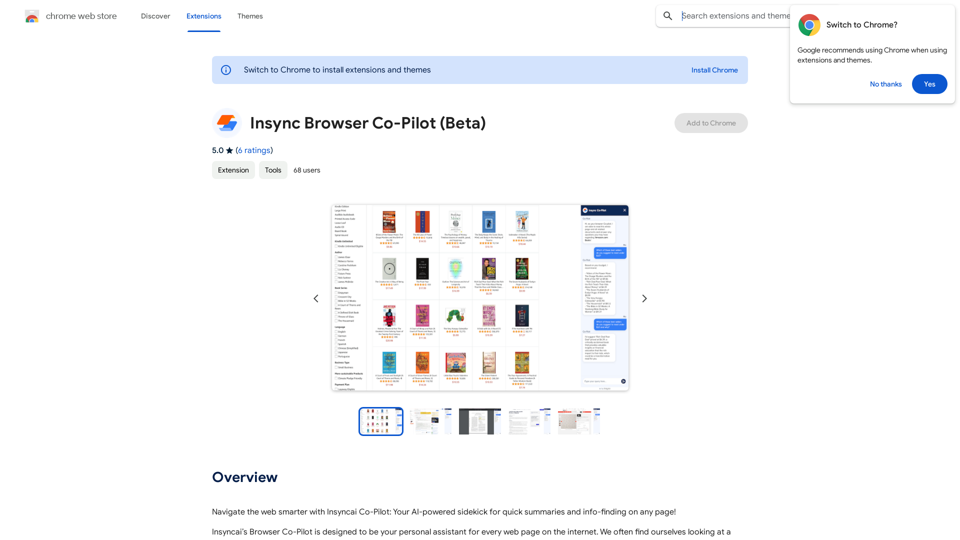
Navigate the web smarter with Insyncai Co-Pilot: Your AI-powered assistant for quick summaries and finding information on any webpage!
193.90 M
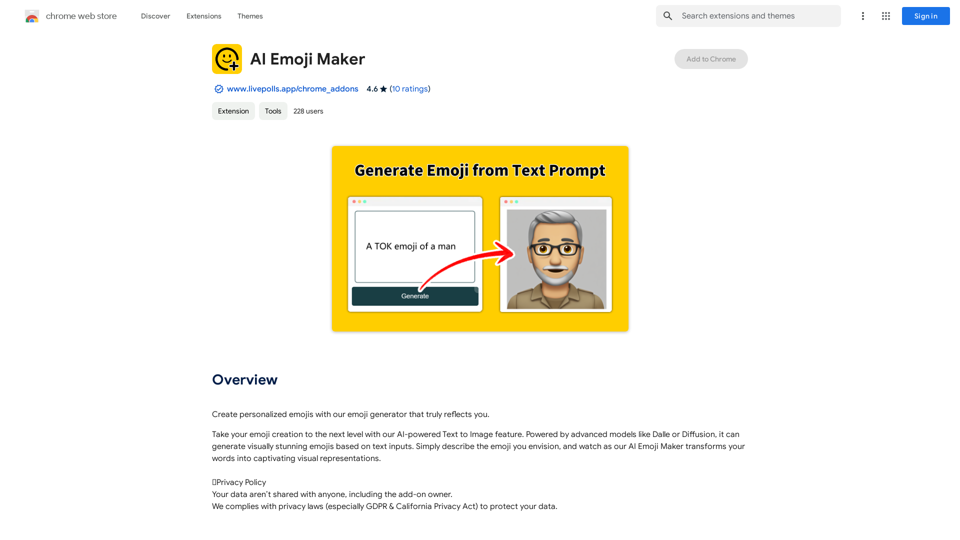
AI Emoji Maker This is a fun tool that lets you create your own custom emojis using artificial intelligence! Just type in a description of the emoji you want, and our AI will generate some unique options for you to choose from. You can then customize your emoji further by adjusting its colors, size, and other features. Share your creations with friends and family, or use them to add a personal touch to your online conversations. Let your creativity flow and make some awesome emojis!
AI Emoji Maker This is a fun tool that lets you create your own custom emojis using artificial intelligence! Just type in a description of the emoji you want, and our AI will generate some unique options for you to choose from. You can then customize your emoji further by adjusting its colors, size, and other features. Share your creations with friends and family, or use them to add a personal touch to your online conversations. Let your creativity flow and make some awesome emojis!Make your own unique emojis with our emoji creator that shows off your personality!
193.90 M