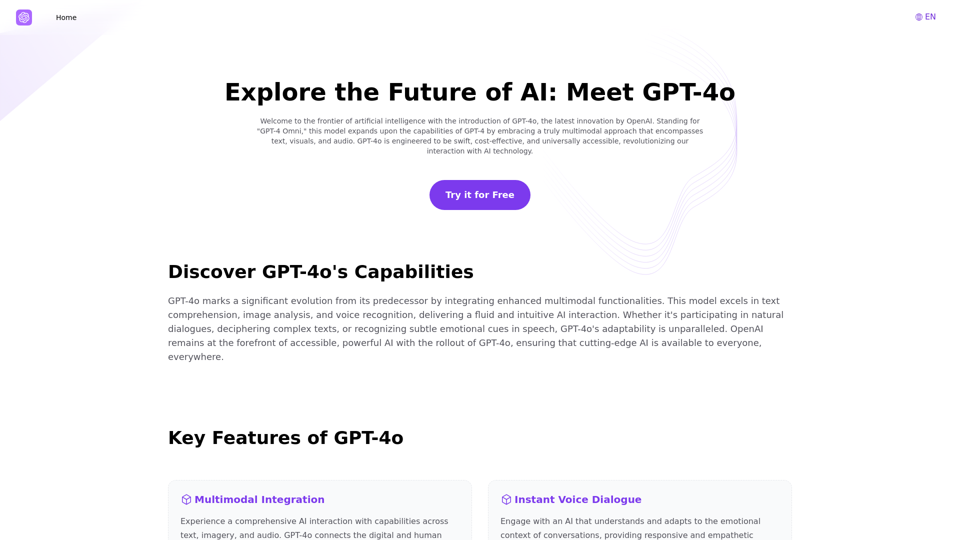
GPT-4o is an advanced multimodal AI platform developed by OpenAI that integrates text, visuals, and audio capabilities. It is designed to be swift, cost-effective, and universally accessible, revolutionizing AI interaction for individuals and businesses. GPT-4o offers a comprehensive AI experience with features like instant voice dialogue, advanced visual recognition, and inclusive accessibility.
Explore GPT-4 for Free Online: OpenAI's Cutting-Edge Multimodal AI Platform
Explore the future of AI with GPT-4o, OpenAI's groundbreaking multimodal platform that interprets and generates text, visuals, and audio. Experience unparalleled speed, cost efficiency, and accessibility in AI technology. Dive into GPT-4o's capabilities and learn how it can revolutionize your interaction with AI. Perfect for tech enthusiasts, developers, and businesses aiming to enhance operational efficiency and engagement.
Introduction
Feature
Multimodal Integration
GPT-4o provides a comprehensive AI interaction experience by integrating capabilities across text, imagery, and audio, connecting the digital and human realms seamlessly.
Instant Voice Dialogue
The platform engages users with an AI that understands and adapts to the emotional context of conversations, offering responsive and empathetic interactions.
Advanced Visual Recognition
GPT-4o excels in image and document analysis precision, making it suitable for various applications from academic research to industry-specific needs.
Inclusive Accessibility
The platform democratizes AI by balancing robust free access with expansive features for paid subscribers, ensuring a broad utilization spectrum.
Free Access
Users can experience and utilize GPT-4o's advanced features for free via the platform GPT4o.so, making it easily accessible to a wide range of users.
Desktop Integration
A ChatGPT Desktop App is available for seamless integration and enhanced performance, allowing users to leverage GPT-4o's power on their desktops.
FAQ
What is GPT-4o?
GPT-4o is an advanced multimodal AI platform that integrates text, visuals, and audio capabilities, developed by OpenAI to revolutionize AI interaction.
How does GPT-4o differ from previous GPT models?
GPT-4o is engineered to be swift, cost-effective, and universally accessible, with enhanced multimodal functionalities compared to previous models.
What are the key advantages of using GPT-4o?
The key advantages include comprehensive AI interaction, instant voice dialogue, advanced visual recognition, and inclusive accessibility.
How much does GPT-4o API cost to use?
The GPT-4o API pricing is not publicly disclosed, but it's designed for developers looking to create interactive and adaptive AI services.
Can GPT-4o understand videos?
GPT-4o can process inputs from text, visuals, and audio concurrently, but its specific capabilities for video understanding are not explicitly mentioned.
What languages does GPT-4o support?
The platform supports multiple languages, but the exact list is not provided in the given information.
Related Websites
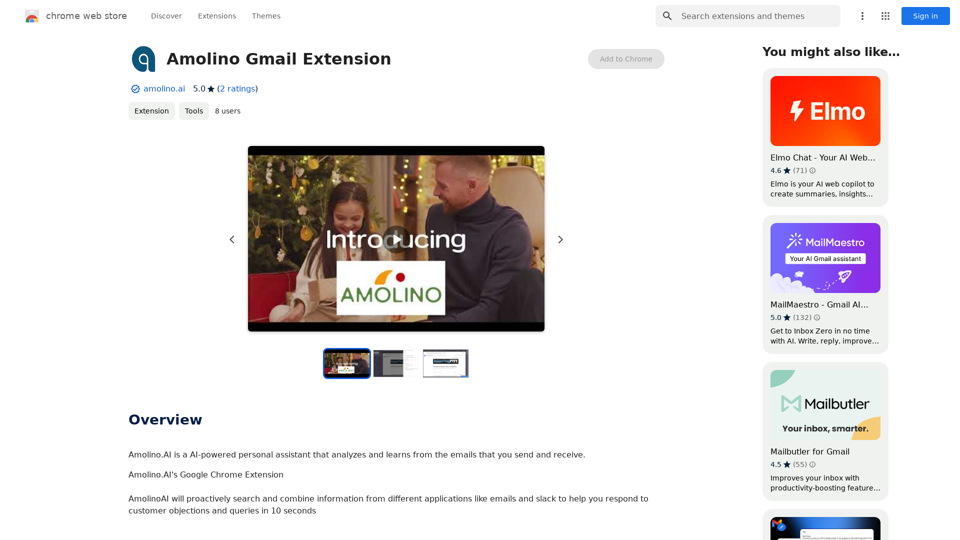
Amolino.AI is an AI-powered personal assistant that analyzes and learns from the emails you send and receive.
193.90 M
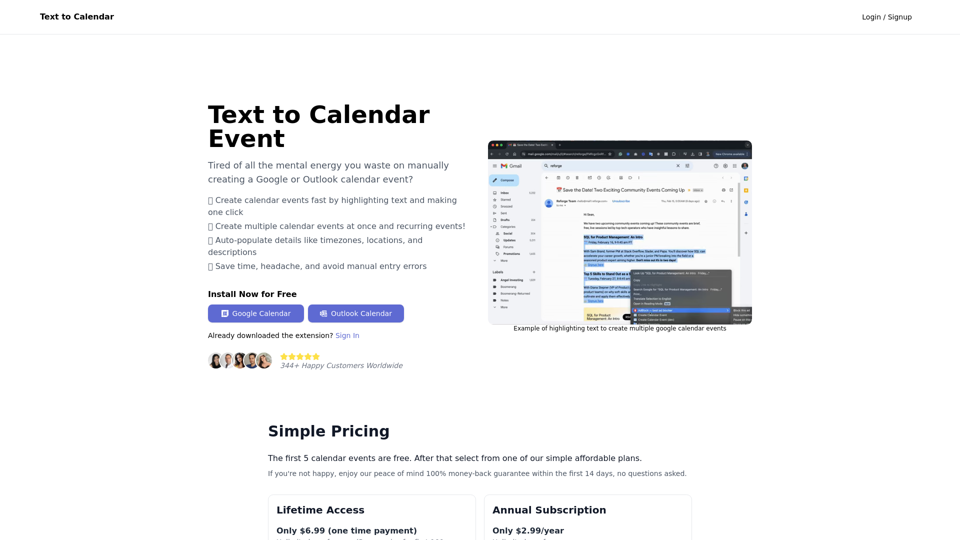
Text to Calendar Convert text into a calendar format, making it easy to organize and schedule events.
Text to Calendar Convert text into a calendar format, making it easy to organize and schedule events.Easily create calendar events from any piece of highlighted text
4.65 K
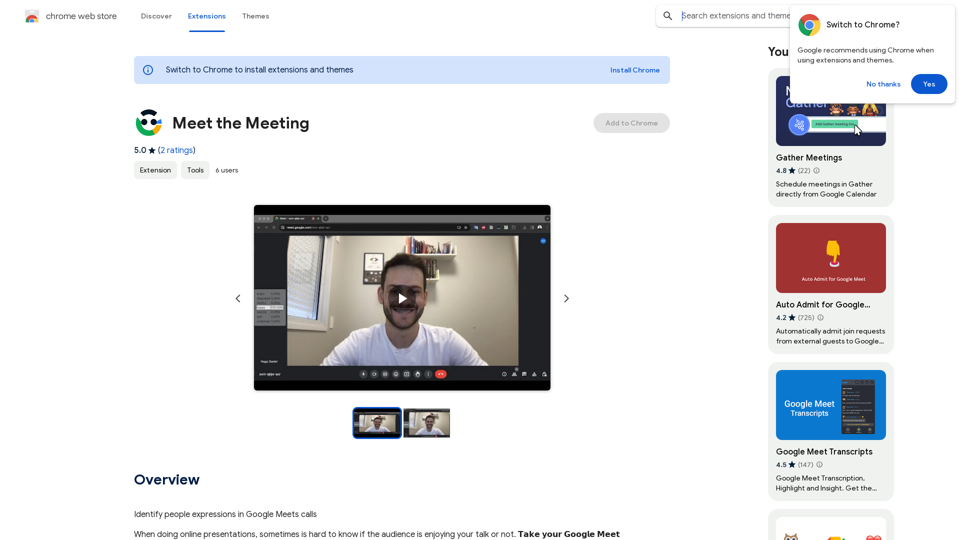
Identifying People Expressions in Google Meets Calls This is a complex task with several challenges: * Technical Limitations: Google Meets doesn't currently offer an API to directly access facial expressions of participants. * Privacy Concerns: Analyzing facial expressions raises significant privacy issues. Users should have control over whether their expressions are being tracked and used. * Accuracy: Even with access to facial data, accurately interpreting expressions can be difficult due to variations in lighting, angles, and individual differences. Possible Approaches (with limitations): * User-Submitted Data: Participants could manually indicate their emotions during the call, which could be collected and analyzed. This relies on user honesty and may not capture subtle expressions. * Third-Party Tools: Some external tools might analyze video feeds and attempt to detect expressions. However, their accuracy and privacy practices should be carefully evaluated. * Future Developments: Google or other companies might develop features that allow for more ethical and accurate expression analysis in the future. It's important to remember that facial expressions are just one aspect of communication, and relying solely on them can be misleading.
193.90 M
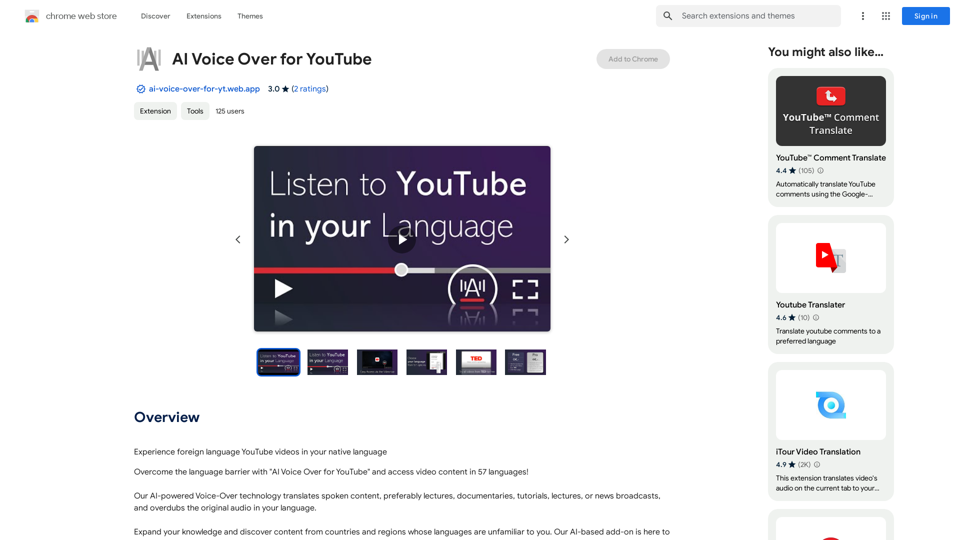
AI Voice Over for YouTube This is a guide to using AI voice over for your YouTube videos. Why Use AI Voice Over? * Cost-Effective: AI voice over is much cheaper than hiring a professional voice actor. * Time-Saving: You can generate voice over quickly and easily, without needing to schedule recording sessions. * Variety of Voices: Choose from a wide range of AI voices, including male, female, and even robotic voices. * Accessibility: Make your videos accessible to viewers who are deaf or hard of hearing by adding captions generated by AI. How to Use AI Voice Over 1. Choose a Platform: There are many different platforms that offer AI voice over services, such as: * Google Cloud Text-to-Speech * Amazon Polly * Microsoft Azure Text to Speech * Murf.ai * NaturalReader 2. Write Your Script: Write a clear and concise script for your video. 3. Upload Your Script: Upload your script to the chosen platform. 4. Select a Voice: Choose the voice that best suits your video. 5. Adjust Settings: Adjust settings such as speed, pitch, and volume. 6. Generate Voice Over: Click the "Generate" button to create your voice over. 7. Download and Edit: Download the generated voice over file and edit it as needed. 8. Add to Your Video: Add the voice over to your YouTube video. Tips for Using AI Voice Over * Use Natural Language: Write your script as if you were speaking naturally. * Vary Your Tone: Use different tones of voice to keep your viewers engaged. * Add Pauses: Include pauses in your script to allow viewers to process information. * Proofread Carefully: Always proofread your script before generating the voice over. * Experiment: Try different voices, settings, and styles to find what works best for you.
AI Voice Over for YouTube This is a guide to using AI voice over for your YouTube videos. Why Use AI Voice Over? * Cost-Effective: AI voice over is much cheaper than hiring a professional voice actor. * Time-Saving: You can generate voice over quickly and easily, without needing to schedule recording sessions. * Variety of Voices: Choose from a wide range of AI voices, including male, female, and even robotic voices. * Accessibility: Make your videos accessible to viewers who are deaf or hard of hearing by adding captions generated by AI. How to Use AI Voice Over 1. Choose a Platform: There are many different platforms that offer AI voice over services, such as: * Google Cloud Text-to-Speech * Amazon Polly * Microsoft Azure Text to Speech * Murf.ai * NaturalReader 2. Write Your Script: Write a clear and concise script for your video. 3. Upload Your Script: Upload your script to the chosen platform. 4. Select a Voice: Choose the voice that best suits your video. 5. Adjust Settings: Adjust settings such as speed, pitch, and volume. 6. Generate Voice Over: Click the "Generate" button to create your voice over. 7. Download and Edit: Download the generated voice over file and edit it as needed. 8. Add to Your Video: Add the voice over to your YouTube video. Tips for Using AI Voice Over * Use Natural Language: Write your script as if you were speaking naturally. * Vary Your Tone: Use different tones of voice to keep your viewers engaged. * Add Pauses: Include pauses in your script to allow viewers to process information. * Proofread Carefully: Always proofread your script before generating the voice over. * Experiment: Try different voices, settings, and styles to find what works best for you.Watch foreign language YouTube videos in your own language.
193.90 M
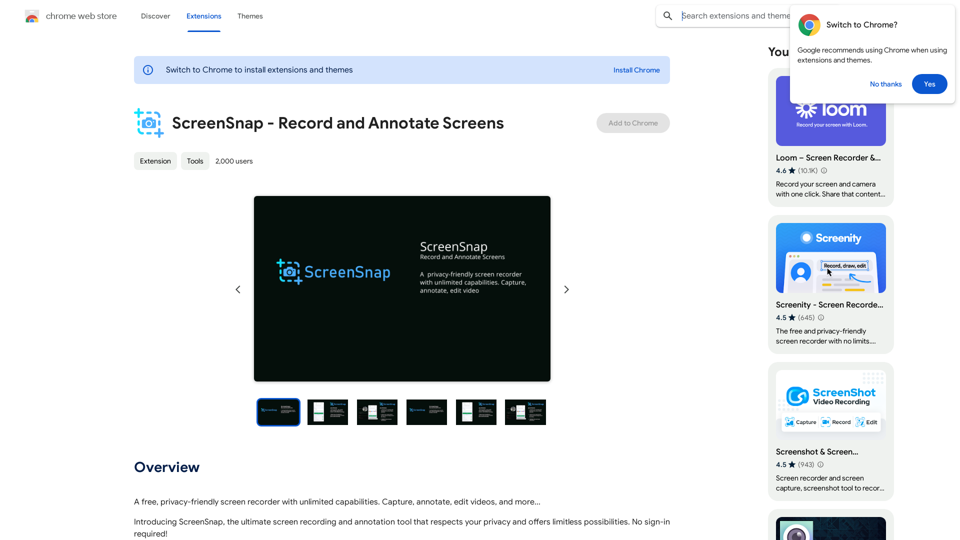
A free, privacy-friendly screen recorder with unlimited capabilities. Capture, annotate, edit videos, and more...
193.90 M