Open-source RightAI Tools Directory
  • Discover AI
  • Submit
  • Startup
  • Blog
Open-source RightAI Tools Directory
Discover the best AI tools of 2025 with the RightAI Tools Directory!

Friend Links

AI Anime GeneratorToolsApp AI

Support

Tap4
Privacy policyTerms & ConditionsContact Us
Loading...
loading...

resmate.io: Speed up your job hunt

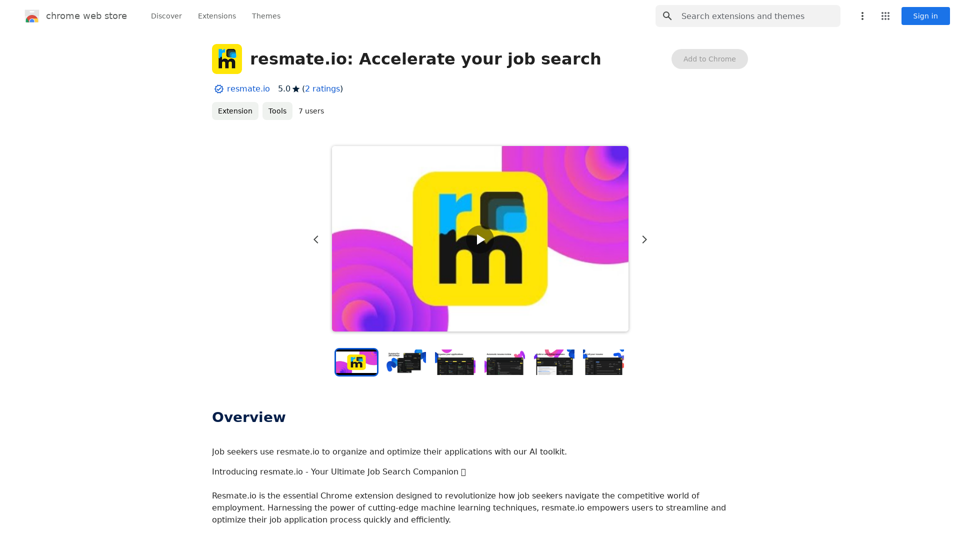
Job seekers use resmate.io to organize and optimize their applications with our AI tools.
Visit Website
resmate.io: Speed up your job hunt
Visit Website

Introduction

Resmate.io is a Chrome extension that revolutionizes the job search process with an AI-powered toolkit. It streamlines and optimizes job applications using advanced machine learning techniques. The extension offers features like job tracking, resume optimization, automated document generation, interview preparation, and personalized feedback, all designed to enhance the user's job search experience and increase their chances of success.

Feature

Job Tracker

  • Centralized hub for organizing job applications
  • Helps users stay on top of deadlines
  • Prevents missed opportunities

Resume Optimizer

  • AI-powered analysis of job listings
  • Tailors resumes to match specific job requirements
  • Enhances application stand-out potential

Automations

  • Utilizes GPT-4 for generating customized resumes and cover letters
  • Quick creation of professionally optimized documents
  • Showcases user's experience and skills effectively

Interview Prep

  • Provides tailored practice questions
  • Customized to specific job and company
  • Boosts user confidence for interviews

Document Customization and Export

  • Intuitive editor for resume and cover letter customization
  • Range of stylish templates available
  • Free PDF export without watermarks

Personalized Feedback

  • Provides insights on resume improvement
  • Aligns feedback with job listing context
  • Helps users enhance their applications

FAQ

What is Resmate.io?

Resmate.io is a Chrome extension that provides a comprehensive AI-powered toolkit to revolutionize the job search process. It streamlines and optimizes job applications using advanced machine learning techniques.

What are the key features of Resmate.io?

The key features of Resmate.io include:

  • Job Tracker
  • Resume Optimizer
  • Automations (using GPT-4)
  • Interview Prep
  • Document Customization and Export
  • Personalized Feedback

How do I use Resmate.io?

Resmate.io offers a user-friendly interface that allows you to:

  • Track job applications in a centralized hub
  • Generate customized resumes and cover letters
  • Prepare for interviews with tailored questions
  • Customize and export documents easily

What pricing plans does Resmate.io offer?

Resmate.io provides a range of pricing plans to suit different needs:

  • Free plan
  • Premium plans with additional features and benefits For detailed information, users are advised to check the pricing page on the Resmate.io website.

Related Websites
An AI-powered search engine that provides immediate answers to your most important questions.
View Detail

An AI-powered search engine that provides immediate answers to your most important questions.

An AI-powered search engine that provides immediate answers to your most important questions.

MassivePrediction: A specialized AI search engine that is always available and runs directly in your browser. It instantly retrieves highly relevant content from the internet that was created by AI.

0
Youtube Video Summarizer with Mind Map
View Detail

Youtube Video Summarizer with Mind Map

Youtube Video Summarizer with Mind Map

Get YouTube video summaries with visualization mind maps in just one click.

193.90 M
AI Paragraph Generator
View Detail

AI Paragraph Generator

AI Paragraph Generator

AI Paragraph Generator is a powerful tool that transforms your ideas into well-structured and engaging paragraphs. Artificial Intelligence Paragraph Generator meets all your content needs, from blogs to academic papers, with our tool ensuring originality, relevance and professionalism in every use case.

0
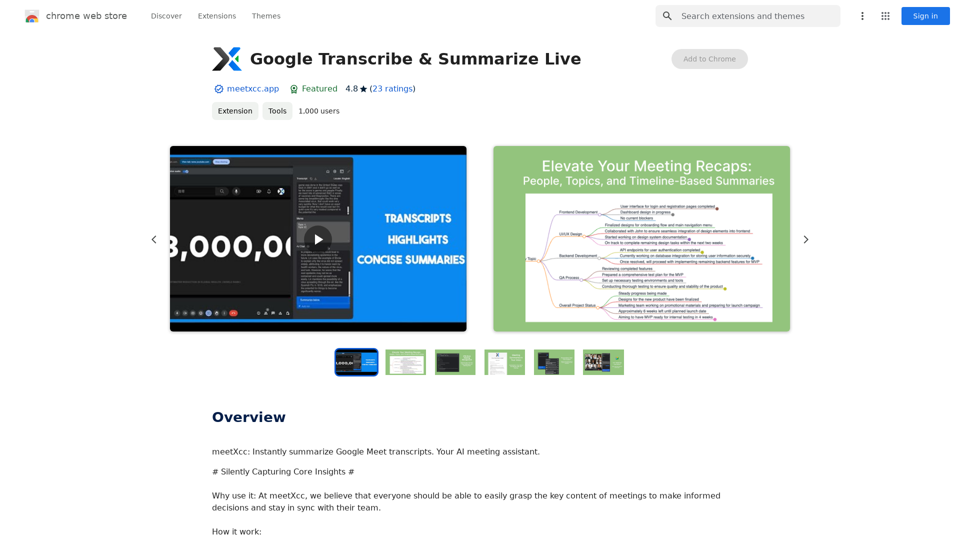
Transcript Helper for Chorus.ai 

This is a tool designed to help you work with transcripts generated by Chorus.ai. 


Let me know what you need help with! For example, you can ask me to:

* Summarize a transcript: Give me a transcript and I'll provide a concise summary of the main points.
* Find specific information: Tell me what you're looking for (e.g., "find all mentions of product X") and I'll search the transcript for relevant text.
* Identify key speakers: I can analyze the transcript and tell you who the main speakers are.
* Generate action items: Based on the transcript, I can help you identify tasks that need to be completed.
* Translate the transcript: I can translate the transcript into another language.


What can I do for you today?
View Detail

Transcript Helper for Chorus.ai This is a tool designed to help you work with transcripts generated by Chorus.ai. Let me know what you need help with! For example, you can ask me to: * Summarize a transcript: Give me a transcript and I'll provide a concise summary of the main points. * Find specific information: Tell me what you're looking for (e.g., "find all mentions of product X") and I'll search the transcript for relevant text. * Identify key speakers: I can analyze the transcript and tell you who the main speakers are. * Generate action items: Based on the transcript, I can help you identify tasks that need to be completed. * Translate the transcript: I can translate the transcript into another language. What can I do for you today?

Transcript Helper for Chorus.ai This is a tool designed to help you work with transcripts generated by Chorus.ai. Let me know what you need help with! For example, you can ask me to: * Summarize a transcript: Give me a transcript and I'll provide a concise summary of the main points. * Find specific information: Tell me what you're looking for (e.g., "find all mentions of product X") and I'll search the transcript for relevant text. * Identify key speakers: I can analyze the transcript and tell you who the main speakers are. * Generate action items: Based on the transcript, I can help you identify tasks that need to be completed. * Translate the transcript: I can translate the transcript into another language. What can I do for you today?

This extension finds chorus.ai transcripts and lets you copy them to your clipboard.

193.90 M
Join Task Hub AI - Empower Your AI Journey Today!
View Detail

Join Task Hub AI - Empower Your AI Journey Today!

Join Task Hub AI - Empower Your AI Journey Today!

Unlock the power of AI with Task Hub AI. Learn from experts, collaborate with peers, and innovate with our AI community. Sign up now to turn your AI ideas into reality!

0
HiCounselor Auto Application - Job Assistant!
View Detail

HiCounselor Auto Application - Job Assistant!

HiCounselor Auto Application - Job Assistant!

Find your dream job faster: Apply automatically, get AI-powered answers, and discover personalized opportunities.

193.90 M
AI Blog Writer - Create Humanized, SEO-Optimized Blogs | QuickCreator
View Detail

AI Blog Writer - Create Humanized, SEO-Optimized Blogs | QuickCreator

AI Blog Writer - Create Humanized, SEO-Optimized Blogs | QuickCreator

Elevate your content with AI Blog Writer by QuickCreator. Generate engaging, human-like blog posts using real-time data and verified citations. Try it for Free.

97.34 K
ChatGPT Snippet Saver

This is a simple tool to save snippets from your ChatGPT conversations. 

How to Use:

1.  Copy the text snippet you want to save from your ChatGPT conversation.
2.  Paste the text into the input box below.
3.  Click the "Save Snippet" button.

Your snippet will be saved to your local storage. You can access your saved snippets later by clicking the "View Saved Snippets" button.
View Detail

ChatGPT Snippet Saver This is a simple tool to save snippets from your ChatGPT conversations. How to Use: 1. Copy the text snippet you want to save from your ChatGPT conversation. 2. Paste the text into the input box below. 3. Click the "Save Snippet" button. Your snippet will be saved to your local storage. You can access your saved snippets later by clicking the "View Saved Snippets" button.

ChatGPT Snippet Saver This is a simple tool to save snippets from your ChatGPT conversations. How to Use: 1. Copy the text snippet you want to save from your ChatGPT conversation. 2. Paste the text into the input box below. 3. Click the "Save Snippet" button. Your snippet will be saved to your local storage. You can access your saved snippets later by clicking the "View Saved Snippets" button.

GPT Snippet Saver - Save Your Favorite ChatGPT Conversations Revolutionize how you gather and organize information from ChatGPT! - Effortlessly capture and store your most valuable ChatGPT interactions. - Organize your saved conversations by topic, date, or any custom tag. - Easily search and retrieve specific snippets from your saved history. - Share your favorite ChatGPT insights with others. - Never lose track of a brilliant idea or helpful response again.

193.90 M