Open-source RightAI Tools Directory
  • Discover AI
  • Submit
  • Startup
  • Blog
Open-source RightAI Tools Directory
Discover the best AI tools of 2025 with the RightAI Tools Directory!

Friend Links

AI Anime GeneratorToolsApp AI

Support

Tap4
Privacy policyTerms & ConditionsContact Us
Loading...
loading...

HearMeOut (GPT Webpage Summarizer)

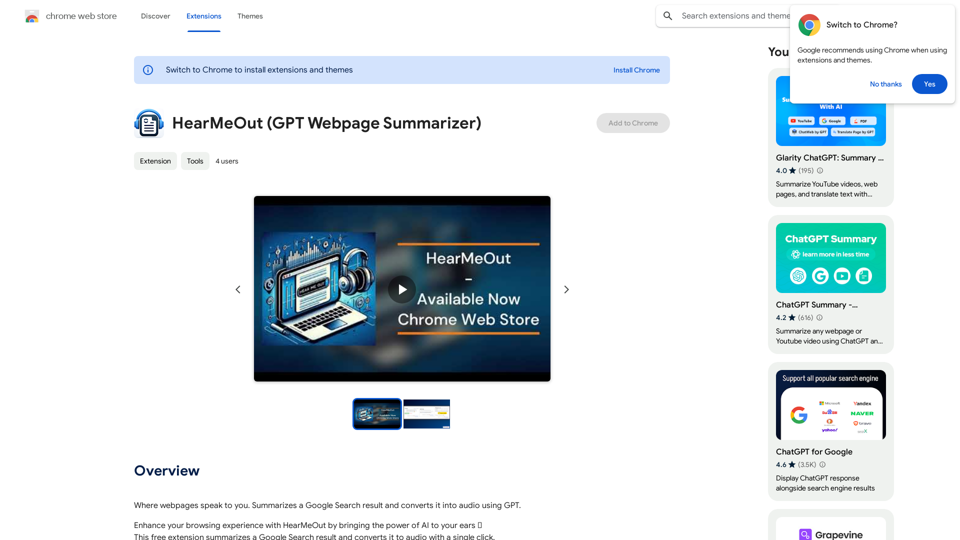
Where webpages speak to you. Summarizes a Google Search result and converts it into audio using GPT.
Visit Website
HearMeOut (GPT Webpage Summarizer)
Visit Website

Introduction

HearMeOut is a free Chrome extension that leverages AI to summarize Google Search results and convert them into audio with a single click. This tool is perfect for those who prefer listening over reading or require auditory assistance, offering a seamless way to consume information efficiently.

Feature

AI-Powered Summary Generation

HearMeOut uses advanced AI technology to create quick and concise summaries of any Google search result, allowing users to grasp the essence of lengthy articles effortlessly.

Text-to-Audio Conversion

The extension converts the generated summary into high-quality audio, utilizing AI to produce accurate and realistic speech that goes beyond basic text-to-speech capabilities.

One-Click Simplicity

Users can access summaries and audio with just a single click, thanks to HearMeOut's user-friendly interface and streamlined process.

Multitasking Support

Perfect for efficient information consumption, HearMeOut enables users to listen to summaries while engaging in other tasks, enhancing productivity.

Accessibility Features

The extension serves as a valuable tool for individuals with visual impairments or reading difficulties, promoting inclusive and accessible learning.

Transparency and Safety

As an open-source extension, HearMeOut ensures complete transparency. User API keys are stored locally, prioritizing data security and user privacy.

FAQ

How does HearMeOut work?

HearMeOut utilizes AI to summarize Google Search results and convert them into audio with a single click. The process involves installing the extension, searching on Google, clicking the HearMeOut icon, and listening to the generated audio summary.

Is HearMeOut free to use?

Yes, HearMeOut is a completely free Chrome extension with no subscription fees or hidden costs.

How is user data protected?

HearMeOut prioritizes user privacy and data security. The extension stores API keys locally on the user's computer and never shares this information with third parties.

Related Websites
ChatGPT Everywhere
View Detail

ChatGPT Everywhere

ChatGPT Everywhere

ChatGPT-based Chrome extension

193.90 M
ChatGPT Sidebar by cloudHQ 

This is a powerful tool that brings the capabilities of ChatGPT directly into your workflow. 

Key Features:

* Seamless Integration:  Effortlessly access ChatGPT within your favorite applications like Gmail, Slack, and Notion. 
* Contextual Understanding:  ChatGPT remembers past interactions, providing relevant and coherent responses within the context of your current task.
* Boost Productivity:  Automate repetitive tasks, generate creative content, and get instant answers to your questions, all without leaving your workspace.
* Enhanced Collaboration:  Share ChatGPT-powered insights and ideas with your team, fostering more productive and efficient collaboration.

Benefits:

* Save Time and Effort:  Streamline your workflow and focus on high-value tasks.
* Unlock Creativity:  Overcome writer's block and generate innovative ideas.
* Improve Communication:  Craft clear, concise, and engaging messages.
* Make Informed Decisions:  Access reliable information and insights to support your decision-making process.


Get Started Today:

Visit our website to learn more and start using ChatGPT Sidebar by cloudHQ.
View Detail

ChatGPT Sidebar by cloudHQ This is a powerful tool that brings the capabilities of ChatGPT directly into your workflow. Key Features: * Seamless Integration: Effortlessly access ChatGPT within your favorite applications like Gmail, Slack, and Notion. * Contextual Understanding: ChatGPT remembers past interactions, providing relevant and coherent responses within the context of your current task. * Boost Productivity: Automate repetitive tasks, generate creative content, and get instant answers to your questions, all without leaving your workspace. * Enhanced Collaboration: Share ChatGPT-powered insights and ideas with your team, fostering more productive and efficient collaboration. Benefits: * Save Time and Effort: Streamline your workflow and focus on high-value tasks. * Unlock Creativity: Overcome writer's block and generate innovative ideas. * Improve Communication: Craft clear, concise, and engaging messages. * Make Informed Decisions: Access reliable information and insights to support your decision-making process. Get Started Today: Visit our website to learn more and start using ChatGPT Sidebar by cloudHQ.

ChatGPT Sidebar by cloudHQ This is a powerful tool that brings the capabilities of ChatGPT directly into your workflow. Key Features: * Seamless Integration: Effortlessly access ChatGPT within your favorite applications like Gmail, Slack, and Notion. * Contextual Understanding: ChatGPT remembers past interactions, providing relevant and coherent responses within the context of your current task. * Boost Productivity: Automate repetitive tasks, generate creative content, and get instant answers to your questions, all without leaving your workspace. * Enhanced Collaboration: Share ChatGPT-powered insights and ideas with your team, fostering more productive and efficient collaboration. Benefits: * Save Time and Effort: Streamline your workflow and focus on high-value tasks. * Unlock Creativity: Overcome writer's block and generate innovative ideas. * Improve Communication: Craft clear, concise, and engaging messages. * Make Informed Decisions: Access reliable information and insights to support your decision-making process. Get Started Today: Visit our website to learn more and start using ChatGPT Sidebar by cloudHQ.

ChatGPT sidebar as your AI assistant on any page

193.90 M
YouTube Copilot
View Detail

YouTube Copilot

YouTube Copilot

Improve your YouTube viewing by automatically skipping ads, summarizing videos, and searching within them.

193.90 M
SoBrief.com: World's Largest Book Summary Site
View Detail

SoBrief.com: World's Largest Book Summary Site

SoBrief.com: World's Largest Book Summary Site

Explore 73,530 free non-fiction book summaries with audio. 12 key takeaways in 10 minutes each. 10x more books than any other site. Every imaginable topic.

1.14 M
Talkative
View Detail

Talkative

Talkative

Chat with Web-LLM Models in the Browser You can interact with Web-LLM models directly in your web browser without requiring any additional setup or installation. This allows you to easily experiment with and explore the capabilities of these models. Getting Started To get started, simply open a web browser and navigate to the Web-LLM model's website or platform. Once you're on the website, you can usually find a chat interface or text input field where you can enter your prompts or questions. How it Works When you enter a prompt or question, the Web-LLM model processes your input and generates a response. This response is then displayed in the chat interface or output field, allowing you to read and interact with the model's output. Benefits The benefits of chatting with Web-LLM models in the browser include: * Convenience: No need to install any software or set up any development environments. * Accessibility: Anyone with a web browser can interact with the model, regardless of their technical expertise. * Ease of use: The chat interface provides a user-friendly way to interact with the model, making it easy to experiment and explore its capabilities. Use Cases Some potential use cases for chatting with Web-LLM models in the browser include: * Research and development: Quickly experiment with different models and prompts to explore their capabilities and limitations. * Education and learning: Use the chat interface to teach students about AI and language models, or to provide interactive learning experiences. * Creative writing and ideation: Use the model as a tool to generate ideas, write stories, or create poetry. Overall, chatting with Web-LLM models in the browser provides a convenient and accessible way to interact with these powerful language models, and can be a valuable tool for a wide range of applications.

2.59 K
Justdone: AI Writing & Copywriting Assistant
View Detail

Justdone: AI Writing & Copywriting Assistant

Justdone: AI Writing & Copywriting Assistant

Justdone AI Chrome Extension

193.90 M
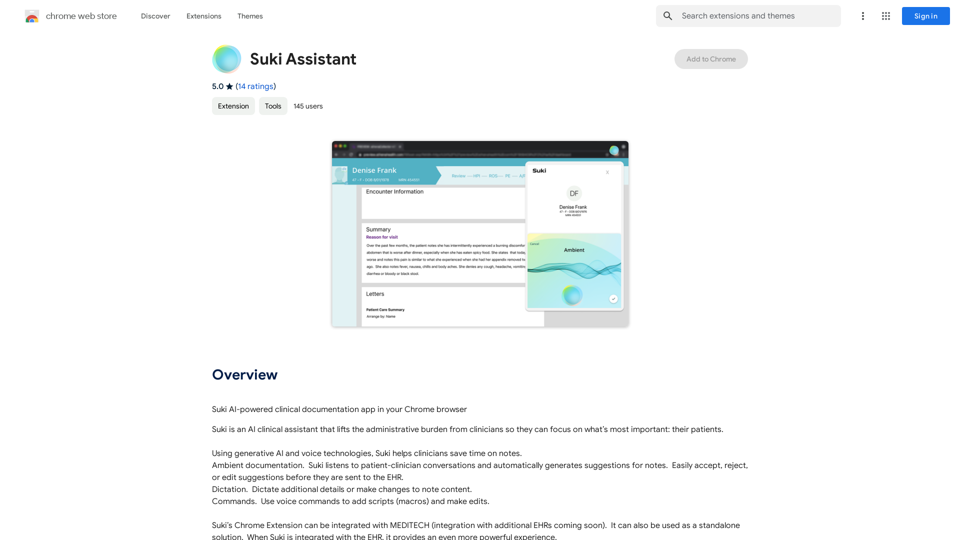
Suki Assistant
View Detail

Suki Assistant

Suki Assistant

Suki: An AI-powered clinical documentation app for your Chrome browser.

193.90 M
Niro - AI Powered Email Assistant
View Detail

Niro - AI Powered Email Assistant

Niro - AI Powered Email Assistant

Niro: AI Powered Email Assistant - Write emails, messages, and more using AI (privacy-friendly). Works on all sites

193.90 M