Summify is an AI-powered productivity tool designed to enhance efficiency by providing instant summaries of articles, websites, and YouTube videos. It offers users the flexibility to choose summary lengths, catering to different needs for quick information retrieval or more comprehensive overviews.
Summify: Summarize YouTube and Web Content This is a tool that can summarize videos from YouTube and web pages.
Quickly get the main points of websites and YouTube videos.
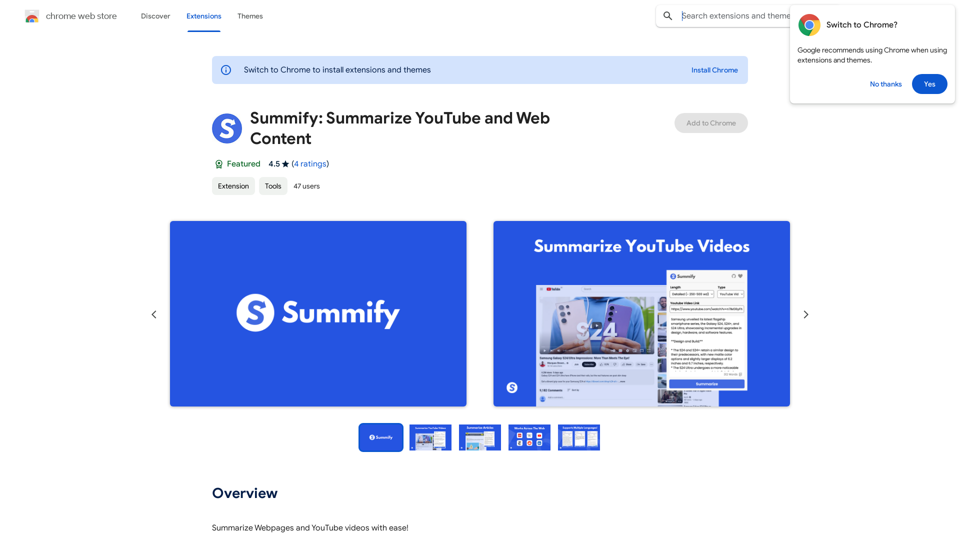
Introduction
Feature
Versatile Content Summarization
Summify efficiently summarizes various types of content, including:
- Webpages
- YouTube videos
- Articles
Customizable Summary Length
Users can select their preferred summary length:
- Brief Summary (~100-250 words)
- Detailed Summary (~250-500 words)
Multilingual Support
Summify supports a wide range of languages:
- English (US/UK)
- French
- Spanish
- Hindi
- Traditional Chinese
- Other autodetected languages
Content Limitations
- Can process up to 32,000 tokens (~24,000 words)
- Does not support PDFs or Google Documents
User-Friendly Interface
Simple operation:
- Install the extension
- Select summary length
- Press 'Summarize' button
Free Accessibility
Summify is available as a free extension, requiring no subscription or payment.
FAQ
What types of content can Summify process?
Summify can summarize:
- Webpages
- YouTube videos
- Articles
What are the available summary lengths?
Users can choose between:
- Brief Summary (~100-250 words)
- Detailed Summary (~250-500 words)
Does Summify support multiple languages?
Yes, Summify supports:
- English (US/UK)
- French
- Spanish
- Hindi
- Traditional Chinese
- Other autodetected languages
Are there any content limitations?
Summify can process up to 32,000 tokens (~24,000 words) but does not support PDFs or Google Documents.
Is Summify a paid service?
No, Summify is a free extension that can be used without any subscription or payment.
Related Websites
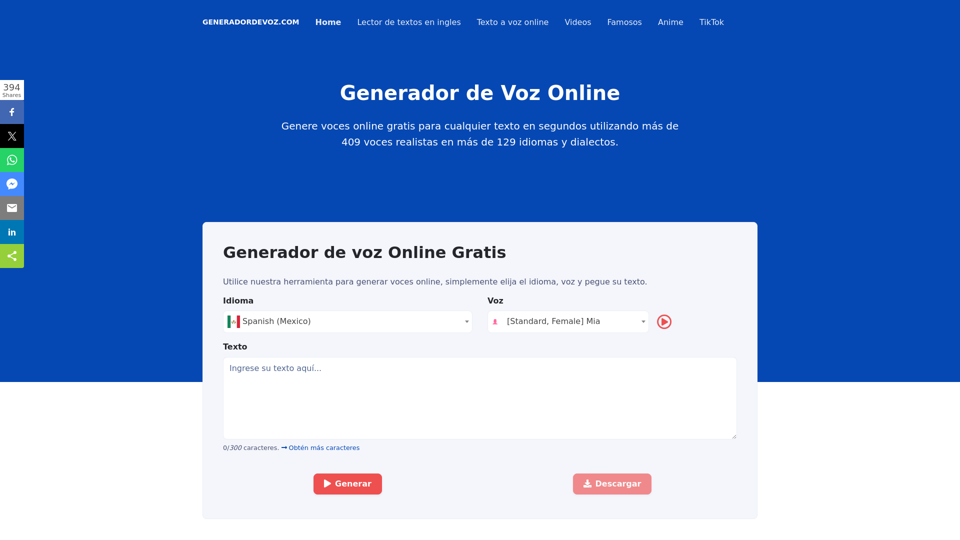
Online Voice Generator for Free with over 600 voices. Generate realistic voices on our website quickly and download it as MP3.
5.84 K

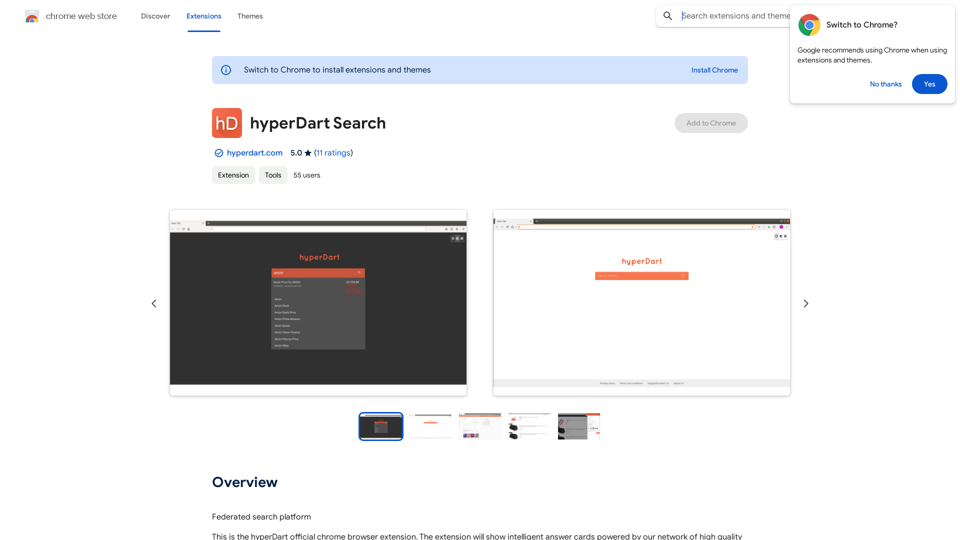
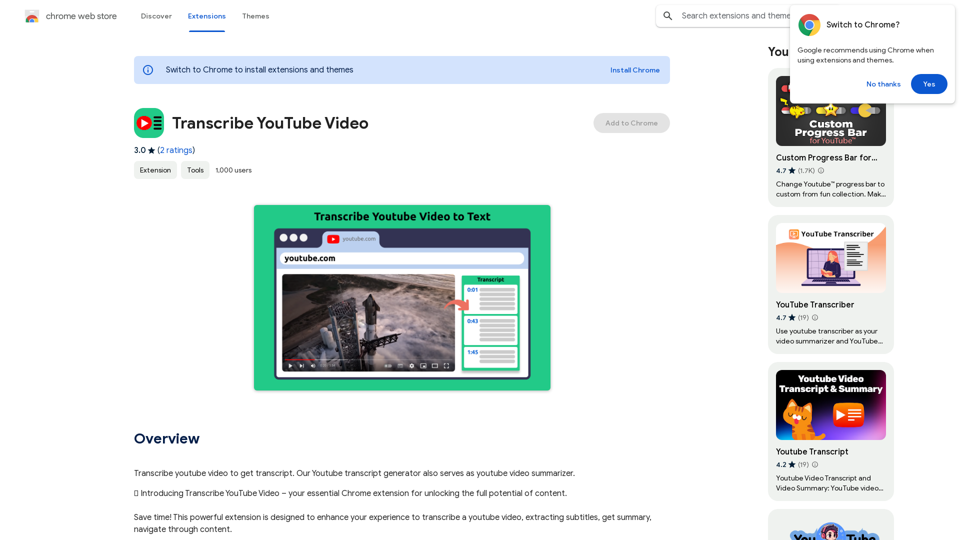
Please provide me with the YouTube video link so I can transcribe it for you.
Please provide me with the YouTube video link so I can transcribe it for you.Transcribe a YouTube video to get a transcript. Our YouTube transcript generator also acts as a YouTube video summarizer.
193.90 M
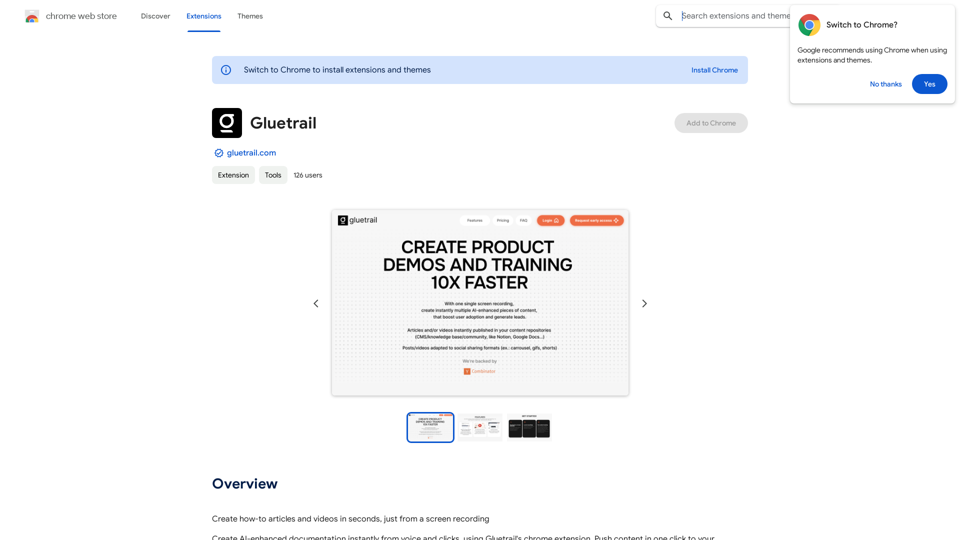
Turn Screen Recordings into How-To Content in Seconds! Tired of spending hours editing videos for tutorials? Introducing [Your Product Name]! Our revolutionary tool lets you instantly transform your screen recordings into professional-looking how-to articles and videos. Here's how it works: 1. Record your screen: Capture your steps clearly and concisely. 2. Upload to [Your Product Name]: Our AI does the heavy lifting. 3. Get your content: Choose from automatically generated articles or polished videos, ready to share! [Your Product Name] is perfect for: * Educators: Create engaging online lessons. * Businesses: Train employees efficiently. * YouTubers: Boost your content creation speed. Stop wasting time editing. Start creating with [Your Product Name]!
193.90 M
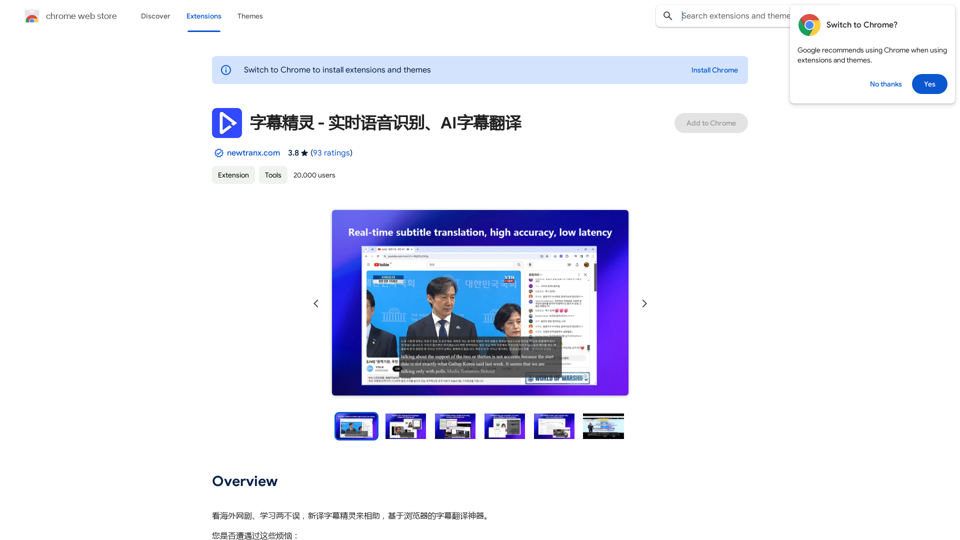
Subtitle Wizard - Real-time Speech Recognition, AI Subtitle Translation
Subtitle Wizard - Real-time Speech Recognition, AI Subtitle TranslationWatch foreign TV series and learn without mistakes, the new subtitle translation elf is here to assist, a browser-based subtitle translation artifact.
193.90 M
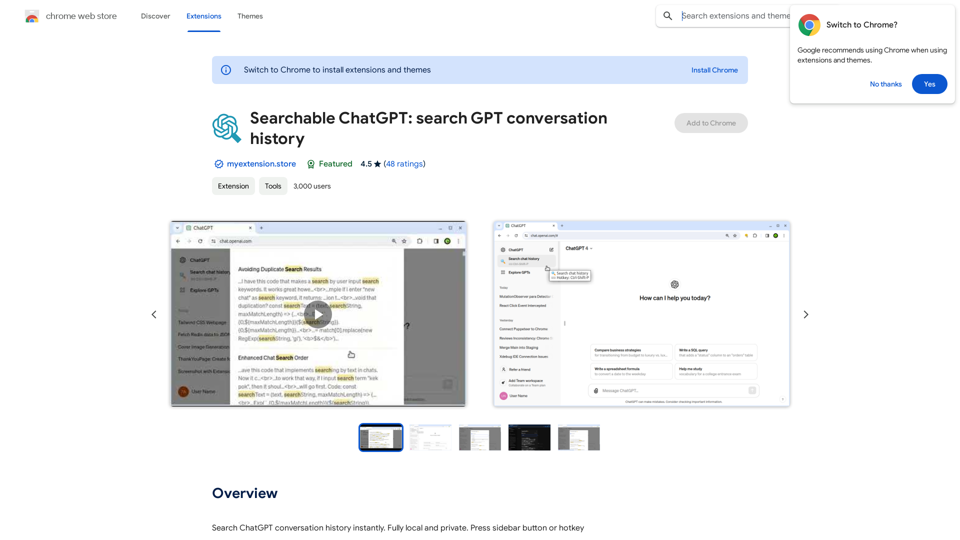
Searchable ChatGPT: Search GPT Conversation History With the rapid development of artificial intelligence technology, ChatGPT has become an essential tool for people to communicate and interact with AI. However, as the conversation history grows, it becomes increasingly difficult to find specific conversations or topics. To address this issue, we propose the concept of Searchable ChatGPT, which enables users to search their GPT conversation history efficiently. Key Features 1. Keyword Search Users can input specific keywords or phrases to search for relevant conversations in their chat history. The system will then display a list of conversations that match the search criteria, allowing users to quickly find the information they need. 2. Contextual Search In addition to keyword search, users can also search for conversations based on context. For example, they can search for conversations related to a specific topic, such as "travel" or "cooking." The system will then display a list of conversations that are relevant to the specified context. 3. Conversation Filtering To further refine the search results, users can apply filters to narrow down the list of conversations. For instance, they can filter conversations by date, time, or even the emotions expressed during the conversation. 4. Conversation Analytics Searchable ChatGPT also provides users with conversation analytics, which offer insights into their conversation patterns and preferences. This feature can help users identify areas for improvement and optimize their communication with ChatGPT. Benefits 1. Improved Productivity Searchable ChatGPT saves users time and effort by allowing them to quickly find specific conversations or topics in their chat history. 2. Enhanced User Experience By providing users with a more efficient way to search and analyze their conversations, Searchable ChatGPT enhances the overall user experience and encourages more effective communication with ChatGPT. 3. Better Decision Making With access to conversation analytics, users can make more informed decisions by identifying patterns and trends in their conversations with ChatGPT. Conclusion Searchable ChatGPT is a powerful tool that revolutionizes the way users interact with ChatGPT. By providing a robust search function, contextual search, conversation filtering, and conversation analytics, Searchable ChatGPT improves productivity, enhances the user experience, and enables better decision making.
Searchable ChatGPT: Search GPT Conversation History With the rapid development of artificial intelligence technology, ChatGPT has become an essential tool for people to communicate and interact with AI. However, as the conversation history grows, it becomes increasingly difficult to find specific conversations or topics. To address this issue, we propose the concept of Searchable ChatGPT, which enables users to search their GPT conversation history efficiently. Key Features 1. Keyword Search Users can input specific keywords or phrases to search for relevant conversations in their chat history. The system will then display a list of conversations that match the search criteria, allowing users to quickly find the information they need. 2. Contextual Search In addition to keyword search, users can also search for conversations based on context. For example, they can search for conversations related to a specific topic, such as "travel" or "cooking." The system will then display a list of conversations that are relevant to the specified context. 3. Conversation Filtering To further refine the search results, users can apply filters to narrow down the list of conversations. For instance, they can filter conversations by date, time, or even the emotions expressed during the conversation. 4. Conversation Analytics Searchable ChatGPT also provides users with conversation analytics, which offer insights into their conversation patterns and preferences. This feature can help users identify areas for improvement and optimize their communication with ChatGPT. Benefits 1. Improved Productivity Searchable ChatGPT saves users time and effort by allowing them to quickly find specific conversations or topics in their chat history. 2. Enhanced User Experience By providing users with a more efficient way to search and analyze their conversations, Searchable ChatGPT enhances the overall user experience and encourages more effective communication with ChatGPT. 3. Better Decision Making With access to conversation analytics, users can make more informed decisions by identifying patterns and trends in their conversations with ChatGPT. Conclusion Searchable ChatGPT is a powerful tool that revolutionizes the way users interact with ChatGPT. By providing a robust search function, contextual search, conversation filtering, and conversation analytics, Searchable ChatGPT improves productivity, enhances the user experience, and enables better decision making.Search ChatGPT conversation history instantly. Fully local and private. Press sidebar button or hotkey
193.90 M