Transcribe YouTube Video is a Chrome extension that uses AI technology to transcribe and summarize YouTube videos. It offers features like multi-language support, time navigation, and transcript downloading. This tool is designed for various users, including non-native speakers, students, teachers, professionals, researchers, and content creators, aiming to enhance accessibility, save time, and improve content understanding.
Please provide me with the YouTube video link so I can transcribe it for you.
Transcribe a YouTube video to get a transcript. Our YouTube transcript generator also acts as a YouTube video summarizer.
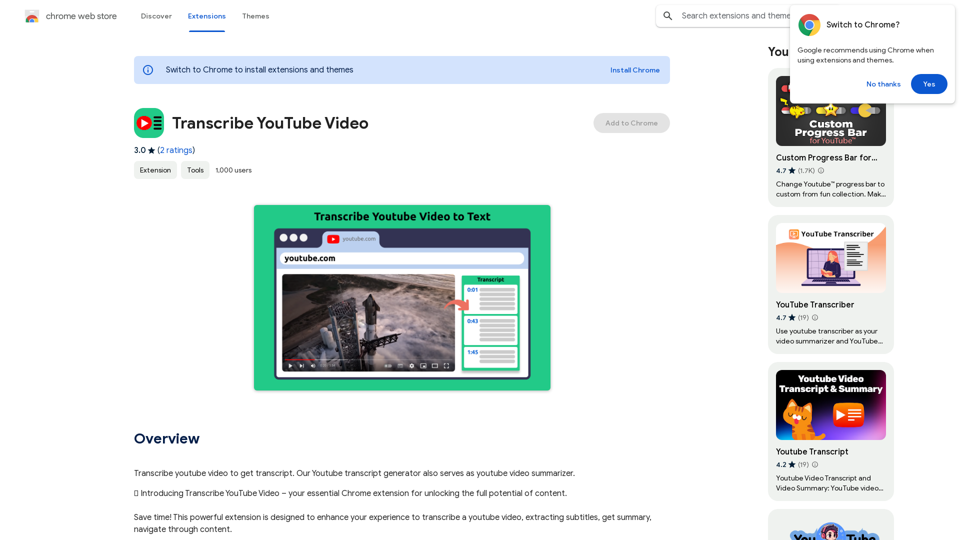
Introduction
Feature
AI YouTube Summarizer
- Transcribe and summarize YouTube videos using AI technology
- Provide quick insights without watching the entire content
Multi-Language Support
- Transcribe and summarize videos in various languages
- Cater to a global audience
Time Navigation
- Jump directly to specific parts of the video
- Intuitive interface for easy navigation
Transcript Management
- Download transcripts for offline use
- Copy video transcript or AI summary to clipboard
- Flexible options for integrating YouTube content into projects
User-Friendly Interface
- Simple installation process via Chrome Web Store
- Easy-to-use interface on YouTube video pages
Free to Use
- Accessible to all users without cost
- Requires funding for server and AI resources
Privacy Protection
- Ensures user data security
FAQ
How to use Transcribe YouTube Video?
- Install the extension from Chrome Web Store
- Open a YouTube video
- Access the green panel for full transcript, AI summary, and timeline navigation
- Download or copy the text as needed
Is the app free?
The extension is free to use but requires funding for server and AI resources.
Can it transcribe videos in any language?
Yes, users can choose their preferred language for transcription and summarization. A default language option is also available.
How does it work?
The extension activates by clicking its button on any YouTube video page.
Who can benefit from this tool?
- Non-native speakers: Improve language skills
- Students: Enhance learning and note-taking
- Teachers: Improve teaching methodologies
- Professionals: Save time on research and analysis
- Researchers: Quickly gather information from YouTube
- Content creators: Improve accessibility and engagement
Related Websites
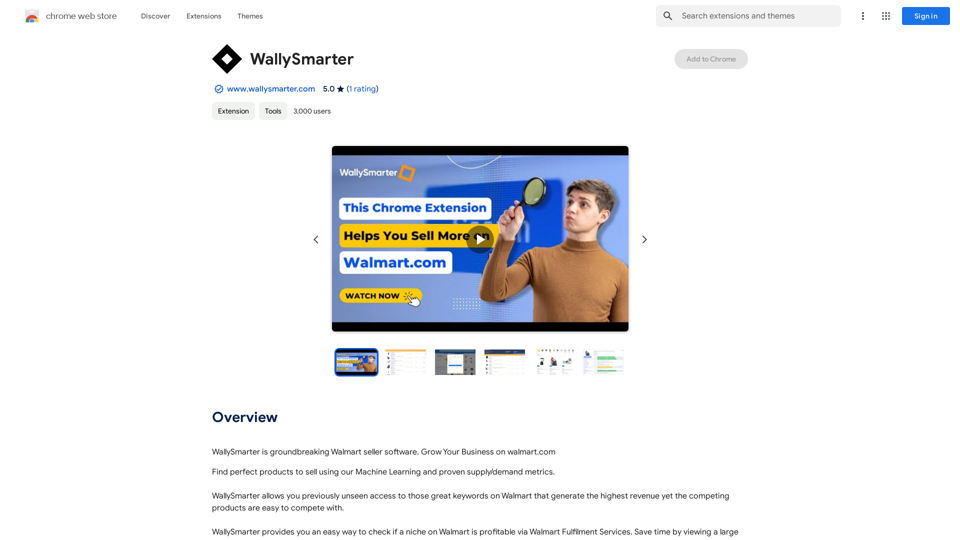
WallySmarter is groundbreaking software for selling on Walmart. Grow your business on walmart.com.
193.90 M
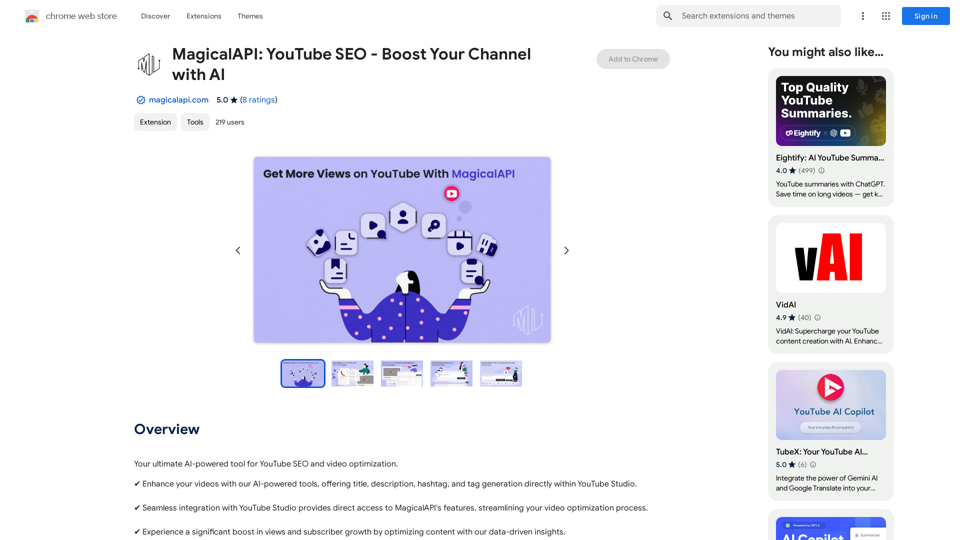
MagicalAPI: YouTube SEO - Boost Your Channel with AI
MagicalAPI: YouTube SEO - Boost Your Channel with AIYour ultimate AI-powered tool for YouTube SEO and video optimization.
193.90 M
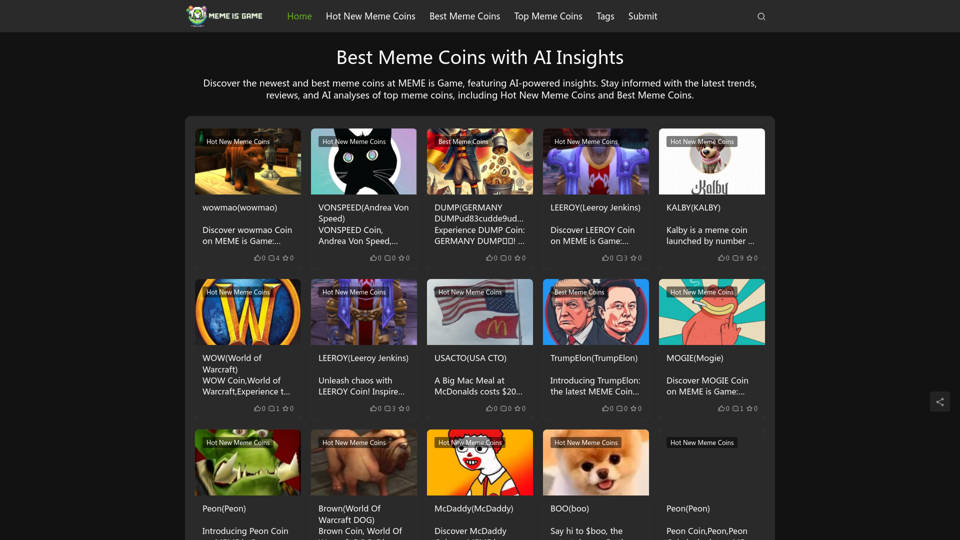
Best Meme Coins with AI Insights at MEME is Game Let's explore the top meme coins gaining traction in the crypto space, enhanced by the power of AI insights at MEME is Game.
Best Meme Coins with AI Insights at MEME is Game Let's explore the top meme coins gaining traction in the crypto space, enhanced by the power of AI insights at MEME is Game.Discover the newest and best meme coins at MEME is Game, featuring AI-powered insights. Stay informed with the latest trends, reviews, and AI analyses of top meme coins, including Hot New Meme Coins and Best Meme Coins.
0
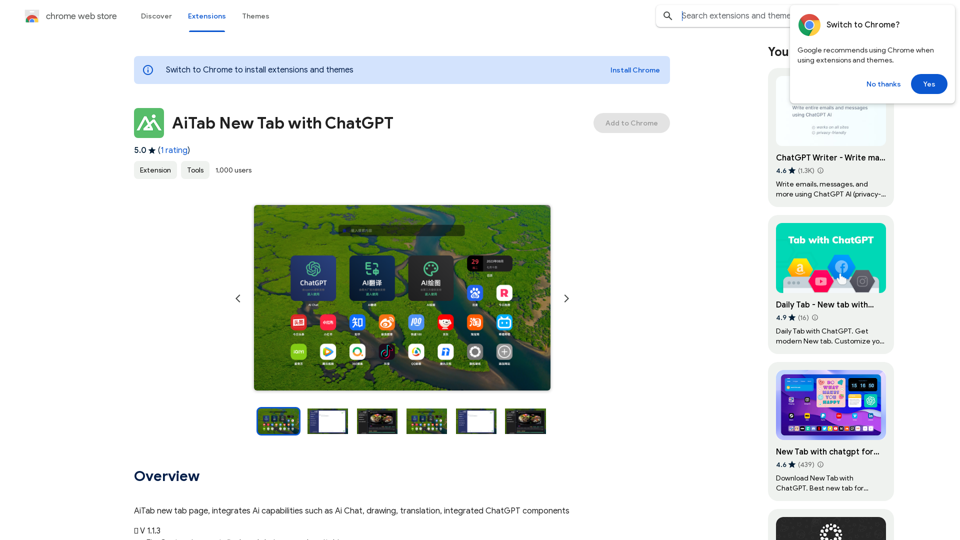
AiTab new tab page, integrates AI capabilities such as AI Chat, drawing, translation, and integrated ChatGPT components
193.90 M
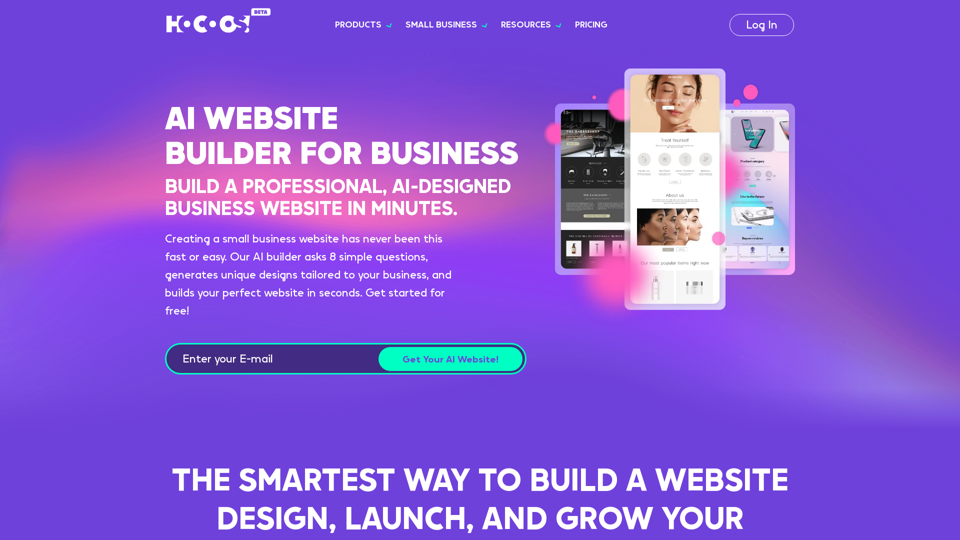
Hocoos AI Website Builder - Create Your Website in 5 Minutes
Hocoos AI Website Builder - Create Your Website in 5 MinutesCreate professional websites in seconds with Hocoos AI website builder. Get all the sales and marketing tools to start & grow your online business now.
111.35 K
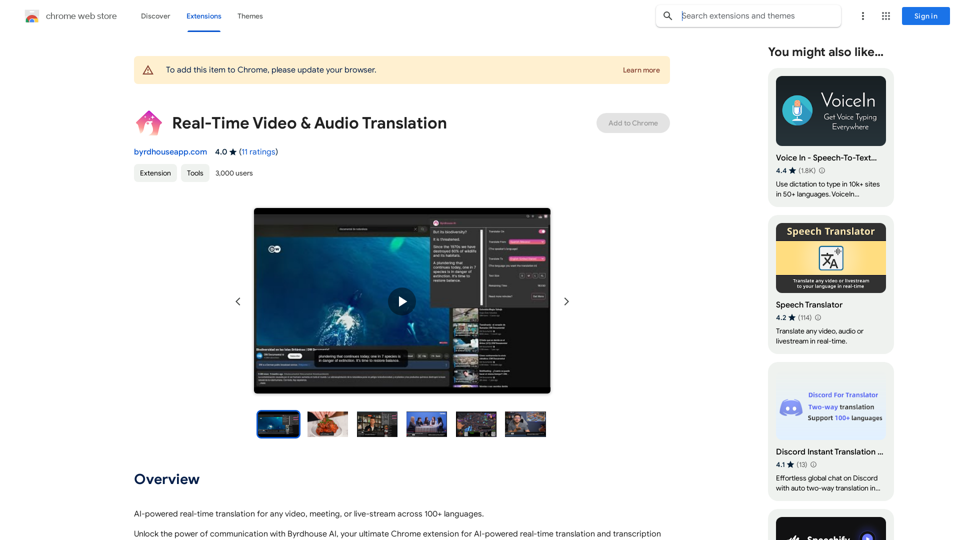
AI-powered real-time translation for any video, meeting, or live-stream across 100+ languages.
193.90 M
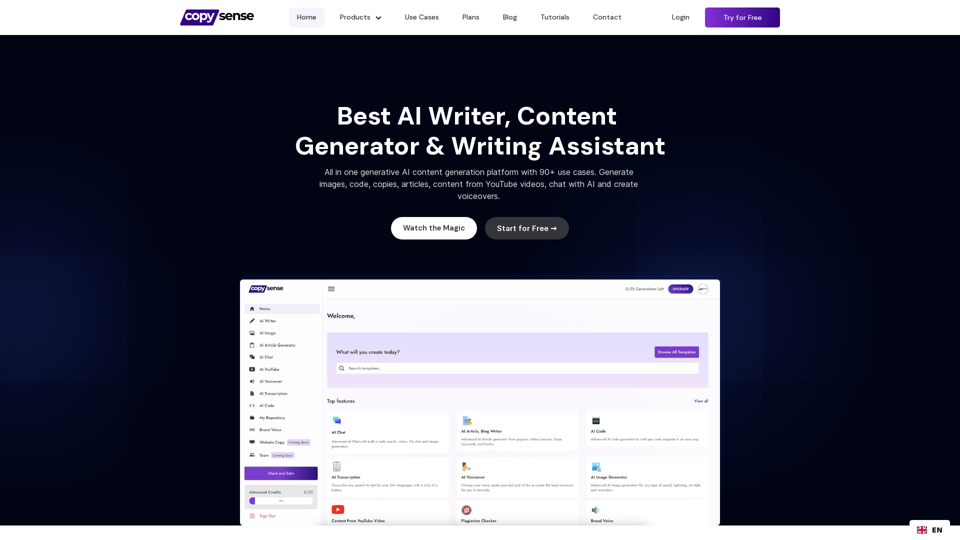
Copysense AI Copysense AI is an innovative artificial intelligence technology designed to detect and prevent copyright infringement.
Copysense AI Copysense AI is an innovative artificial intelligence technology designed to detect and prevent copyright infringement.Copysense AI is the Generative AI platform for crafting factually accurate, on-brand content with real-time data, generating images, voiceovers, and content from YouTube and URLs.
0
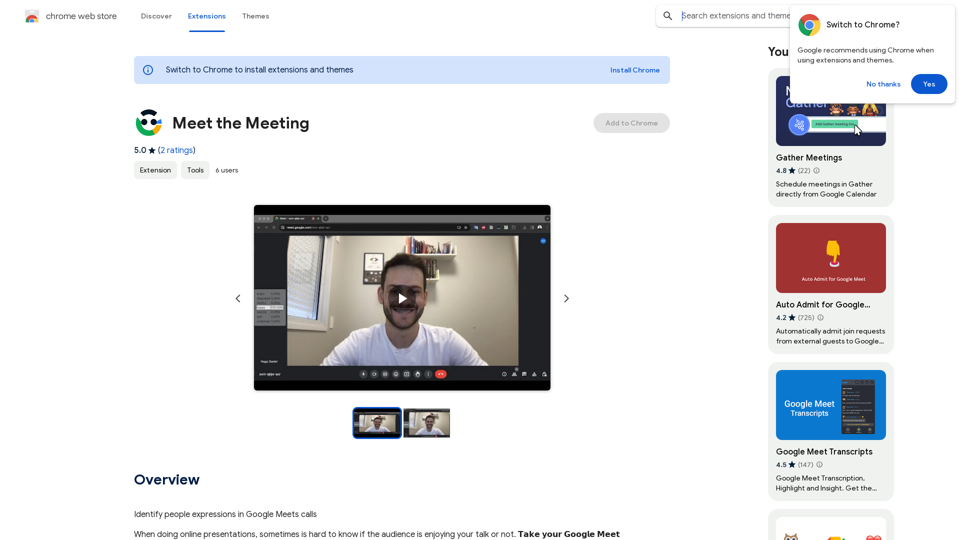
Identifying People Expressions in Google Meets Calls This is a complex task with several challenges: * Technical Limitations: Google Meets doesn't currently offer an API to directly access facial expressions of participants. * Privacy Concerns: Analyzing facial expressions raises significant privacy issues. Users should have control over whether their expressions are being tracked and used. * Accuracy: Even with access to facial data, accurately interpreting expressions can be difficult due to variations in lighting, angles, and individual differences. Possible Approaches (with limitations): * User-Submitted Data: Participants could manually indicate their emotions during the call, which could be collected and analyzed. This relies on user honesty and may not capture subtle expressions. * Third-Party Tools: Some external tools might analyze video feeds and attempt to detect expressions. However, their accuracy and privacy practices should be carefully evaluated. * Future Developments: Google or other companies might develop features that allow for more ethical and accurate expression analysis in the future. It's important to remember that facial expressions are just one aspect of communication, and relying solely on them can be misleading.
193.90 M